So I just first booted this interesting looking distro and immediately run into this bug. Guys seriously, it’s been a year and nobody was able to fix this? Is this done on purpose to make it harder for people to get into this maybe? :-]
Hello and welcome,
This seems to only present itself when running in a VM.
Are you trying to run Cachy is a virtual environment?
yes. I am actually just testing something. So in that case it’s not so urgent, but still looks bad and might turn some potential users away, because it is quite common that people test stuff in a VM before installing it for real
What type of VM are you testing in?
Since modern desktop environments often depend on at least SOME media acceleration features of a modern CPU or iGPU you often have to make sure you are sharing some of those resources to the VM.
Even proxmox defaults to a v2 CPU which limits CPU functions and is below the v3 v4 target of CachyOS.
This is probably relevant, particularly the acceleration settings
https://medium.com/@alfor93/arch-linux-on-vmware-setting-up-sway-and-wayland-710b233a7a97
Cachy runs fine in VMs, but there are infinite ways to set up VMs so you can never test everything.
It’s not even clear what issue you are facing - you just quote-posted an old post describing an issue - including a fix/workaround - that I have never encountered when installing cachy in a VM and vented.
Did you just encounter the same issue as others? And did the workaround at least work? I agree it seems like an odd bug - but it’s certainly not anything like universal and I have no idea how easy it is to replicate and resolve.
Jeez! It’s me McVitas and I would have replied sooner, but sign in via google just stopped working on your forum and still does not work! So I decided to creat new account instead of waiting if someone fixes it.
So mattsteg - if you actually read the topic I linked to, you might have saved a lot of time writing your reply  The post describes problem logging into CachyOS live boot in a VM. After pressing enter with a blank password it just returns back to the login screen. OP initially thought he should type some specific password, but the problem is with Wayland. MANY people in the thread confirmed that they have the same problem and switching to X11 fixes this.
So no - it’s really not about some infinite number of VM configuration. I left everything on default and it happens. I actually tried it again in Hyper-V and interestingly there it WORKS and this problem does not happen, so seems like it’s only specific to VMWare? But people in the original thread did not say which hypervisor they used, so I am not sure.
Anyway if there is no capacity to fix this bug or edit the wiki, then someone can just give me edit permissions and I would fix it for you by simply adding this sentence:
“if you are testing CachyOS live in a virtual machine and have trouble logging in, you might want to try switching from Wayland to X11”
As far as I am aware KDE Plasma with wayland requires 3d acceleration. so dropping to X11 will work arround that. wayland it self does not require 3d acceleration but he combo does.
Since you can chose what ever desktop you want and I don’t see that mentioned I am just going to continue to assume that acceleration in the VM MIGHT be the issue since KDE Plasma is the defualt
Maybe there is some reason (nvidia?) to do it the way it is, but as I posted in the ‘solution’ to the linked thread - I believe the default session should be wayland and if that were the case this problem would disappear.
Er .. it is the other way around.
The answer is to switch the session to wayland.
(Because the default session is x11 on the ISO.)
See the marked solution to the linked thread for example;
..as well as the title of this very thread.
you are right… so is anyone fixing the docs yet? 
@ Docuteam
Please keep it simple and add this sentence ( probably here: Preparation steps):
“If you want testing CachyOS in a virtual machine and have trouble, please ask the CachyOS Community for help (Forum Issues&Assistance)”
I agree but fix it like so
@ Docuteam
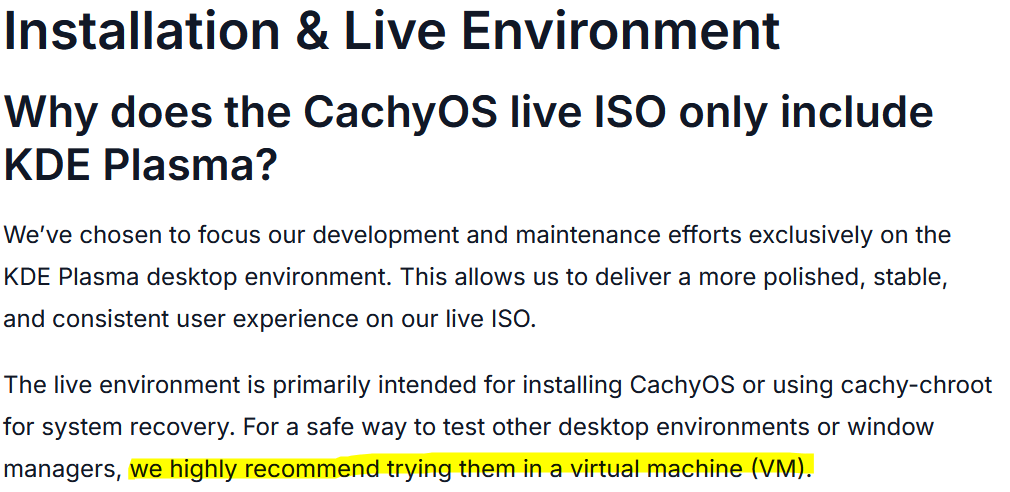
For a safe way to test …
Remove this sentence because it creates confusion.