When I play games all of my screens will go black 10 minutes to 2 hours into playing a game (Kingdom Come Deliverance II, Deep Rock Galactic, Just Cause 2). As far as I know, I am not able to reset my desktop environment after this happens and I am forced to restart. The timing on this is super inconsistent. Often times, the time zone on my desktop environment’s clock will change right before this happens.
try the LTS kernel (add it in the CachyOS Hello Window → Apps/Tweaks → CachyOS Kernel Manager) and then restart and when at the boot screen select Advanced and select the LTS kernel.
See if the black screens go away. Lots of weird issues with the latest 6.18.8 kernels.
if that stabilizes the system, you can edit /etc/default/grub
and change the line: GRUB_DEFAULT=0
to # GRUB_DEFAULT=0
and add the following below it: GRUB_DEFAULT="Advanced options for CachyOS Linux>CachyOS Linux, with Linux linux-cachyos-lts"
that will default boot you to the LTS kernel.
When you want to go back to testing the latest kernel you can comment out the new GRUB_DEFAULT line and uncomment the old one or just manually select the latest kernel until you’re satisfied it’s stable.
This time my screens didn’t go all black, but it crashed deep rock galactic, discord, terminal emulator, and desktop environment. It did leave my browser functional though.
I will try the LD_PRELOAD=”” launch parameter the next time I play a game and see if it works.
I would not be surprised if it was a multi-monitor issue, because I have already had other issues with multi-monitor operation.
It’s hard to be sure, but I think LD_PRELOAD=”” fixed the crashing issue. At least I haven’t had any crashes since enabling it (got through several Deep Rock Galactic missions). I will reopen the issue if the problem shows up again.
this c739433 log doesn’t have any record of a hang or crash, it just has the boot initialization process.
if you suffer another crash, try the journalctl -b1 from a terminal (you can pipe the output to a file) after you’re able to successfully restart and login and share the errors above the last instance of “Linux version 6.18.9-2-cachyos (linux-cachyos@cachyos) (clang version 21.1.6, LLD 21.1.6)” in the output. It could be a few dozen or hundred lines that will be relevant, but whatever crashed your system should appear above the last instance of the kernel registration posted in the log.
If you’re not seeing any errors in the -b1 output, it could be due to a hard lock, which would indicate a lower-level issue: GPU, storage, memory (hardware,) the BIOS config (Memory Timing or Speed), or perhaps the kernel itself (try the clean/generic non-cachy customized linux kernel)
I did experience another incident the other day but wasn’t able to get logs. I switched to the base arch linux kernel and it appears to have no issues so far? It’s hard to tell if the issue is actually solved or if I’m having a run of good luck. It is not replicable.
Does journalctl -b1 not work if I manually restart the system? Usually it goes into a state where the screens are black, but the computer itself is still powered on, and I have to manually restart the computer to do anything on it. Unfortunately this isn’t an issue where I can look at logs while the issue is occurring.
I will try to get logs the next time I have this issue.
It seems this issue still persists. Ive had the same issue up until, something like a week ago. Now it simply works. Im using the Refind boot-loader so what i have done is added a few kernel parameters too the boot options. Which you can also add. Ive added all of these:
Sorry should have added that pretty important information. Ive added those kernel parameters too the LTS kernel version of CachyOS. If i read your GPU information correctly i also have the RX 7900 XT, so its likely too also work for you,
which kernel version? find out by entering: uname -a
in a terminal/console
The cachyos kernels for me were buggy throughout January (so I switched to LTS, which was also buggy, but less so) until kernel release 6.18.9-2 in early February.
The LTS kernel still had/has a buggy amdgpu that I could successfully trigger kernel panics consistently on. I posted about how to reproduce it here:
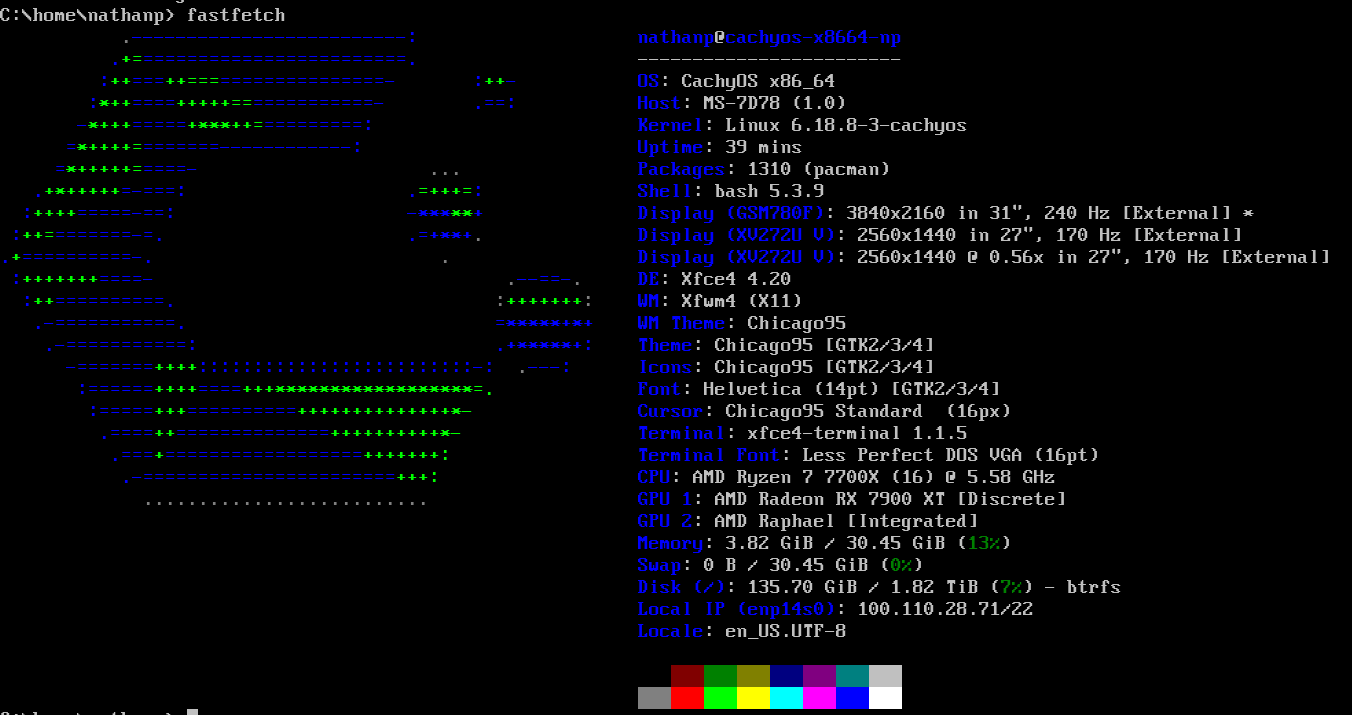
I am currently using “Linux cachyos-x8664-np 6.18.9-2-cachyos #1 SMP PREEMPT_DYNAMIC Fri, 06 Feb 2026 19:11:22 +0000 x86_64 GNU/Linux”. I experienced another black screen event while playing Deep Rock Galactic.
journalctl -b -1 output after restarting:
journalctl -b1 output had its date set at Feb 8, so whatever it’s giving me is unrelated to the most recent incident.
The problem i had showed no errors in the logs, even before and after boot. The only temporary remedy for it, was to re-insert the displayport-cable which brought back the display signal. Otherwise there was no fix i could find. The boot-loader parameters i keep there just-in-case, as a fail-safe.
strange, I don’t see anything in this log, it’s just the boot process.
Next time try running just journalctl and the press SHIFT+G and PgUp your way until you get above where you started the last boot. See if there’s anything in there immediately before the system was re-initialized.
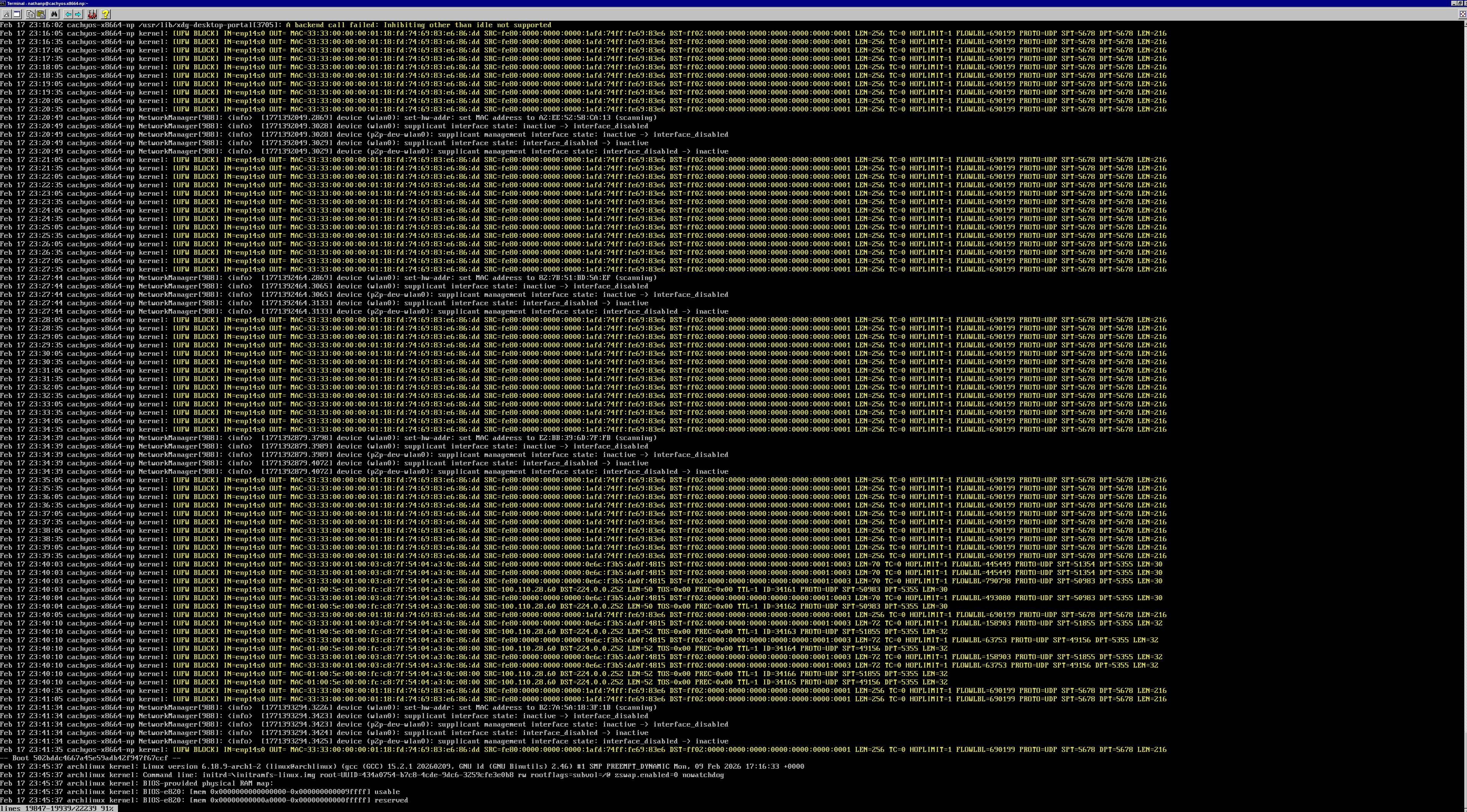
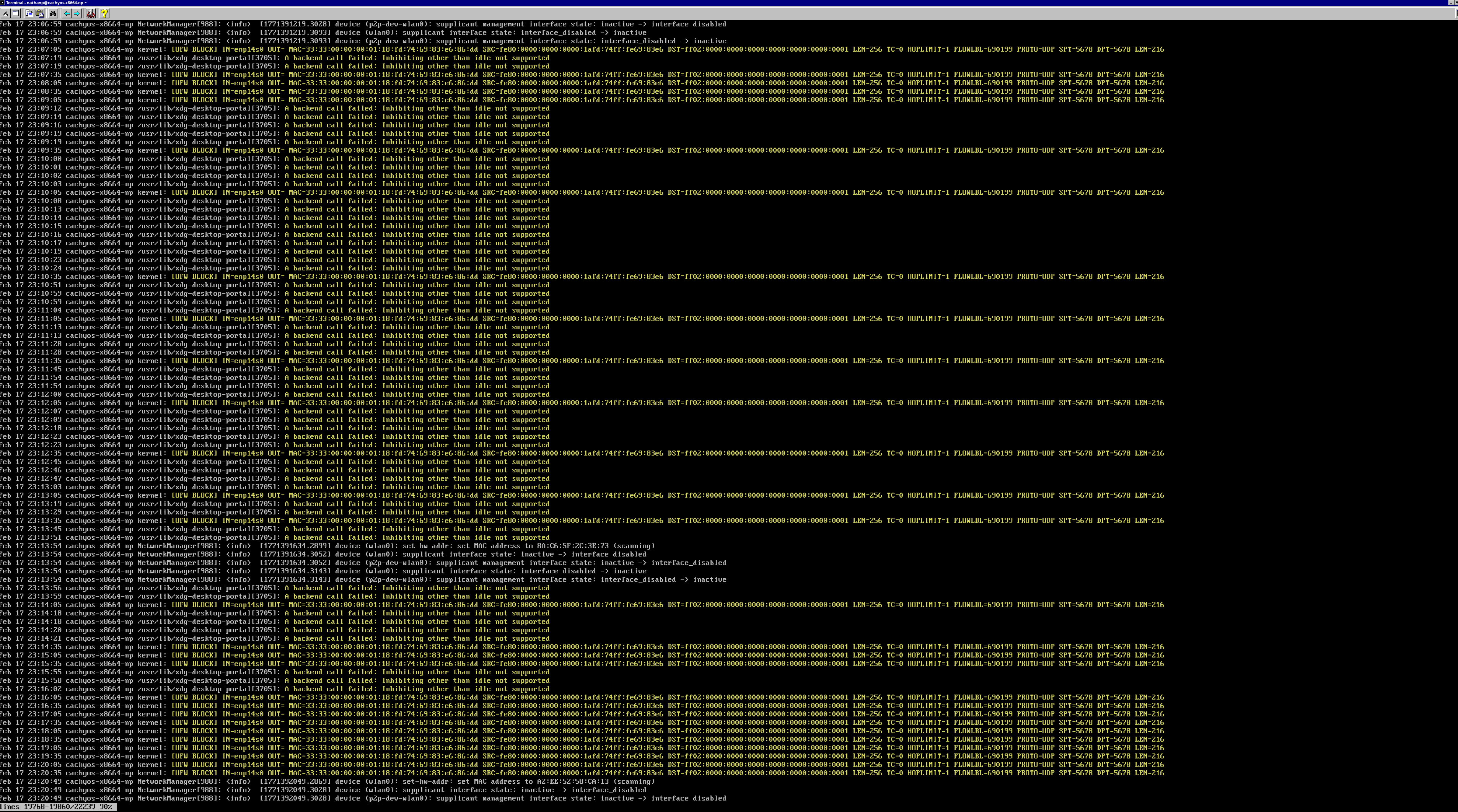
 UFW (firewall) logs blocking IPv6 multicast traffic
 Non-critical xdg-desktop-portal messages
 Normal NetworkManager logs