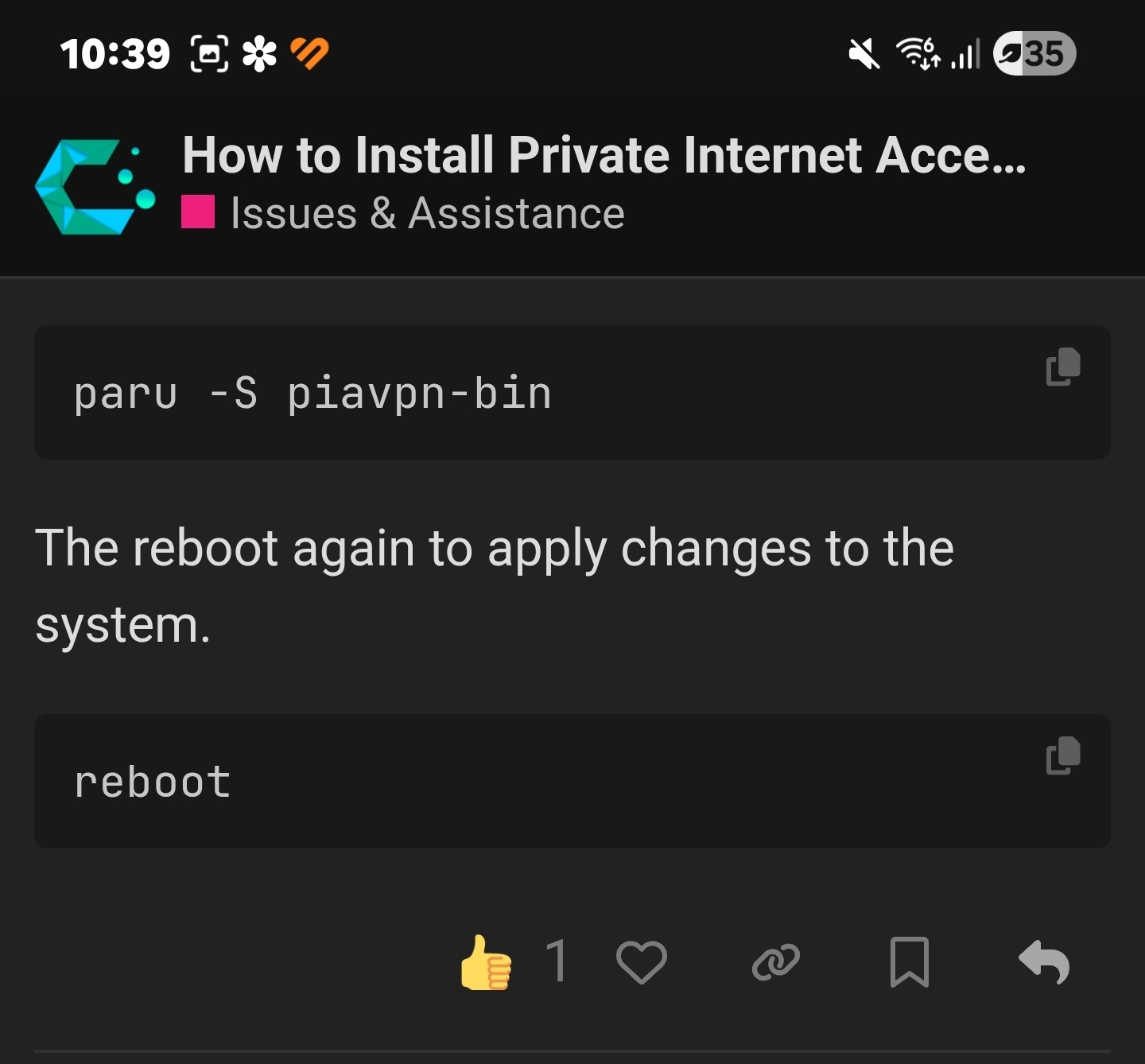
I have been trying to install pia vpn following instructions I read on another post. My problem is after I enter paru-S piavpn-bin into terminal it says proceed to review y/n when I hit Y nothing happens its just get a wall of code but no install and after reboot there’s no app.
Where am I going wrong lol im pulling my hair out. Thank you to anyone that can help
You need to press Q to quit the reviewing of the PKGBUILD script. Yes, it is not very obvious.
Edit: When you talk about
a wall of code
This is the PKGBUILD script, which actually you should review before doing anything. Dealing with the AUR is a bit tricky, as it is not part of the official Arch distributions and everybody can add packages to the AUR. Please read a little on the internet about how to deal wirh AUR before blindly installing packages from there.
I read online that the AUR was the recommended method for installing the pia app. Everything else I had no problems using the cachyOS package installer. I dont see any need to use AUR again after this as Everything else I need has installed easily with the package installer.
Thank you for that little nugget though greatly appreciate it.
Also, if a package was not updated lately (if the last commit is older than let’s say three months), I’d stay away from it.
Last hint: take a look at the user account. If it is too young, be wary. A few months ago, there were some malware-infested “chrome” browsers in the AUR, added just a day ago or so by users that had just been created. All of these were clear warning signs, yet many people installed those…
Okay, still getting used to using anything other than windows lol. Win 11 pushed me to try something else.
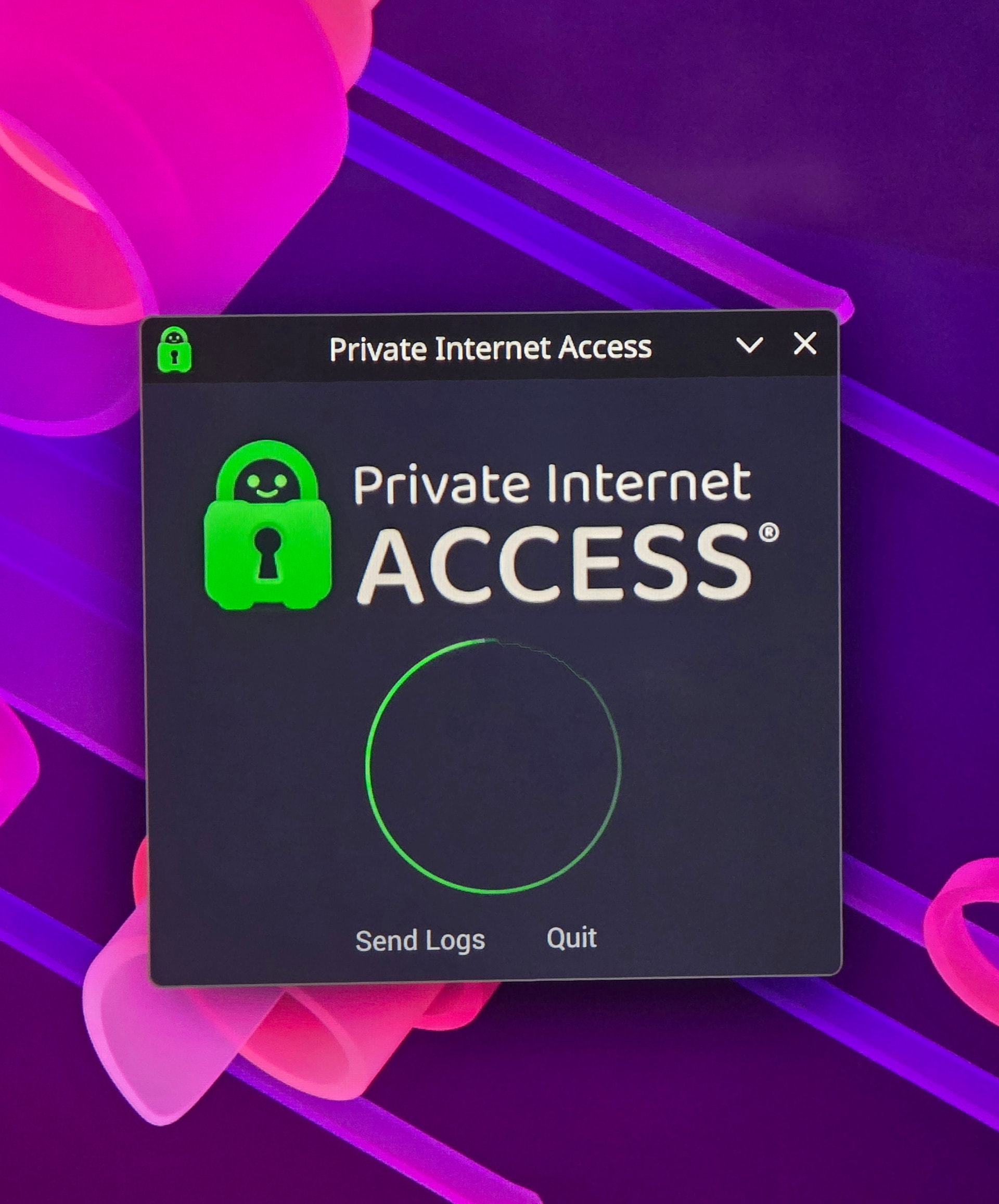
Im having another issue now though. After reboot the pia app is loaded but I’m just getting a spinning wheel and its not loading to allow me to add my account details etc
Friendly tip;
Screenshots are mostly unhelpful unless explicitly required to show some graphical issue or similar.
Text would be preferred.
And in the case of the forum a link to the resource is exceedingly easy and just makes sense.
Anyhoo.
The AUR in general is not something you should use by simply following some third party instructions blindly.
Its only security is web-of-trust, community, and transparency.
Its open nature means you need to be responsible.
Such as reading the resources you are using.
In this case for example it is also printed boldly in the PKGBUILD you had trouble exiting originally;
I read multiple forum posts and even used ai to try figure it out, nothing was mentioned about systemctl enable using the AUR method but I did see it in the method to download the .run file from PIA. But I had problems attempting to install it that way. After much reading the consensus was to use the AUR method lol
Reading the notes it wasnt immediately obvious it was actually notes it was strings of code mostly and for the layman it didnt seem like it was even notes and rather looked more like script. I’m thankful for the help but seems there’s much assumptions of what a newbie should already know.
I get it mate, but again as a newbie just wanting to install a new OS and everything being simple up until the point I was trying to install pia. I dont know about AUR and various package managers. Most folk just want a working OS. Its easy for people with more experience in linux etc. The help would be fine, people skills seem a tiny bit off though.
And the never-learn-anything ‘just working’ OS is not Arch or by extension Cachy.
You will get pacnew files for example that you must handle manually.
Cachy does some nice things .. but its not consumer grade product for the entirely disinterested.
See, I only asked for help. But you made a lot of assumptions saying system admins should do this and that. Im not a system admin or IT expert. Just a regular user trying to install a new OS.
I dont know how to say in a different/better way that if you are looking for a ‘fire-and-forget’ OS that this probably is not it.
If you are willing to learn some things (like the links shared above) then theres some rewarding stuff. But if you plan on never gaining any new information or performing any maintenance you are probably going to end up frustrated.
You’re right. Which is why new users are generally steered away from the AUR until they’re more comfortable in using their system since it requires a certain amount of knowledge and responsibility to use.
Not that I can blame you for wanting to get your VPN set up. And now that you look back on the process you can see that it’s actually pretty simple as long as you know where to look. Eventually it will feel pretty simple in practice too.
Im honestly happy to learn new things, and actually quite enjoy it. If cachyOS is only for elitests its not doing much for the brand. I just installed cachy 2 hours ago.