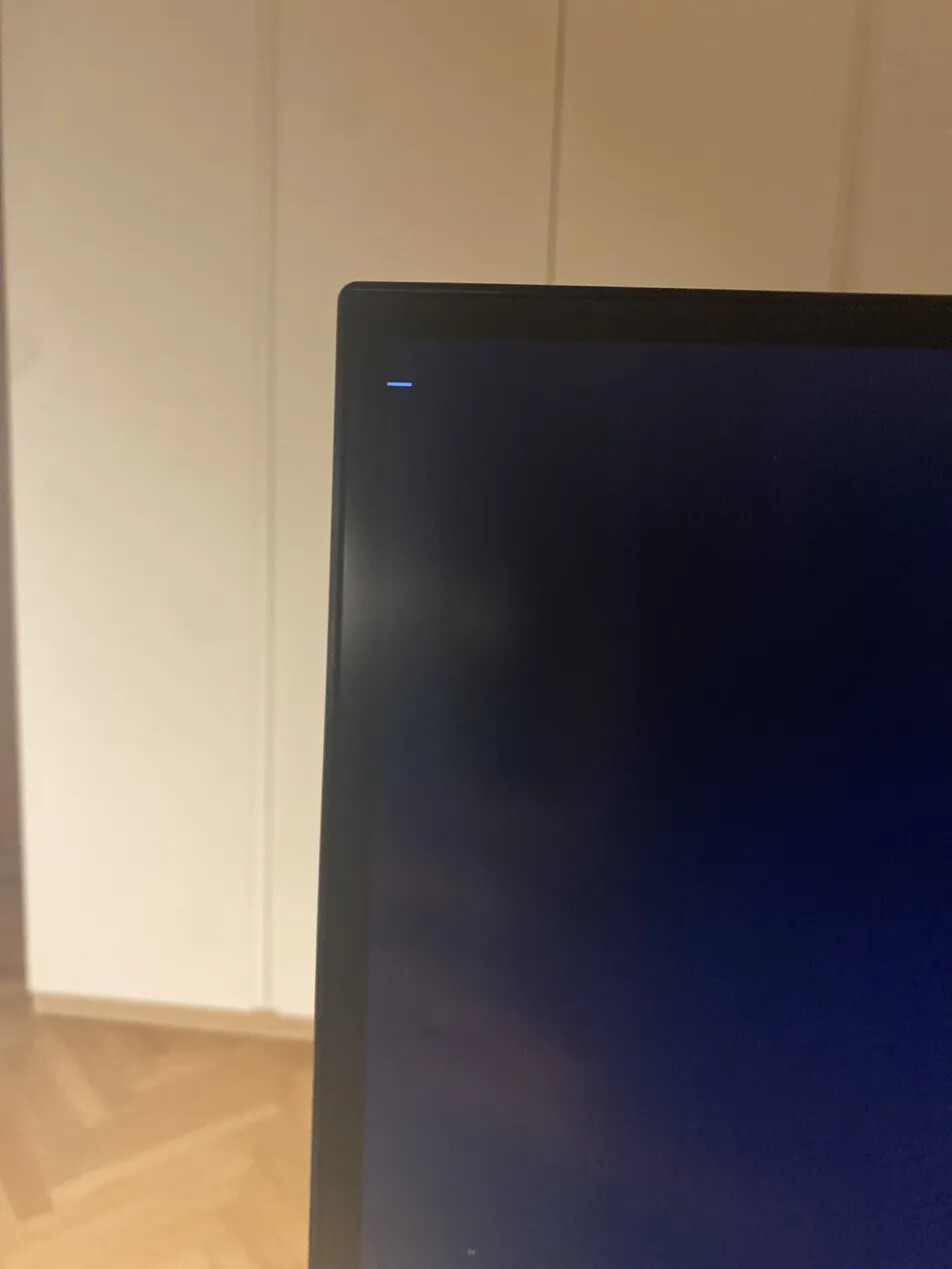
When i try to install Cachy OS it just hangs on a white line in the upper right corner

So, i installed the latest ISO image from the CachyOS website ( direct download ) and installed Ventoy on the USB stick i chose ( 64GB ). When i get past the boot menu, a “loading screen” where it said something like “copying rootf on ram” and a screen where a bunch of commands appeared on the screen, the system hangs on a white horizontal dash in the upper right corner that looks like this:

Claude said to edit the boot parameters and add “nomodeset” to boot parameters, but it still didnt work. Then Claude told me to replace “nomodeset” with “amdgpu.dc=0”". It still didnt work so it suggested me to post on this forum. (sorry if i used AI, i dont really like using it but with tech problems i tend to use it ). My specs are: RX 9060 XT 16GB, Ryzen 8600GB, A620 PRO RS, 1 TB SSD ( i gave the linux partition 100GBs).

I hope that the info i gave was enough to help me solve this issue.

see this

can you tell how you have created your USB live iso Key ?

Well, first i went to Download — CachyOS and downloaded the ISO from the direct download. Then i installed Ventoy, and installed it on my USB stick. Then i dragged the ISO file into the USB stick. Then i pressed shift while restarting pc and chose “boot from device”.

Did you disable Secure Boot in the bios?

Secure Boot and CSM must be disabled in the BIOS/UEFI settings when installing in UEFI mode.

To set up Secure Boot after installation, refer to the Secure Boot section.

Legacy USB Support should be set to Auto.

from Installation Wiki link

Yes i did, let me check if i set Legacy USB Support to Auto

I dont have the “Legacy USB Support” option, and i read that CSM must be enabled for it to show up on Asrock MOBOs, so i think im fine. Im going to attempt to install again
fingers crossed it works :slight_smile:

If not you could perhaps try the legacy USB support with CSM enabled, although it definitely says ‘must be disabled’ in the Wiki

That’s about the limit of my knowledge here, there is certainly other things that could cause the hang up at boot.

Best of luck.

+1 I basicaly have the exact same issue, I have secure boot disabled, CSM disabled.

I’ve tried legacy mode which didn’t work either.

OS downloaded from the Website in direct mode.

Used Rufus to install on the USB drive.

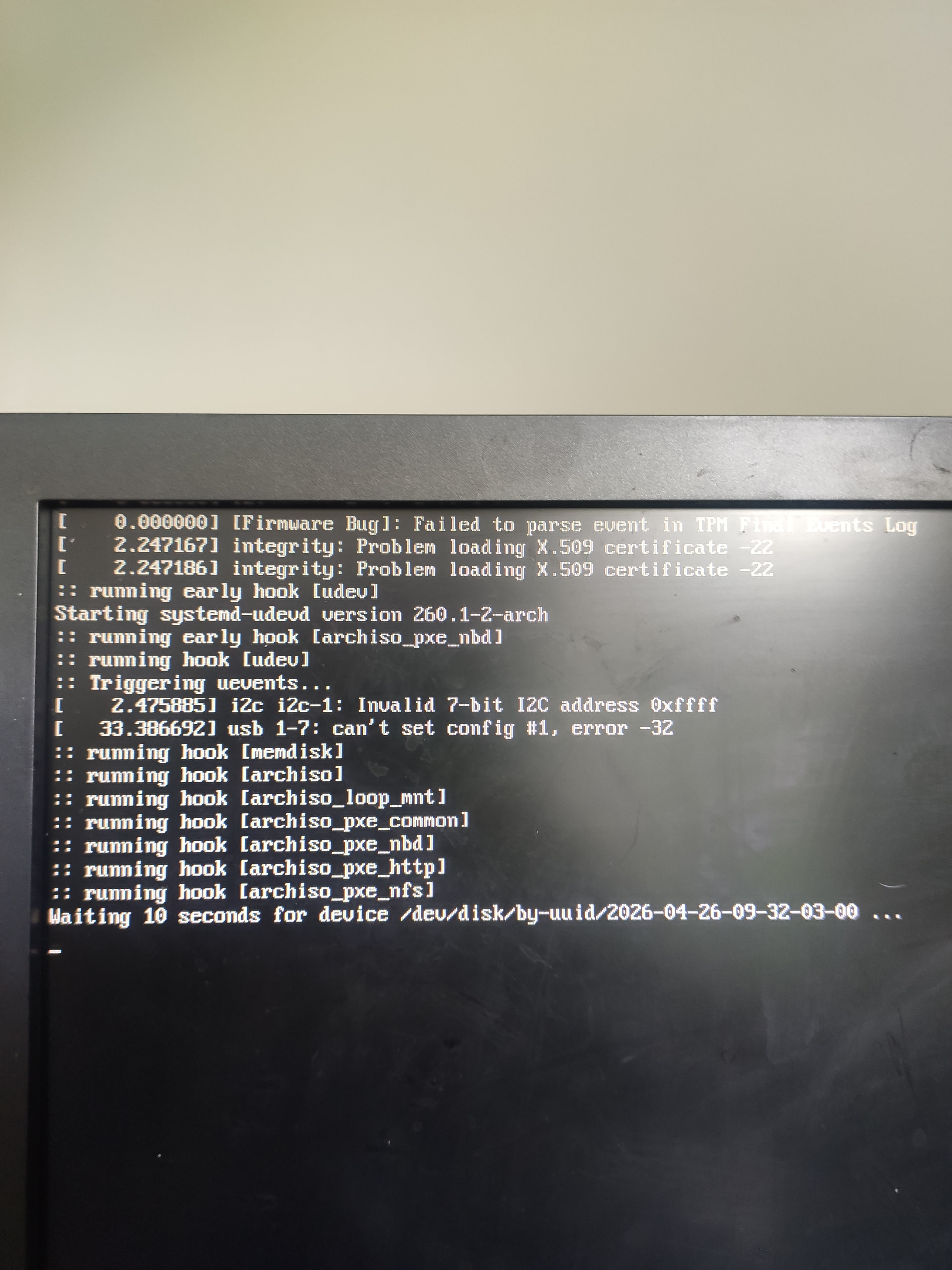
I don’t know if it’s relevant but I have these errors early on

UPDATE: from the CatchyOs boot menu i chose “LegacyMode” and it worked, but when i completed the installation it booted to windows

Try installing ventoy on the USB stick maybe?

I will try that. Using the legacy mode didn’t work I got a ton of errors and there it just reached timer limit and stopped…