The issue I am having is I believe one of two possibilities:
Copy protection issue
Installer issue
For the copy protection issue, this could be because I have img/sub/ccd images, and I am mounting them using acetoneiso. My understanding is that, unlike daemontools for windows, acetoneiso does not emulate copy protection.
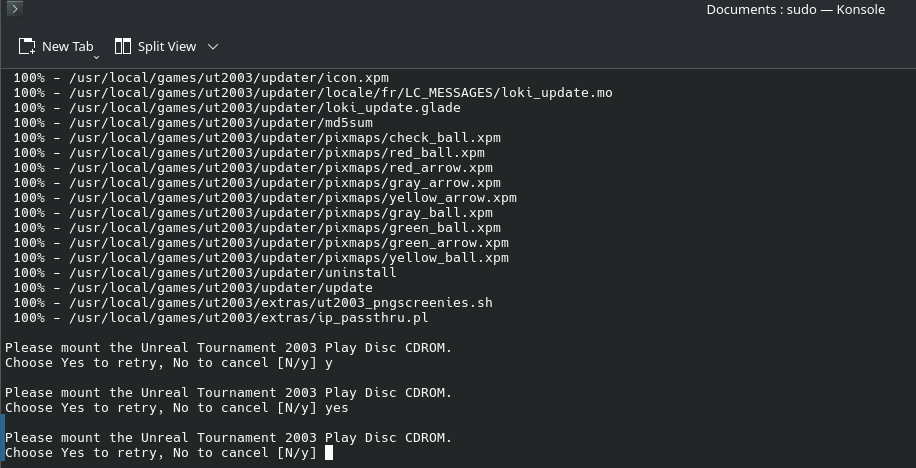
For the installer issue, it could be that the installer is simply not recognizing the mounted discs. I have tried mounting all 3 simultaneously and also one at a time, and in either case it cannot recognize the play disc and continue to load.
Solved the disc issue. Used AcetoneISO to convert the images to ISOs (had to let it download poweriso to accomplish this), because it turns out the copy protection on this game only applies to playing not installing. Also, a later patch removes this protection anyways. Installation success!
Edit: Used Dolphin to mount the isos, forgot to mention that. Dolphin has a plugin pack with that functionality.
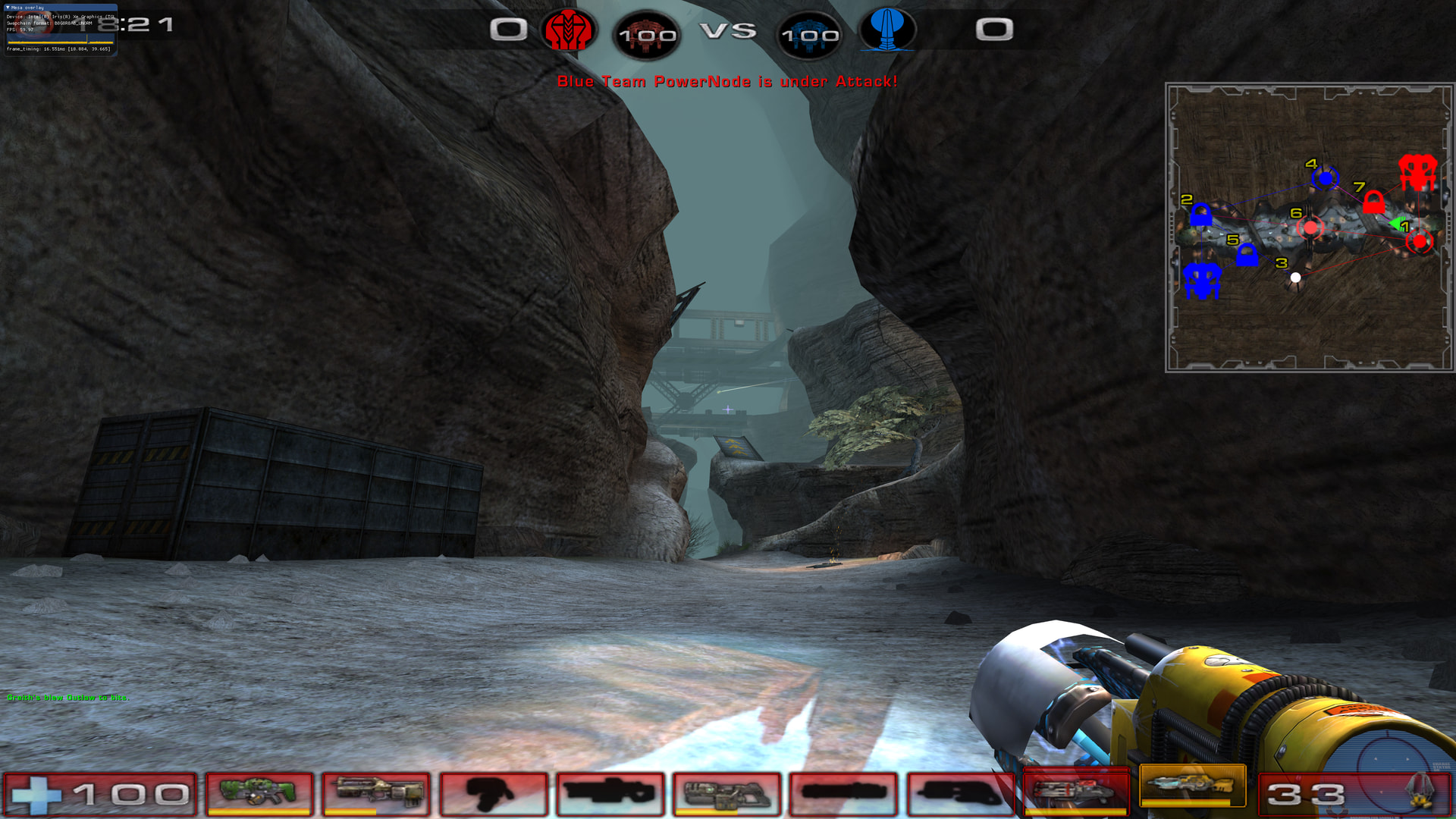
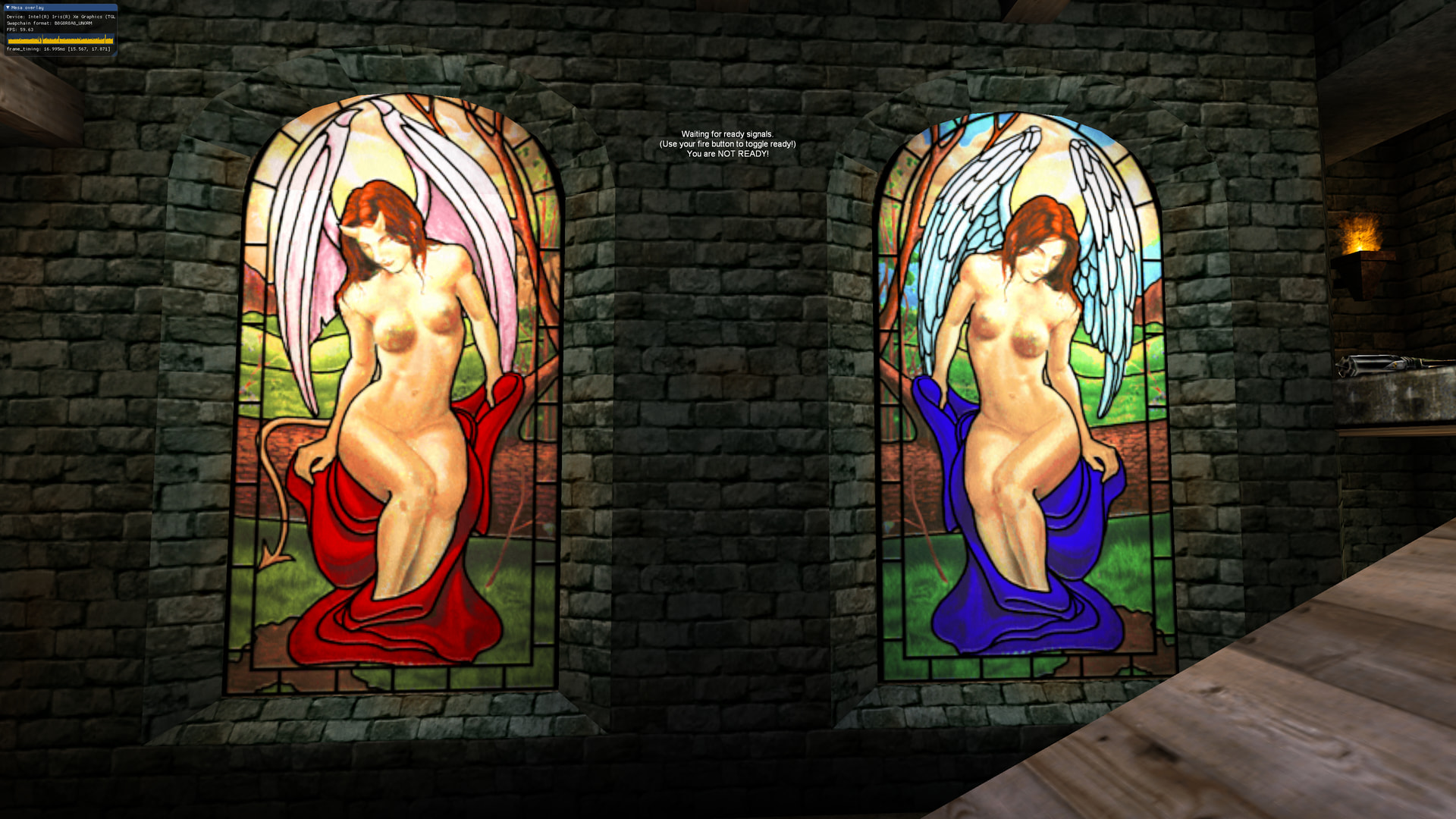
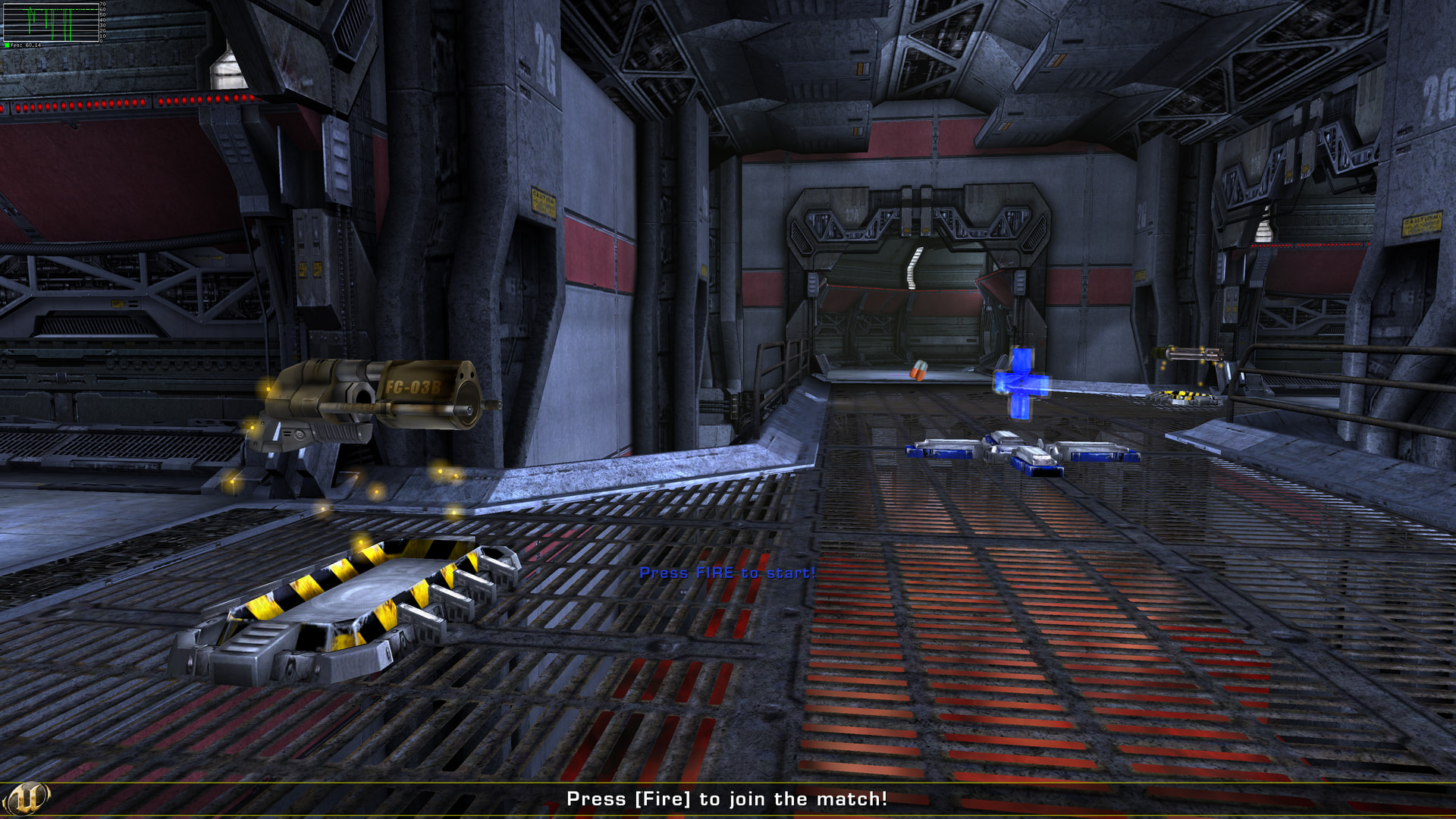
Alright, got the game up and running, played through a match… with no sound, but still it was super cool to see it running on modern hardware.
For the sound issue I tried simlinking the openAL drivers (which I had installed, 32-bit version as well) into the System dir of the UT2003 install, no luck there. Tried switching in-game audio settings, nothing.
Here is what I did to get a fully working Unreal Tournament 2003 on CachyOS (links to files and info sources below). Assumes basic knowledge and comfort with a command line terminal.
(Step 0: paru -Syu to make sure everything is up to date. May take a while, depending on how long it has been.)
If you have ISOs, bin/cue, or physical discs, skip to 2. Otherwise convert them to ISOs using AcetoneISO.
Mount disc 3 (I used Dolphin file system + dolphin-plugins so I can right click→mount)
Copy linux_installer.sh from disc 3 convenient location on your hard drive.
Unmount disc 3, mount disc 1.
Run sudo _POSIX2_VERSION=199209 linux32 sh ./linux_installer.sh in the dir where you copied the file.
Installer begins, follow prompts on screen, switching out discs as needed. Leave any default setting, decide for yourself about the shortcuts/links. I just said no and then added my own.
Installer finishes, now to patch to final version (which also removes copy protection). The patch in the linked write up below no longer works; instead head to Unreal Archive / Unreal Tournament 2003 / Patches & Updates / Patches / Patch 2225 and download the Linux Manual Install. Extract, and copy paste into your fresh ut2k3 installation dir, writing into folders and overwriting all files.
Now you can run the game by ./ut2003 in the install dir.
If you get an error about libstdc++.so.5, you can solve it by paru -S lib32-libstdc++5 to install the requisite libraries
If you boot it up and get no sound error, you can solve it by:
Check for OpenAL installed on your system by paru -Ss OpenAL. You should have both OpenAL and lib32-openal installed. Install these if not already installed.
Navigate to the ut2003/System folder, and mv openal.so openal.so~ to backup the original file. Then, ln -s /usr/lib32/libopenal.so.1.25.1 openal.so, which creates a link to the latest version that ut2k3 can use. Note that if OpenAL updates, the version number (1.25.1) may change. Use whatever version is in that folder.
Run the program to make sure sound is working. Note that there is some wonkiness to full screen… it takes a few seconds before it kicks in. Everytime I boot up the game I have to click out of the window and back into it, then wait a little bit. After that, works great.
If your resolution is not available in settings, then you’ll have to set it manually in UT2003.ini. I found the easiest way to do that was nano ~/.ut2003/System/UT2003.ini
Addendum for ut2mod and exe official bonus packs, maps, and mutators:
Move the ut2mod file into the ut2004/System dir
Do ./ucc-bin umodunpack -x file.ut2mod -nohomedir
Usually puts all the files right where they belong.
The .exe installer for the bonus pack (Epic Bonus pack) I simply opened with Ark, extracted, and copy/pasted into the ut2003 dir
Quick note: first attempt at a how-to write-up, and this is harder than it looks. Difficult to know what information to leave in, and what to assume the user knows.
For more detailed information, although sometimes a touch out dated, check out:
So, I play UT2004 native on Linux. I assume most of what I do is applicable to UT2003.
You can play natively on Wayland by compiling the latest sdl12-compat.
If there was a 64bit version of the game binary, like UT2004 has, then you don’t need to worry about 32bit dependencies and won’t need multilib.
Contrary to popular belief, anti-aliasing can be enabled with OpenGL with MultisampleBuffers=1 and MultisampleSamples set to 2, 4, 8, or 16)
On Linux, frame rate limiting is broken, and apparently always has been from my discussion with the SDL team. So you have to enforce vsync with an SDL env var or use Zink with the FIFO present mode.
Also contrary to popular belief, you can get “real” shadows (as opposed to simple “blob” shadows) by first disabling shadows in the Settings menu in-game and then set UseRenderTargets=True under [OpenGLDrv.OpenGLRenderDevice] in the UT2004.ini.
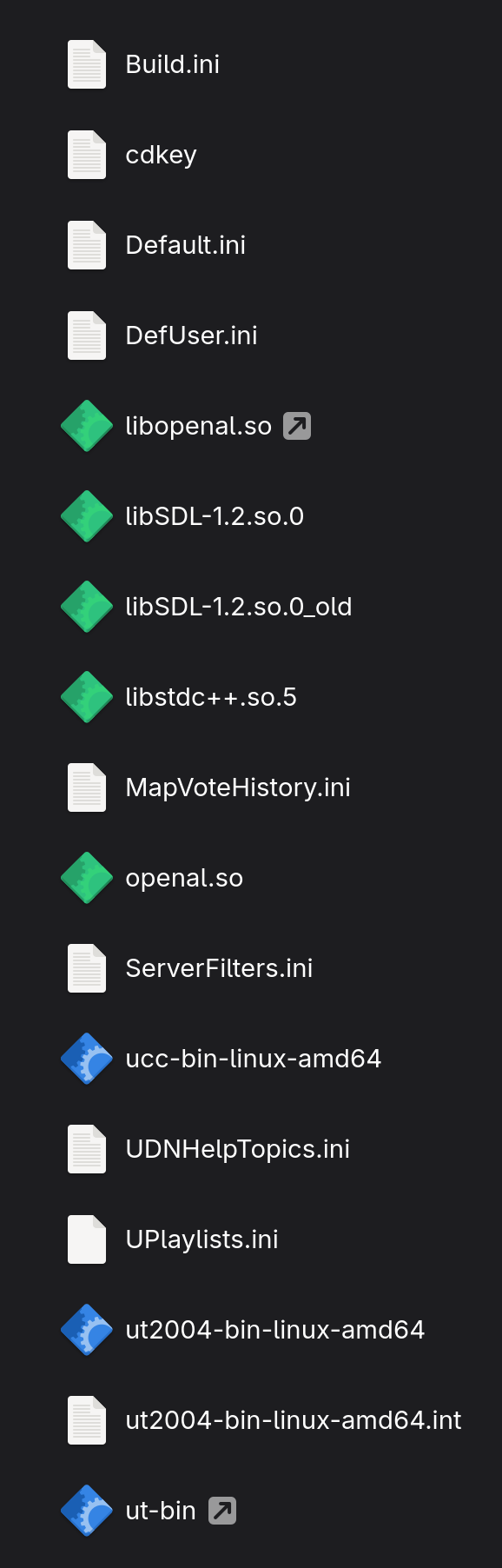
Basically, all I had to do was download the last patch for Linux (Patch 7, contains everything needed to run the game with the Windows game files, I used the GOGs version and just extracted the installer with innoextract -g -m), make a cdkey text file add my old CD key to it, download a few SOs (openal.so renamed to libopenal.so, libstdc++.so.5, and compile latest sdl12-compat rename to libSDL-1.2.so.0) and place these in a System64_Linux directory next to the Win32 System directory.
You also need to edit the UT2004.ini for Linux to use the SDL client and make a few changes to the OpenGL driver to work right: specifically, UseVBO=True and UseStencil=False.
To cap the frame rate you either need to use SDL12COMPAT_SYNC_TO_VBLANK=1 or MESA_LOADER_DRIVER_OVERRIDE=zink with MESA_VK_WSI_PRESENT_MODE=fifo. The UT2004.ini vsync and frame limiter settings are broken when using the SDL backend.
Apparently that SDL12-compat is not needed for 2003. I am not entirely sure what that particular component does, but I am also unsure what graphics API the game is using to render. Being it’s so old and hardware has advanced so much, I bet I could render the game at 60 fps in software 3D, lol.
There is no 64-bit version of UT2k3, AFAIK.
Oh, that’s interesting. May have to look into that, a little AA would not hurt. Greatly prefer SSAA over every other AA technique though.
Frame rate is pegged to 144 hz (my monitor refresh rate) according to mangohud. Play feels smooth and not sped up or anything. Could be mangohud is wrong, if so, then it is almost certainly locked to 60 fps without me setting vsync anywhere.
Thanks for all the info about UT2k4, good stuff to know. I’ll change the thread title to reflect that.
In the end, whatever improvements 2k4 brought to the table killed some of the fun factor for me. I enjoyed 2k3 so much, but not so much with 2k4. shrug
Yeah UT2003 hits different. I remember it actually being really fun to play but lost my CDs (possibly a friend “borrowed” them or something), forgot about it, and then I got UT2004 when it came out. Supposedly, they stopped selling UT2003 when UT2004 was released and basically tried to bury it. Never really made sense to me.
It’s possible that UT2003 might get some love though. Epic have been unusually cool about handing off the older Unreal games to OldUnreal to keep them working. Sadly, Fortnite basically killed any ambitions to keep the Unreal franchise around and only GOG still sells Unreal, Unreal II, UT99 and UT2004 (with UT2003 conspicuously absent). Admittedly, Unreal 3 (aka 2007) was kind of crap. Looked amazing, but just didn’t have the magic that UT99 or UT2003/2004 had.
I’m a big fan of older FPS games. The game devs always found a way to make me laugh, like with the Quake I manual, or the DM Agony map in UT99. I can only imagine the “outrage” that this map would cause today…
I recall mostly negativity around UT3, which is especially odd since it was one of the earlier games to sort of crowd source the design. I remember early access and lots of beta testing. Somehow, what came of all that just didn’t hit at all.
The whole thing of epic trying to bury ut2k3 is truly odd. Although now it seems like they are trying to bury any mention of unreal or unreal tournament altogether. Official sites are gone, servers disappeared, and like you said can’t buy the games anywhere except GoG.
As for the tangential, I agree: modern day humanity has become so addicted to outrage, in almost every facet of life. I killed the social media accounts, turned off news feeds, carefully curated my YouTube feed, and added a plugin that automatically blocks all comments and chats on the YouTube site. Forums are the only place I interact online now. I still remember the feeling, just a feeling, that there was something sinister about those Facebook banner ads showing up in my yahoo mail account back in the day. When human connection is monetized and corporatized in that way, it becomes like expecting a hearty bowl of your favorite soup and getting half a pack of instant ramen instead. A person eats because they are hungry, but an hour later they are just hungry again and over the long term become deprived of proper nutrition; cranky, irritable, and prone to emotional outbursts. Perfect for being manipulated and used.
Holy crap, UT2003 really does hit different! Man, I forgot how much I liked this game.
The Team Symbols made me laugh really hard (lots of stuff that just wouldn’t fly with today’s “modern audience”).
I went the lazy route and am just playing it via Wine with the OpenGL renderer with maxed out settings. It’s crazy how good it looks in 4k. (I had to add a registry key for the CD key, link)
It sorta works with 16:9, but seems to really want to stick with 4:3 or weirdly 16:10 resolutions.
I used an XP VM to install the game and apply the patches. I then copied the UT2003 folder to my game archive drive. Got the v2225 patch (no longer requires the CD to play), Epic Bonus Pack 1, and Digital Extremes Bonus Pack applied. According to moddb, you need at least version 2199 before applying the Epic Bonus Pack 1, so I applied the v2225 patch before hand and EBP1 installed fine. The Digital Extremes Bonus Pack should be the ZIP archive version, as the UT2MOD apparently will only install on 2166.
It would be awesome if the OldUnreal team could take stewardship of UT2003.
It really does. 2004 is not just 2k3++, it has a different feel overall.
That’s interesting the way you used a VM to organize the files. I tried getting 2k3 working on a windows 10 install for years, no luck. I also tried setting up a VM with XP on it, but I really don’t know hardly anything about VMs, and so the game never got running.
I’ll ninja edit this next bit into my step by step above, but for ut2mod files:
Move the ut2mod file into the ut2004/System dir
Do ./ucc-bin umodunpack -x file.ut2mod -nohomedir
Usually puts all the files right where they belong.
The .exe installer for the bonus pack (Epic Bonus pack) I simply opened with Ark, extracted, and copy/pasted into the ut2003 dir
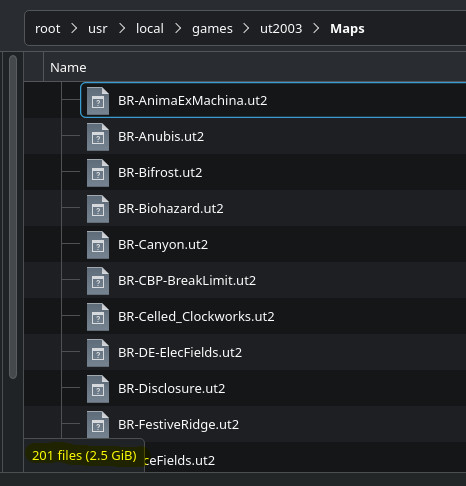
Also… yeah buddy. 201 maps, just from the official ones plus an 8 part rar archive I saved from back in the day. They are not all awesome and I found a few that don’t work, but man am I glad I saved all these.