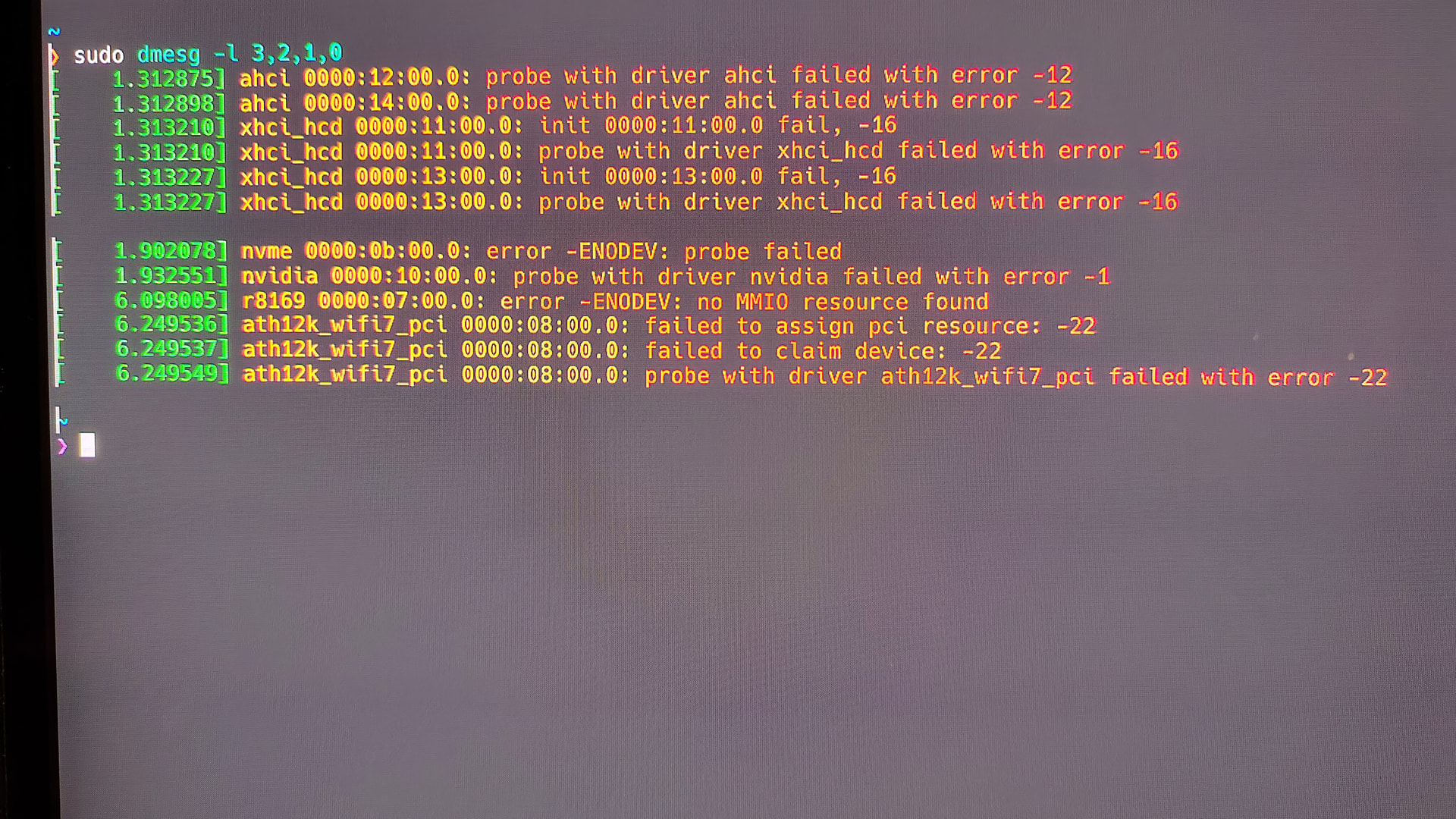
Hello,
I have been trying to switch to CachyOS for some days now but cant get it to work while having both of my dGPUs (4080S & 5060) installed in my PC. Everything works fine as long as my second dGPU (5060) isn’t installed but as soon as i install it and start booting into CachyOs my Keyboard & Mouse become unusable (I think they have no power / no signal) (re-plugging or switching USB port didn’t help).
This is what happens with my 5060 installed:
Start PC (with 5060 installed) → boot into rEFInd → Choose CachyOS → CachyOS boots → almost immediately RGB Turns off on Mouse / Keyboard → CachyOS starts onto Login Screen but i´m Unable to do anything because my Mouse & Keyboard wont work.
I´ve read about aggressive power saving maybe causing it but since it works just fine with my 4080S installed i´m not sure about that being the case here… And since i am very much new to Linux i feel like i´m not making much progress in troubleshooting it myself since this post here…
Any help with this or even a few tips to troubleshooting would be much appreciated.
My PC specs: (maybe they help)
CPU: Ryzen 9 9950X3D
Mainboard: MSI MAG X870E Tomahawk Wifi (Bios version: 7E59v2AB)
RAM: 32GB 6000mt/s CL30 PVV532G600C30K
IGPU: Disabled
GPU1: ASUS 4080 Super ProArt
GPU2: Zotac 5060 Solo
Storage:
Samsung 970 Evo Plus 500Gb
Samsung 970 Evo Plus 2TB
Viper VP4100 1TB
SanDisk SDSSDH3 2TB
Crucial MX500 2TB
edit 1:
PSU: Seasonic Prime TX-1600 Noctua Edition (1600W)
CachyOS is installed on the “Samsung 970 Evo Plus 2TB” listed above and i have Windows 11 installed on the Samsung “970 Evo Plus 500GB” thats listed above. In Windows 11 i dont have any Problems with my Second GPU.