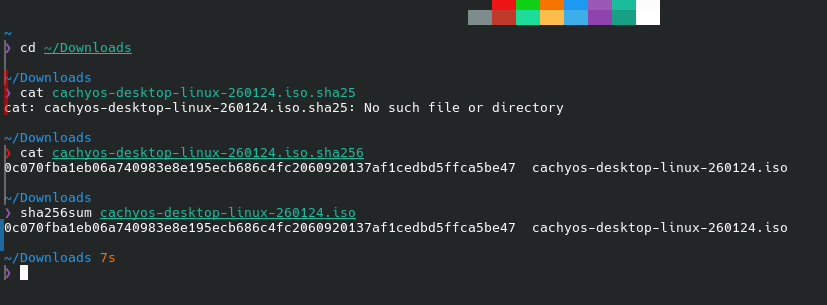
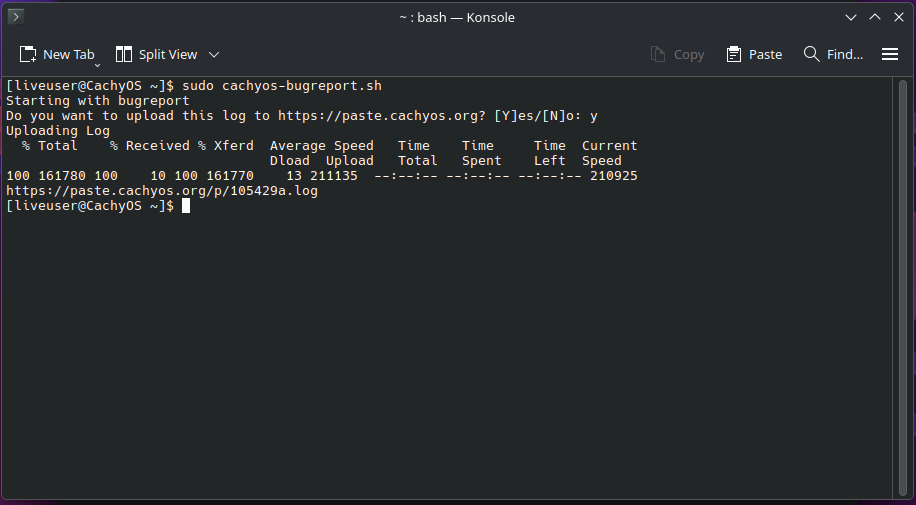
I have installed Cachyos 251129 on a 2nd drive to test it and it is working fine since.
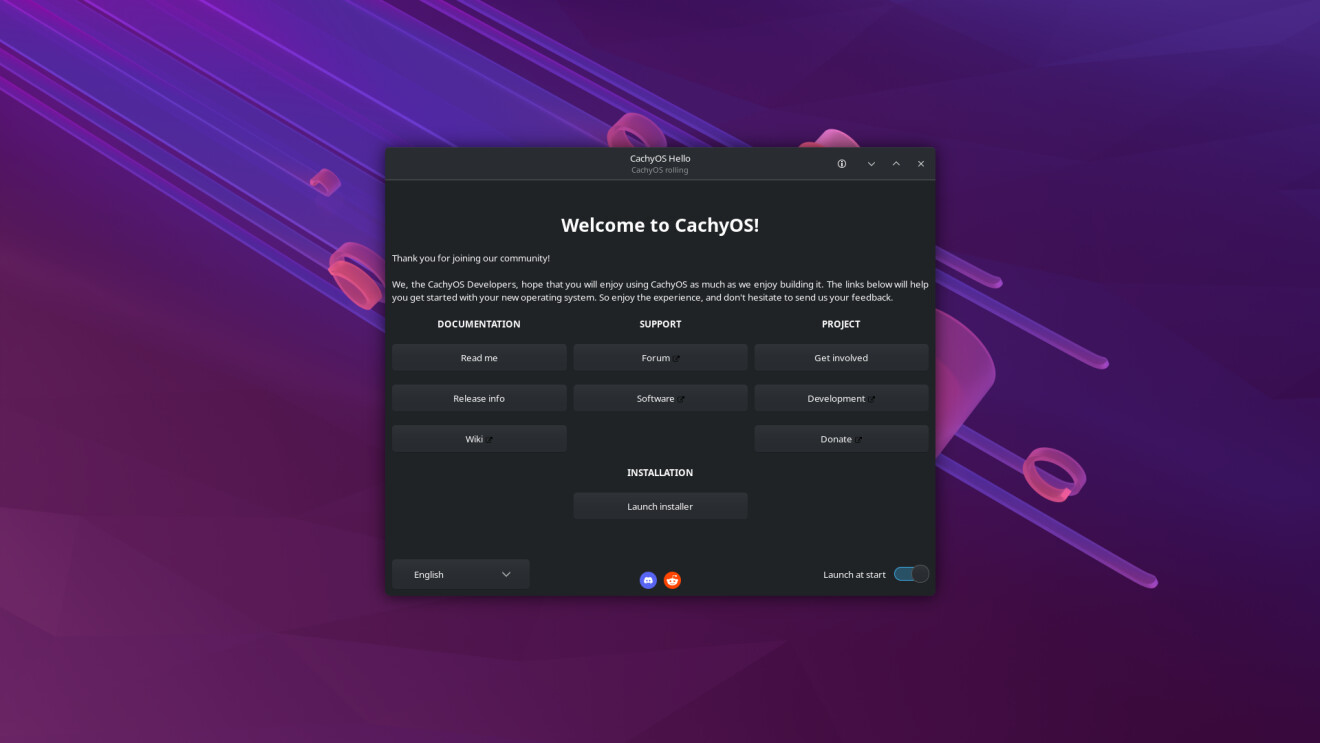
Now, I want to install it to my main drive but I can only get to the Cachyos Hello screen, KDE does not seem to load properly, there is no menu bar, the link to the Wiki and Discord works (Firefox). When I try to launch the installer, my computer does try to launch it but nothing happen. I can see the installer when I use alt+tab but can’t bring it to active window.
The changes made to the Desktop Environment with 260124 is incompatible with my computer (see 1st post above).
I tried installing it with only the drive I wanted it on connected to the computer. I did not work. When I reconnected my drive with cachyos, my computer wouldn’t recognise it as bootable.
I reinstalled it with 251129 but when I login to cachyos, KDE was not working; same as my installation problem with 260124 above. I think it is because KDE get the latest version during the installation.
I tried with Cinnamon with the same result.
I’m now on xfce (I don’t like it). Any suggestion?
I think it could be down to the combination of Wayland and the Nvidia driver. Fedora also uses Wayland I think but I believe their packages are older than CachyOS’ and maybe the way Cachy compiles the driver might cause an issue with Wayland. This is all speculation but if you can experiment with X11, we’ll have a better idea
Not really. Arch is a rolling release distro and partial upgrades are unsupported, so you can of course install from an older ISO (which will default to different things than the latest ISO, eg. the boot loader and the login greater), but with the first pacman -Syu, you’ll always get the latest packages (keeping the defaults of your installation, of course).
But you need to be aware that the driver architecture of the Nvidia drivers changed quite a bit, so you might want to read Arch news before doing such a thing.