when ever i try to send something it just sends these vertical lines

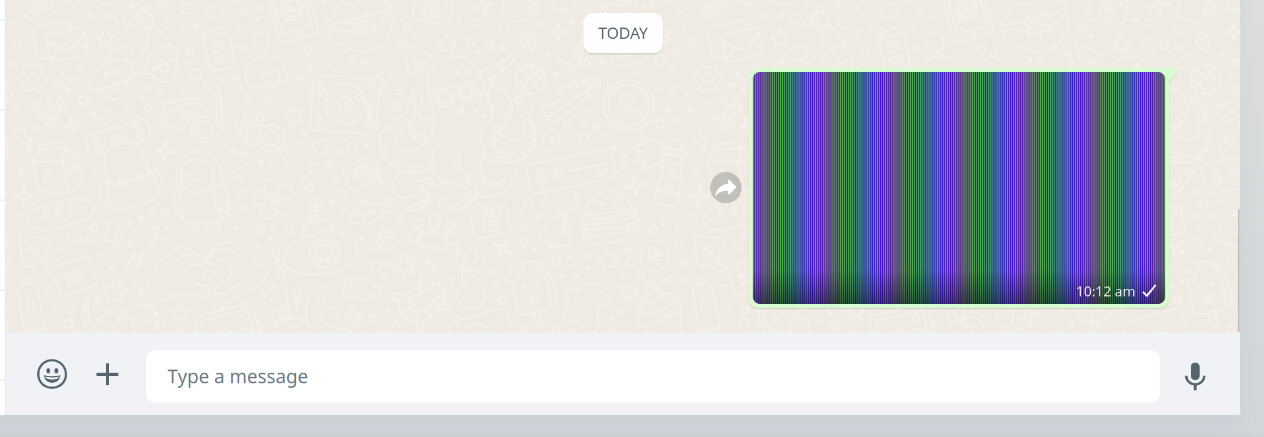
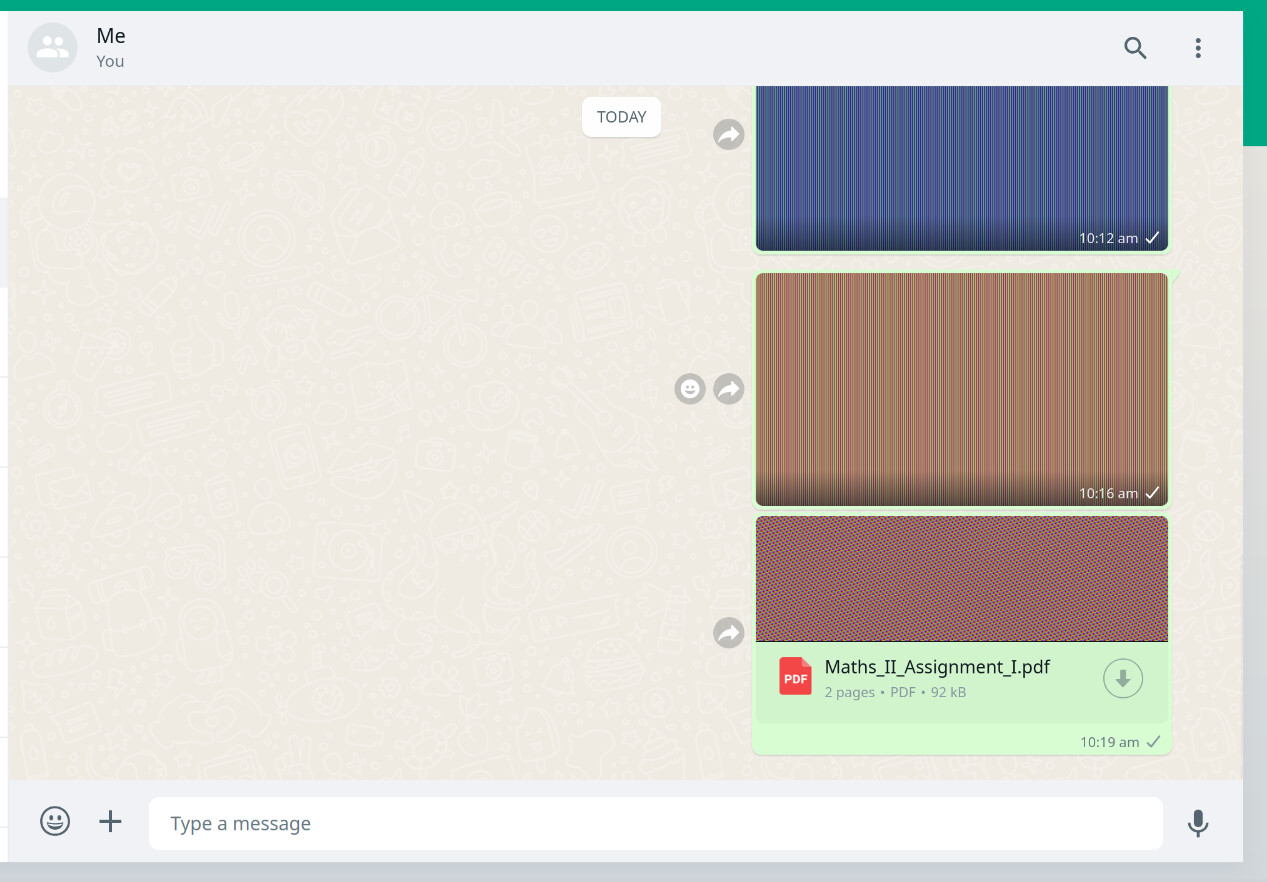
nah i dont install whatsapp i just use the webapp (https://web.whatsapp.com/). It works fine on brave
There’s probably a privacy setting in the Cachy browser that’s messing things up. I think I’ll just stick with Brave for WhatsApp.
tried it with both the default protection and increased protection options still same problem
solved it, just had to enable this
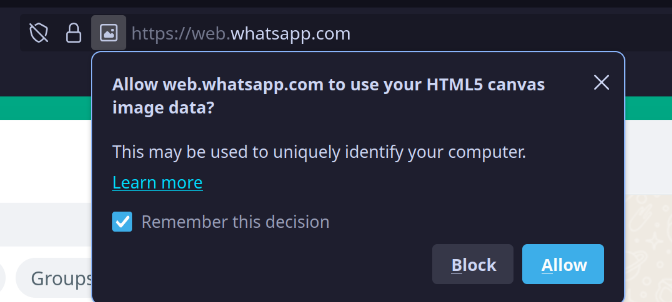
usually when uploading an image it should have poped up but it didnt or maybe i missed it
But still getting this error  when left it open for some time
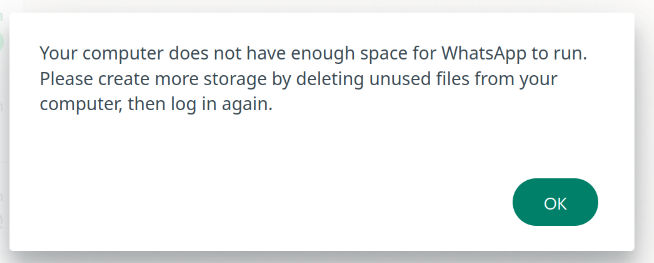
weird thing is that as soon as i click ok it logs out of my whatsapp
This is problem with librewolf which cachy-browser is based on. Maybe we should change default setting. I propose to disable privacy.resistFingerprinting.randomDataOnCanvasExtract
according to these librewolf issue report:
similar problem with claude.ai site as well whenever i enter a new prompt site just stops responding
After several months of using Chromium because of this error, I finally tried switching back and solved it.
It was caused by the lack of persistent storage permission.
Steps to fix:
1. Go to https://web.whatsapp.co
2. Open Developer Tools → Console (Ctrl + Shift + I)
3. Type: allow pasting
4. Then paste and run the following command:
navigator.storage && navigator.storage.persist && navigator.storage.persist().then(r => console.log('requestPersist:', r));
5. When prompted, accept the permission request.
1.5 year later necro bump for a browser that is discontinued?
In case it was not clear .. cachy-browser is no longer supported, quite out of date, and should be uninstalled.
It was dropped ~4 months ago.