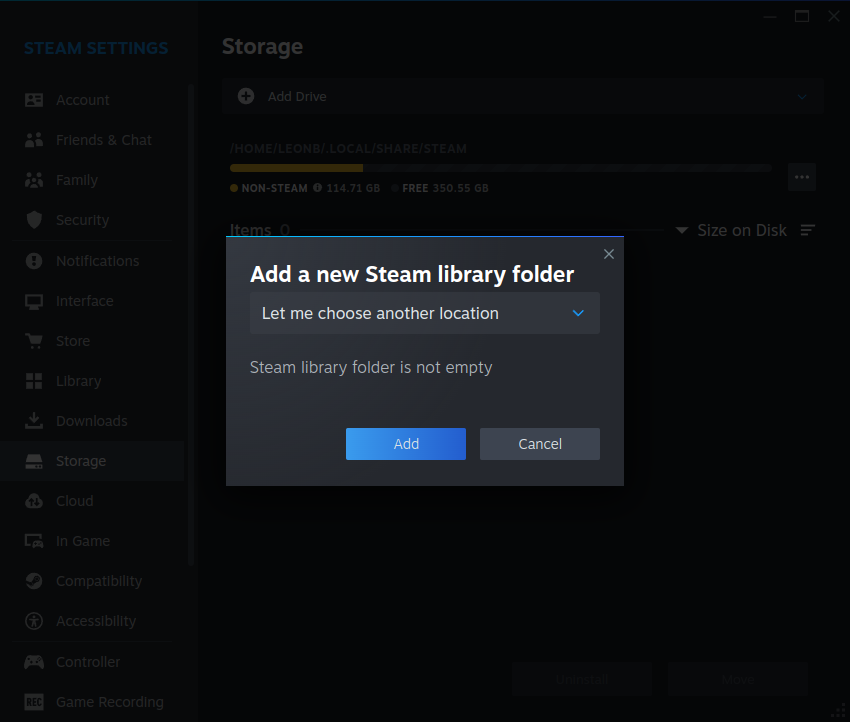
Please be as straight forward as possible, None of the other threads seemed to help with my issue. So I just got around to downloading steam and I didn’t want my games to download on the boot drive so I got SDD just for all other media. I did make a folder on this sdd just for steam games and when I attempted to go into steam to change the directory, it was giving me this error “steam library folder is not empty”. I have uninstalled the cachy game packages as well as steam from the package installer since someone had suggested that steam wasn’t installed properly. I have also created a sub folder within that new folder I made and a new error message appeared saying "The folder isn’t writable. I have spent an hour looking online, the form and posted this on discord and didn’t get results.
Yes! I have been able to save media to that drive and other applications like discord and firefox is able to access it. I doubled checked the permissions on that drive to make sure that it allows apps to access it
That… is odd.
sudo chown user:user path/to/drive has typically worked for me…
I know it’s normally not advised, but does it work with a chmod 777? The idea being that if it doesn’t work with a chmod 777, then we’re somewhat sure it’s not a permissions issue.
I have had this issue before. Don’t use a folder that already has files in it. Steam apparently needs an empty directory as well as having “execute” permissions on the drive where the new library will be created.
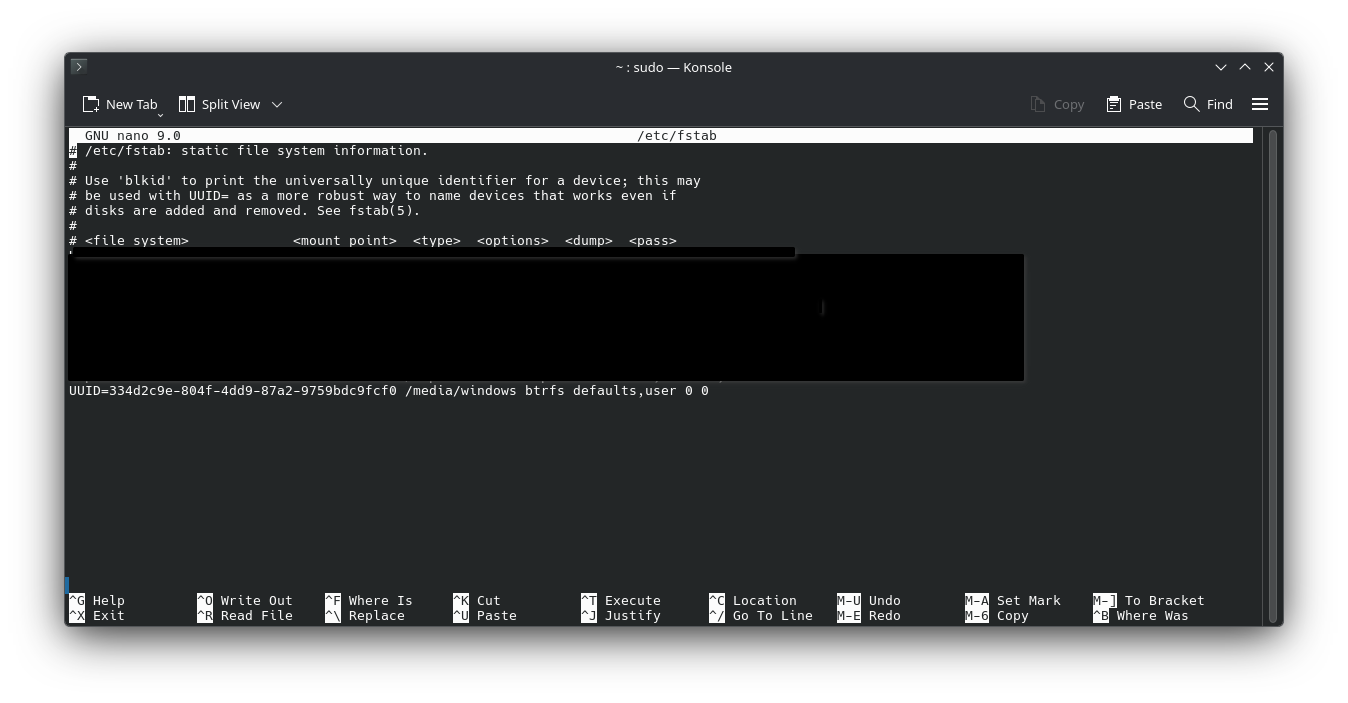
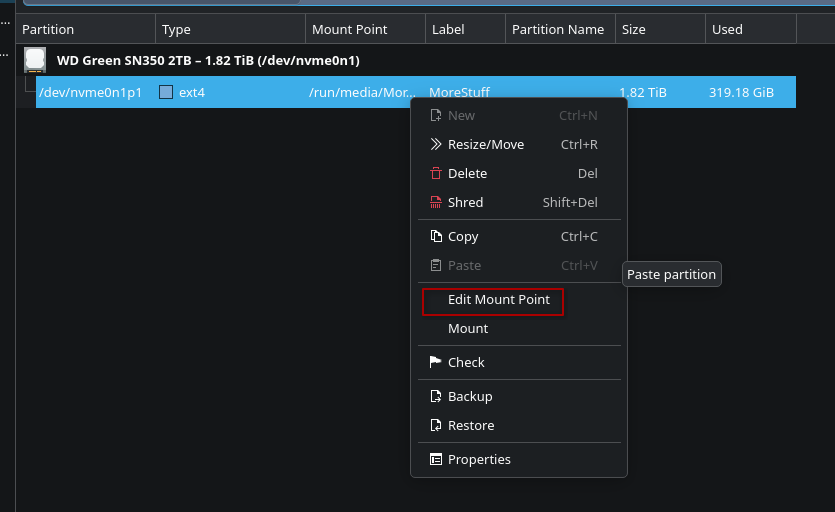
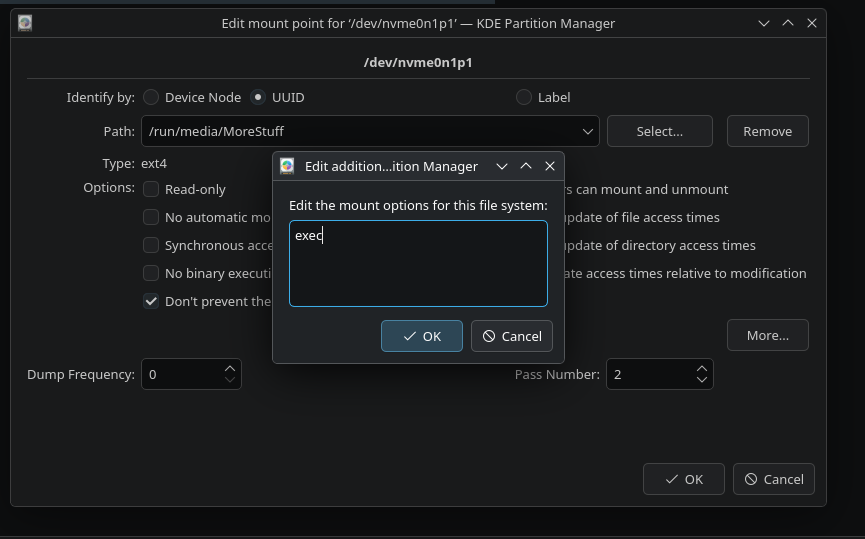
The way I fixed it on my end is by using KDE Partition Manager (it’s GUI-based so I personally think it’s better than using a text editor to modify the /etc/fstab file manually).
If the SSD is already mounted, you need to unmount it first, then “Edit Mount Point”.
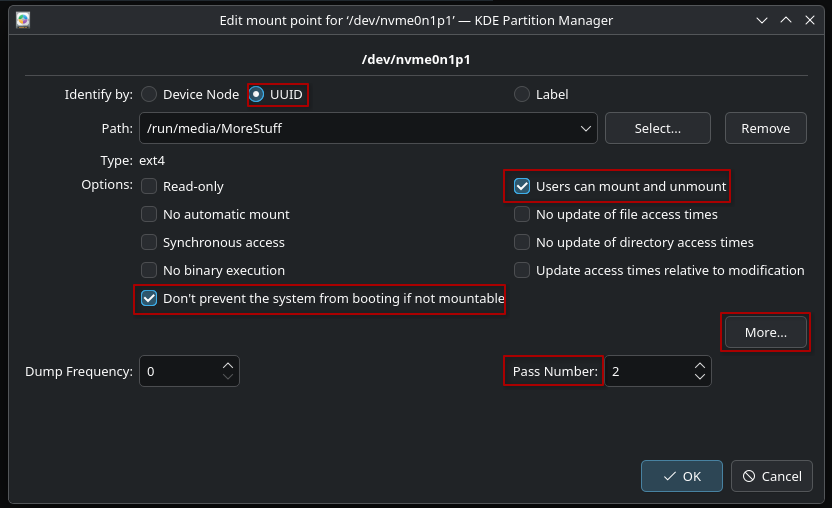
Choosing UUID will make it so the fstab entry is formatted similarly to your existing CachyOs installation drive and it’s easier to identify if you ever need to look at that file with an editor.
“Users can mount and unmount” allows you to do just that without having to enter sudo credentials.
It is recommended to set the “Pass Number” value to 2 for non-root drives to allow the system to check multiple file systems in parallel during boot and avoid slowing down your boot sequence.
“Don’t prevent the system from booting if not mountable” is important because you may want to disconnect or remove this other SSD at some point, or you may want to avoid losing access to your cachyOS installation if this SSD fails.
Aside from that, you also need to click on “More”, then add the “exec” option in the fstab entry and click OK:
Enabling this option for this SSD explicitly allows the execution of binaries located on that mounted filesystem, which is needed for Steam to be able to run your games from it.