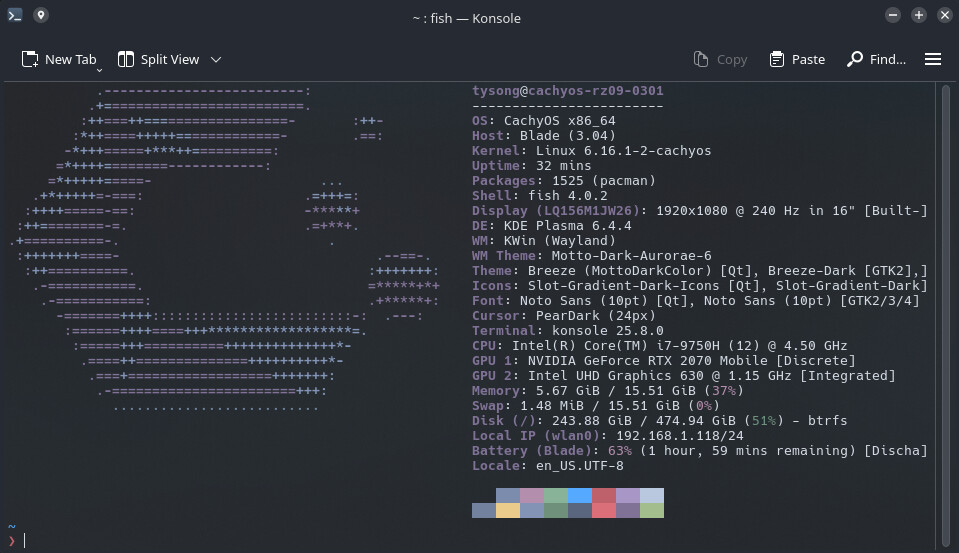
Where it shows > I want it to show the working directory. I’ve tried editing the cachyos-config.fish file but all I can get to work is it showing the directory above the prompt.
This is not what I’m trying to achieve. I am very new to Linux in general and have tried searching for a solution on google and here on the forum.
Please don’t edit the cachyos-config.fish that resides in /usr/share
Please instead use ~/.config/fish/config.fish and allow it to source /usr/share/cachyos-fish-config/cachyos-config.fish
In terminal type fish_config should get you started at some predefined prompt variations.
Root-level configs are in /usr these are vendor-supplied defaults. On a system update, those files may be replaced by new package versions.

User-level configs are in ~/.config run under your user account, reducing scope for accidental system-wide damage.