Read only if you are a GNOME user
One of my favorite applications “flameshot”, just became more unusable after some OS updates. It cannot take screenshots on all monitors anymore, only the default monitor. Besides, making it work with Wayland had turned into really a chore. My CachyOS doesn’t allow me to access x-org anymore; only choice is Wayland. I liked flameshot because it opened an editor after taking a snapshot, so you could add annotations to them. That is gone!
I loved that workflow.
And this morning I was able to replicate that functionality! It works even greater than flameshot because the editor drawing has even more options.
This is the recipe:
Uninstall flameshot (good riddance!)
sudo pacman -Rns flameshot
Install inotify
sudo pacman -S inotify-tools
Install drawing
sudo pacman -S drawing
Copy this bash script to $HOME/.local/bin
#!/bin/bash
# Test script - Step 1 & 2: Detect new screenshots and show filename

SCREENSHOT_DIR="$HOME/Pictures/Screenshots"
LOGFILE="/tmp/screenshot-monitor.log"

# Clear log
echo "=== Screenshot Monitor Started $(date) ===" > "$LOGFILE"

# Show startup notification
notify-send "Screenshot Monitor" "Active - Check /tmp/screenshot-monitor.log" -i camera-photo
echo "Startup notification sent" >> "$LOGFILE"

# Monitor for CREATE events - unbuffered
inotifywait -m -e create "$SCREENSHOT_DIR" 2>&1 | while read -r line; do
    echo "inotify output: $line" >> "$LOGFILE"

    # Extract filename from line (handle spaces in filename)
    if [[ "$line" =~ CREATE.*\.png ]]; then
        # Extract everything after "CREATE "
        filename=$(echo "$line" | sed 's/.*CREATE //')
        filepath="$SCREENSHOT_DIR/$filename"
        echo "PNG detected: $filename" >> "$LOGFILE"

        # Wait for file to be fully written
        sleep 0.3

        # Open in Drawing
        echo "Opening in Drawing: $filepath" >> "$LOGFILE"
        drawing "$filepath" &

        notify-send "Screenshot Opened" "Editing: $filename" -i dialog-information
        echo "Drawing launched for: $filename" >> "$LOGFILE"
    fi
done
Copy this desktop config file to $HOME/.local/share/applications. Don’t forget to change username by your real user name.
[Desktop Entry]
Type=Application
Name=Screenshot Monitor
Comment=Auto-open screenshots in Drawing
Exec=/home/username/.local/bin/screenshot-monitor
Hidden=false
NoDisplay=false
X-GNOME-Autostart-enabled=true
You may want to reboot, or logout, login.
So, now you have inotify checking for new screenshots in the background. When you hit PrtScrn, or your hotkey to take screenshots (area, full screen, or all monitors), then inotify will open “drawing” with your screenshot ready to annotate.
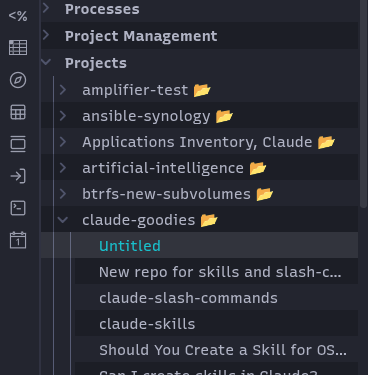
This is the original screenshot:
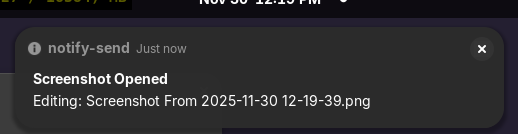
This is the message by inotify saying it detected a new screenshot:
This is the screenshot inside drawing that it automatically opened:
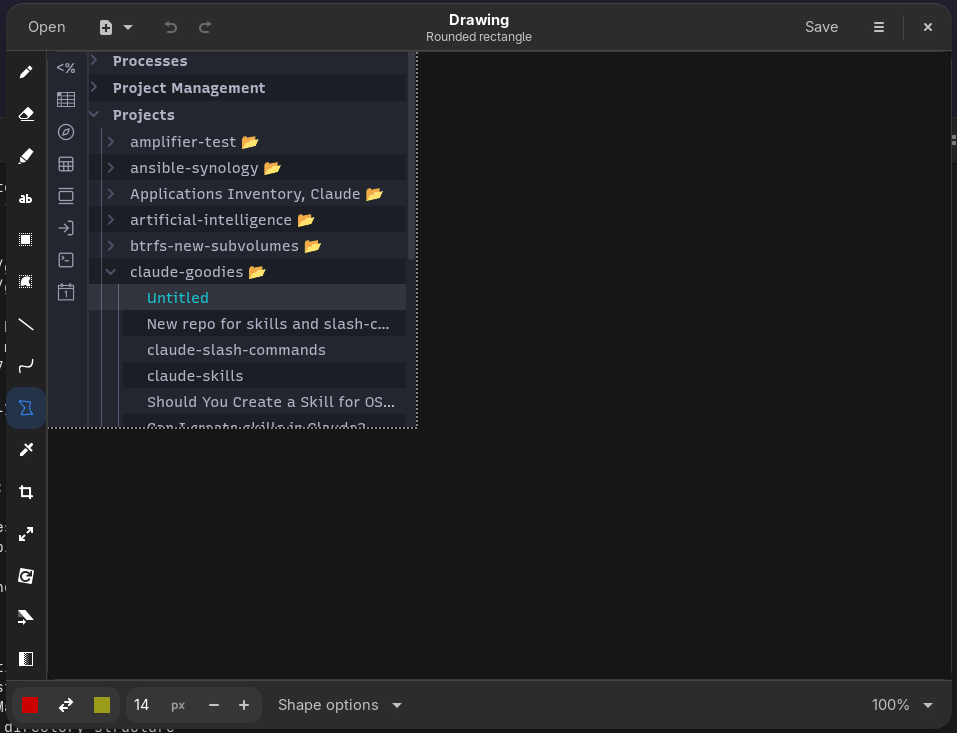
The whole screenshot by gnome-screenshot, saving, detection, and opening with the image editor takes about a second.
Customize at your pleasure.
Enjoy!
fonzie@woodlands.tx