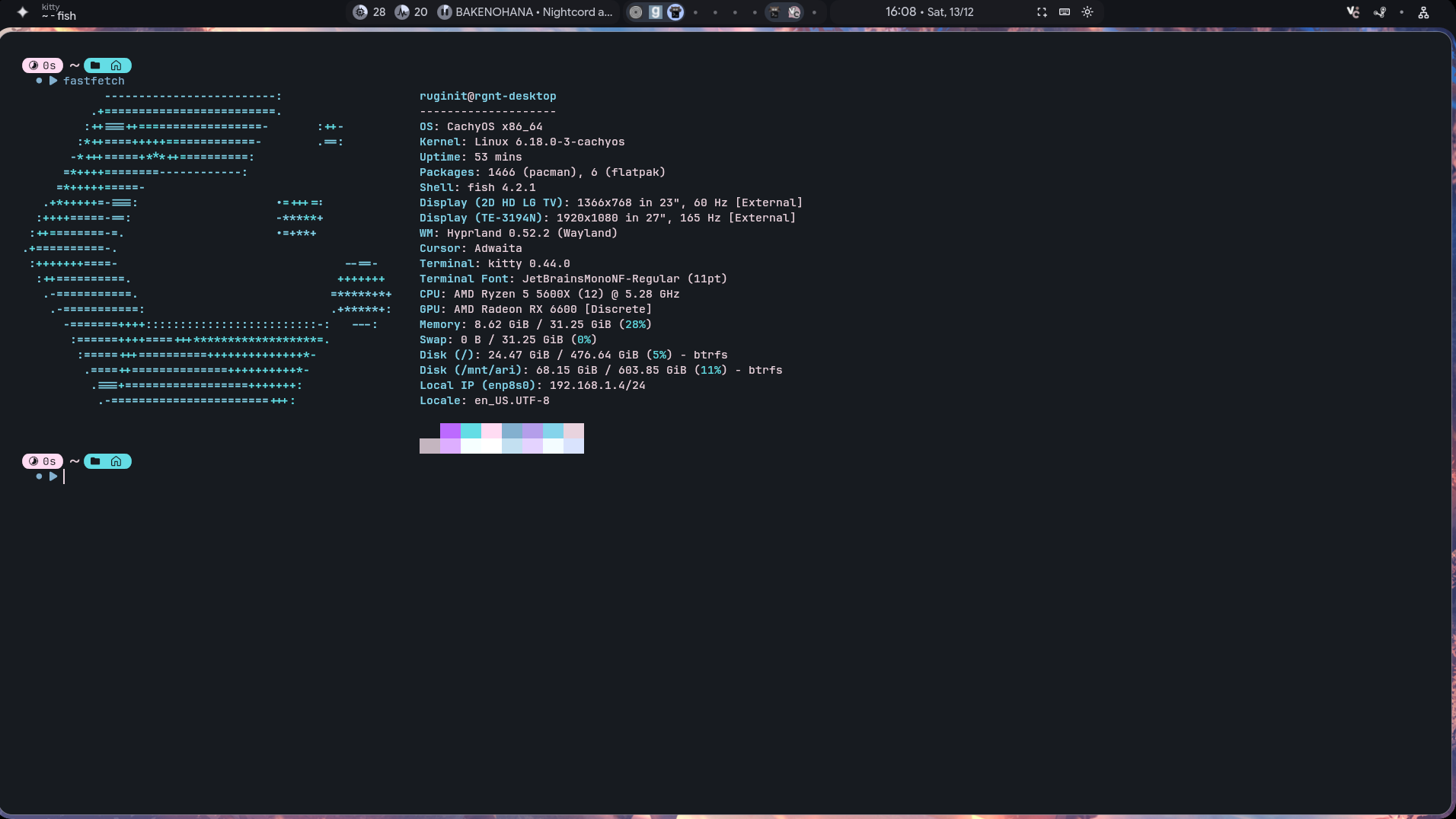
Hello! After using Windows 11 for a long time, I finally decided to install CachyOS. I installed hyprland and am using end4’s dotfiles. My main problem is that gaming performance is really poor. I installed cs2 and I’m averaging 90fps whereas on Windows I had over 200 fps. I tried a few things, like turning on the performance mode and adding some launch options, but nothing really works. I’m still having 90fps. I would really appreciate if someone can help me to fix this, because I don’t really know what to do 
cs2 is known for having lowing bad perf in native linux ( wich is a shame since its a valve flagship)
But 90fps is not normal and many people say that now its way better : https://youtu.be/l668M9gK9Aw
This dude show a trick ( on an intel cpu) that brings him a massive improvement : https://youtu.be/-Is21eOYIfQ
Have you tried other games ? Is hypperland fine for gaming ( i have no idea) ? Have you put goverlay / ”MANGOHUD=1” to see the usage of your hardware ?
some links that may help you :
I’ve tried garrys mod, roblox and minecraft with shaders. So… Everything is kind of worse in cachyos, I don’t really know what to do. Garrys mod works fine, roblox is actually lagging and minecraft is barely getting 60fps. On windows I get 120fps+ using the same shaders and everything
Try switching the proton versions, another DE environment like KDE/Gnome. As for CS2, use the Windows version under Proton as the native Linux version has issues. Nvidia cards have a about 10-20% performance regression in DX12 titles, but none that I know so far for AMD.
sadly you cant play on official server trough proton. Only on native.
kde plasma is the best Desktop environement for gamers. “Brave ai” tells that u lose 5 to 10% perfs on hypperland and you could have many bugs that doesnt exist on classic DE like kde/gnome.
it also sum up this reddit thread with this info
However, Hyprland may introduce specific issues when playing CS2, particularly on multi-monitor setups. Some users report that games like CS2 can open on the wrong monitor or exhibit incorrect vertical resolution, which can be problematic for competitive play.
here is a benchmark with hardware close to yours
So :
1 - i would try kde
2 - i would look into how to tweek hyperland to workaround this issue if you absolutly want to stay on it
3 - p90 rush b non stop cyka
bonus : check out easyeffects : an excellent app for tweekin the sound. rlly usefull for fps games and much more
I tried playing on KDE, but I still can’t get good performance. I went to 90fps to 120-150fps. But still not as good at it should be (at least i thank so)
I think I’ll try what this guy did. I’ll try reinstalling the whole system, because I’ve even forgotten what tweaks I tried yesterday, I think it would be best to start from scratch
did you just install kde on a hyprland install? If so, then that would be not ideal. I am on KDE with AMD 5700xt and i game just fine with KDE. I did test hyprland because i was curious when i was going to do a clean install of manjaro last month and it just gamed horribly. It looks nice, but wont get out of the way. A clean install with kde will prob fix your issue.
I really wanted to use hyprland, but ill try using a fresh kde install, thanks!
Update! Solved.
The issue wasn’t the distro itself; it was my GPU, which was stuck at an idle clock of 500 MHz and wouldn’t boost.
The Fix:
-
I unlocked the kernel parameters adding
amdgpu.ppfeaturemask=0xffffffffto GRUB. -
I used CoreCtrl to set the GPU frequency to 2150 MHz.
It turns out that without the manual lock at 2150 MHz, the driver tried to push it too high (causing flickering), but now it’s stable and running at full speed (240+ FPS). Thanks for the help!