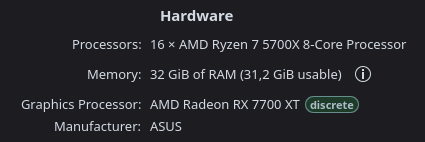
This game won’t seem to get good frames no matter what I do at only 30-40 frames in maps. I run PoE1 on Vulkan and FSR (Native AA) at 100+ fps, and other games perform just fine. I recently switched from a 3060TI to RX6700XT to see it it improves but it’s pretty much the same. Ignited ground seems to reeealy kill performance as well (down to single digit fps) and I probably need to just avoid it completely on my regex. What settings are you guys using in PoE2 with good results?
I play PoE2 a lot, and i have no problem at all. However when I moved from Win11 to CachyOS the PoE2 was unplayable and i think I had the same problems as you have. First what helped was to turn off wallpaper video (I’m using Smart Video Wallpaper Reborn plugin) and use just picture, that maked a big difference in FPS. But I wasnt still satified, so I endup with this launch option for PoE2:
I’m using Proton-CachyOS (x86_64_v3), latest version. In Steam Settings->Downloads i have the Shader Pre-Caching turned **off.
**
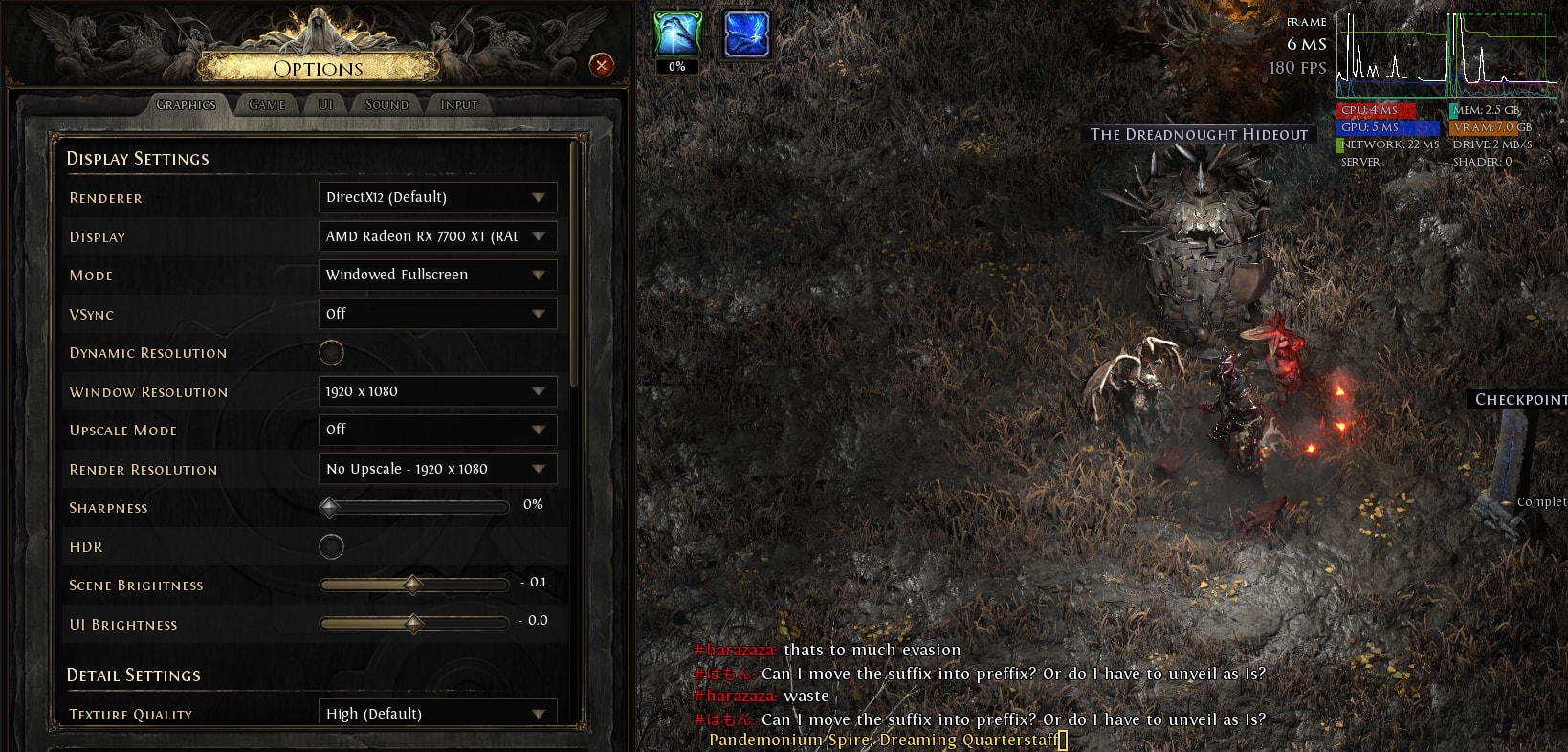
These are the settings in PoE2:
What matters isn’t so much whether you click Vulkan in settings. Any renderer you use globally that isn’t Open GL is going to be pushed through the DXVK translation layer, meaning it’s still Vulkan. What matters is what renderer the developers provide the most support to, as it will generally be the best performing. In this case it’s DX12, translated through VKD3D, which for you is still Vulkan.
I had no issues with performance on Nvidia 4060ti, but mostly I hade stability issues. I deleted steam version and installed standalone with lutris. I had too many crashes on dx12, vulkan works way better for me. Also I had memory leaks with dlss on vulkan, so for me NIS works fine moreover game looks way better with NIS than DLSS.