Oh-my-zsh: Zsh plug-ins not found

in the konsole every time i open it if find this in front of me what is that and how can i get rid of it.

[oh-my-zsh] plugin ‘zsh-256color’ not found
[oh-my-zsh] plugin ‘zsh-autosuggestions’ not found
[oh-my-zsh] plugin ‘zsh-syntax-highlighting’ not found

I remeber something like this for someone else a while back and it seems this worked for them.

zsh-256color is not a plugin but rather a terminal capability related to color support.

I suggested to enable 256-color support in Zsh is to ensure the TERM environment variable is set to xterm-256color in your shell configuration file, such as ~/.zshrc

That should fix the rest as well.

To make clear use, export TERM=xterm-256color in your ~/.zshrc

i don’t know how to do that can you help me with it i am new with linux

Open Dolphin and use keyboard combo [Ctrl]+[h] to see all files in your home.
Now look for ~/.zshrc and add this to the bottom add this to it.

export TERM=xterm-256color

That should do it for you.

i didn’t find it i found .zshenv and .zsh_history

Well lets take at peek then at what I’m working with please:

zsh --version

And

echo $SHELL

I need to see the return for both of those. :wink:

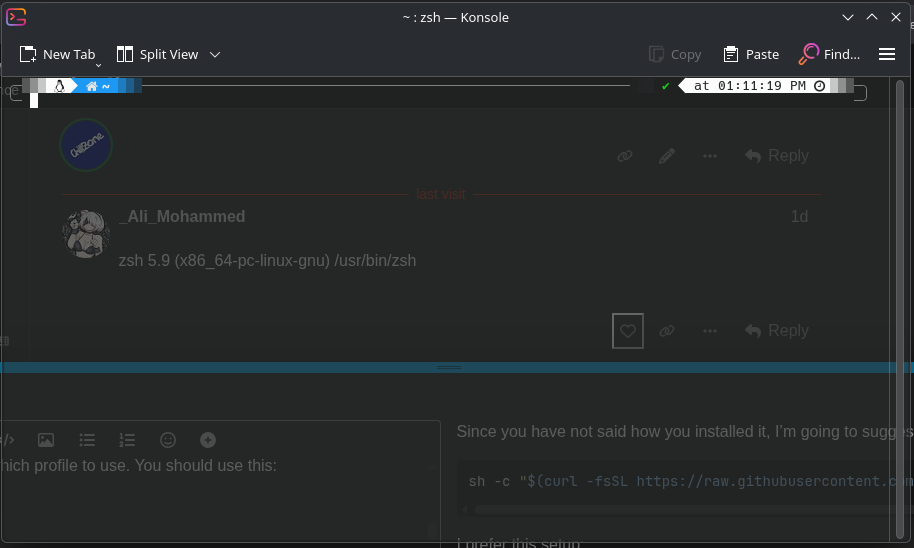
zsh 5.9 (x86_64-pc-linux-gnu) /usr/bin/zsh

Since you have not said how you installed it, I’m going to suggest this much:

sh -c "$(curl -fsSL https://raw.githubusercontent.com/ohmyzsh/ohmyzsh/master/tools/install.sh)"

I prefer this setup:

git clone --depth=1 https://github.com/romkatv/powerlevel10k.git "${ZSH_CUSTOM:-$HOME/.oh-my-zsh/custom}/themes/powerlevel10k"

Follow all the prompts for the initial set-up.

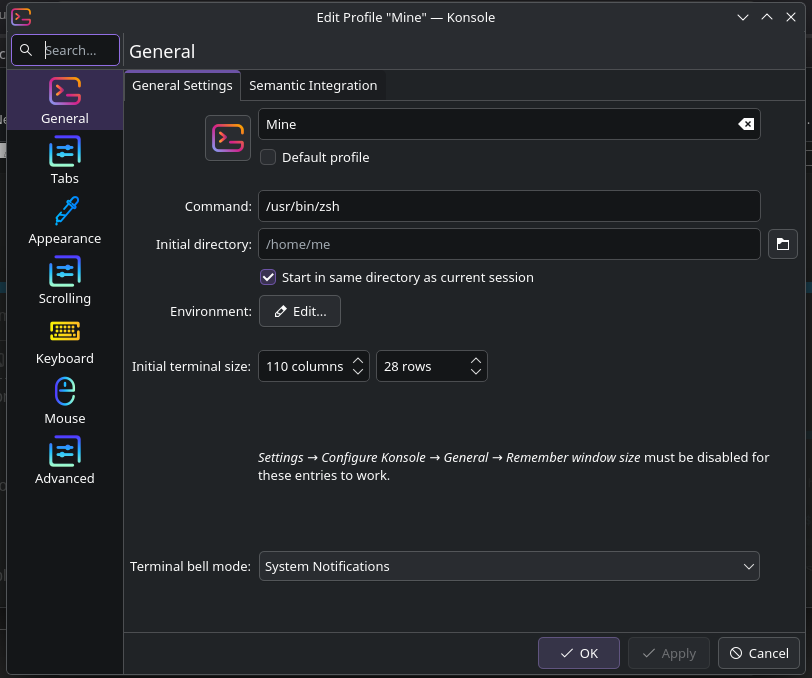
When done you need to tell konsole which profile to use. You should use this:

/usr/bin/zsh