OBS Studio: Pipewire screen capture showing only a black screen, no solutions work

I’ve been attempting for the past two hours to get OBS to capture a window through pipewire, and it’s taken me through multiple pages worth of search results and trying solutions, nothing has worked. I’m at the point where I’m so frustrated and overwhelmed that I do not know where to go from here or even what details to include.

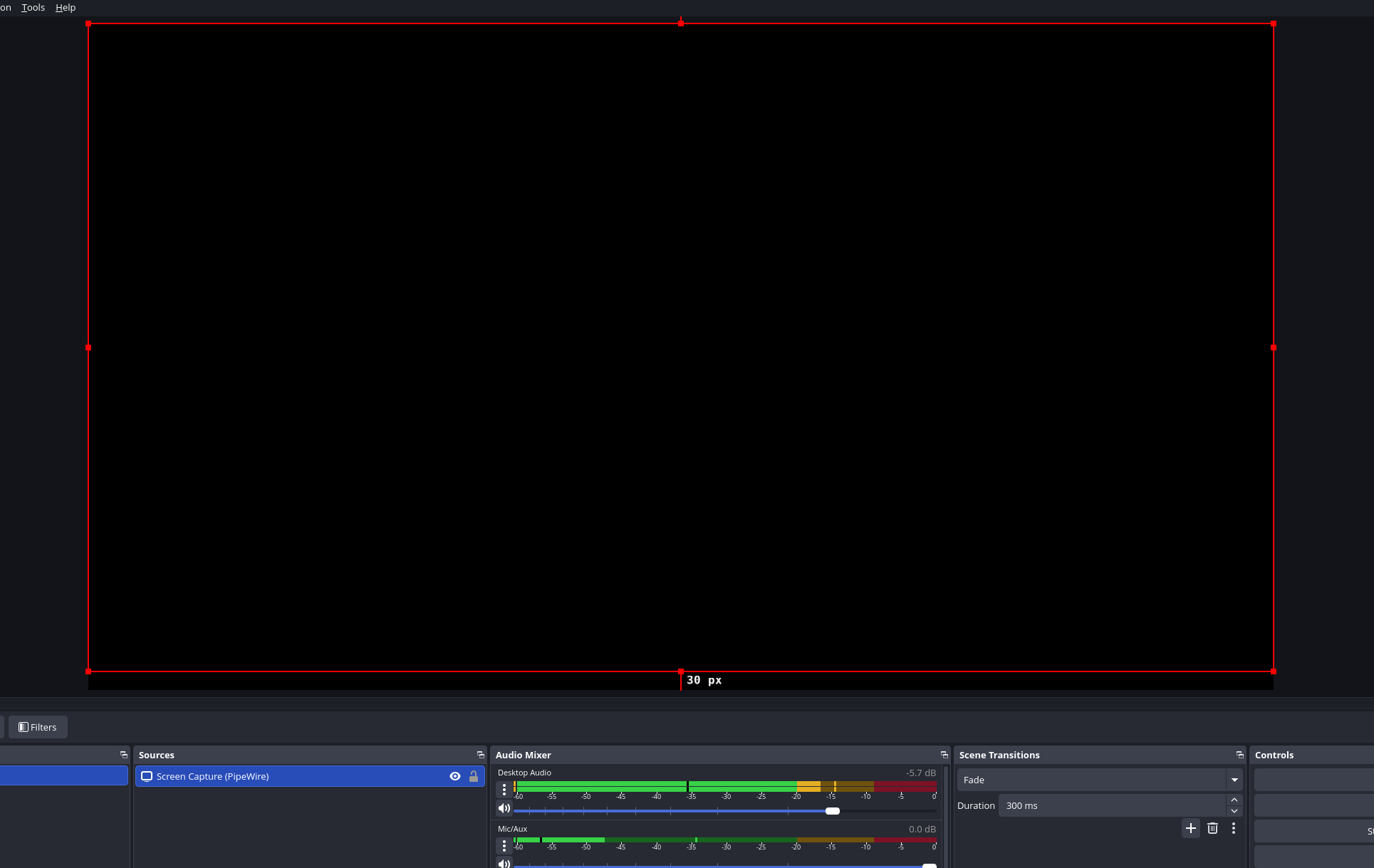
A general gyst is that no matter what I try to capture with Pipewire screen capture, on OBS Studio specifically, it shows up as a black screen. Discord screensharing works fine, as does any other attempted use. It is just OBS. The option to use it is there, I have no trouble selecting what I want to capture, it just does not appear.

I’m at my wits’ end here.
Are you using the version from cachyos repo or are you using the flatpak version, are you using x11 or wayland, are you using kde plasma?

Flatpak version, Wayland, KDE Plasma.

Yes the flatpak version I’ve never had an issue. I generally stay away from flatpaks but the obs flatpak works well.

Did you ever find a solution? I’m having the same issue on KDE

same, i have a weekly stream i need to do tomorrow. This is currently happening to me ,when it was fine last week. only reason i even noticed today that i have black-screen issues , is cause i wanted to do an unscheduled stream someplace else that i set up.