I just installed the Linux. I’m new here, yesterday I was using Windows but for few months I was watching Linux videos and getting ready to jump in.
I heard my laptop has sound issue but the AI’s I asked (DeepSeek, Gemini, Grok, Lumo) said after 6.7 Kernel, there is no issue and since Cachy is using Kernel 7, I thought everything is going smoothly but…
Right now my laptop doesn’t see any internal speakers or microphone. Which is a big issue. I did check AI or forums and such but I didn’t see a single person that fixed the issue exactly. Can someone help me?
Like the title says, the device is Huawei MateBook D16 R5 4600H - (HVY-WXX9)
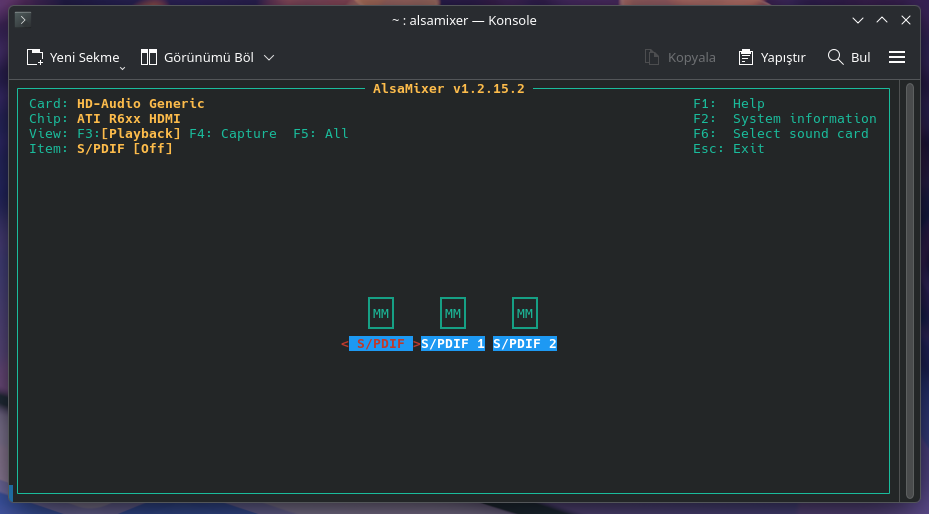
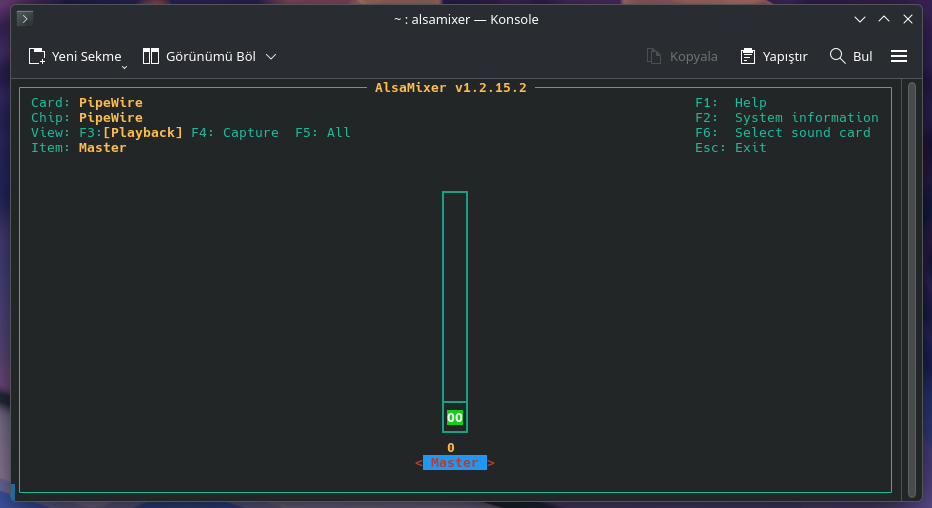
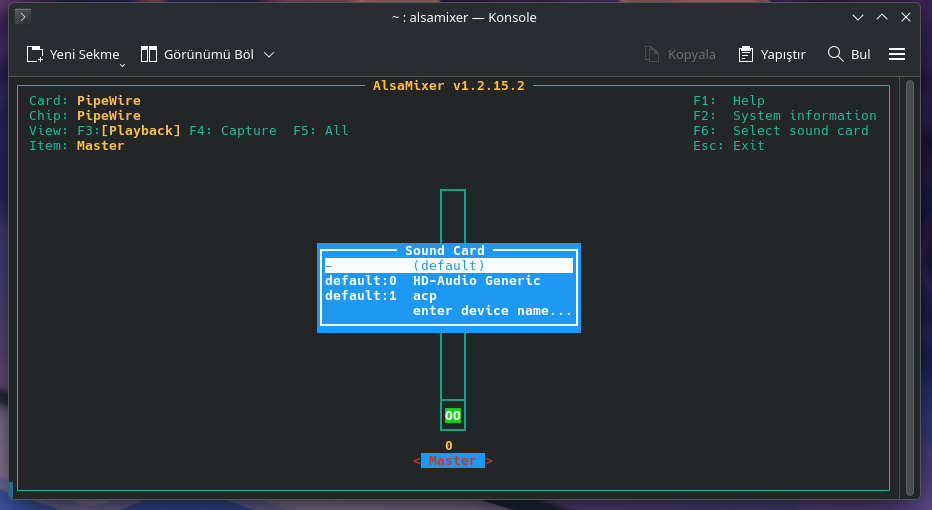
I don’t know how to use alsamixer but I tried to move some and unmute some but it looks like nothing changed. It still says there is no input or output.
Or maybe I did it wrong with alsamixer. Is there a guide to how I can use it?
Your system is not detecting the internal audio device at all :{ Only the GPU HDMI audio is present. That means - the AMD Renoir audio driver failed, so PipeWire switched auto_null.
Just to rule out - the Sound Open Firmware, try the following,
I just did, and while doing it said I already have the packages and it is reinstalling and it did and I did reboot my system but sadly it looks like nothing changed
Did you try the CachyOS LTS - with the older kernel? Don’t know about A.I. but found an older topic - from 2023 - where a similar Laptop managed to work and fix - on even older kernel.
Did you try the CachyOS LTS - with the older kernel? Don’t know about A.I. but found an older topic - from 2023 - where a similar Laptop managed to work and fix - on even older kernel.
Reboot and pick LTS - should work in parallel with the one with 7.0x kernel.
sudo modprobe snd_rn_pci_acp3x
Try manually loading the Renoir ACP:
sudo modprobe snd_rn_pci_acp3x
Also, check whether the ACP PCI device even exists:
lspci | grep -i audio
If you only have the HDMI device and no ACP controller at all, then it’s probably some ACPI incompatibility or firmware/UEFI bug. As i noticed in topic regarding this model (or similar) - one Kernel update solves issue another brakes it again. Sometimes a workaround helps, but not always ;\
The output looks fine - since it shows your laptop audio path as the AMD ACP coprocessor, not just the HDMI controller. Tho, as we discovered earlier… Linux currently only sees the HDMI audio device - not your laptop speakers/headphone codec. The internal AMD ACP/SOF audio path failed to fully start - and thus - PipeWire created the fake auto_null output.
They didn’t exactly remove audio from the kernel… but Linux audio on “modern laptops (a lot of brands like Huawei - keep trying to re-invent the wheel - pioneering new ways of doing things, usually - to cut/lower production costs - but also practical reasons - like removing the need for a so called traditional" standalone sound card/chip - like older models… where sound issues are rare) - is much more firmware/DSP-driven this days. Thus, a “Modern” Ryzen laptops like your MateBook - use a complicated audio stack (as can be seen above, you have AMD ACP + SOF firmware + kernel drivers), so small kernel or firmware changes can accidentally break sound - even if audio worked before. One kernel may work and another may fail because - they changed the timing, driver regressions, firmware mismatches (this is more of a general issue - but can also apply to current issue), especially on rolling-release distros like Arch (where CachyOS - is Arch based - with optimizations of its own). As a long-term fix - might help if you can force a stable driver mode, and if it was ALSA… disabling problematic audio power-saving features - but that’s less of an issue with PipeWire”.
Another thing you could try (worked for some - with same issue as yours):
sudo micro /etc/modprobe.d/amd-audio.conf
And here, copy paste the following:
options snd-intel-dspcfg dsp_driver=3
Then press Ctrl + S (to save) and Ctrl + Q (to Exit). But don’t close the kernel just yet, also run the following command:
sudo mkinitcpio -P
Restart it and see/hear if it helped in any way. If still no success, you repeated the following from above - but replace: options snd-intel-dspcfg dsp_driver=3 with options snd-intel-dspcfg dsp_driver=1 - to revert to legacy. Just don’t forget to rebuilds all preset kernels - using:
It was some similar time for me, I went to sleep as well. I’m really thankful for you are spending time here to help the issue
If the output looks fine, it means it is fixable, right? It sounds fixable but it doesn’t feel like fixable when I try it.
It looks like the issue is from Huawei as well since when I searched it online, I saw lots of other Huawei laptops having the same or similar issues. But when I talked with the AI before I install the CachyOS, it told me after kernel 6.7 (if I remember correctly) they fixed the audio issue with Huawei laptops and since CachyOS uses kernel 7, it should be fine but it… didn’t.
Btw, right now I can use bluetooth headphones to get sound from my laptop and it works for now. The new commands you are giving, can this cause the issue on bluetooth headphone thing? And if it doesn’t work but of course I really hope it does work, is it reverseble like can I go back if any issue happens? I really have not much knowledge on linux for now, sorry for that.
I’m ready to try now and actually I’m hopeful as well
DEST=/lib/modules/$(uname -r)/kernel/sound/soc/amd
for pair in \
“sound/soc/amd/snd-acp-config.ko $DEST/snd-acp-config.ko.zst” \
“sound/soc/amd/acp/snd-acp-legacy-mach.ko $DEST/acp/snd-acp-legacy-mach.ko.zst”; do
set – $pair
sudo cp -n “$2” “$2.bak” # only the first install creates a backup
sudo zstd -19 -q -f “$1” -o “$2”
done
sudo depmod -a
sudo systemctl reboot
I changed the patch’s place, it changes person to person, don’t forget the page and I did install this as well: