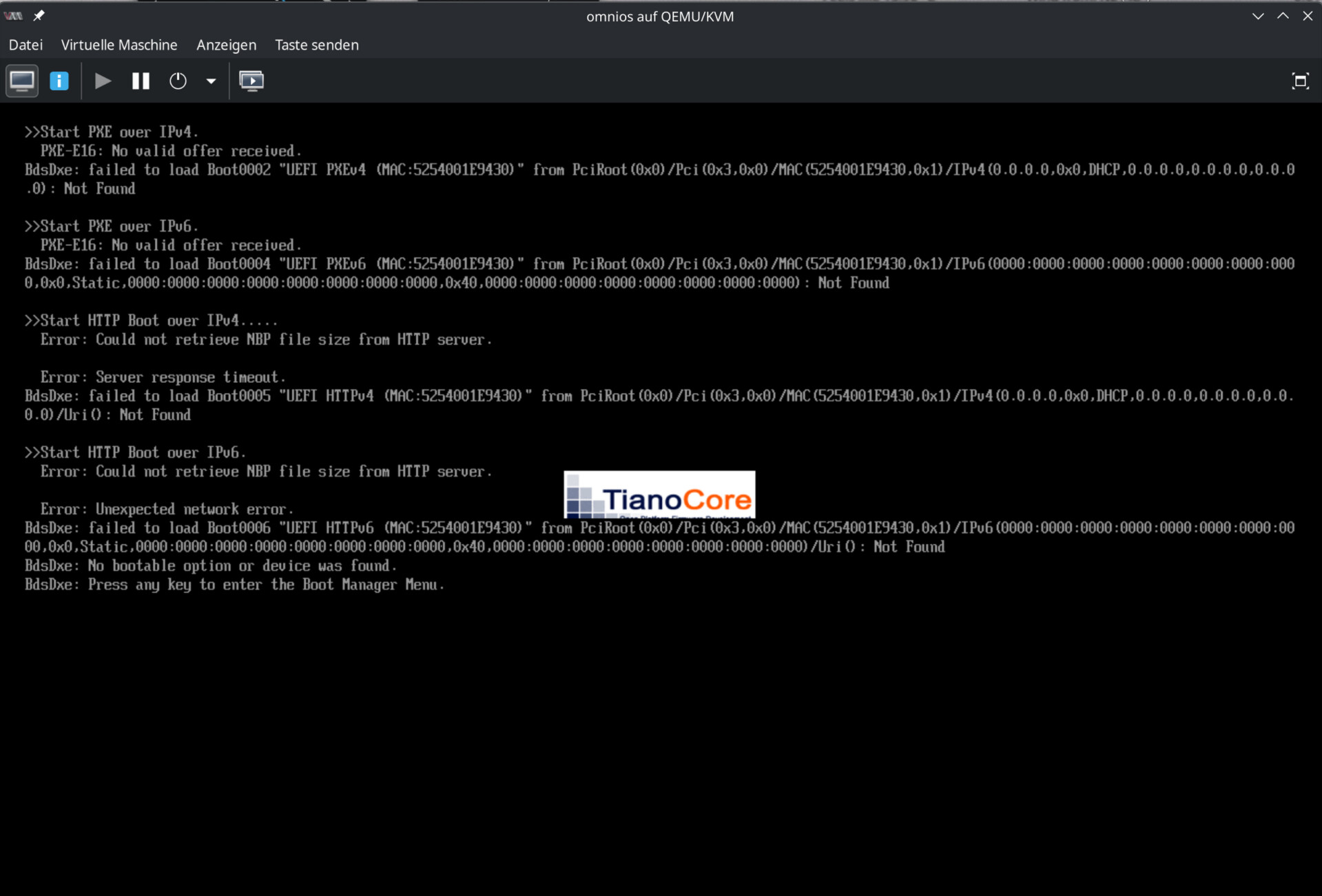
Replacing /usr/share/qemu/bios-256k.bin, copied from a distro comparable with cachyos, those systems boot.
Unfortunately I don’t know the version-numbers of both bios-256k.bin programs but qemu-system-x86_64 is 10.1.0.
Can someone tell where to find the (cachyos-)versions of such installed sub-components?
Thanks much in advance!
No problems to running and installing tribblix here with OS-Information: OmniOSCE Bloody.
I just booted from virtio disk.
Installed QEMU Version is 10.1.0-1
Thanks HaRo,
Can you try to boot your setting with empty cdrom and no hd.
Then you see the BIOS version:
CachyOS: SeaBIOS (arch linux 1.17.0) ← Does not boot iso-image file
CachyOS: SeaBIOS (other linux 1.16.0) ← Does the boot
Welcome @drubug
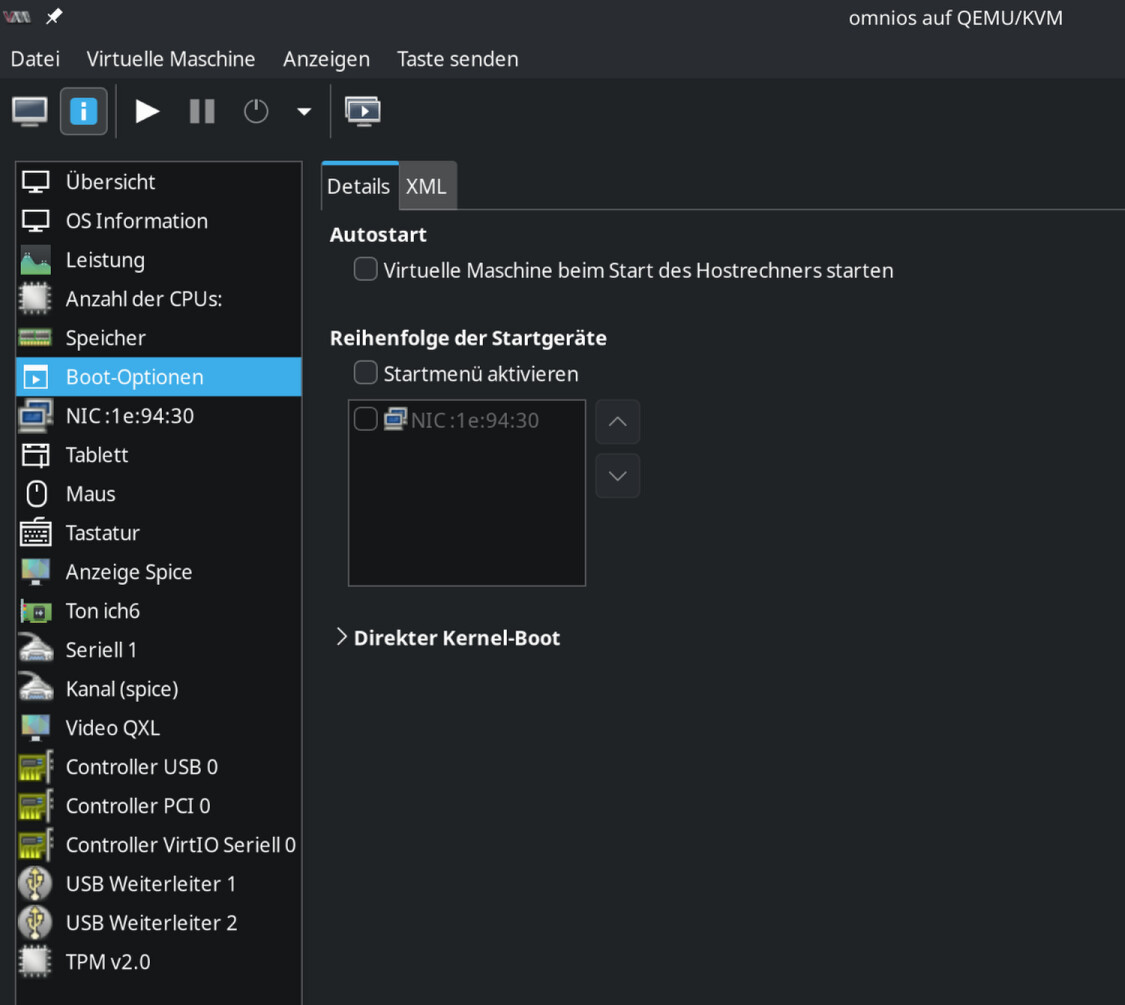
The first time I booted the Tribblix system, there was no cdrom inserted.
The system boots without any problems. However, I don’t understand what you mean when you say I should boot without cdrom (or en empty one, what it is) and without a hard drive. What should the VM boot from then?
I’m using the current CachyOS kernel. That’s version 6.16.8-2.
I tried 1.17.rc7-1 (none gcc version) and I wasn’t able to enter SDDM. without having a working KDE I also wasn’t able to test the tribblix vm anyway.
I restored my last snapshot I made this morning, so my test-vm with tribblix is gone, too.
If cdrom empty and no hd configured then the bios complains about no boot device found
and hangs but then you can see which bios-version tries booting.
I don’t think its a kernel issue.
Strange enough, I can boot linux-distros(for example this minimal Peropesis-3.0-live.iso)
I had to import the vm after I restored an earlier snapshot I made!
There is no cdrom then, but I already added one again, only to be sure that it wouldn’t change anything. I tried it but got same results as before.
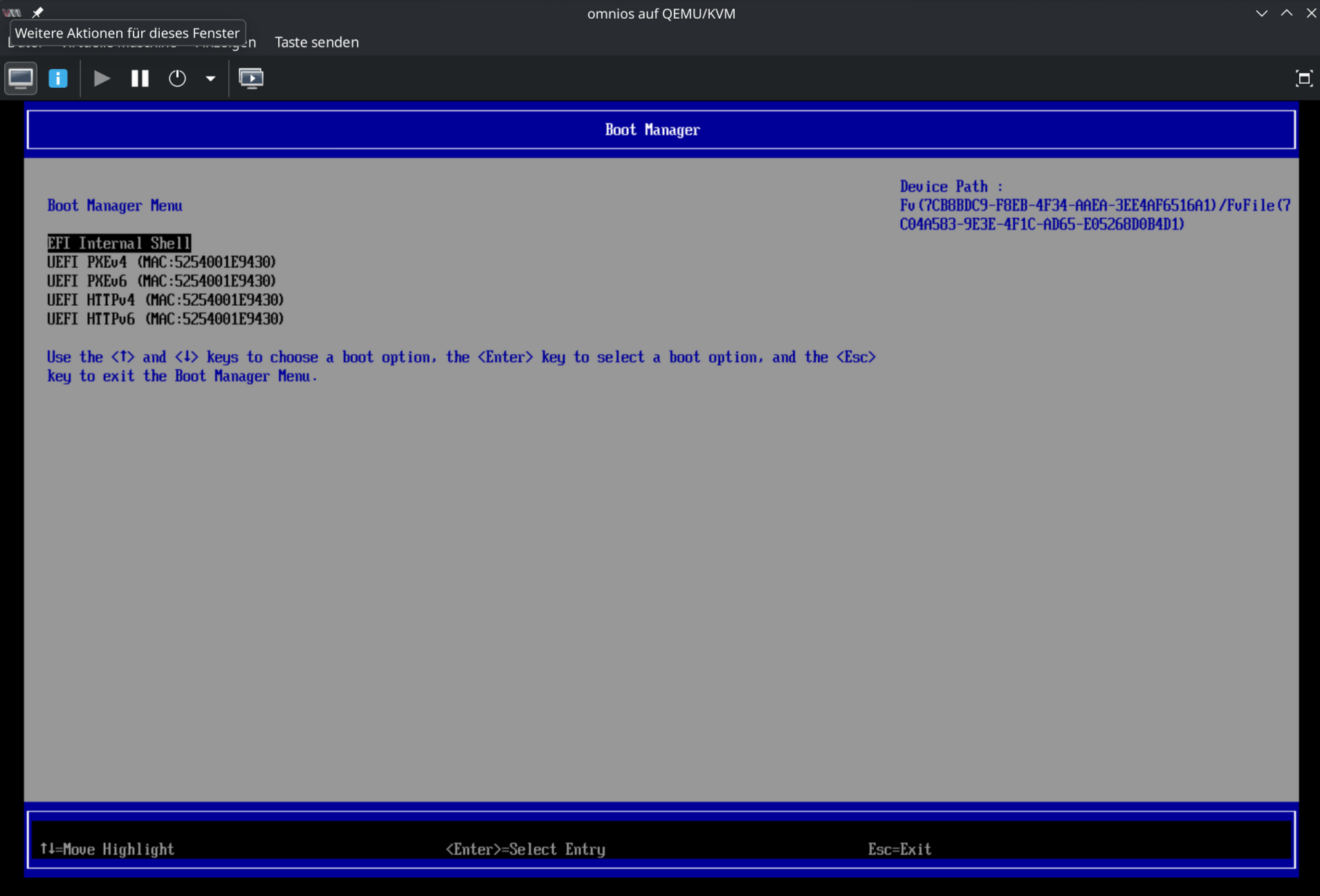
After entering the vm’s bios I could enter the Boot Manager from the bios. But you can’t do anything there, not disable or delete one of the entries.
I suspect this is the BIOS that virsh installs in the background to boot a specific operating system. I think this has something to do with the operating system selection, which it attempts to automatically detect when selecting an operating system ISO file. Or rather, the one that you have to enter manually to boot an unrecognized operating system.
You can access the BIOS after it attempts to boot from the network. See the first image I uploaded. Then you just press ENTER and you’re in the VM’s BIOS.
arch 1.17.0-1 ← Does not boot illumos-based iso or hd (linux- and bsd-based are fine)
fe42 1.17.0-5 ← Does boot all of above
(fedora-42 specific rebuild four times since 1.17.0-1)
How to handle such an issue? Package: extra/seabios 1.17.0-1
All binaries are build with this level no matter what the config-file want:
$ cat config.seabios-256k
# for qemu machine types 2.0 + newer
CONFIG_QEMU=y
CONFIG_ROM_SIZE=256
CONFIG_ATA_DMA=n
CONFIG_DEBUG_LEVEL=1  # Useless! But I need this level to fix the issue
Patch PKGBUILD
_debug_level=1
Now all binaries are build with this level. NO! No! no!
Who knows why packager decided level 0 (for all pkgs)
Solution: Build new single package.
Remove all configs but keep the one you need: config.seabios-256k
Change PKGBUILD: _debug_level=1, Remove all configs/sums, too.