Hello 😄
Sorry this is a *late* Christmas **present** — I swear it got stuck somewhere between Santa’s sleigh and Valve’s shader cache.
But hey: consider it a **New Year’s present** 🎁✨
**FSR 4.0.3 (local)** for all **RDNA3 / RDNA4** owners — available *before 2026* and before AMD’s “official implementation” arrives in the distant future™.
Install, launch, enjoy… and if anyone asks, it’s not magic — it’s just GPU wizardry 🧙♂️🖥️:
- **RDNA3/RDNA3.5:** `PROTON_FSR4_RDNA3_UPGRADE=4.0.3`
- **RDNA4:** `PROTON_FSR4_UPGRADE=4.0.3`
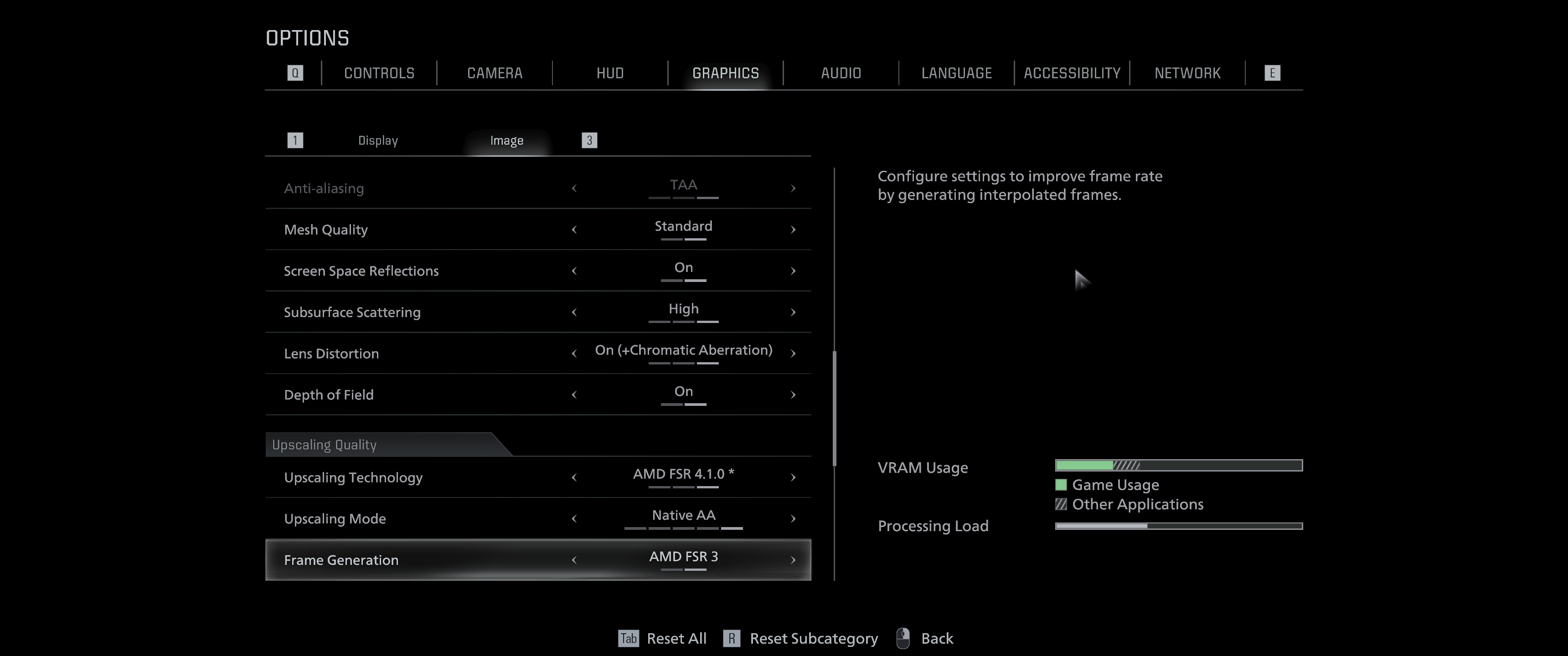
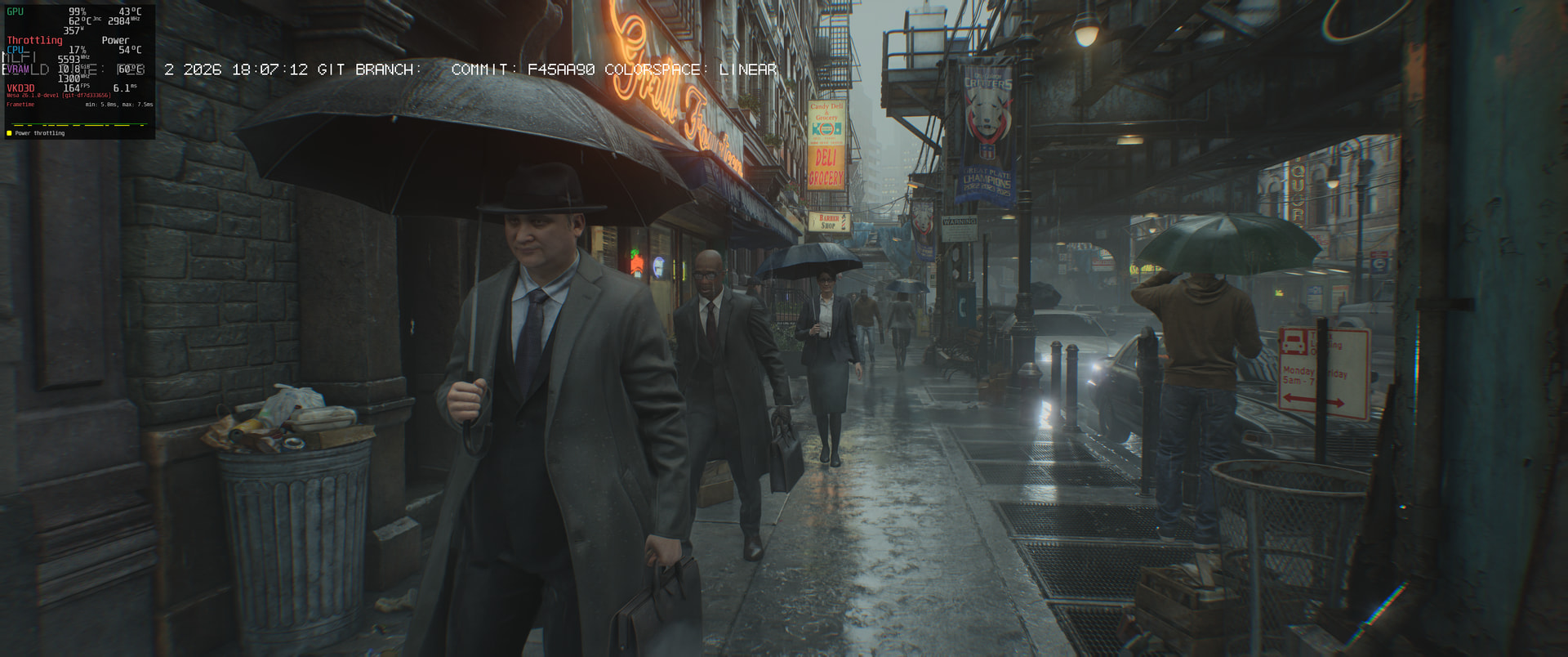
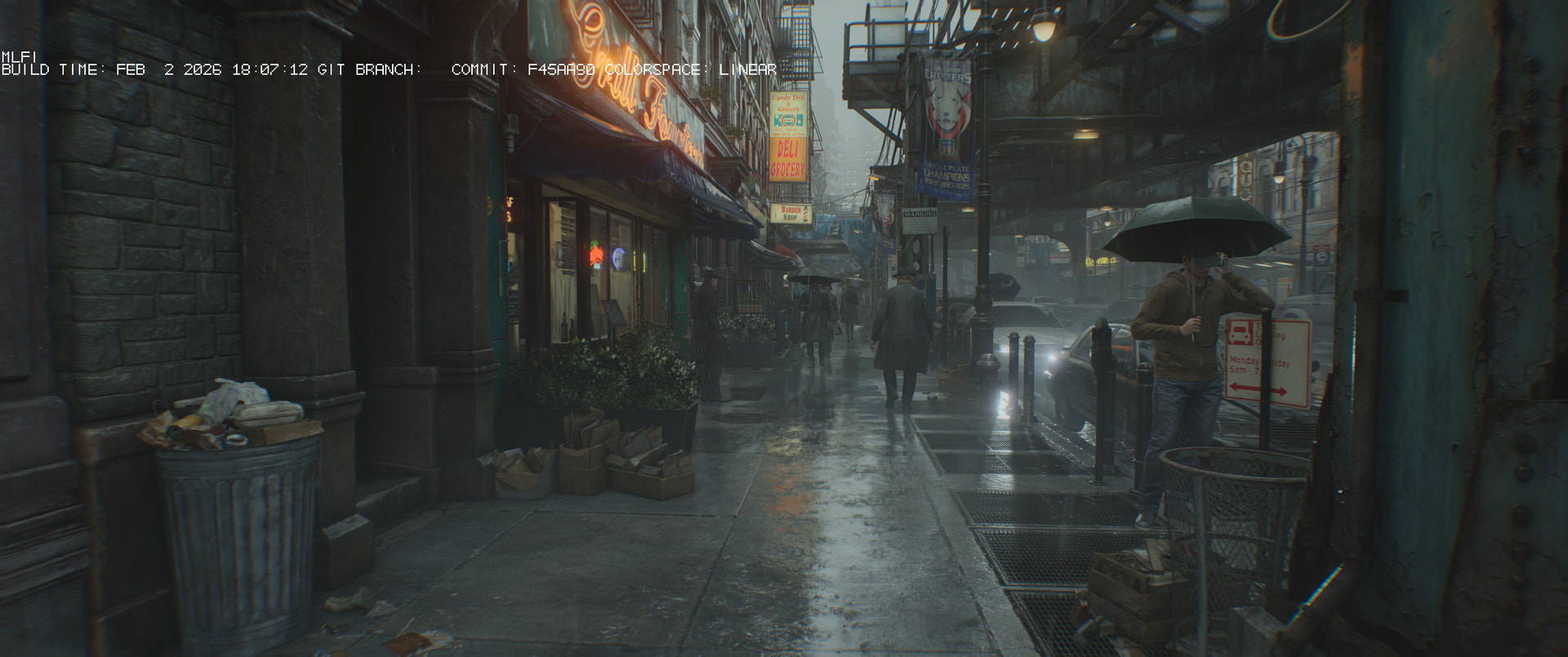
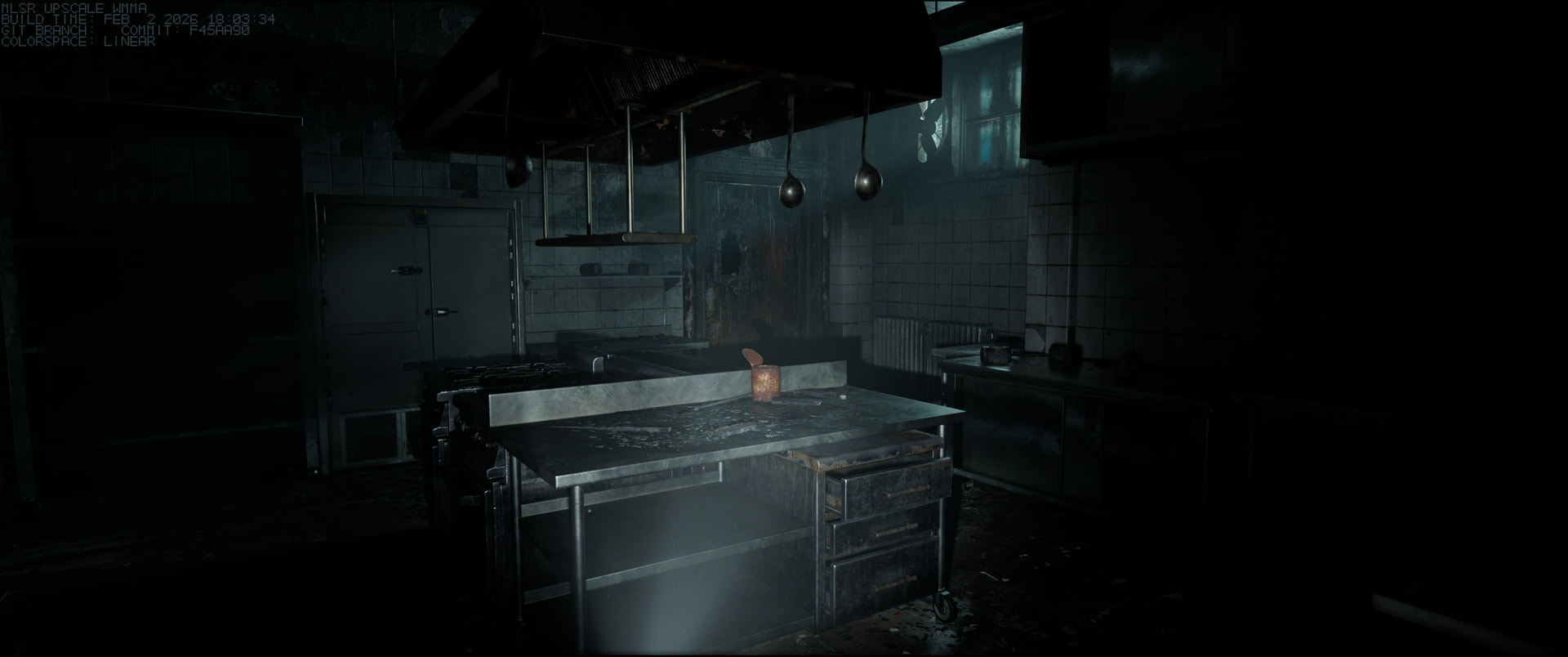
And yep — **here are a couple of in-game screenshots as proof-of-concept / it’s working:** 📸👇
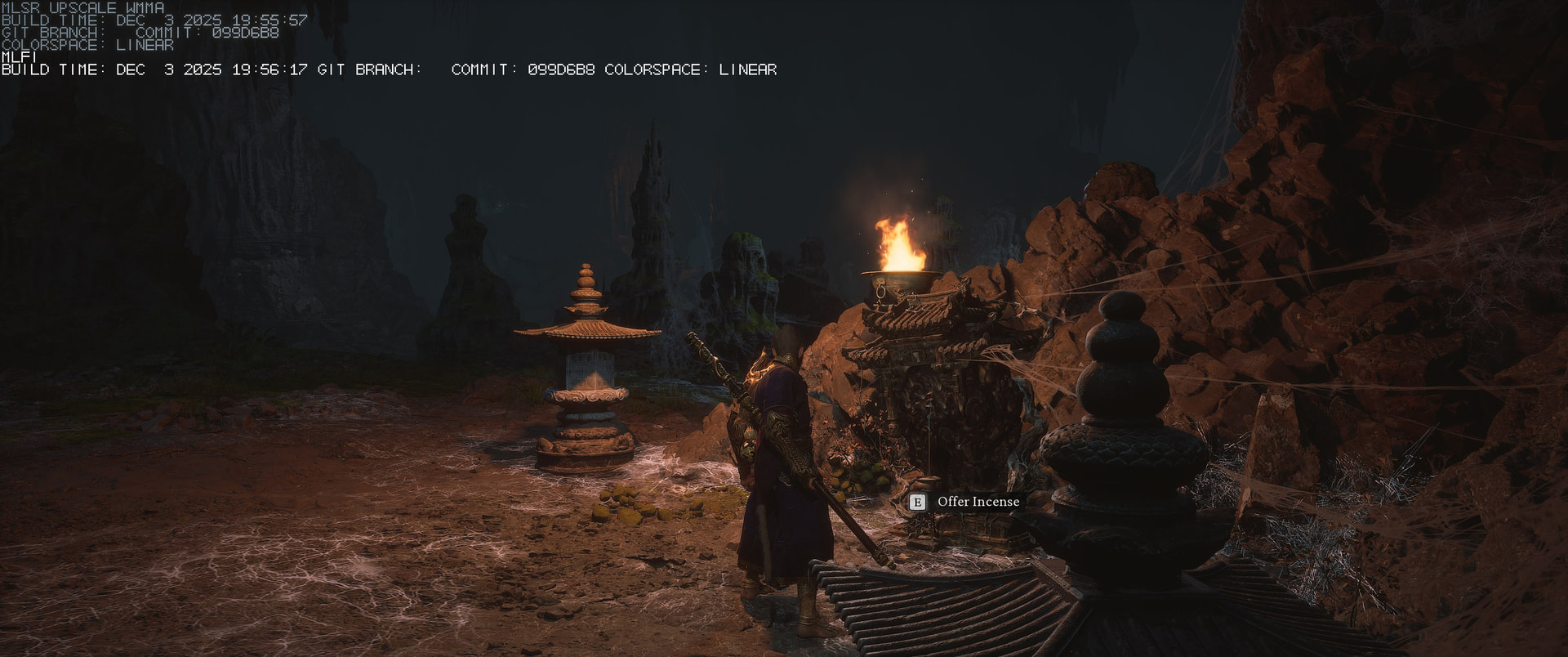
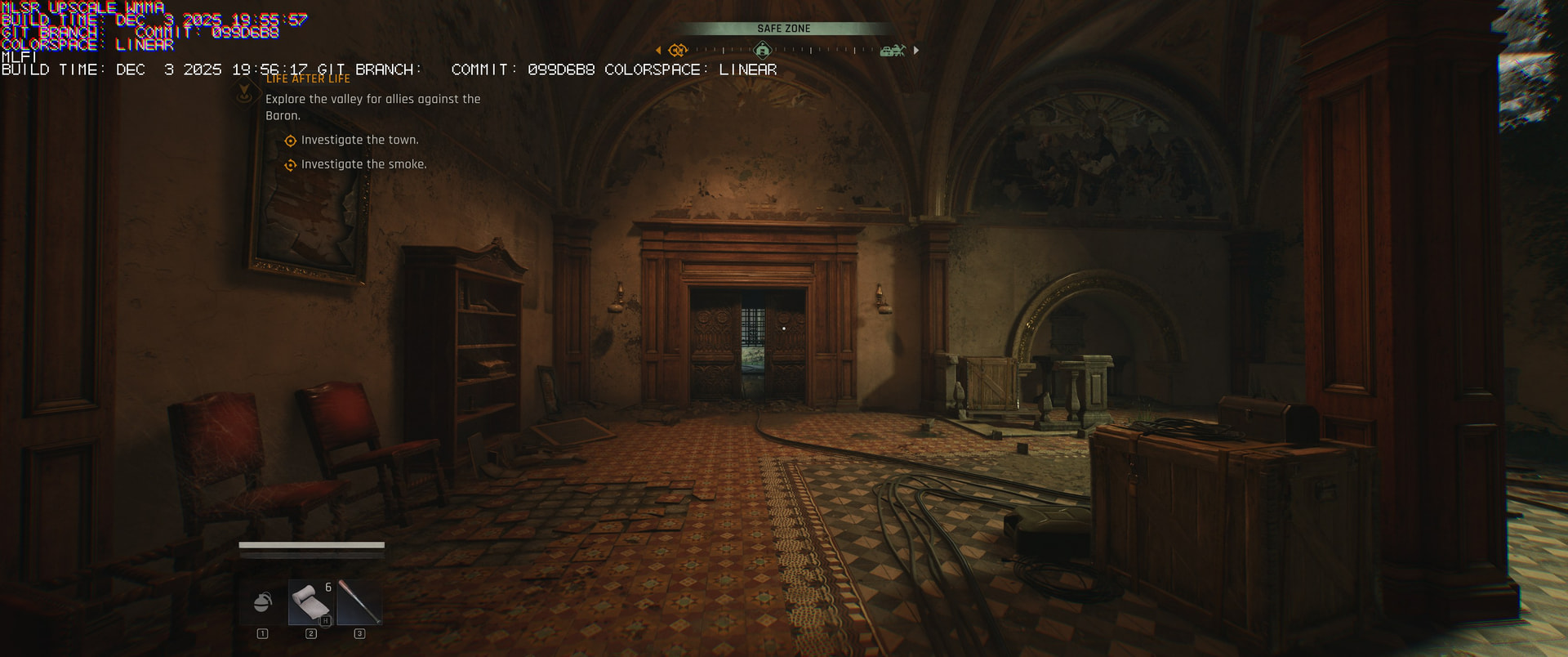
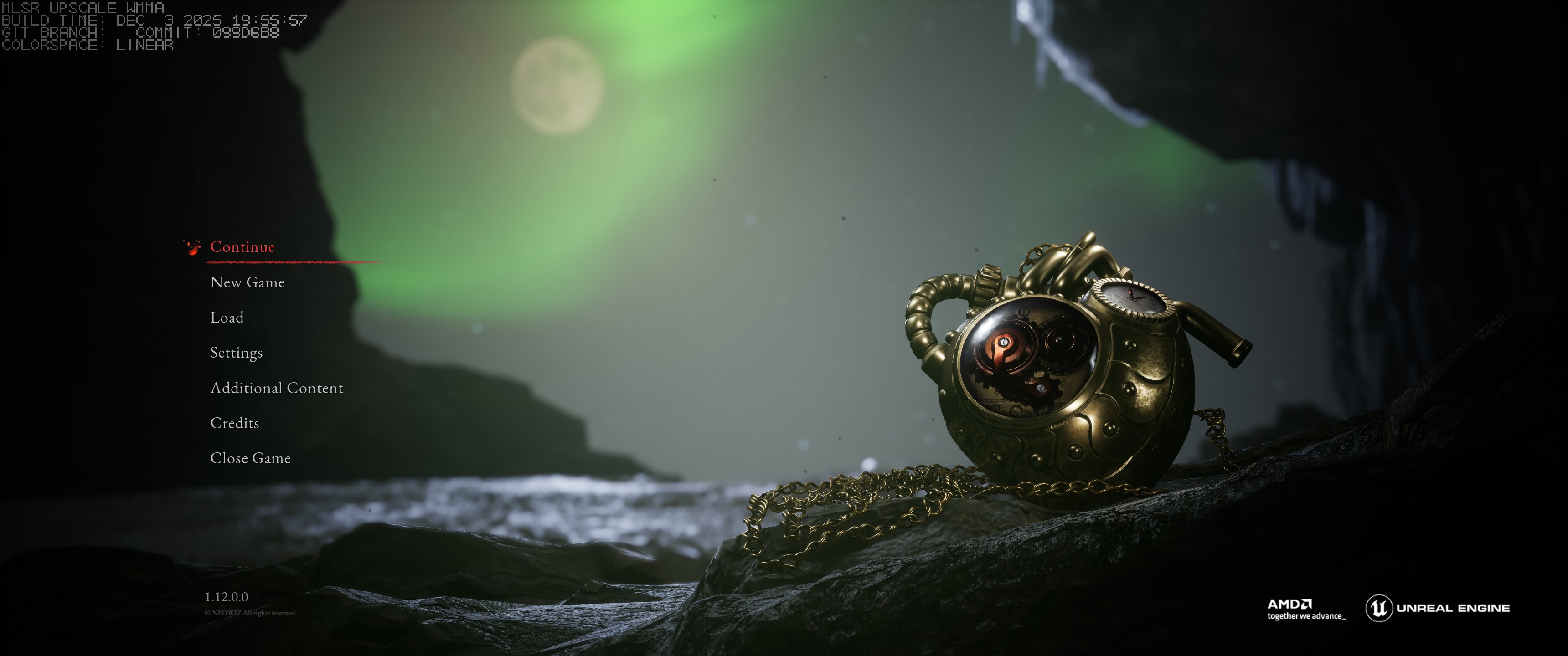
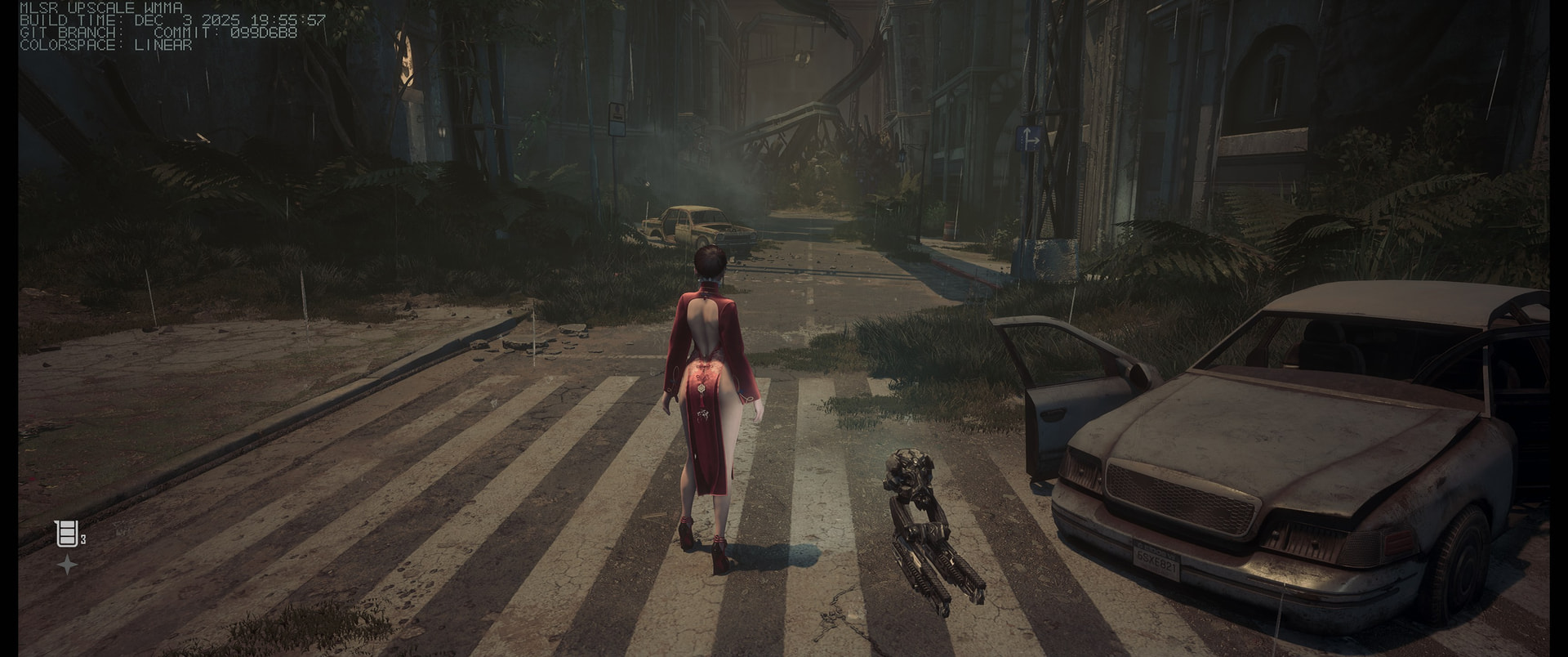
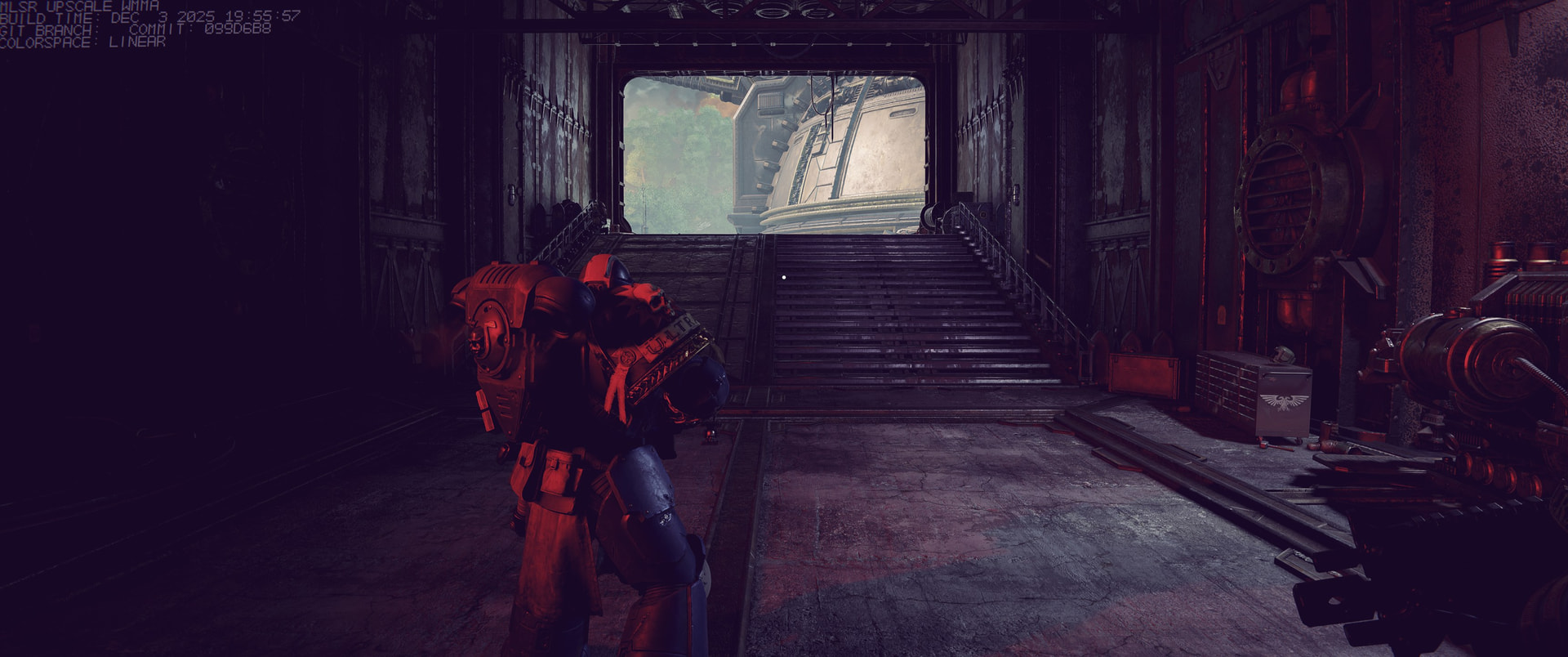
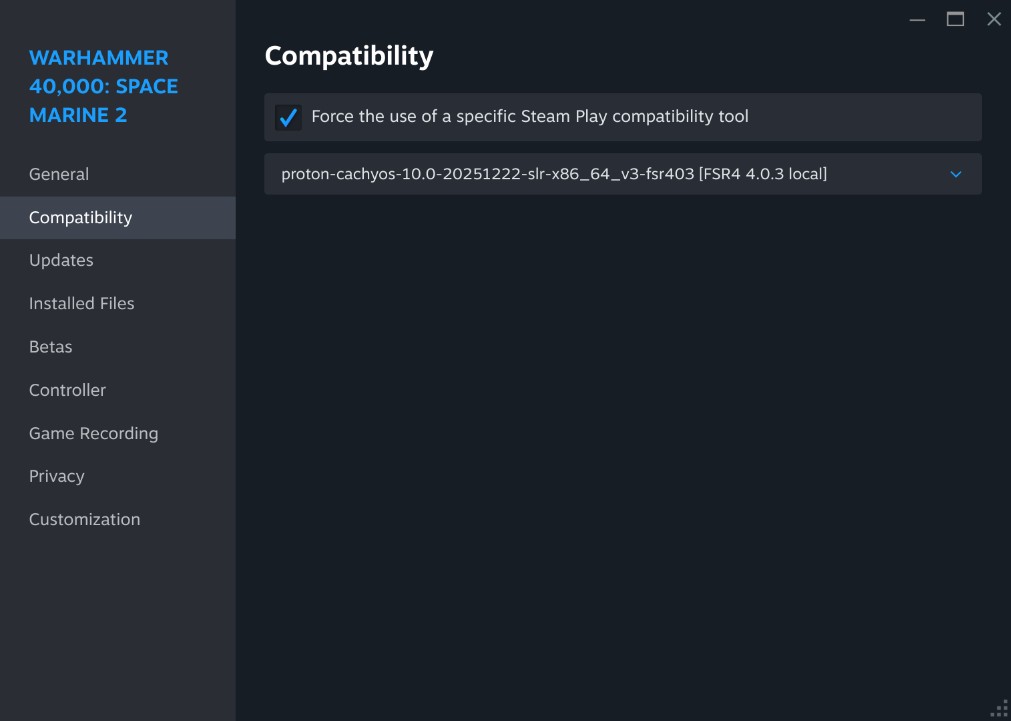
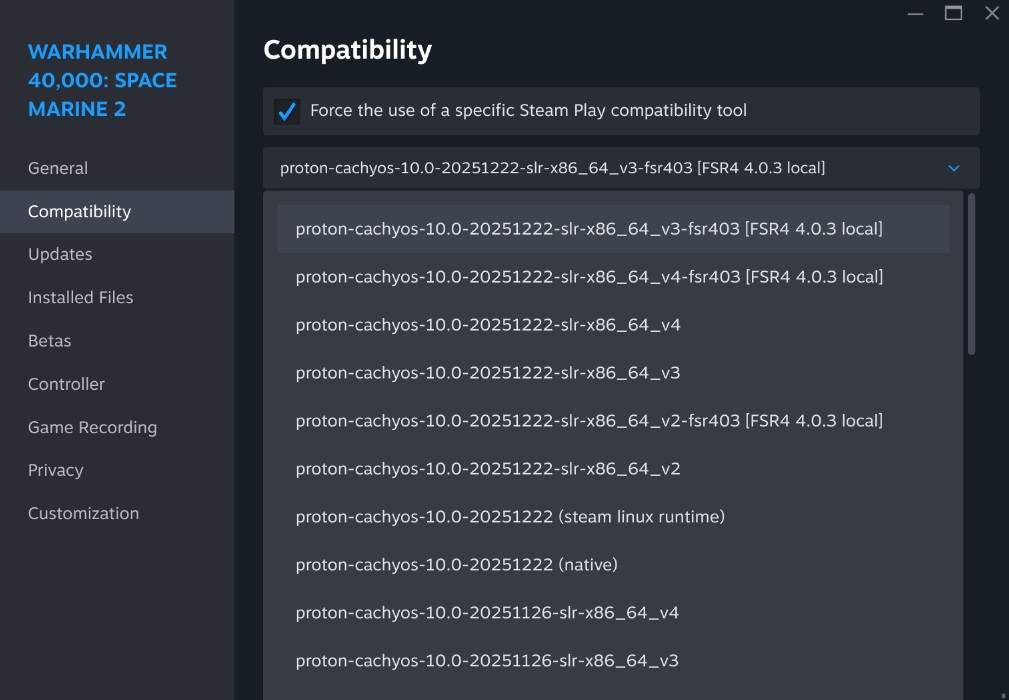
# FSR4 4.0.3 local tools (Fish) 🧰

This repo/bundle contains **two Fish functions**:

- **`amd_fsr4_install`** — fetches and extracts AMD’s **FSR4 4.0.3 `amdxcffx64.dll`** from an AMD driver package and places it in your cache (default: `~/.cache/fsr4/amdxcffx64-4.0.3.dll`).

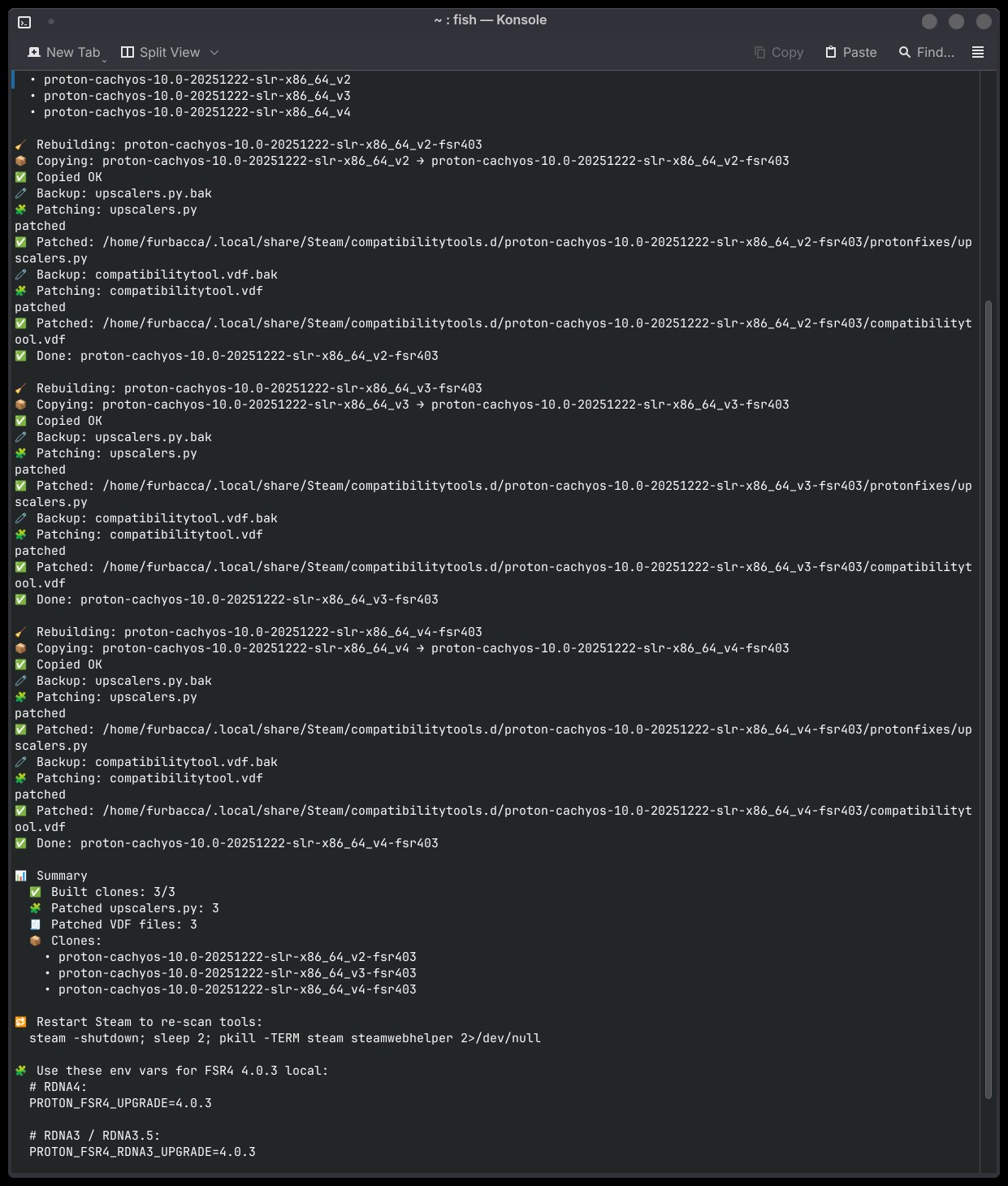
- **`proton_fsr403_rebuild`** — clones **Proton-CachyOS** compatibility tools into `*-fsr403` variants and patches them so Proton can use the **local FSR4 4.0.3 DLL** via environment variables.

> ✅ **Low-risk by design:** `proton_fsr403_rebuild` **clones** your existing Proton-CachyOS tools into `*-fsr403` folders and only edits the **clones** (original `_v2/_v3/_v4` tools stay untouched).

> 🛡️ **Fail-safes:** no sudo • refuses real rebuilds while Steam is open • `--dry-run` plan mode • `.bak` backups + rollback on failure • `py_compile` validation of patched `upscalers.py` • `--clean` removes only the clones.

> ⚠️ Still, **use at your own risk** (you’re changing files under your Steam compatibility tools directory).

---

## ✅ Requirements

### Shell
- **Fish shell**

### Proton tool sources
- Proton-CachyOS installed under:
  - `~/.local/share/Steam/compatibilitytools.d/`
  - with folders like: `proton-cachyos-10.0-<DATE>-..._v2` (and `_v3` / `_v4`)

### Dependencies
Install missing tools via your package manager. `proton_fsr403_rebuild --check` will tell you what’s missing.

- `amd_fsr4_install`: `wget, 7z, fd, rg, file, md5sum`, and one of (`exiftool` / `strings`) (optional: `cabextract`)
  *(you don’t run wget yourself; the script uses it for `--url` downloads)*

- `proton_fsr403_rebuild`: `fd, rg, python3, mktemp, stat, cp, rm, basename, sort, printf` (recommended: `pgrep` or `pidof` for Steam-running check)

---
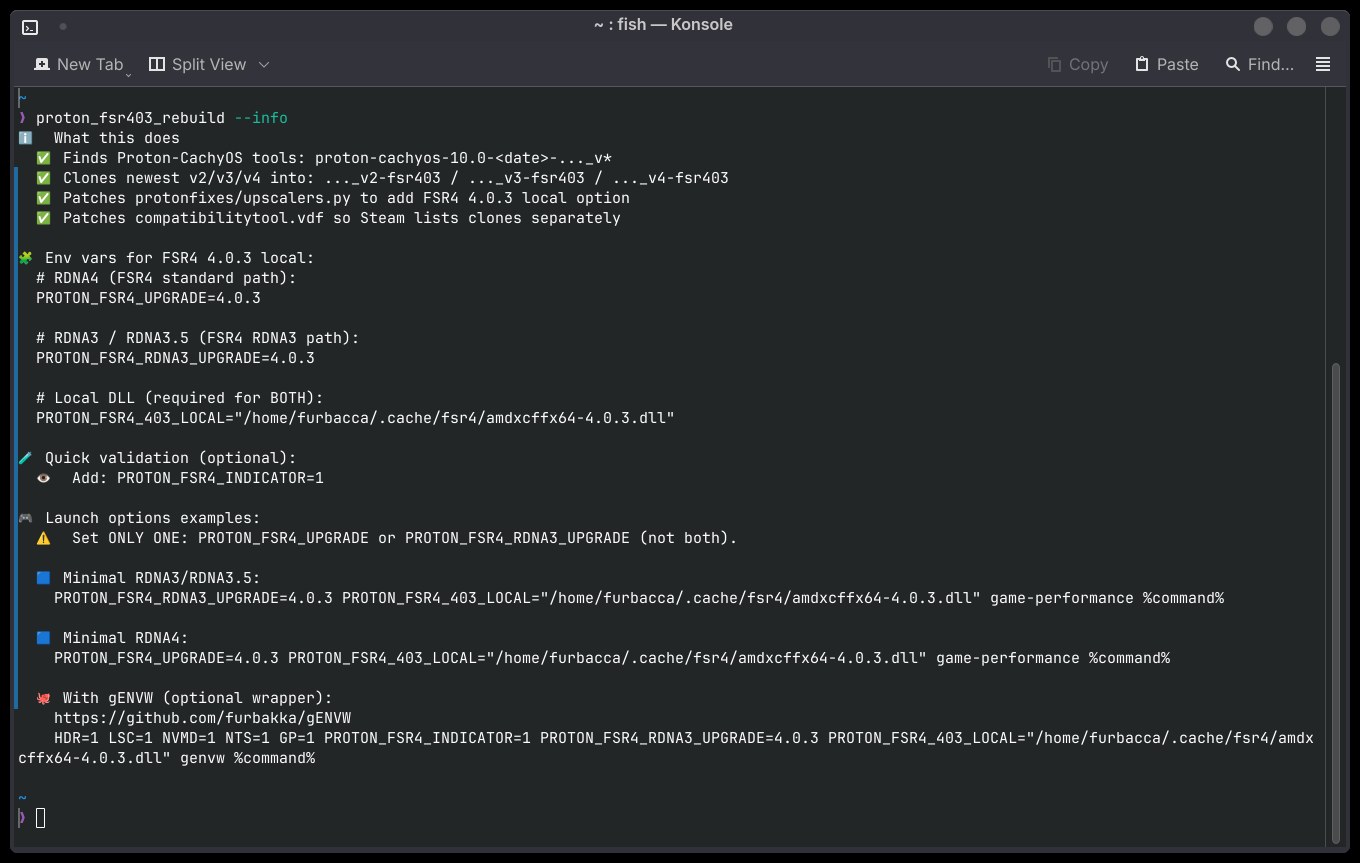
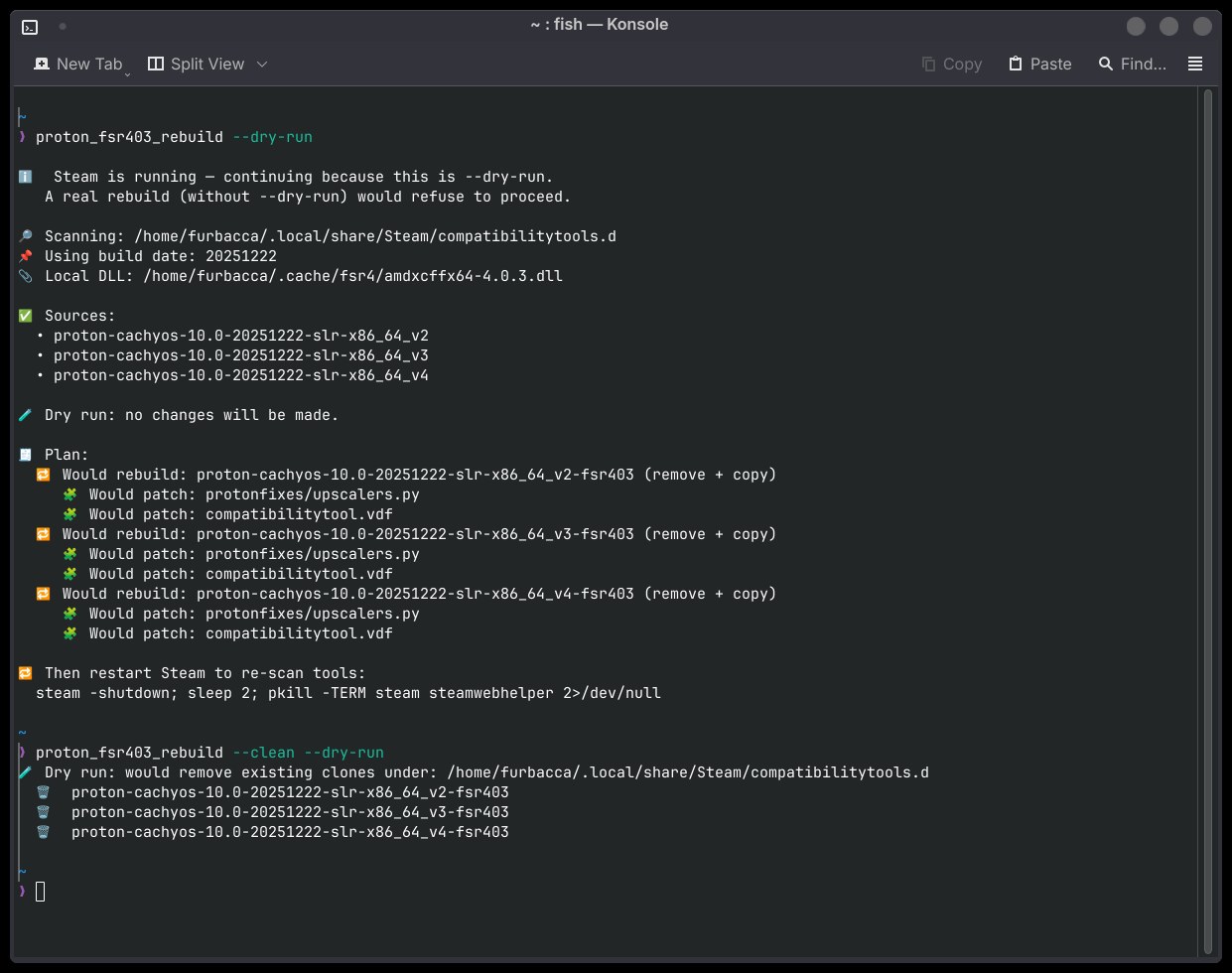
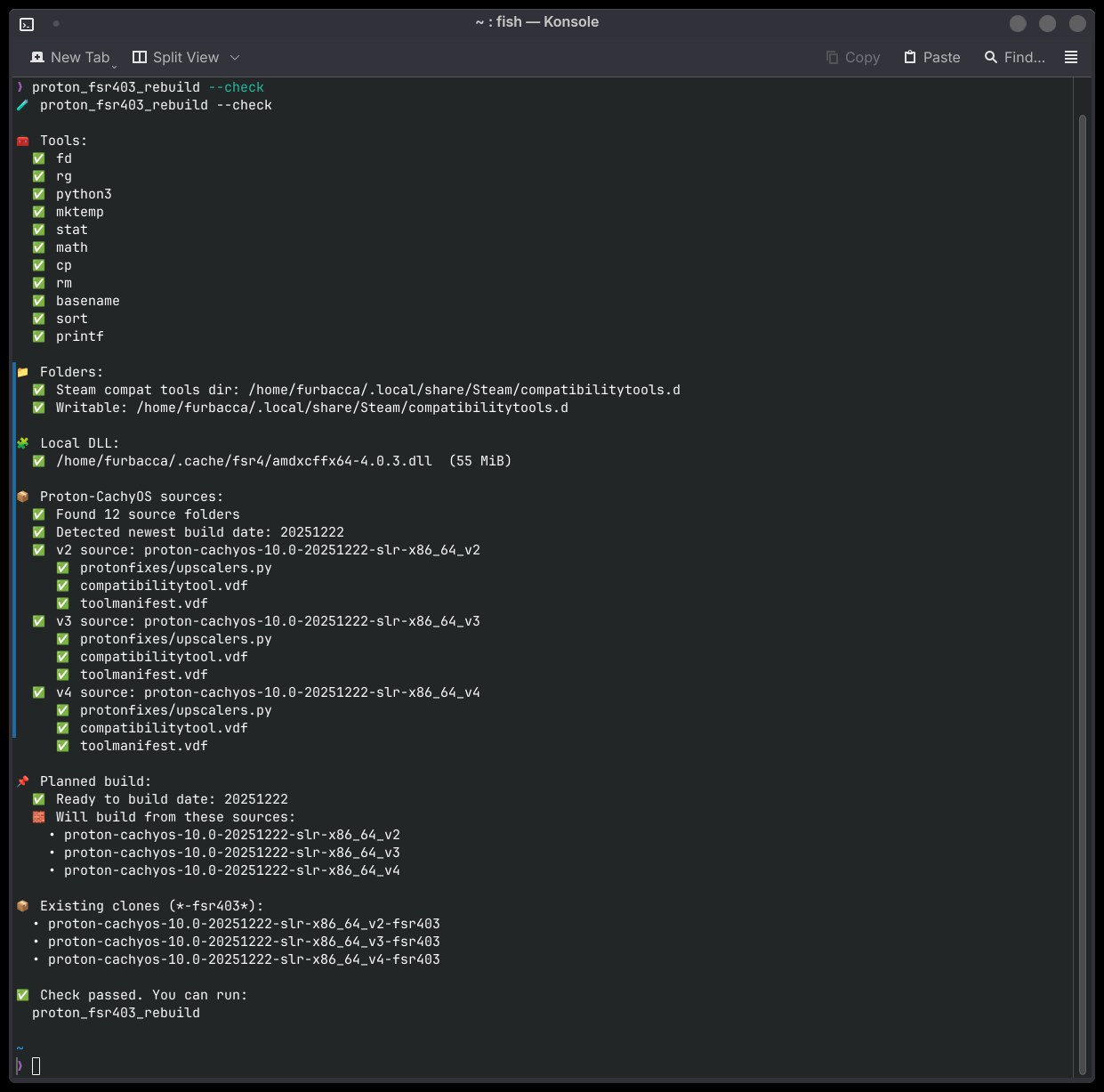
## 🛠️ Install (Fish autoload)

### Option A: download into Fish autoload path (curl)

mkdir -p ~/.config/fish/functions

curl -L -o ~/.config/fish/functions/proton_fsr403_rebuild.fish \
  "https://raw.githubusercontent.com/furbakka/gENVW/main/proton_fsr403_rebuild.fish"

curl -L -o ~/.config/fish/functions/amd_fsr4_install.fish \
  "https://raw.githubusercontent.com/furbakka/gENVW/main/amd_fsr4_install.fish"

# Reload functions
functions -e proton_fsr403_rebuild amd_fsr4_install 2>/dev/null
source ~/.config/fish/functions/proton_fsr403_rebuild.fish
source ~/.config/fish/functions/amd_fsr4_install.fish


### Option B: copy from Downloads

mkdir -p ~/.config/fish/functions

cp -f ~/Downloads/amd_fsr4_install.fish ~/.config/fish/functions/amd_fsr4_install.fish
cp -f ~/Downloads/proton_fsr403_rebuild.fish ~/.config/fish/functions/proton_fsr403_rebuild.fish

fish -n ~/.config/fish/functions/amd_fsr4_install.fish; or return
fish -n ~/.config/fish/functions/proton_fsr403_rebuild.fish; or return

functions -e amd_fsr4_install proton_fsr403_rebuild 2>/dev/null
source ~/.config/fish/functions/amd_fsr4_install.fish
source ~/.config/fish/functions/proton_fsr403_rebuild.fish


---

## 1) Get the FSR4 DLL

See available flags:

amd_fsr4_install --help


### Option A: download from AMD’s official site (browser), then use `--exe`

1) Go to AMD Drivers & Support, download the Windows driver EXE (Adrenalin) for your GPU/OS.
2) Save it into `~/Downloads/`, then run:


amd_fsr4_install --exe ~/Downloads/whql-amd-software-adrenalin-edition-25.12.1-win11-b.exe --want 4.0.3


### Option B: let the script download via `--url` (example)


amd_fsr4_install --url "https://drivers.amd.com/drivers/whql-amd-software-adrenalin-edition-25.12.1-win11-b.exe" --want 4.0.3


Keep extracted files (optional):


amd_fsr4_install --url "https://drivers.amd.com/drivers/whql-amd-software-adrenalin-edition-25.12.1-win11-b.exe" --want 4.0.3 --keep-extracted


Verify:


ls -lah ~/.cache/fsr4/amdxcffx64-4.0.3.dll


---

## 2) Build Proton-CachyOS `*-fsr403` clones

Preflight:

proton_fsr403_rebuild --check


Plan mode (no changes):

proton_fsr403_rebuild --dry-run


Real run (close Steam first):

proton_fsr403_rebuild


Clean (remove clones):

proton_fsr403_rebuild --clean


---

## 🎮 Steam launch options (FSR4 4.0.3 local)

Use **only one** upgrade var (**don’t set both at once**):

### RDNA4

PROTON_FSR4_UPGRADE=4.0.3 PROTON_FSR4_403_LOCAL="$HOME/.cache/fsr4/amdxcffx64-4.0.3.dll" game-performance %command%


### RDNA3 / RDNA3.5

PROTON_FSR4_RDNA3_UPGRADE=4.0.3 PROTON_FSR4_403_LOCAL="$HOME/.cache/fsr4/amdxcffx64-4.0.3.dll" game-performance %command%


(Optional) indicator:

PROTON_FSR4_INDICATOR=1


---

## Optional: use with gENVW (wrapper)

Works great with **gENVW** (Gaming Env Wrapper) to keep Launch Options clean.

Repo: https://github.com/furbakka/gENVW

### Example (RDNA3/RDNA3.5 + indicator + HDR toggles)

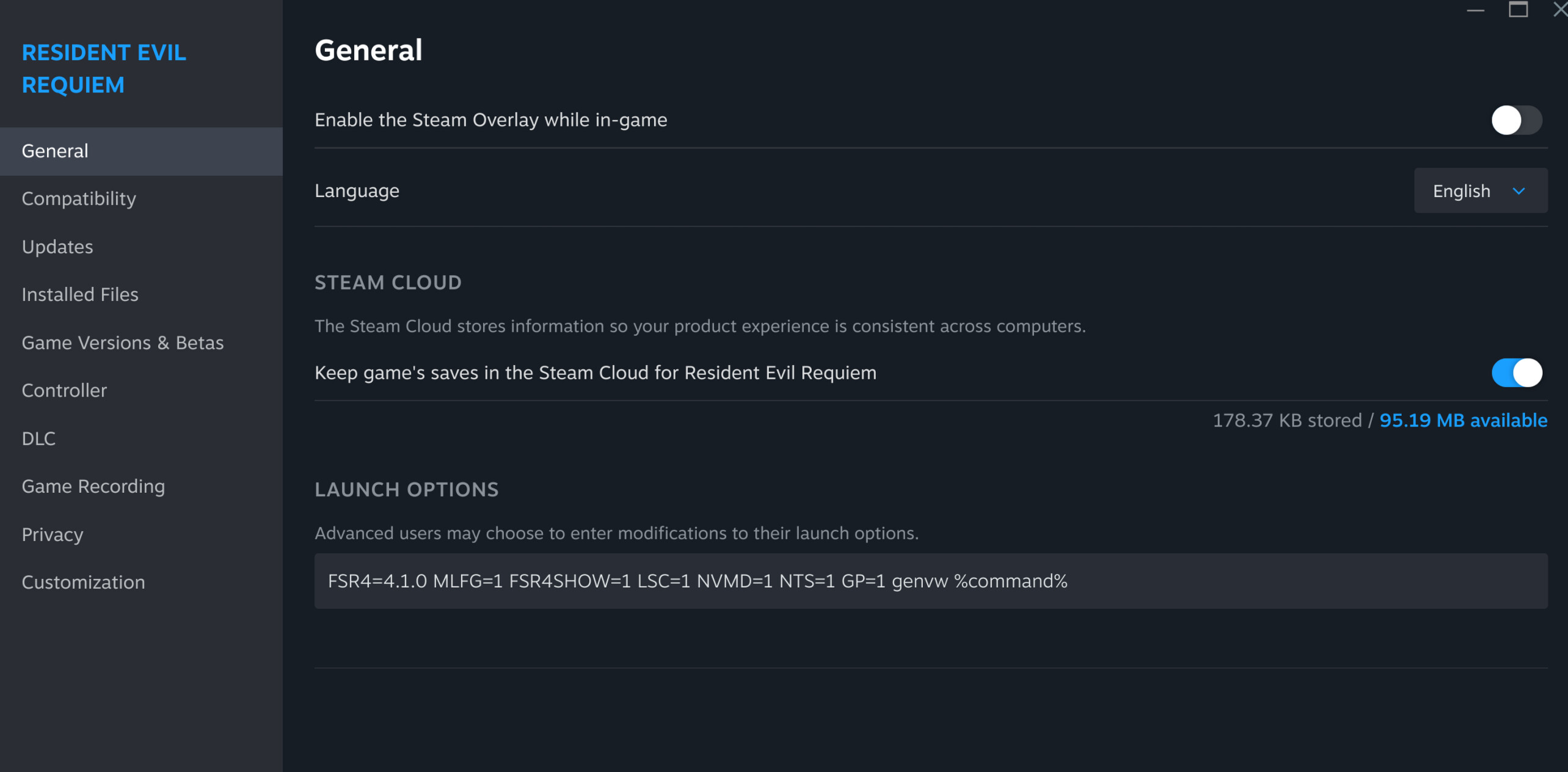
HDR=1 LSC=1 NVMD=1 NTS=1 GP=1 PROTON_FSR4_INDICATOR=1 PROTON_FSR4_RDNA3_UPGRADE=4.0.3 PROTON_FSR4_403_LOCAL="$HOME/.cache/fsr4/amdxcffx64-4.0.3.dll" genvw %command%


### Example (RDNA4)

HDR=1 LSC=1 NVMD=1 NTS=1 GP=1 PROTON_FSR4_INDICATOR=1 PROTON_FSR4_UPGRADE=4.0.3 PROTON_FSR4_403_LOCAL="$HOME/.cache/fsr4/amdxcffx64-4.0.3.dll" genvw %command%


Tip: set only **one** of `PROTON_FSR4_UPGRADE` /`PROTON_FSR4_RDNA3_UPGRADE` (don’t set both).

---

## Troubleshooting
- Tool not showing in Steam: restart Steam (it only re-scans compatibility tools on startup).

- Game won’t launch: run `proton_fsr403_rebuild --check`, confirm the DLL exists at `~/.cache/fsr4/amdxcffx64-4.0.3.dll`, and make sure you set **only one** of `PROTON_FSR4_UPGRADE` / `PROTON_FSR4_RDNA3_UPGRADE`.
- Need logs: add `PROTON_LOG=1` to launch options and check `~/steam-<appid>.log`.

## Help
- `amd_fsr4_install --help`
- `proton_fsr403_rebuild --help`


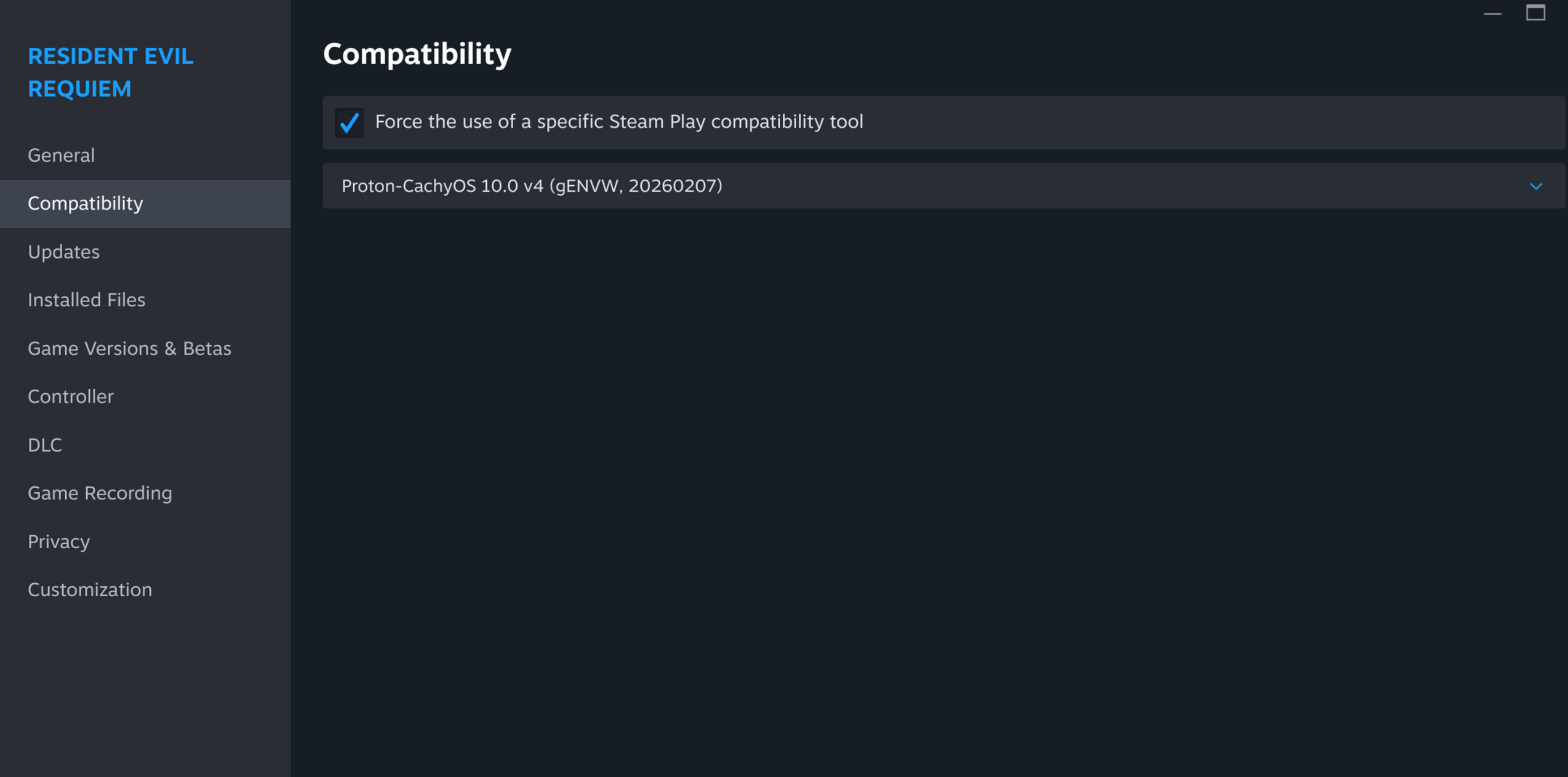

 GPU detection
 Installed from local DLL: /home/furbacca/Downloads/amdxcffx64_v4.1.0.dll
 Allowlist: ALLOWLIST_MATCH=0 REASON=allowlist_missing
 Fix: append fingerprint to allowlist: /home/furbacca/.local/share/genvw/allowlists/amdxcffx64_v4.1.0.allowlist
 Run with --verbose/–debug for details.
 prefix-sync: prefix DLL not found
 prefix-sync: installing cache DLL into prefix (creates amdxcffx64.dll.~N~ backup if existing)