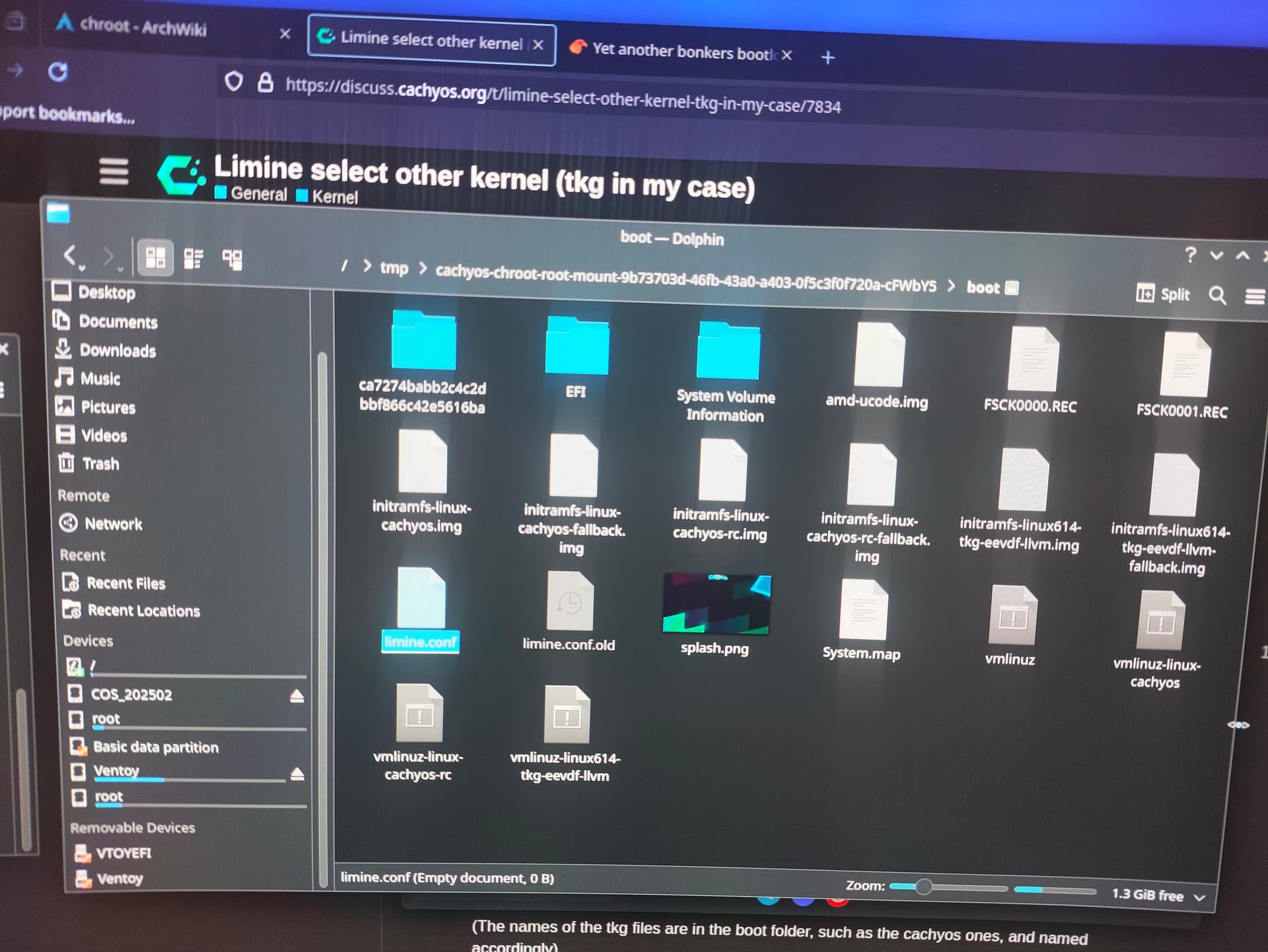
Hey, urgent help needed. I edited a config file to boot with the current Rc kernel. (It’s basically adding -rc to the module and kernel wording). However, after that I compiled and installed the latest regular cachy Zen 4 kernel.
(Also notice that it’s not possible to compile the Rc kernel. There is some sort of download issue, I forgot the error code. If you click on the link shown there, the kernel downloads.)
But that fucked up my install. I can’t boot.
Now I am chrooting. But the boot folder is empty. I’m not sure if I am actually chrooting in it. I used /boot and /@/boot as place aimed to chroot in, and went through the different places on my disk (/, @, …) which made sense with that selection. Nothing. I want to change the name back so it boots. Im also confused the install didn’t overwrite my manual entry, though. I can clearly enter my disk nonetheless - I can e.g. see my download folder.
With some selections its even saying that I already chrooted this place. Weird.
Yes, I am doing that. Auto btrfs chroot settings which the terminal suggests. It then suggests to chroot another partition, where I added the ones I described, but it seems the whole disk is successfully chrooted, bc it says I am already chrooted in @/boot or /boot (can’t remember which one it was).