Hi Everyone, My windows are aggressively snapping and autotiling themselves on my screen.
whenever an application goes into fullscreen mode, it completely locks up in that state, I can’t get it to leave fullscreen or resize normally
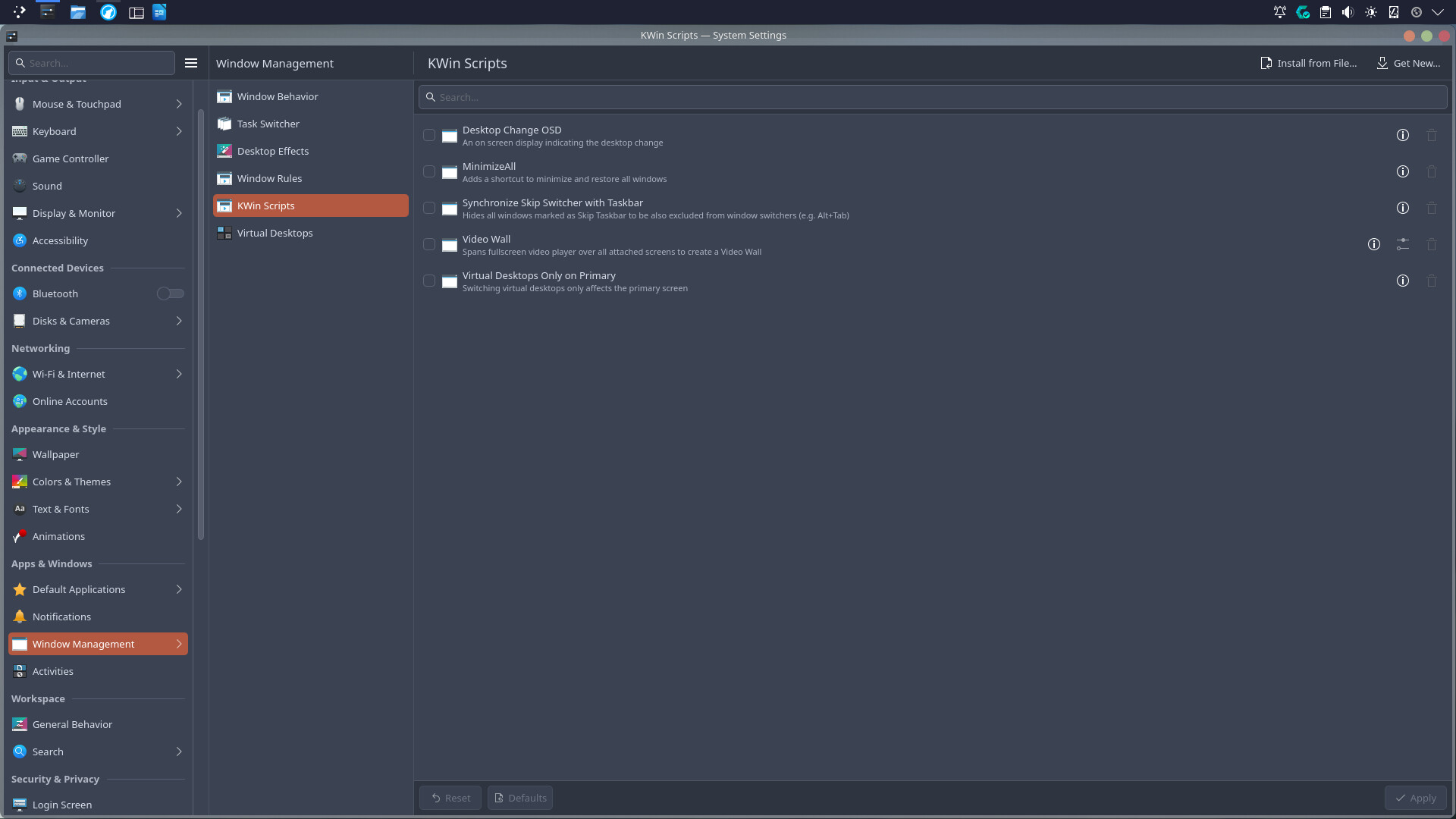
For context, I wanted to test out some autotiling workflows, so I installed a couple of KWin autotiling scripts. After using them for a bit, I decided the tiling workflow just wasn’t for me. I went into my System Settings, disabled the scripts, and completely uninstalled/removed them from my system
The problem is that even though the scripts are completely gone, the tiling behavior is still happening. It’s like KWin cached the settings or there are residual config files somewhere that are still forcing windows to snap and lock into place.
I’ve rebooted my machine multiple times, but the ghost tiling persists.