Hello everyone I’m new to Linux been using cachyos for a few months no issues until today updated last night and can’t even get to a log in screen just black screen and doesn’t do anything so i tried restore from a snapshot but keep getting the same error in image. Anyone know how to fix this or another method to rollback with some simple instructions? Any help would be appreciated 

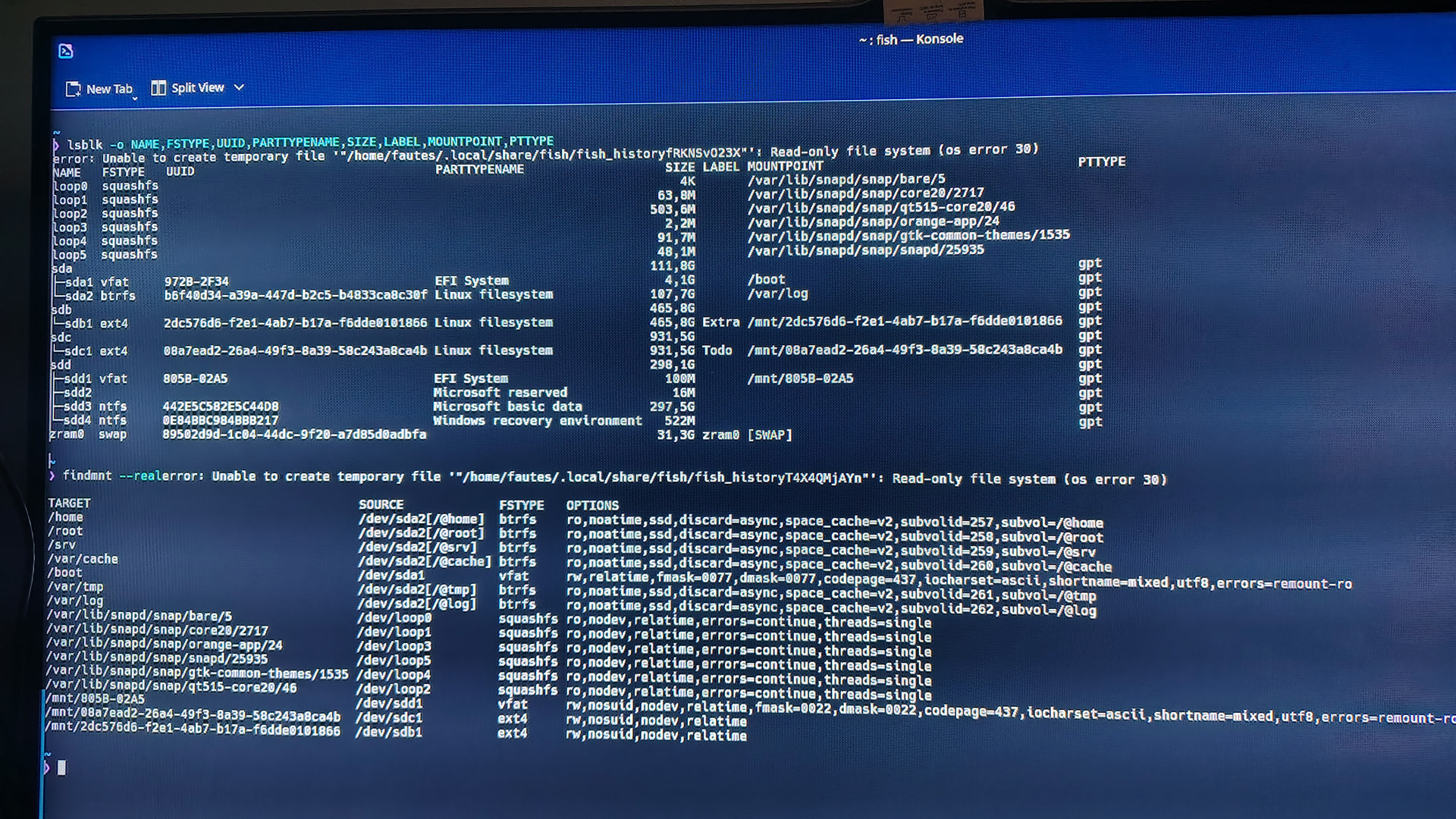
check if your UUID and filesystem are correct
lsblk -o NAME,FSTYPE,UUID,PARTTYPENAME,SIZE,LABEL,MOUNTPOINT,PTTYPE
and
findmnt --real
Switch to bash, then try mounting btrfs to see if it works
bash
mount -t btrfs /dev/disk/by-uuid/b6f40d34-a39a-447d-b2c5-b4833ca8c30f  /mnt
ls -al /mnt
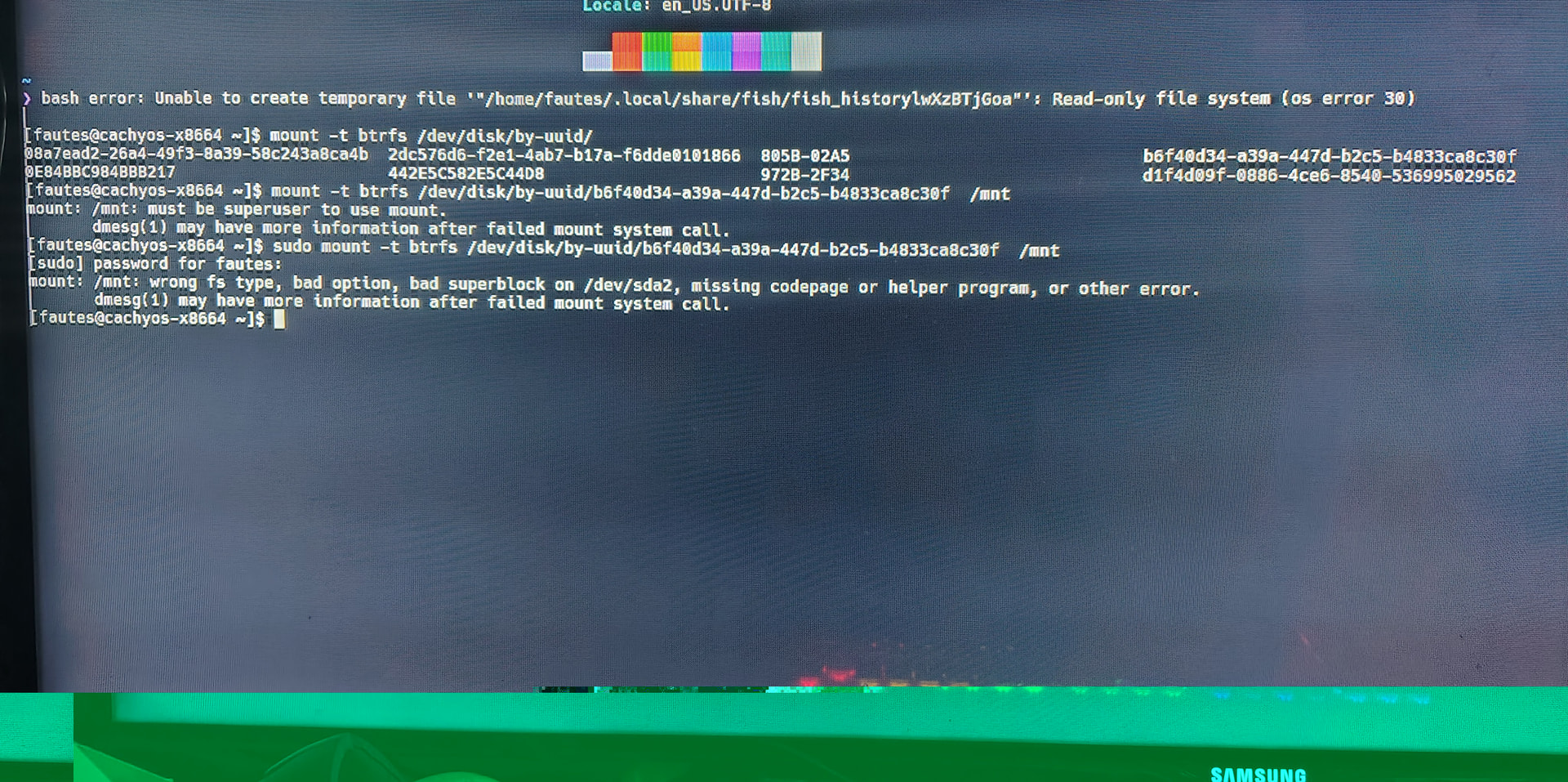
This looks like the Btrfs mount is corrupted for some reason, possibly unreliable hardware, but your snapshot with overlayfs still works in your case.
Check journalctl -p err | grep BTRFS
First, back up your important data to another disk before repairing Btrfs with some Btrfs tools.
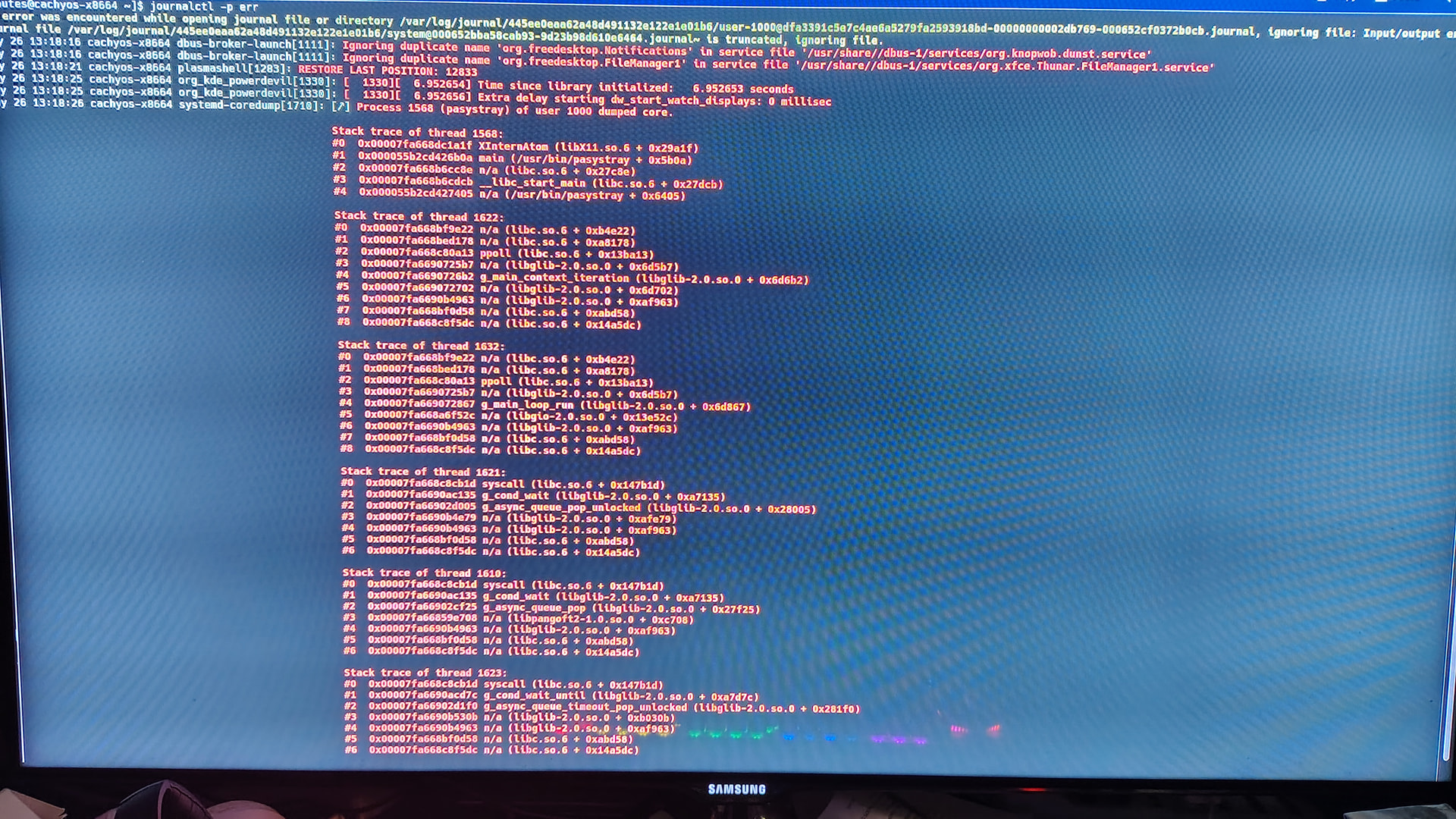
Can you share the output of:
journalctl --no-pager -p warning --grep BTRFS
just copy paste the result as text instead of a photo if your internet is fine