This is a new issue, I was able to access and play games on this HD. Last night I went to play my totally legit version of wow Cataclysym and found that I did not mount my game drive. Using Dolphin, I tried to mount, correct password then this.
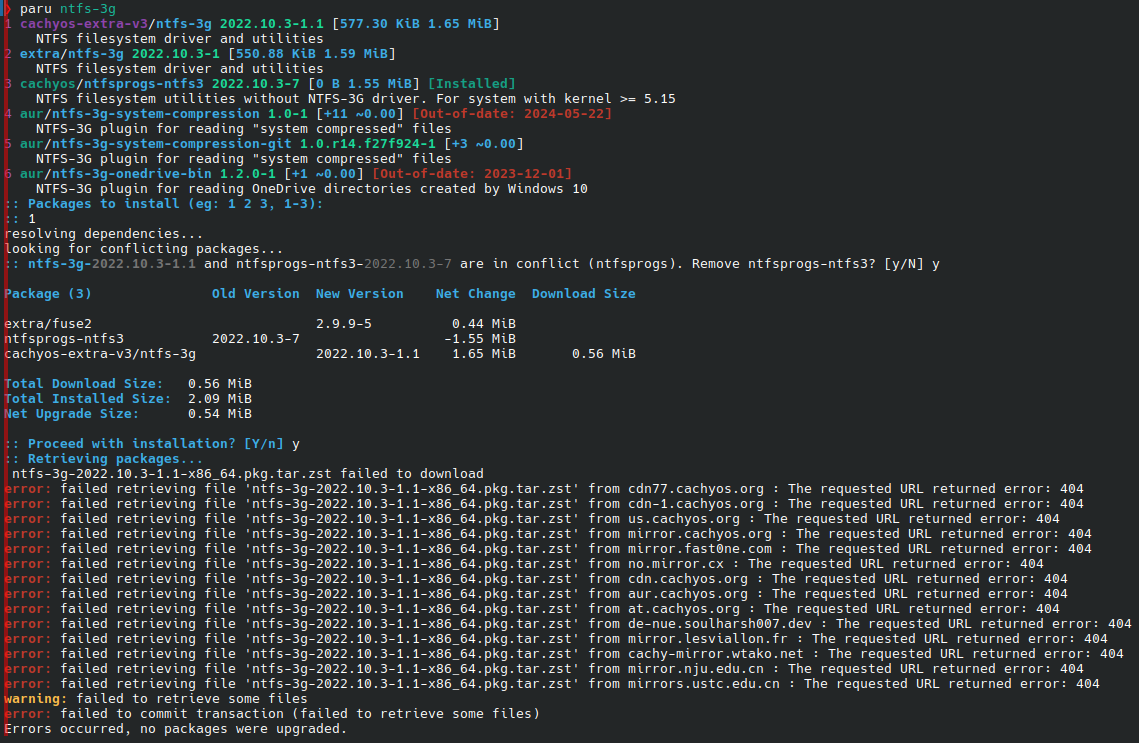
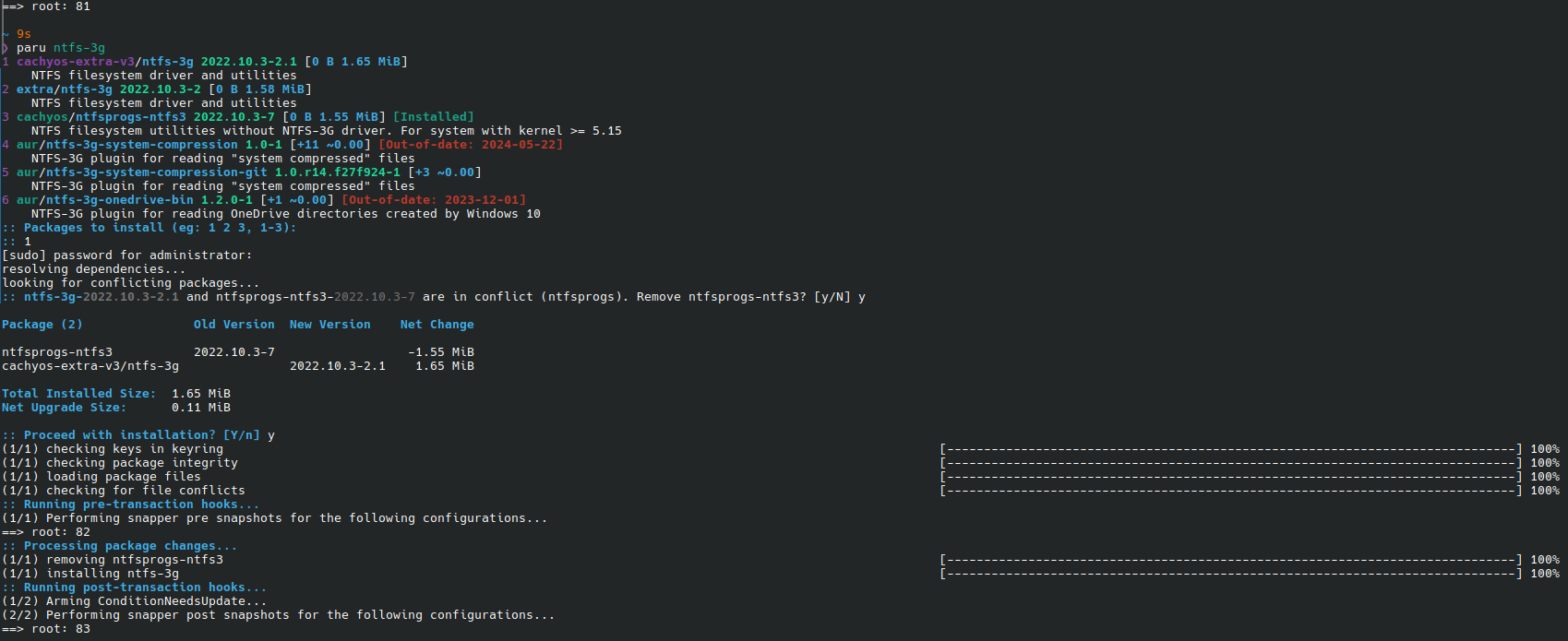
After googling I found that I should make sure my ntfs-3g is in order. So, I checked and thought it was, then I did this to make sure and this is the result.
ntfsfix or any other tool on linux purporting to ‘fix’ ntfs partitions are snake oil.
They can, at best, forcibly remove the ‘dirty bit’ set on those partitions. They do not ‘fix’ anything. Meaning users may then ocntinue using a fragmented partition - possibly leading to further damage and/or data loss.
The only proper way to fix/repair the proprietary NTFS filesystem is to use the proprietary windoze OS or a clone/PE like Hirens and chkdsk.
To the original issue.
This usually occurs if the partition was not properly unmounted.
This most often is caused by not disabling windoze ‘Fast Startup’ - which is a misleading option that actually ensures the system never shuts down but instead only hibernates. This causes many issues, especially in cases like dual-booting with other OSs.
ntfs-3g is the legacy method of mounting NTFS on linux. ntfs3 is now part of the kernel. ntfs-3g will force-mount even partitions that are apparently damaged. ntfs3 will not do so (and print warnings).
If you are only using the partition for linux then I would probably opt for whatever preferred format I like that is native to it.
For me thats often ext4 .. especially for something simple like data.
Of course this will also mean you have to deal with things like permissions - which can variably be handled any number of ways, including simply taking ownership of the path.
Other options like btrfs may be desirable for their other features like integrated backups.
For inter-operation with other OSs some people like exfat.
On the whole - if you dont intend to use windoze then I would probably opt for just about anything other than NTFS. Well, aside from the old fats .. like fat32 which would be slow and have other issues, like a 4gb maximum file size.
Using a natively supported filesystem would mean the regular system tools like fsck would be all that is needed for maintenance.

 Danger, Will Robinson!