Hello! English is not my first language, please bear with me.
A couple of months ago emojis became extremely weird. In my terminal emulator emoji icons became small and changed in a bad way. Also, emojis in my waybar became either tiny or completely changed.
LLMs tell me that emoji fallback from my font fails, but all its suggestions did not help.
It’s been kind of driving me insane lately, any help is appreciated.
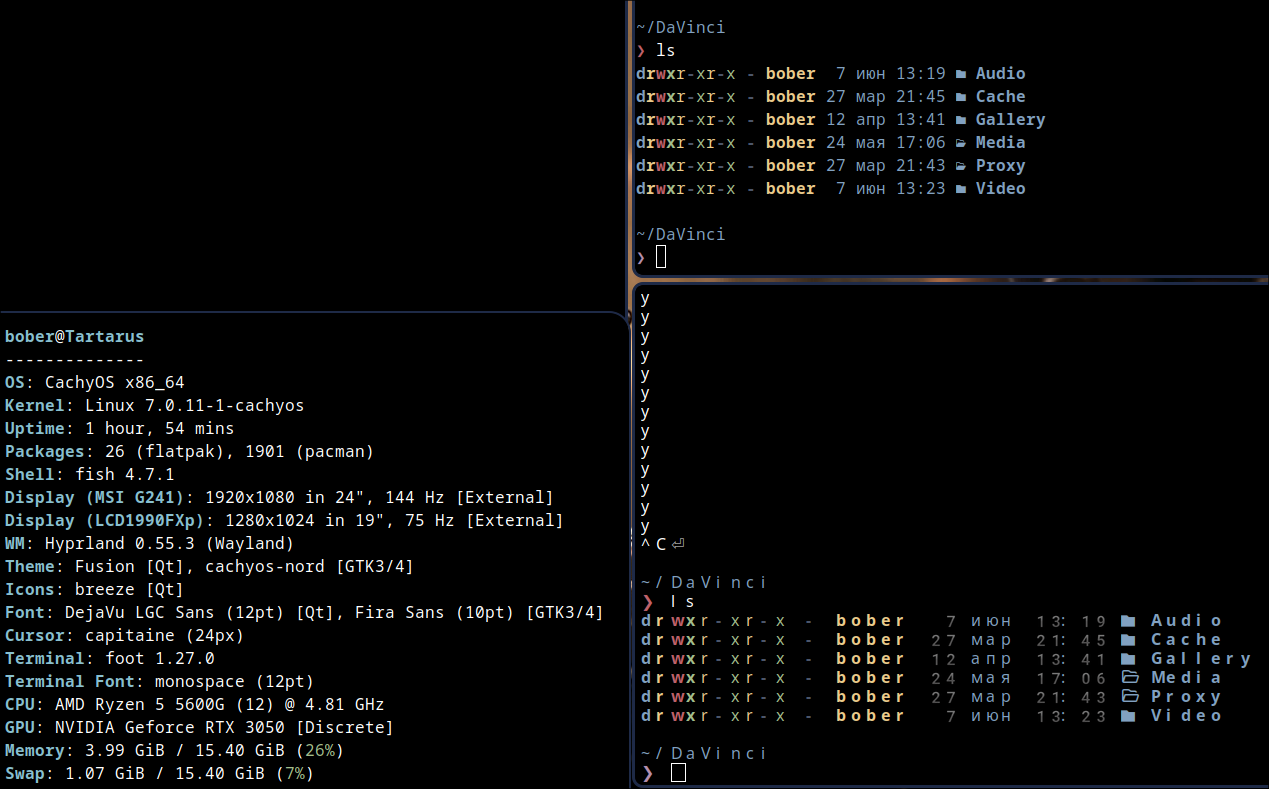
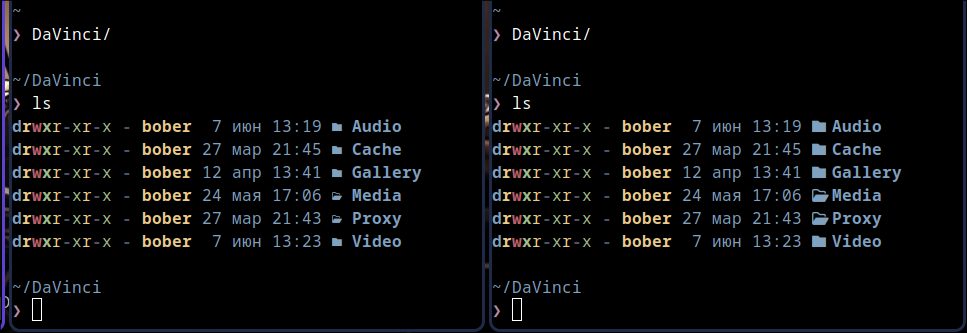
I use foot as my terminal emulator. The top right instance is launched normally, with font=monospace. The bottom right instance is launched with font=Noto Color Emoji. The icons that are inside the second terminal instance used to be the default ones, and they look way better. Picture below, with fastfetch on the left.
UPD: Forgot to mention that foot has the option to choose a fallback font in itself, yet it still does not work with the settings chosen correctly: font=monospace, Noto Color Emoji