Moin,
I can only advise you to buy a good Unix book or borrow one from a library.
Then there are help pages for 99% of all Unix commands that you use in the console, which you can view in the terminal, e.g. 
# man ls
Then you will see the following
LS(1)                                                                                                    User Commands                                                                                                   LS(1)

NAME
       ls - list directory contents

SYNOPSIS
       ls [OPTION]... [FILE]...

DESCRIPTION
       List information about the FILEs (the current directory by default).  Sort entries alphabetically if none of -cftuvSUX nor --sort is specified.

       Mandatory arguments to long options are mandatory for short options too.

       -a, --all
              do not ignore entries starting with .

       -A, --almost-all
              do not list implied . and ..

       --author
              with -l, print the author of each file

       -b, --escape
              print C-style escapes for nongraphic characters

       --block-size=SIZE
              with -l, scale sizes by SIZE when printing them; e.g., '--block-size=M'; see SIZE format below

       -B, --ignore-backups
              do not list implied entries ending with ~

       -c     with -lt: sort by, and show, ctime (time of last change of file status information); with -l: show ctime and sort by name; otherwise: sort by ctime, newest first

       -C     list entries by columns

       --color[=WHEN]
              color the output WHEN; more info below

       -d, --directory
              list directories themselves, not their contents

       -D, --dired
              generate output designed for Emacs' dired mode

       -f     same as -a -U

       -F, --classify[=WHEN]
              append indicator (one of */=>@|) to entries WHEN

       --file-type
              likewise, except do not append '*'

       --format=WORD
              across,horizontal (-x), commas (-m), long (-l), single-column (-1), verbose (-l), vertical (-C)

       --full-time
              like -l --time-style=full-iso
Would also work with,
# info ls
Then like this
Next: dir invocation,  Up: Directory listing

10.1 ‘ls’: List directory contents
==================================

The ‘ls’ program lists information about files (of any type, including
directories).  Options and file arguments can be intermixed arbitrarily,
as usual.  Later options override earlier options that are incompatible.

   For non-option command-line arguments that are directories, by
default ‘ls’ lists the contents of directories, not recursively, and
omitting files with names beginning with ‘.’.  For other non-option
arguments, by default ‘ls’ lists just the file name.  If no non-option
argument is specified, ‘ls’ operates on the current directory, acting as
if it had been invoked with a single argument of ‘.’.

   By default, ‘ls’ lists each directory's contents alphabetically,
according to the locale settings in effect.(1)  If standard output is a
terminal, the output is in columns (sorted vertically) and control
characters are output as question marks; otherwise, the output is listed
one per line and control characters are output as-is.

   Because ‘ls’ is such a fundamental program, it has accumulated many
options over the years.  They are described in the subsections below;
within each section, options are listed alphabetically (ignoring case).
The division of options into the subsections is not absolute, since some
options affect more than one aspect of ‘ls’'s operation.

   Exit status:

     0 success
     1 minor problems  (e.g., failure to access a file or directory not
       specified as a command line argument.  This happens when listing a
       directory in which entries are actively being removed or renamed.)
     2 serious trouble (e.g., memory exhausted, invalid option, failure
       to access a file or directory specified as a command line argument
       or a directory loop)

   Also see *note Common options::.

* Menu:

* Which files are listed::
* What information is listed::
* Sorting the output::
* General output formatting::
* Formatting file timestamps::
* Formatting the file names::
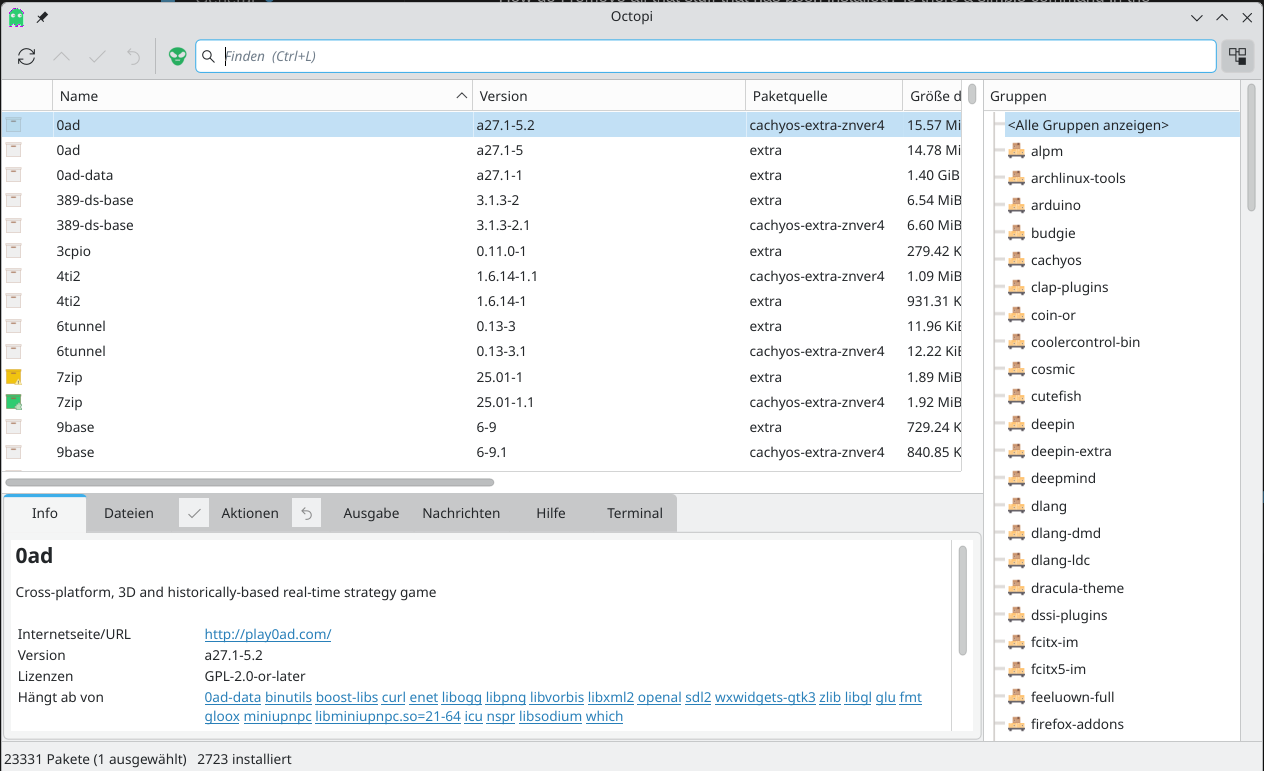
octopi is probably the best alternative to software installation if you don’t want to mess around with the console.
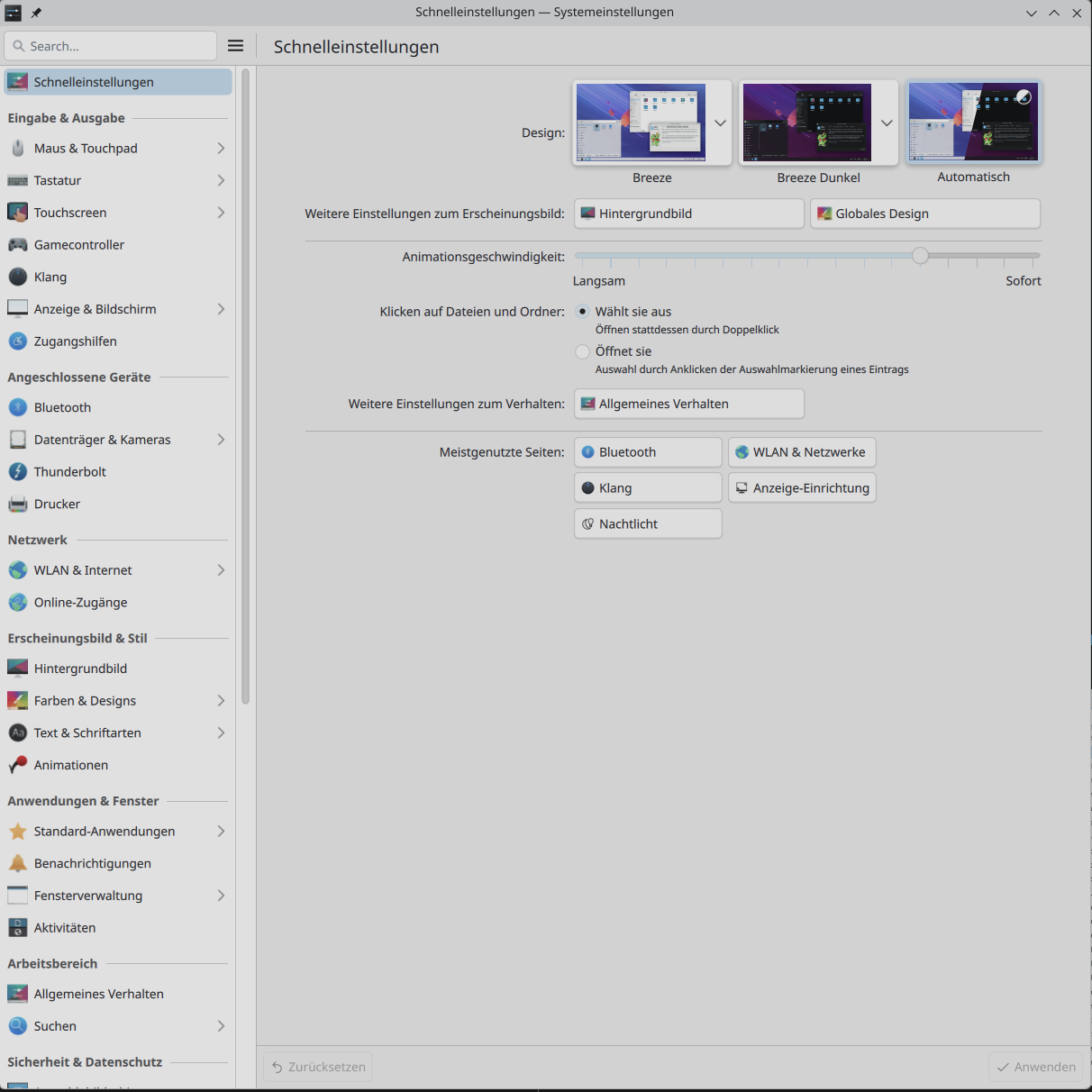
If you mean the administration of a Linux workstation in general, every graphical desktop environment, such as KDE, Gnome, XFCE, etc., has its own tools. In KDE, it is system settings tool
Kind regards
Bernd