My system is running for 30 seconds and even on windows i could get more faster results. I already switched grub timeout to 0 but it’s almost didn’t change anything.
My boot results:
❯ systemd-analyze
Startup finished in 10.161s (firmware) + 1.551s (loader) + 9.875s (kernel) + 6.892s (userspace) = 28.480s
graphical.target reached after 6.892s in userspace.
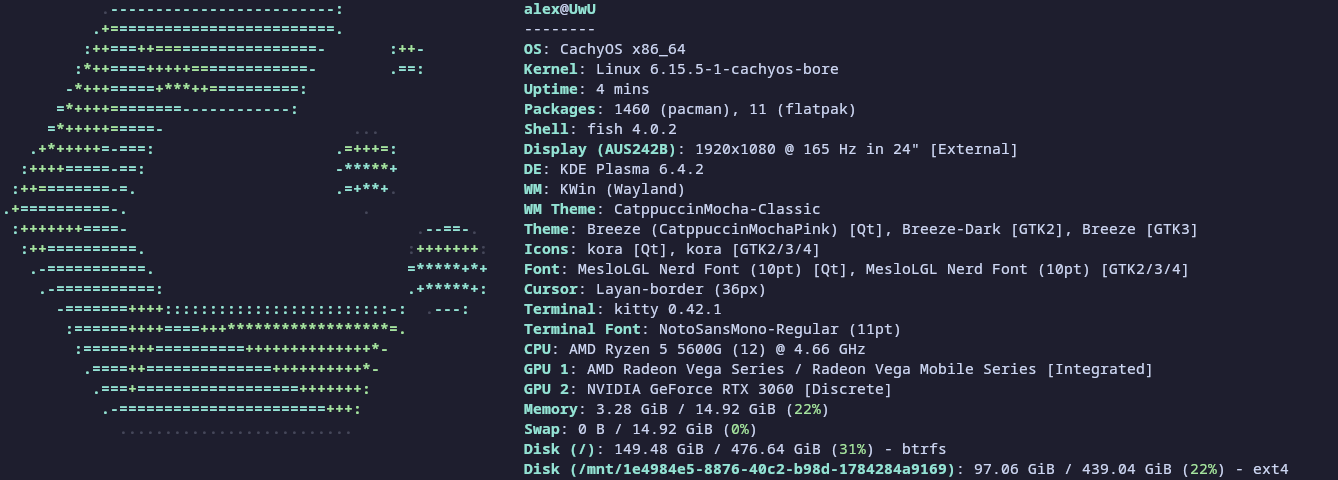
My system specs if somebody need it (i have 2 ssd):
RoTra
July 7, 2025, 5:56pm
2
My situation is similar.
From switching on to the desktop 25 seconds.
The BIOS alone needs 5 seconds.
I find that acceptable.
❯ systemd-analyze
Startup finished in 11.169s (firmware) + 494ms (loader) + 3.522s (kernel) + 4.948s (userspace) = 20.134s
graphical.target reached after 4.948s in userspace.
i remember when I installed this distro for the first time then the system was launching in 2 times faster or something like that. But when they updated grub and boot animation then my pc started to launch longer. I also remember how i tried to remove this cachyos logo with chat gpt but it’s just killed my system:<
use the command:
systemd-analyze blame
That will let you know what it is that is holding things up.
It’s what i got:
❯ systemd-analyze blame
4.137s plymouth-quit-wait.service
4.137s plymouth-quit.service
982ms systemd-binfmt.service
357ms user@1000.service
347ms cpupower-gui.service
309ms dev-nvme0n1p2.device
279ms NetworkManager.service
140ms systemd-udev-trigger.service
129ms cpupower-gui-helper.service
107ms upower.service
100ms systemd-oomd.service
97ms dev-zram0.swap
92ms systemd-journald.service
72ms systemd-tmpfiles-setup.service
71ms lvm2-monitor.service
68ms systemd-remount-fs.service
62ms systemd-zram-setup@zram0.service
58ms accounts-daemon.service
57ms systemd-tmpfiles-clean.service
56ms polkit.service
55ms systemd-modules-load.service
54ms mnt-1e4984e5\x2d8876\x2d40c2\x2db98d\x2d1784284a9169.mount
53ms systemd-udev-load-credentials.service
51ms systemd-tmpfiles-setup-dev-early.service
49ms udisks2.service
48ms bluetooth.service
47ms systemd-logind.service
46ms power-profiles-daemon.service
44ms systemd-hostnamed.service
42ms plymouth-start.service
41ms systemd-udevd.service
41ms dbus-broker.service
38ms systemd-resolved.service
37ms systemd-userdbd.service
36ms boot-efi.mount
29ms avahi-daemon.service
28ms user-runtime-dir@1000.service
27ms alsa-restore.service
27ms systemd-update-utmp.service
27ms home.mount
26ms root.mount
25ms srv.mount
25ms systemd-timesyncd.service
24ms systemd-journal-flush.service
21ms systemd-fsck@dev-disk-by\x2duuid-C66A\x2dCD4B.service
19ms proc-sys-fs-binfmt_misc.mount
18ms systemd-vconsole-setup.service
17ms systemd-rfkill.service
17ms sys-fs-fuse-connections.mount
16ms sys-kernel-config.mount
16ms systemd-tmpfiles-setup-dev.service
15ms dev-hugepages.mount
15ms systemd-user-sessions.service
15ms dev-mqueue.mount
14ms sys-kernel-debug.mount
14ms plymouth-read-write.service
14ms sys-kernel-tracing.mount
13ms kmod-static-nodes.service
12ms modprobe@configfs.service
11ms modprobe@drm.service
11ms modprobe@fuse.service
10ms rtkit-daemon.service
7ms ufw.service
6ms systemd-random-seed.service
6ms systemd-sysctl.service
4ms var-log.mount
4ms tmp.mount
4ms var-cache.mount
4ms var-tmp.mount
4ms modprobe@dm_mod.service
3ms modprobe@loop.service
This animation stuff is really take a lot of time for loading the system.
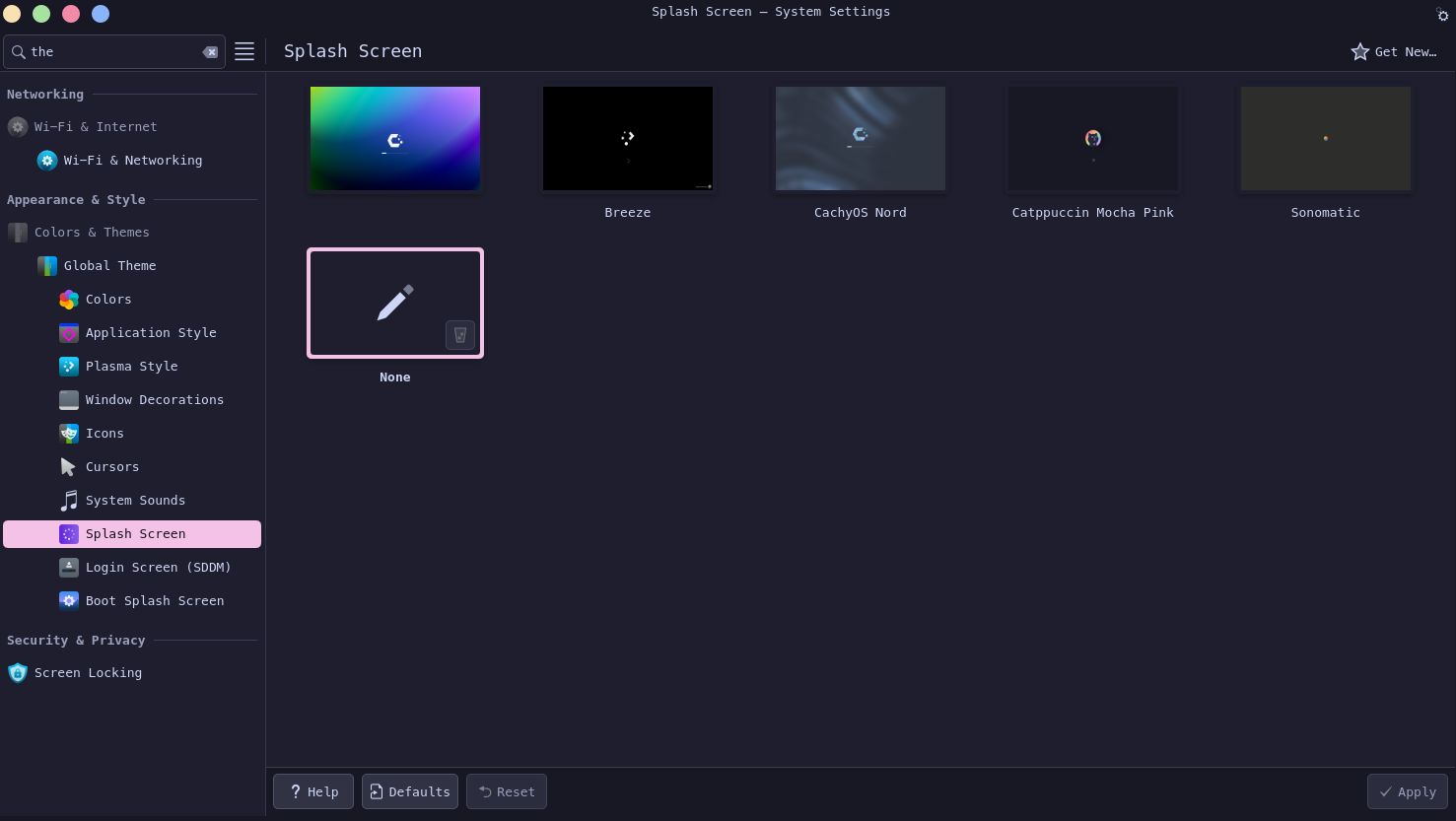
I disabled the catppuccin splash screen which wasn’t even working and it’s give me -2 seconds
❯ systemd-analyze
Startup finished in 8.437s (firmware) + 1.818s (loader) + 9.139s (kernel) + 6.890s (userspace) = 26.286s
graphical.target reached after 6.890s in userspace.
The instructions on removing plymouth are here:
Introduction
CachyOS ISOs provide and enable plymouth by default.
From the ArchWiki :
Which is to say it is not a system-critical component.*
It also has a nasty habit of breaking boot under various circumstances.
In those cases, or simply to avoid the bloat, you can temporarily disable plymouth, permanently disable it, or remove it entirely.
* - Some systems use Plymouth to forward decryption prompts. This may be especially useful in cases where the language and input devices might differ.…
It’s works! now my pc turning on for 20 seconds!
❯ systemd-analyze
Startup finished in 8.424s (firmware) + 1.821s (loader) + 9.020s (kernel) + 2.035s (userspace) = 21.301s
graphical.target reached after 2.032s in userspace.
❯ systemd-analyze blame
364ms cpupower-gui.service
329ms user@1000.service
309ms NetworkManager.service
308ms dev-nvme0n1p2.device
121ms cpupower-gui-helper.service
110ms upower.service
108ms systemd-udev-trigger.service
97ms dev-zram0.swap
87ms systemd-oomd.service
70ms systemd-tmpfiles-setup.service
69ms systemd-journal-flush.service
68ms polkit.service
68ms lvm2-monitor.service
64ms systemd-journald.service
64ms systemd-tmpfiles-setup-dev-early.service
59ms systemd-zram-setup@zram0.service
52ms accounts-daemon.service
47ms systemd-userdbd.service
47ms systemd-logind.service
46ms systemd-hostnamed.service
45ms power-profiles-daemon.service
45ms systemd-udevd.service
44ms dbus-broker.service
38ms systemd-resolved.service
38ms udisks2.service
37ms systemd-random-seed.service
37ms boot-efi.mount
35ms systemd-sysctl.service
35ms systemd-fsck@dev-disk-by\x2duuid-C66A\x2dCD4B.service
33ms mnt-1e4984e5\x2d8876\x2d40c2\x2db98d\x2d1784284a9169.mount
32ms home.mount
31ms alsa-restore.service
29ms user-runtime-dir@1000.service
29ms systemd-vconsole-setup.service
27ms bluetooth.service
25ms systemd-user-sessions.service
25ms systemd-timesyncd.service
23ms modprobe@dm_mod.service
22ms modprobe@loop.service
20ms systemd-rfkill.service
19ms systemd-modules-load.service
18ms systemd-update-utmp.service
17ms dev-hugepages.mount
16ms dev-mqueue.mount
16ms systemd-tmpfiles-setup-dev.service
15ms sys-kernel-debug.mount
15ms plymouth-read-write.service
15ms sys-kernel-tracing.mount
14ms kmod-static-nodes.service
14ms modprobe@fuse.service
14ms plymouth-quit.service
13ms modprobe@configfs.service
13ms modprobe@drm.service
12ms avahi-daemon.service
10ms systemd-binfmt.service
10ms rtkit-daemon.service
10ms srv.mount
9ms systemd-remount-fs.service
9ms systemd-udev-load-credentials.service
9ms tmp.mount
9ms root.mount
8ms var-cache.mount
7ms var-log.mount
7ms ufw.service
6ms var-tmp.mount
5ms sys-kernel-config.mount
5ms sys-fs-fuse-connections.mount
4ms plymouth-quit-wait.service
3ms proc-sys-fs-binfmt_misc.mount
dino
July 8, 2025, 11:22am
9
Start-up (boot) -time mean less for me than how the distro react to starting apps,
Faster than Windows 10 and Suse Tumbleweed when using Librewolf and Tor browsers.
Eagerly waiting for next live iso.
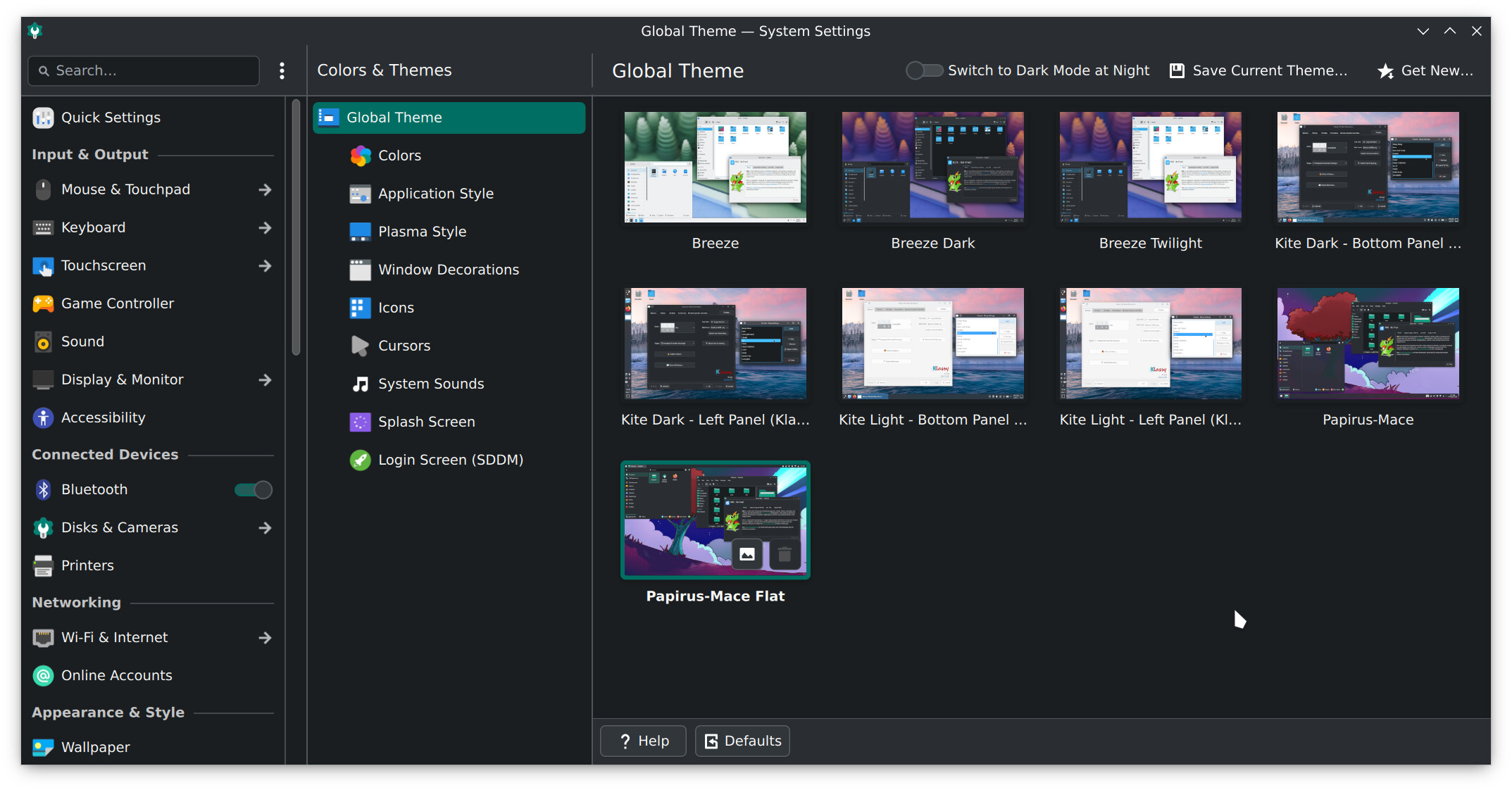
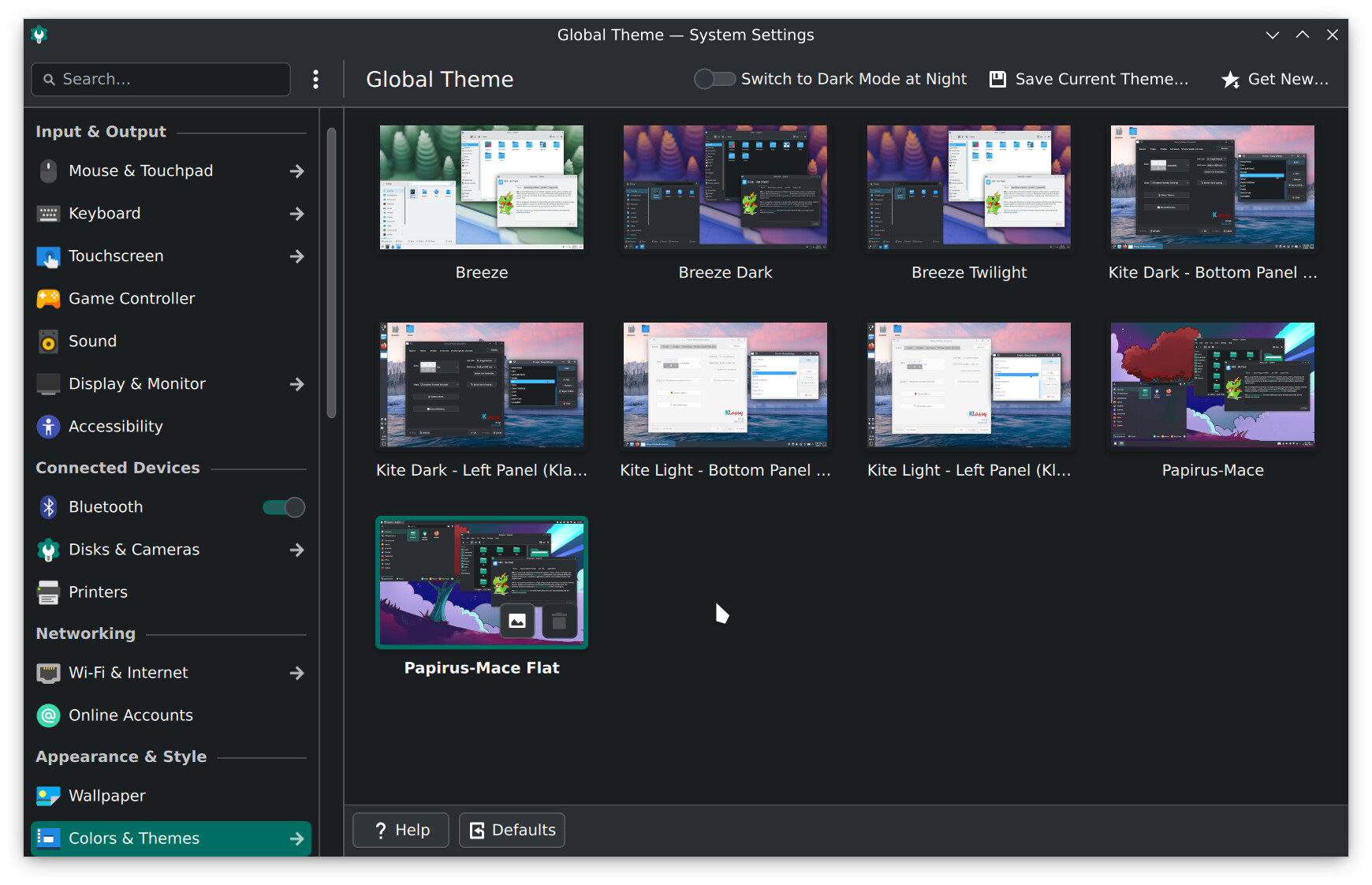
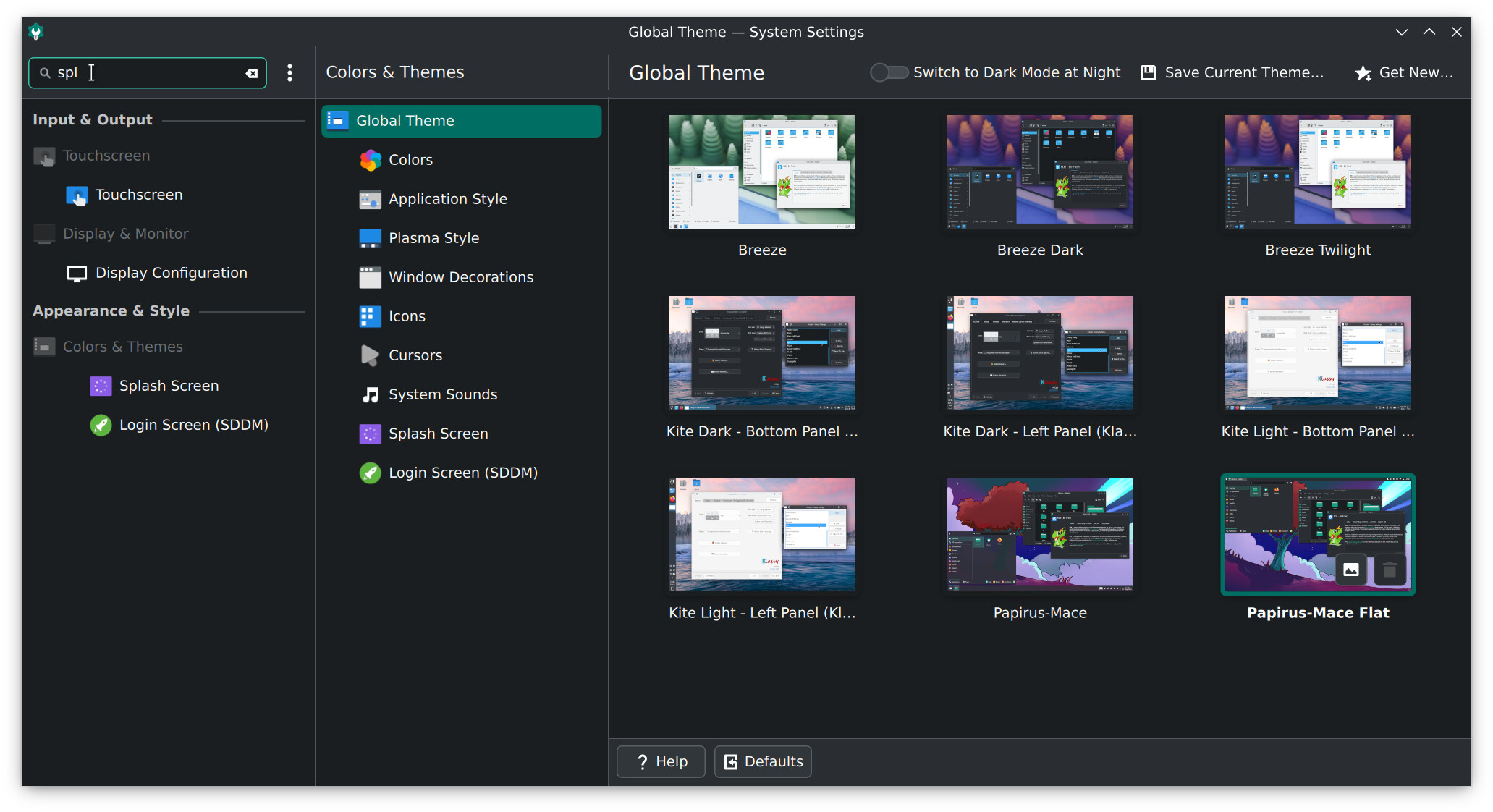
Hello, can you tell me how you made your System Settings look like that? Specifically the tree-like menu on the left c:
(Apologies if it’s not appropriate to discuss something other than the topic, I am new)
EDIT: My bad, apparently it looks like that while using its Search function. It somehow slipped past me, sorry! n.n
cscs
March 14, 2026, 10:46pm
11
If you are using KDE Plasma that should be the default format of SystemSettings I believe.
Actually .. looking right now I am not sure there is any other way it can be?
cscs
March 14, 2026, 11:21pm
13
You do have the tree style view as much as you can.
In the modern version of SystemSettings its more subsequent tabs from a sort of tree list.
It may be noted that how wide you make the window will also dictate how many tabs are visible.
Finally to get exactly the kind of output you are seeing above you will need to search in the text input window.
PS.
This is painful because imgur seems to be having problems.