The themes that I set the gtk 2/3 apps were Breeze-Dark/HighContrast but always when I end my session it goes back to adwaita for some reason and I have to apply the themes again, can I make them be applied permanently?
Total guess but since around “2018” themes should be placed in ~/.local/share/themes
Dose that no longer work?
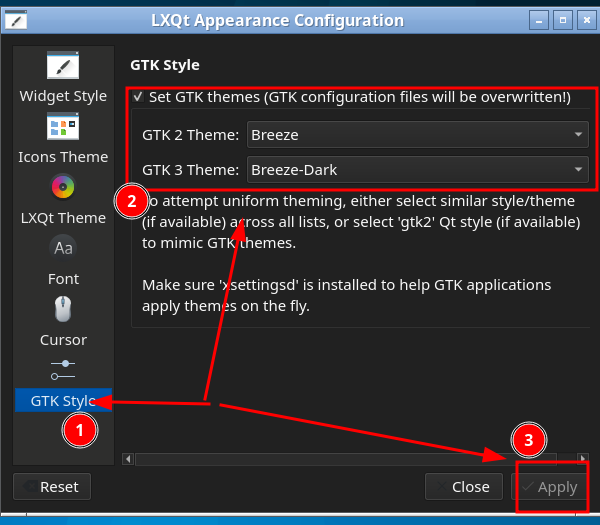
On lxqt at least the gtk themes have their on setting on the appearance part
From a Developer:
As an old-fashioned coder, I might agree with you but I completely agree with the LXQt team that we should stick to standards (as far as they are reasonable). Qt recognizes ~/.local/share as a special place but not ~/.ANYTHING .
Also
Member
~/.themes is deprecated. Use ~/.local/share/themes.
Additionally, lxqt-config-appearance may fail to detect GTK themes installed in the ~/.themes directory, which limits user flexibility in using custom themes without installing them system-wide.
This issue has been reported and acknowledged, indicating that the theme detection logic needs improvement.
I’ll defer to someone wiser then. 
Those themes came with the system also there seems to not exist a themes folder in .local/share
Ok, so I downloaded some themes and created the themes folder and they work fine, so I would guess it’s a problem from the themes that came with this install of lxqt
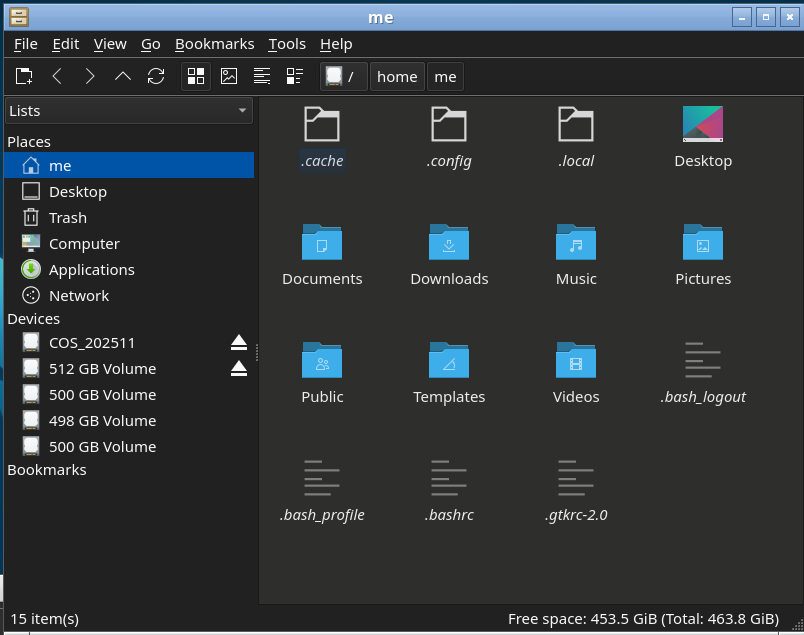
Yep not there, but I can not reproduce your error, if I set my theme it is used on every boot.
Shell: bash 5.3.8
DE: LXQt 2.3.0
WM: Openbox (X11)
Theme: Fusion [Qt], Breeze [GTK2], Breeze-Dark [GTK3], Adwaita [GTK4]
System Themes:
$ ls /usr/share/lxqt/themes/
ambiance     Clearlooks  frost     KDE-Plasma  Leech  silver  Valendas
Arch-Colors  dark        graphite  kvantum     light  system
User Themes: (I have None):
ls ~/.local/share/lxqt/themes/
ls: cannot access '/home/me/.local/share/lxqt/themes/': No such file or d
That I can not reproduce on my end…
After some testing it seemed that the problem was actually from the gtk 3 theme: HighContrast, like the breeze themes and the HighContrastInverted work fine