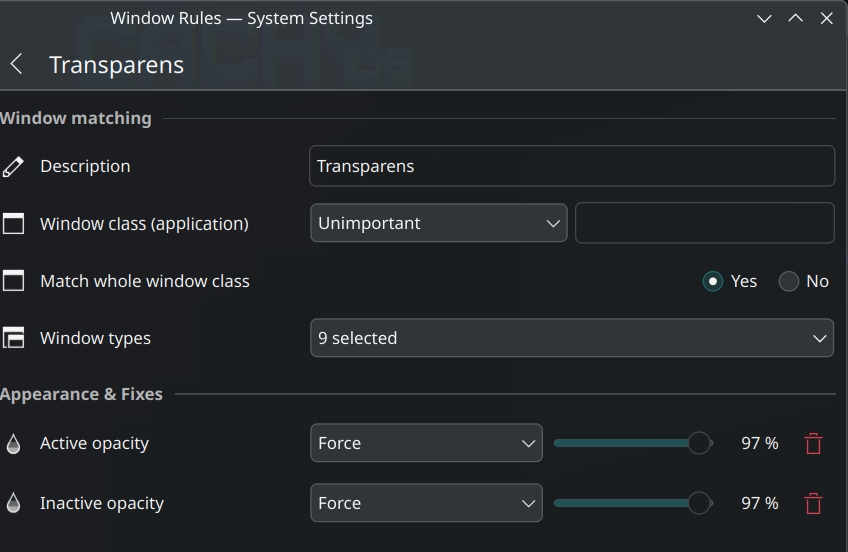
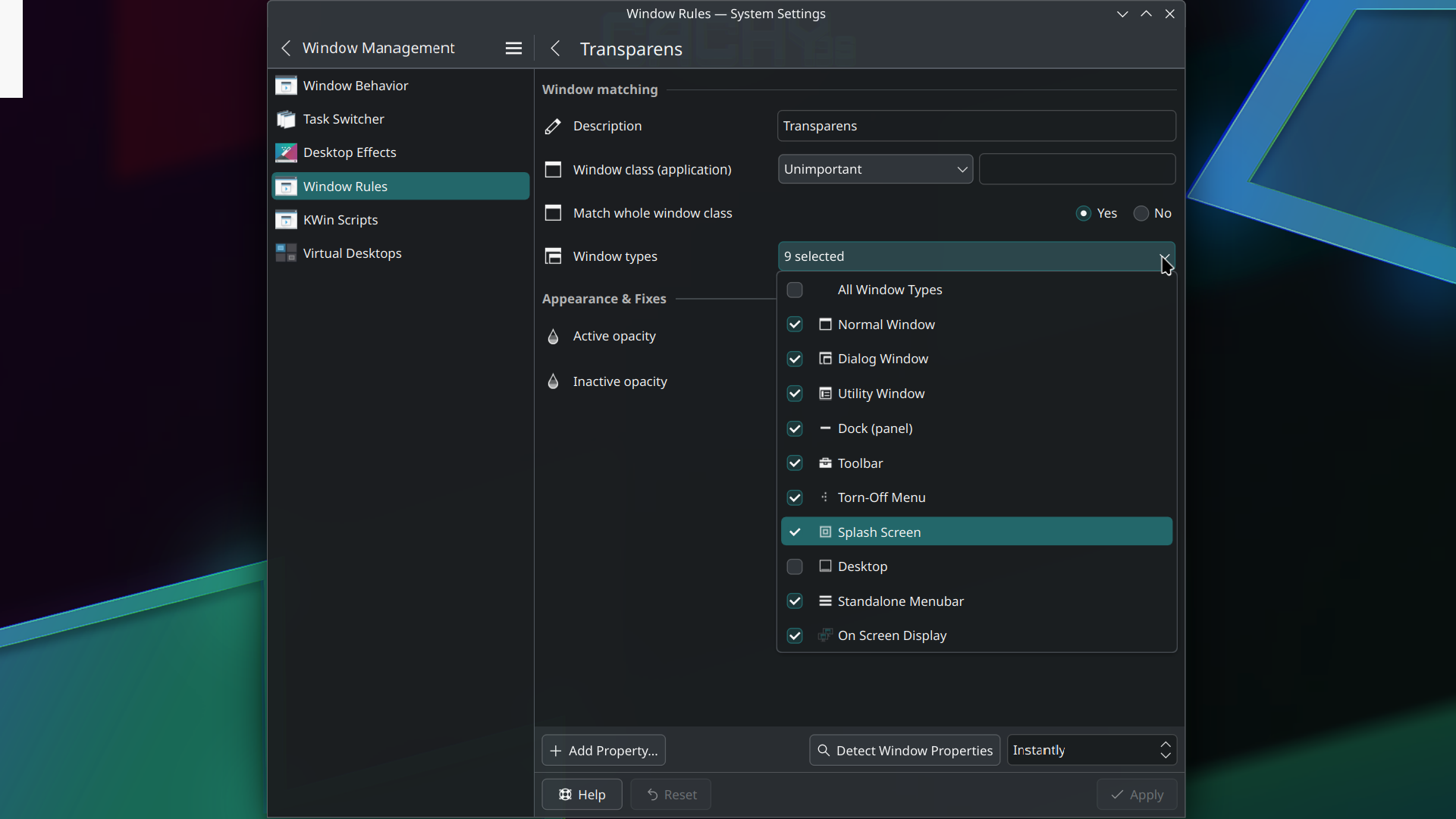
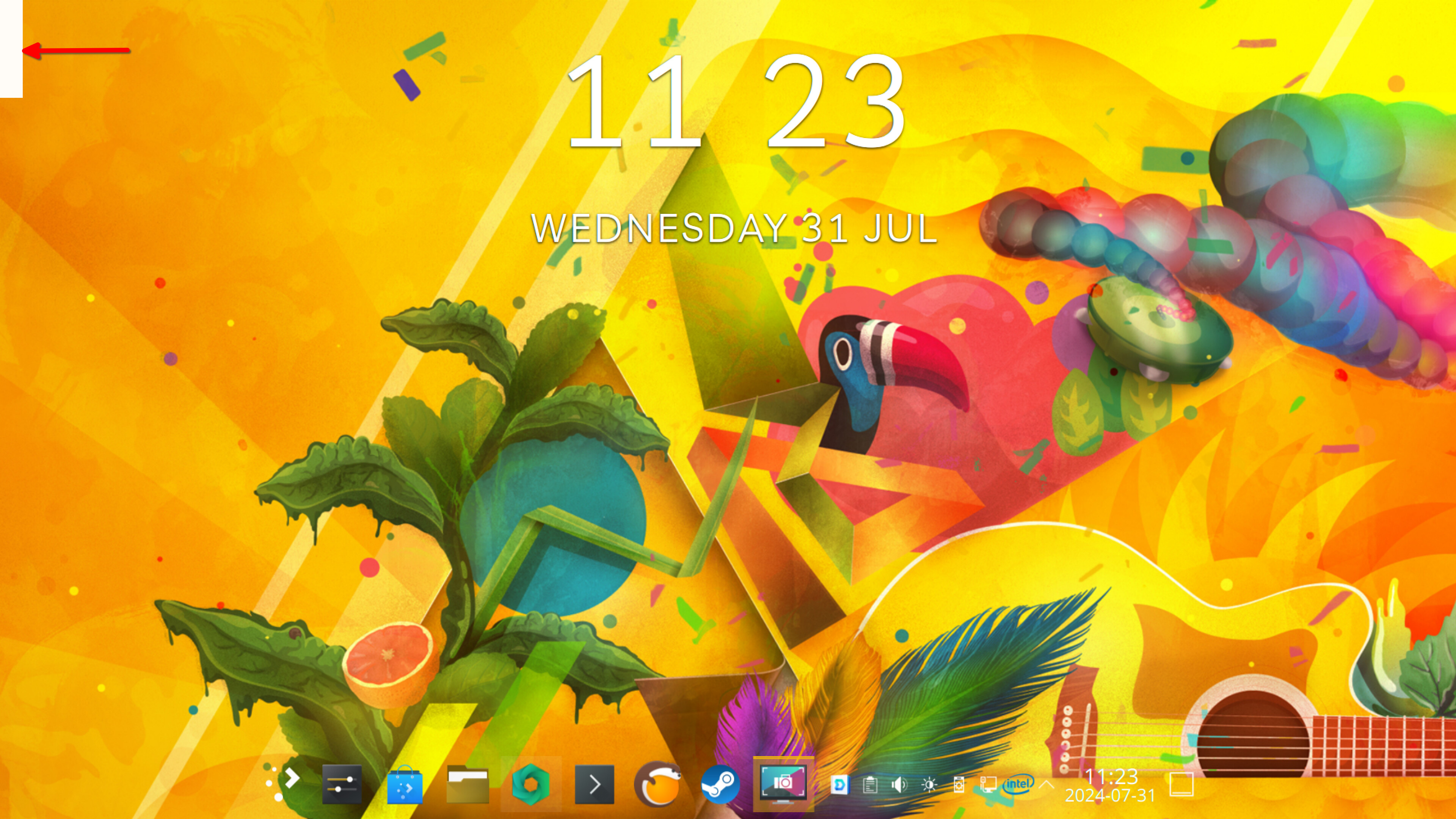
Desktop rectangular white area top left

Hello, hope you all are doing fine!
Does anyone know why this happens?
I have Desktop slideshow on and soon after the computer is up and running a white rectangular shape in the top left of the screen appears.

When the picture changes, the white rectangular stays.

I’m sorry, what is that? Do I need to disable them or what do I do with Picom or Plank?

It doesn’t do anything either with left or right mouse click.

I don’t know if I have plank or picom installed, how do I check that?
Just typing this in fish doesn’t give any result:
❯ plank
fish: Unknown command: plank

~
❯ picom
fish: Unknown command: picom

~
❯ plank --help
fish: Unknown command: plank

~
❯ picom --help
fish: Unknown command: picom

Yeah, I can’t say exactly when it happened, but I have made everything more or less transparent.

I have now uninstalled my widgets but the transparency has been set in the system settings by me


and also for the start menu according to this site:

I set the start menu transparency the same as in the site so my whole /usr/share/plasma/desktoptheme/default/plasmarc looks like this:
[Wallpaper]
defaultWallpaperTheme=Next
defaultFileSuffix=.png
defaultWidth=1920
defaultHeight=1080

[ContrastEffect]
enabled=true
#enabled=false
contrast=2.0
intensity=0.4
saturation=1.7

[BlurBehindEffect]
enabled=false

[AdaptiveTransparency]
enabled=true
#enabled=false

Ah, now I see them!
❯ sudo pacman -Ss plank
extra/plank 0.11.89-5
Elegant, simple, clean dock

~ 8s
❯ sudo pacman -Ss picom
cachyos/cachyos-picom-config 1.0.1-2
CachyOS picom config
cachyos/picom-ibhagwan-git 1578_Next.297.gc4107bb_2021.11.03-1
iBhagwan’s compton|picom fork (X compositor) with dual_kawase blur and rounded corners
extra/picom 11.2-1
A lightweight compositor for X11

I’m afraid to remove them, I’m afraid to break my system!

Another strange thing is that when I press Meta+D to show the desktop and toggle Meta+D, it shows the white rectangular box, then not, then show, then not, as I toggle.

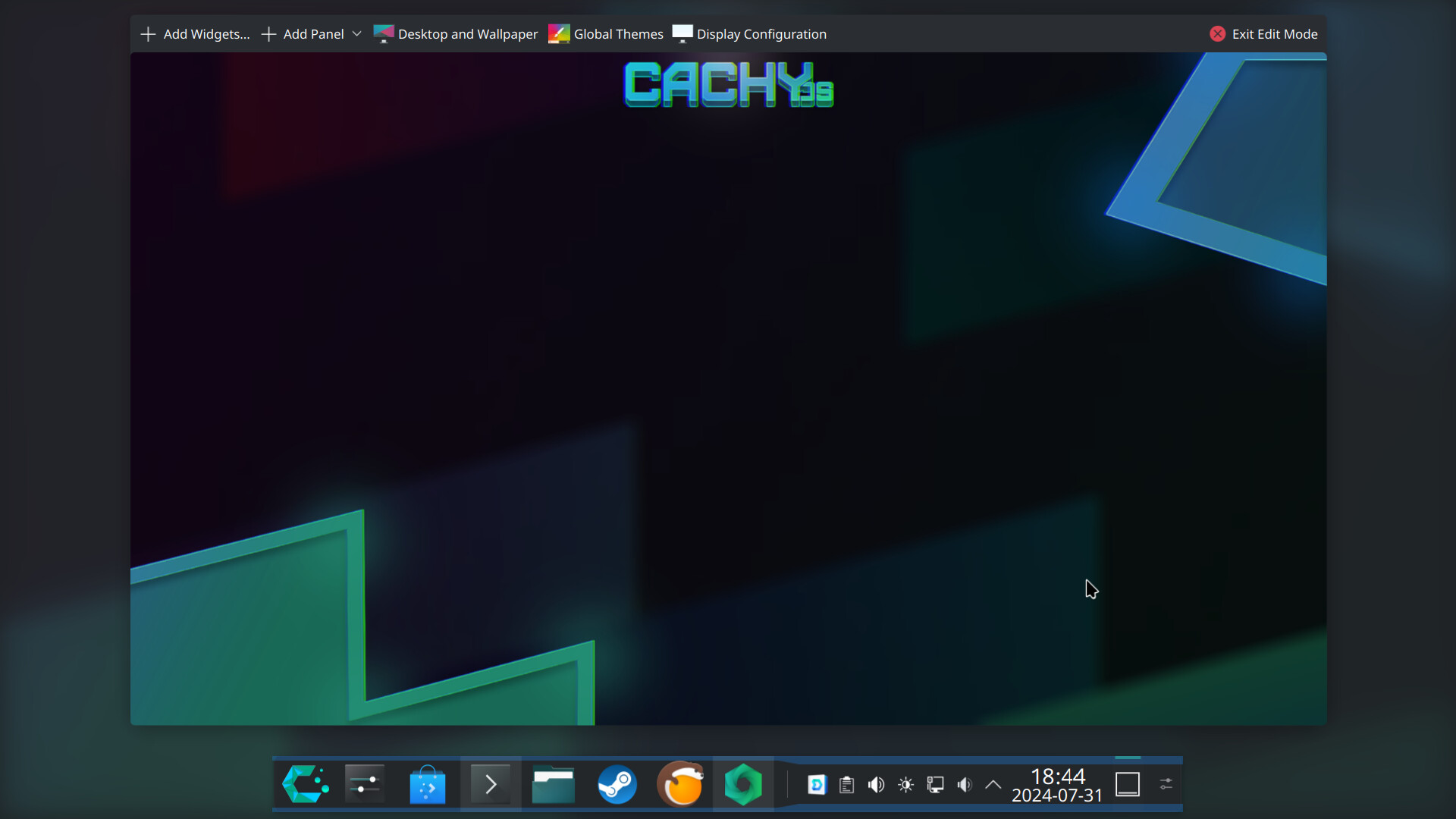
I’m thinking that there should be some kind of widget or applet running, but I can’t see any when entering edit mode for the desktop.

Also, the white rectangular box is always gone when entering edit mode:
Yeah, I had to do that, revert everything I had done and see what step was causing the problem.

I actually found it, it was the window rule ‘Inactive opacity’ that caused the problem, thank you for helping me along the way! :smile: