Desktop icons highlighting issue after updating to KDE 6.5

Hello!

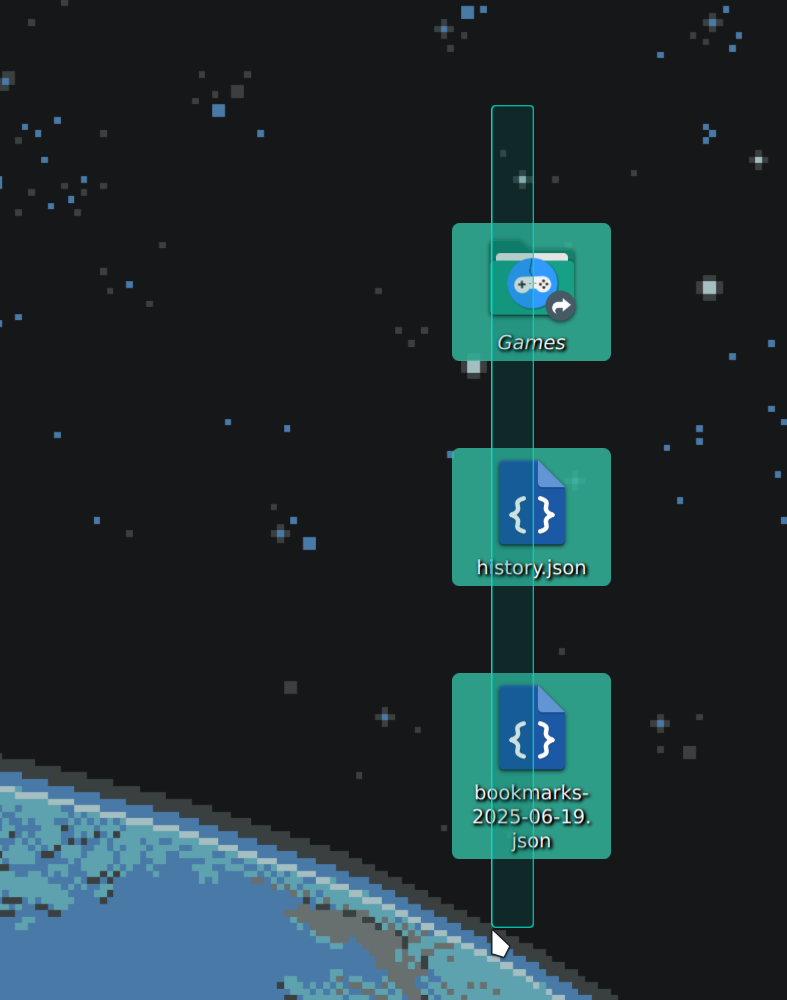
After updating to KDE 6.5 from 6.4, I noticed a strange behavior when highlighting my Desktop icons with the cursor. I have a small grid of icons (3x5), and if I move my cursor from left to right, it only highlights the first one, and moves above the others as if they’re not clickable. However, when I move from right to left, all icons highlight properly. The same goes for moving up–down or down–up, those directions work fine. It’s only left-to-right that has the issue. Also, when I click and drag to select multiple icons on the desktop, the selection stutters slightly.

These are very minor issues, but I wanted to check if this is a known thing and whether there are any fixes.
Thanks in advance :slight_smile:

Bruh, 4 weeks and not a simple reply?

This bug is driving me crazy as well, first i was convinced it was a context menu button bug, because so many times when i try to right click an icon it just right clicks the desktop itself instead of the icon, even after repeated clicks without moving the pointer it still was not working, sometimes until the 4th or even 5th click…

But now that i found this thread i started trying to move my mouse around, hover over the icons and yes, ONLY the FIRST ICON of EACH COLUMN is being selected when hovering over it, any consecutive icon is being ignored, BUT ONLY from LEFT to RIGHT, right to left works as expected…

Something EVEN WEIRDER is that doing the same FROM TOP to bottom IT IGNORES THE 3RD icon ALWAYS, but keeps working as expected for the rest of the icons if you keep going down.

And if start hovering FROM BOTTOM to top it only ignores the first icon BUT ONLY if the icon’s name is 2 ROWS or MORE of text… like.. WTF?? how does this bug even work? it’s so specific and repeatable that feels like some kind of strange feature nobody asked for… it literally works EVERY TIME… help??

Edit and Note: is there any reason for the “right click context menu” to depend of the hover highlight functionality? like… why? why does it not just force select whatever is below the mouse when pressing the RMB?? am so confused… is this as well a bug?(new to linux DE, only used it for servers until last month…)

Hello and welcome,

Bruh, Desktop Icons is so .. windoze. :squinting_face_with_tongue:

Its not on by default in most environments and I for one havent used them in decades.

I guess I might ask if these really are icons or are they some kind of widget (is Desktop Layout in “Folder View” or “Desktop” mode)?

As well as ask if this same behavior is present with a fresh user account (if not we might blame malformed configs)?

I cannot reproduce it here.

Imgur

Or this.

Imgur

Ok back to clean desktop. :innocent:

They are icons, and it was ON by default since i installed cachyos, default settings, i have not even changed icon size, i sent the icons from the “start menu/app launcher” by right clicking an item and then “Add to desktop“, literally nothing extravagant nor weird, just as simple as that.

And what you are doing in your screenshots is “area selecting”, you have to just HOVER over them, don’t INTENTIONALLY try to select them, you will see that the highlight will appear or not depending of several factors… and if the icon is NOT highlighted beforehand it will completely IGNORE the context menu target and will open the default desktop context menu options…

After messing around a little bit more trying to record the bug, i discovered that from top to bottom it’s not always the 3rd item, it’s after every item that has more than one line of text for name… it just happened that every time i tested it the 3rd icon had them… i don’t have many icons to play around yet :stuck_out_tongue:

And BTW, changing the alignment of the desktop icons changes the bug direction as well…

So i used the amazing built-in tools for screen capture to show it in a video, idk why i did not do that earlier, that was one of the first things i discovered by accident by trying to open the terminal with “Win+R” after the first boot :joy:

Uploaded to GDrive as video, should be easy to watch: https://drive.google.com/file/d/15s2nnMnCAEgJtybC3D859-ASpGPHhMWy/view

Edit: BTW, in the video when i’m trying to demonstrate the RMB click, i move the mouse around so much because my sensitivity is high and my mouse moves quite alot when i click or try to lift it off the desk, making the SECOND RMB to work as expected sometimes, because after opening the context menu for the FIRST time, any subsequent pointer movement makes the highlighting work again on that icon without getting out and entering from any specific direction or order… so to make it still and consistent i lift the mouse from the desk and RMB while holding it in the air to show that context menu in normal conditions does NOT work as expected…

Thank you for posting a video and reviving the thread @SGGhostRider, it’s an exact match of what I’m experiencing. It only started happening when I updated to KDE 6.5, and I still haven’t found a fix :sweat_smile:

Sorry, still cannot reproduce it.

Did you ever try with a fresh user account?

I did test it on a fresh user, but had the exact same behavior. The reason you can’t reproduce it might be because they have already pushed a partial fix, i did a system upgrade with “paru -Syu” and updated everything today and now it seems like it’s ALMOST fixed, the only remaining issue with the icons is when approaching icons with long names from below when there is nothing below them(empty square, no icon), but with a clever icon positioning it will not be a problem anymore.

After performing a system update, the issue seems to be fixed :slight_smile: