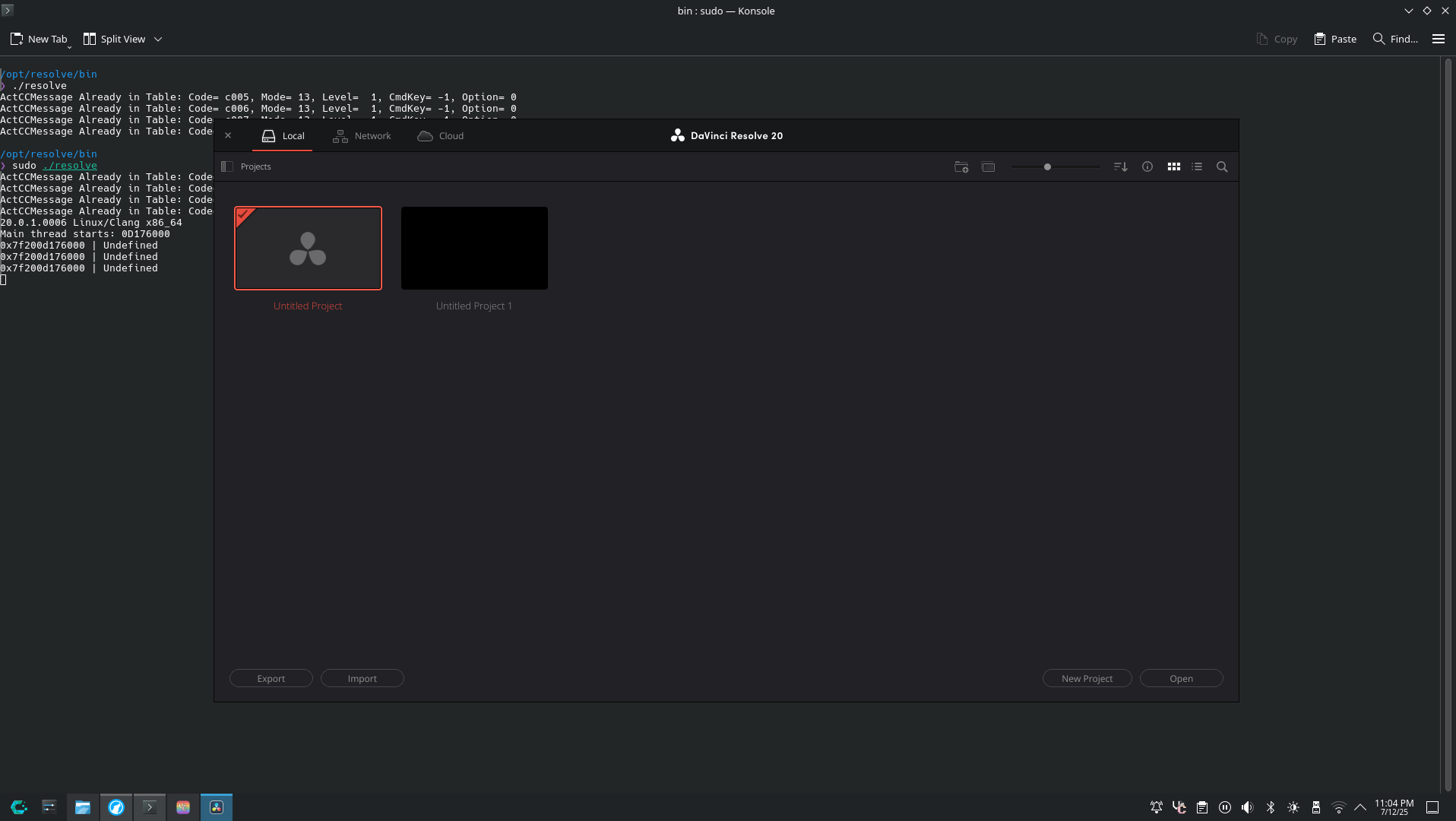
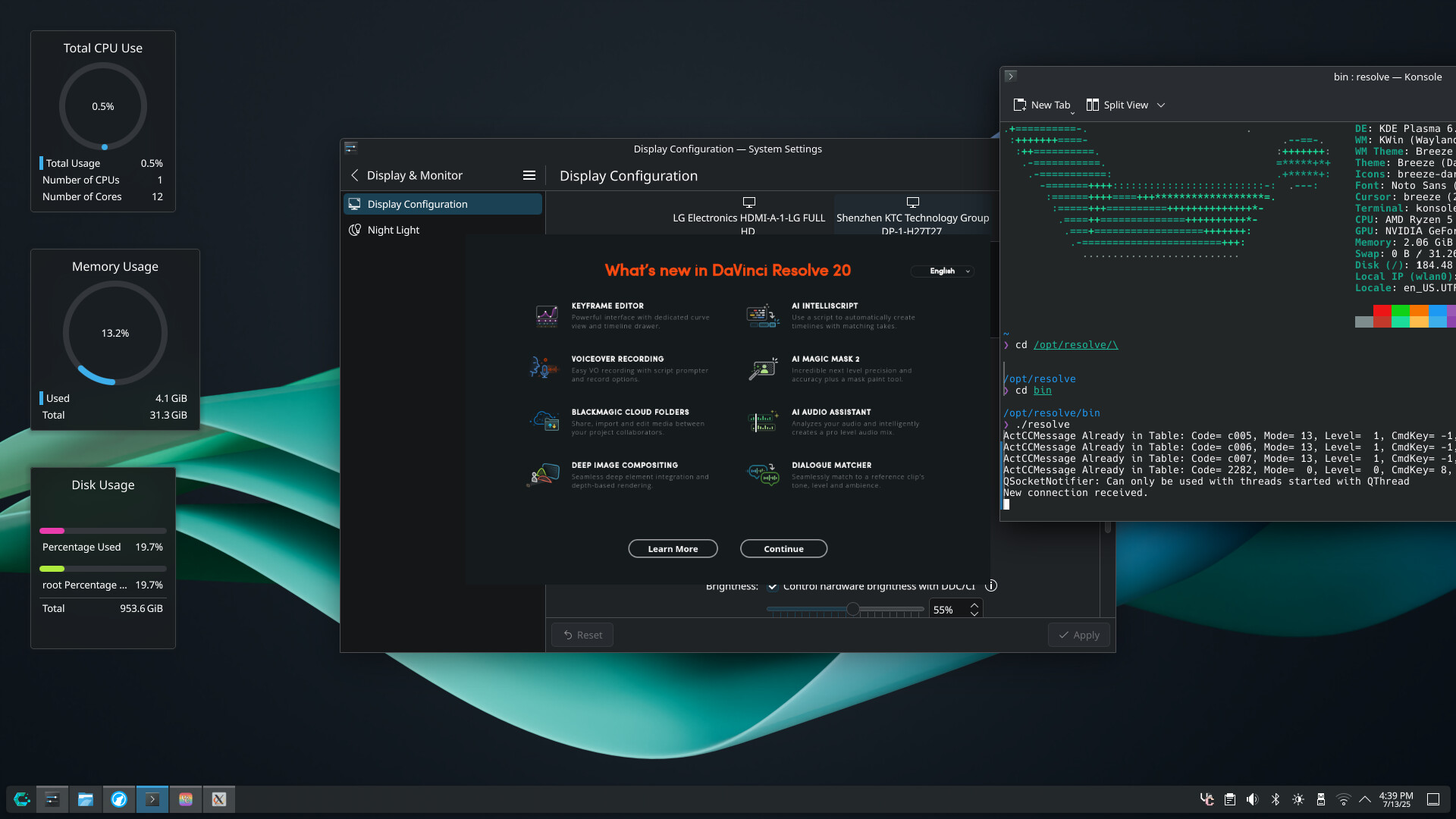
I tried installing davinci resolve from the AUR, but when running it always returned the log4cxx error. After installing the steps from this forum post, the log4cxx error is gone, but i still get the following when running resolve:
ActCCMessage Already in Table: Code= c005, Mode= 13, Level=  1, CmdKey= -1, Option= 0
ActCCMessage Already in Table: Code= c006, Mode= 13, Level=  1, CmdKey= -1, Option= 0
ActCCMessage Already in Table: Code= c007, Mode= 13, Level=  1, CmdKey= -1, Option= 0
ActCCMessage Already in Table: Code= 2282, Mode=  0, Level=  0, CmdKey= 8, Option= 0

/opt/resolve/bin
❯
I’m not sure what’s causing this, since running resolve as sudo actually makes it run fine, but my guess is that theres some configuration files on my user stored somewhere. I don’t know where these configs would be stored if they even exist so I’m lost on what to do.
Any help would be appreciated