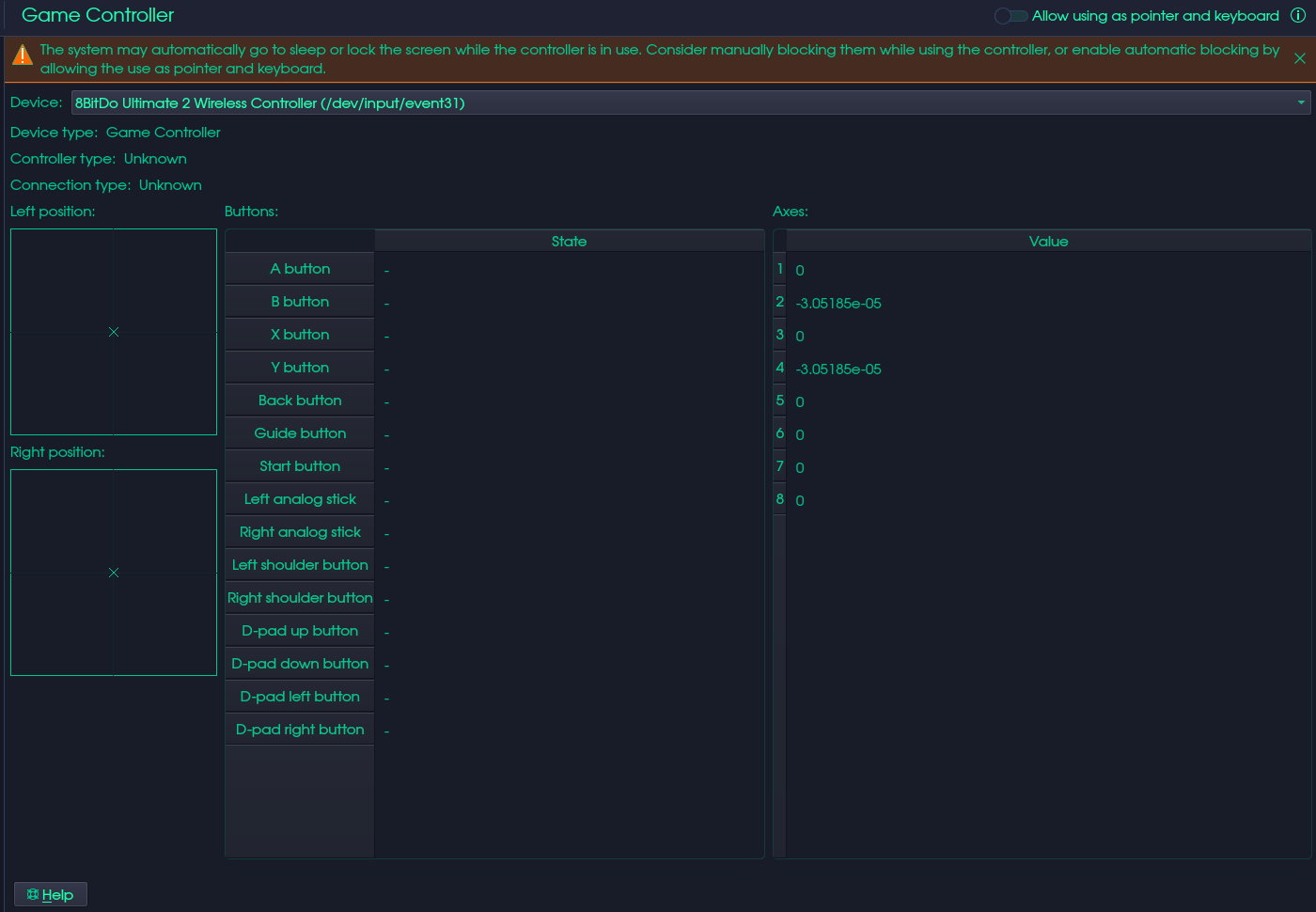
I have a 8BitDo Ultimate 3 controller and Cachy seems to pick it up fine BUT it doesn’t have ANY vibration. Went to Gamepad tester and it doesn’t show the vibration toggle and no games have vibration.. I also tried a different controller (GameSir Cyclone 2) and that also has no vibration support at all in Cachy… both controllers work fine in Windows so I just wanna know why Cachy doesn’t support vibration for these controllers?
FYI both controllers I was using the wireless dongle and I also tried a direct connection but to no prevail. Also all the games I have are from GoG(using heroic launcher), I don’t have any Steam games installed.
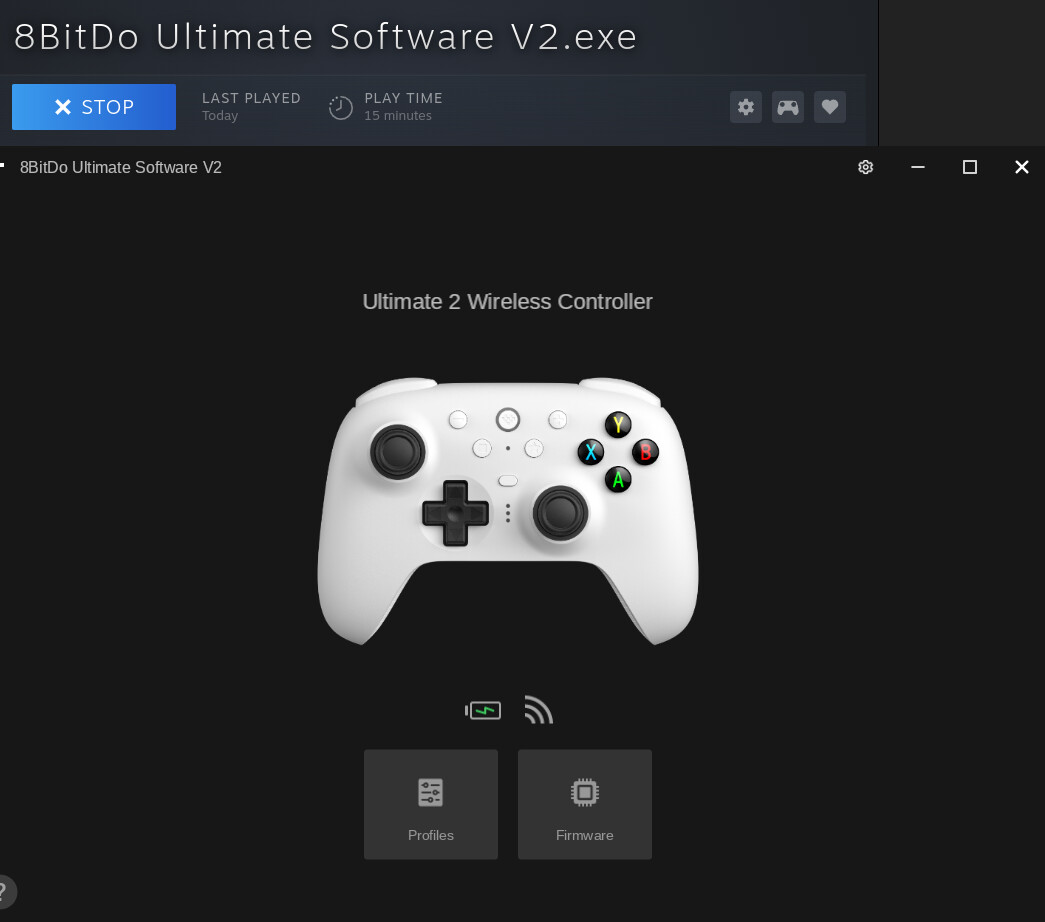
Have you tried updating the firmware with the official software? You can add the software as a non-steam game using proton experimental. I have the 8bitdo ultimate wireless 2.
The software doesn’t detect my controller. I didn’t use steam to open it and instead used portproton. Looking at the 8BitDos website it doesn’t list the controller on the downloads page so… IDK if the SW would work or not.
Most of my games are in steam which has more controller support than any other platform that works on linux to my knowledge im not sure if you could add your GOG games as non-steam games. My controller has bluetooth or 2.4ghz mode mine is in the 2.4ghz mode connected to its dock with the usb stick inside of it. The controller has to be off its dock and turned on for the software to detect it on mine.
Ok well… can u go to Gamepad tester and see if the vibration function is there? cause its not for me. I assume since its not detected there it wont be detected in Steam since it seems to be a OS issue.
I dont have steam installed… I shouldn’t need steam installed for cachy to support the vibration on my controller… right now Cachy itself doesn’t see that it supports vibration. I can see this by going to gamepad tester website and testing the controller there… it has no vibration toggle like it should.
Also I was using the wrong SW I had to use the 8BitDo SW that supported Xbox(console) compatible controllers to update the firmware. I went ahead and updated the controller on my Windows machine but that didn’t solve anything. Cachy OS identifies the controller correctly and all buttons work but the vibration isn’t there.
Yeah I get the frustration behind not needing to install steam for things, it just tends to be miles ahead of the other platforms in my honest opinion here are some other harmless things to try. Beyond that there are some packages you could install for further testing like evtest/fftest (terminal) or jstest-gtk (gui)
Try switching the controller’s connection mode. Both the 8BitDo Ultimate 3 and GameSir Cyclone 2 have a physical mode switch (usually X-input / D-input / Switch, sometimes Mac). X-input mode is usually picked up by xpadneo (the Bluetooth Xbox-controller kernel driver), which has much more mature rumble support than the generic HID fallback these pads use in other modes. This alone fixes a lot of “no vibration toggle at all” cases.
ProtonUp-Qt + GE-Proton (or Wine-GE for Lutris/Heroic) the “vanilla” Proton/Wine that ships by default is often behind on controller/rumble fixes. GloriousEggroll’s GE builds pull in a lot of community patches, including controller compatibility fixes, faster than upstream. Since Heroic supports custom Wine/Proton versions, install ProtonUp-Qt, grab the latest GE build, point Heroic at it. (I tend to use cachy-proton-slr on steam and my rumble still works)
I have no further suggestions beyond this I wish you luck with your controller I love my 8bitdo controller alot and I hope you get to enjoy yours as well!
Some games simply don’t play nicely with controllers so using steam’s controller stuff is a fairly common workaround even on Windows.
However, that doesn’t seem to be relevant here. For another data point, I have a wired version and the tester also shows vibration as N/A but it works. Besides the toggle advice given, I’d try it wired if possibly. I vaguely recall PS controllers have some issues and that usually does it. Annoying yes, but controller support on Linux is still hit or miss at times.
Another item to look into is this: Gaming with CachyOS Guide | CachyOS There are a couple of launch variables you could try to see if that makes it behave better.
Chiming in to add yet another data point since I own an Ultimate 2C: rumble works when playing Dredge through Heroic (with 2.4Ghz connection and latest GE-Proton.) Likewise works on Geforce NOW and, if I were willing to suffer, Amazon Luna. For good measure I went and tried over at Hardware Tester and rumble functioned just fine.
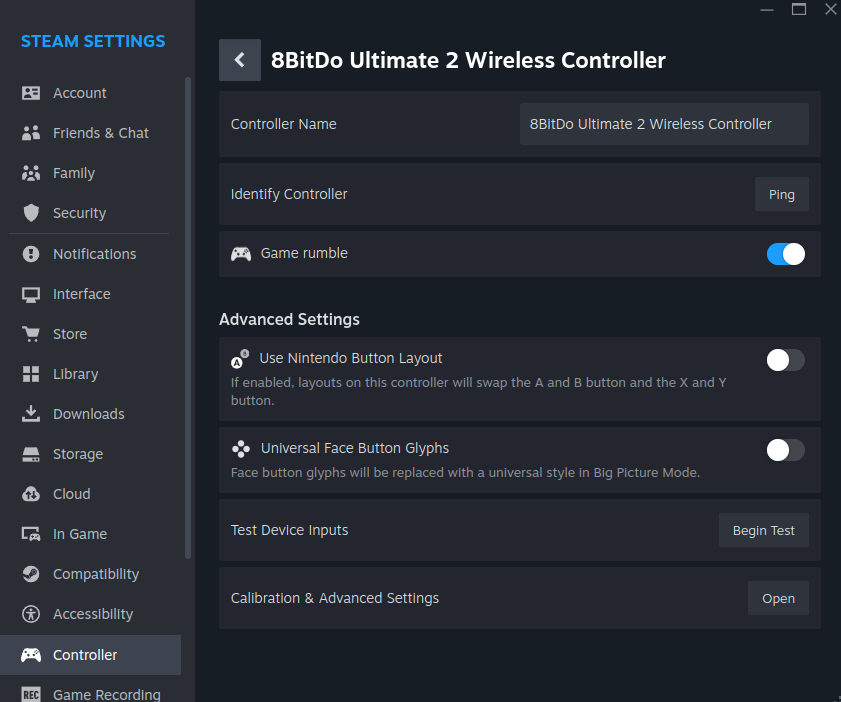
That’s the thing. I don’t have the Ultimate 2c. I have the Ultimate 3 mode one for Xbox. They both use different SW on PC. I did try Steam and that actually does use the rumble feature fine but outside of that… on Hardware Tester it doesn’t even show the vibration toggle to test it and says that vibration is n/a. I did try a couple of games that I thought I knew had rumble on Heroic but didn’t work… then tried Bioshock remastered and that one worked… So i have no idea why Hardware Tester doesn’t see it supports vibration.
I did also try different browsers like Brave and Chrome for hardware tester and it doesn’t even recognize my controller lol(its like its not even connected). It only shows up in Firefox on hardware tester.
Reread my post: my controller is different, but rumble works and the online tester also showed n/a for me. Probably some Linux weirdness, I wouldn’t get hung up on that too much; it working with at least 1 game right away tells us to ignore the tester and shift focus to Proton/Wine.
Also some games under Wine/Proton act weird with controllers. Burnout Paradise for me had a weird problem of seeing my controller but acting like it didn’t exist. The 2 launch flags from the Wiki sorted that and is a quick test to see if that is the issue. And yes, this is despite not launching them through Steam.