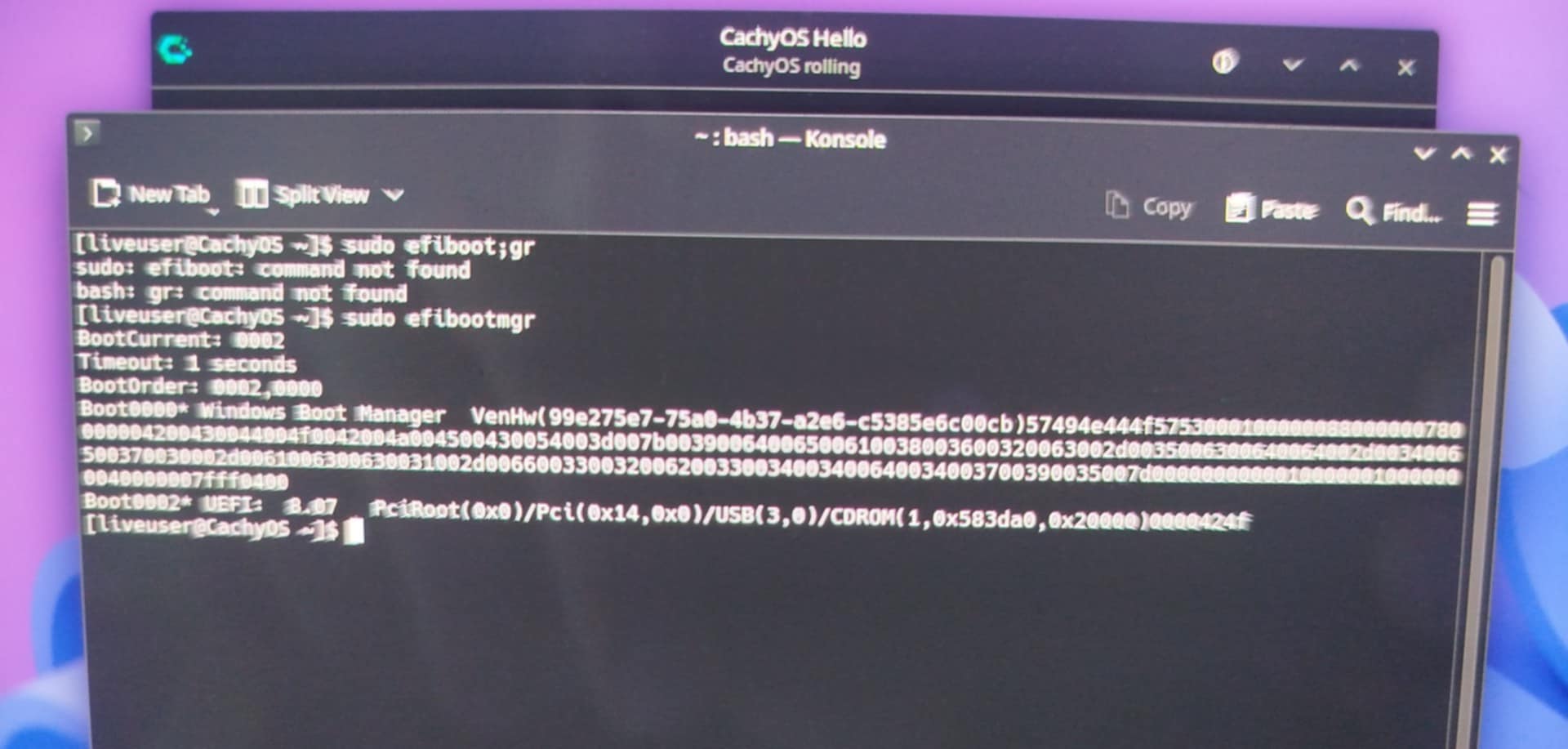
I’m trying to install CachyOS for the first time on my Asus laptop, but I can’t get the installation to complete successfully. It always fails at roughly the same point, no matter which boot manager I use (I’ve tried GRUB, systemd-boot, and Limine).
Secure Boot and Fast Boot are both disabled in the BIOS. I’ve also reformatted my USB drive twice, but I still get the same error.
Here’s the error message (using GRUB):
The installation command [‘bootctl’, ‘–path=/tmp/calamares-root-eh_m8jc1/boot’, ‘install’] returned error code 1.
2025-10-10 - 18:28:09 [6]:     Setting up actions for "/dev/nvme0n1" with 0 entries.
2025-10-10 - 18:28:09 [6]:     ..  Can not resize "/dev/nvme0n1" , filesystem "unknown" does not support resize.
2025-10-10 - 18:28:09 [6]:     ..  Checking if "/dev/nvme0n1" can be replaced.
2025-10-10 - 18:28:09 [6]:     ..  NO, insufficient storage
     Required  storage B: 9126805504 "(8GiB)"
     Available storage B: 1048576 "(0GiB)"
2025-10-10 - 18:28:09 [6]:     ..  NO, insufficient storage
     Required  storage B: 11274289152 "(10.5GiB)"
     Available storage B: 314568704 "(0GiB)" for "/dev/nvme0n1p1" length: 614400 sectorsUsed: 8 fsType: "fat32"
2025-10-10 - 18:28:09 [6]:     ..  Checking if "/dev/nvme0n1p1" can be replaced.
2025-10-10 - 18:28:09 [6]:     ..  NO, insufficient storage
     Required  storage B: 9126805504 "(8GiB)"
     Available storage B: 314572800 "(0GiB)"
2025-10-10 - 18:28:09 [6]:     ..  Can not resize "/dev/nvme0n1p2" , filesystem "luks" does not support resize.
2025-10-10 - 18:28:09 [6]:     ..  Checking if "/dev/nvme0n1p2" can be replaced.
EFI partition too small or no free space to write the bootloader? Try recreating the partition table with GParted (this will wipe the disk), then retry and let Calamares handle the partitioning. If it still fails, try manual partitioning. Dual boot ?
I tried partitioning with GParted and rebooting, but I got the same error.
Manual partitioning also fails. Could it be a problem with my USB drive, or is the PC itself blocking the installation?
I follow the official CachyOS desktop installation guide. With the following steps.
Download the CachyOS desktop ISO file.
Verify the checksum.
Use BalenaEtcher to create a bootable USB drive.
Disable Fast Boot and Secure Boot in the BIOS.
Boot the laptop from the USB drive.
Choose option one in launcher : CachyOs
Connect to Wi-Fi.
Choose GRUB as the bootloader.
Select region: North America → Toronto.
Set keyboard layout to AZERTY.
Choose Erase Disk. (Without encryption) Use Btrfs as the filesystem.
Select KDE Plasma as the desktop environment.
I Don’t touch the additional packages.
Create username and password, then start the installation.
On my last attempt, I used GParted to delete all existing partitions and left the drive as unallocated space before booting from the CachyOS USB drive.
So I circled back and read your logs rather than just the response in-thread.
There’s a 404 error accessing at least one package, possibly a network error or the rolling release getting caught in a gap. rerunning the install might help.
There was also an error in installing the bootloader so that would explain not seeing anything to boot.
I’ve reinstalled multiple times with different settings, but it always comes back with the same error.
I’ve also remade my bootable USB three times now, and I’m still getting the same issue. What do you suggest I modify to get the bootloader to install correctly?
Does the error come after the system has fully installed? You might be able to just use cachy-chroot to chroot into the installed but unbootable system, run pacman -Syu and then pacman -S YOURBOOTLOADER if so.