I tried fixing, but
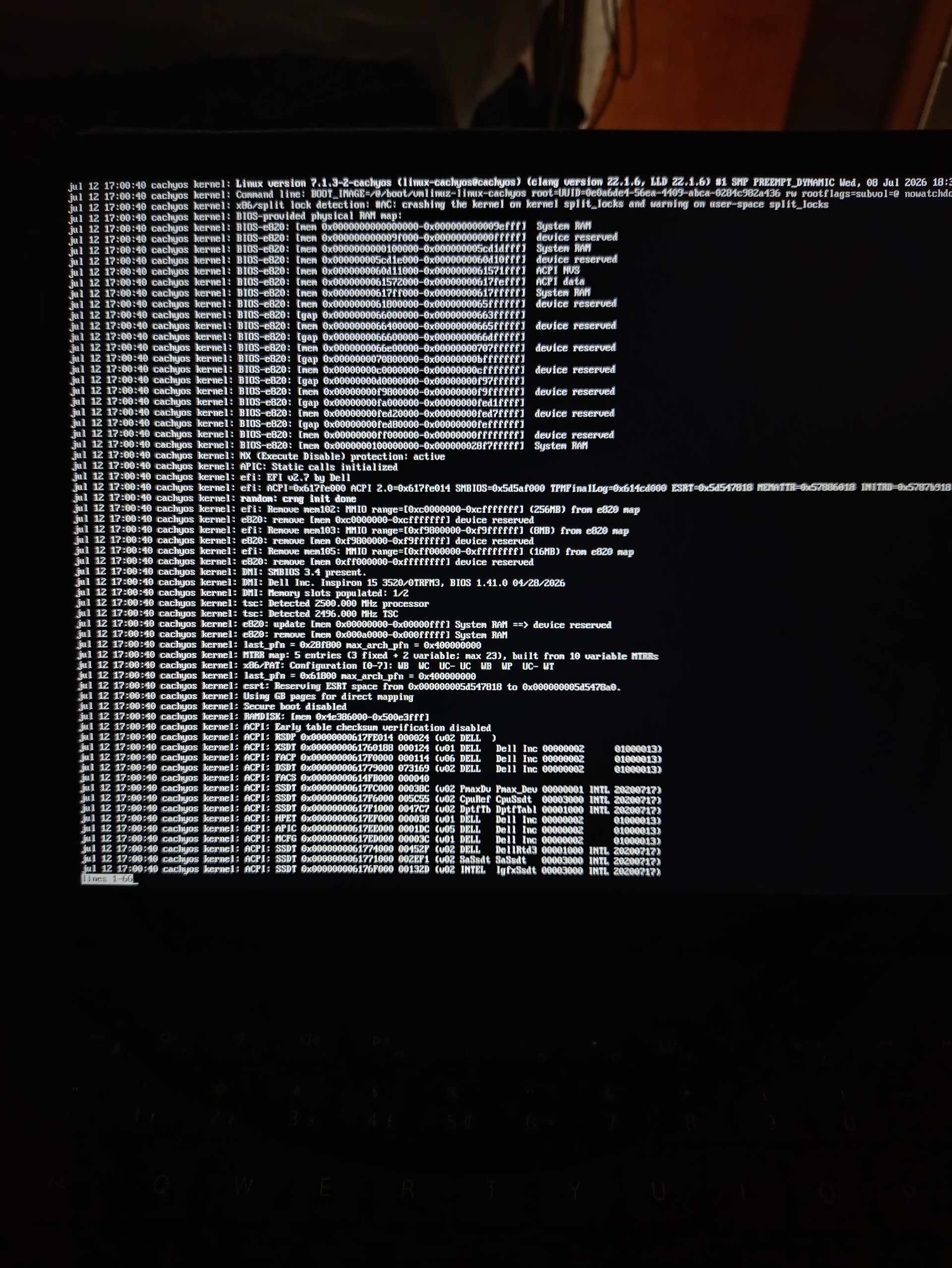
I’m on emergency mode
What happened and what did you try?
The following can help you get access one way or another;
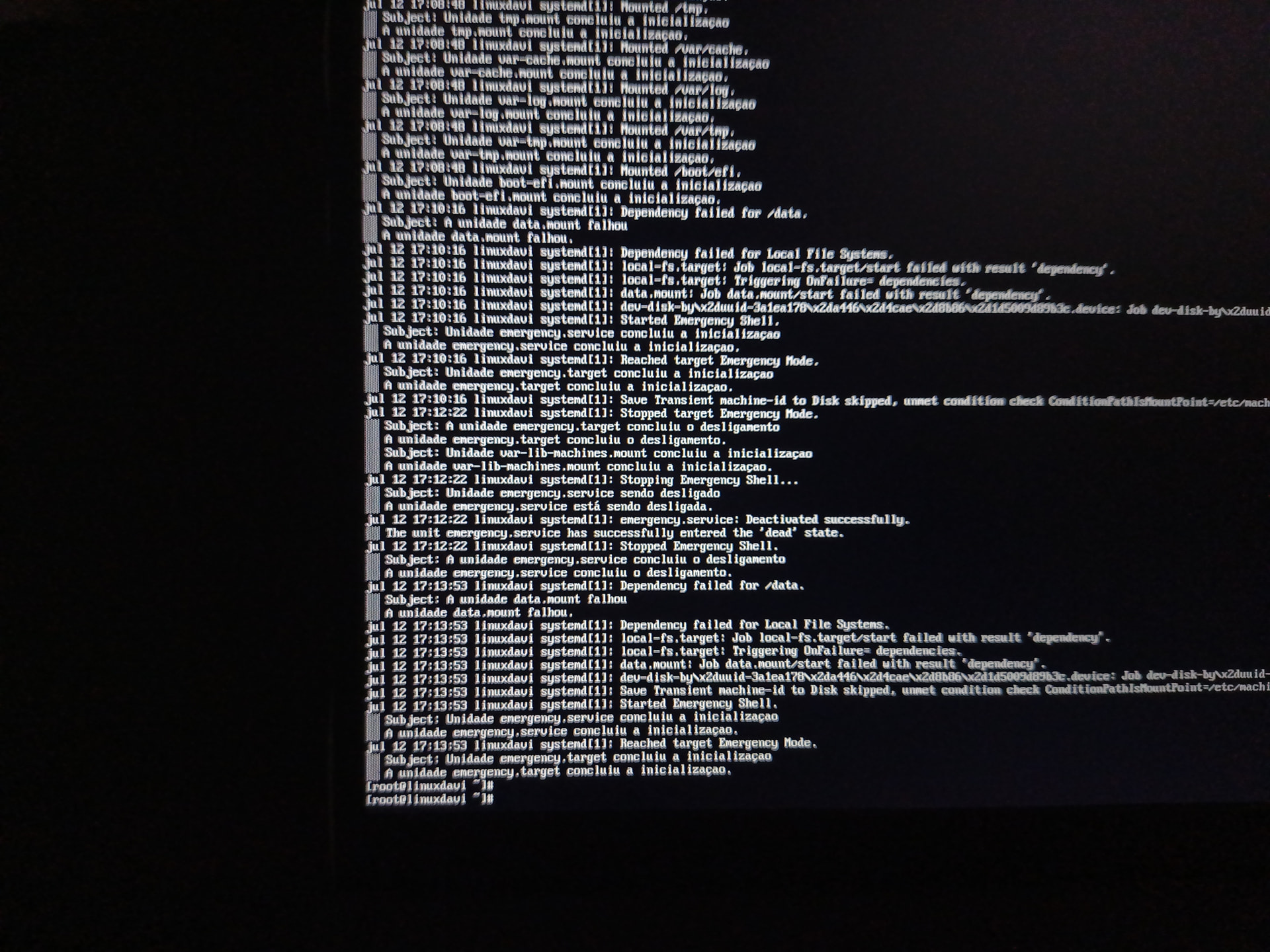
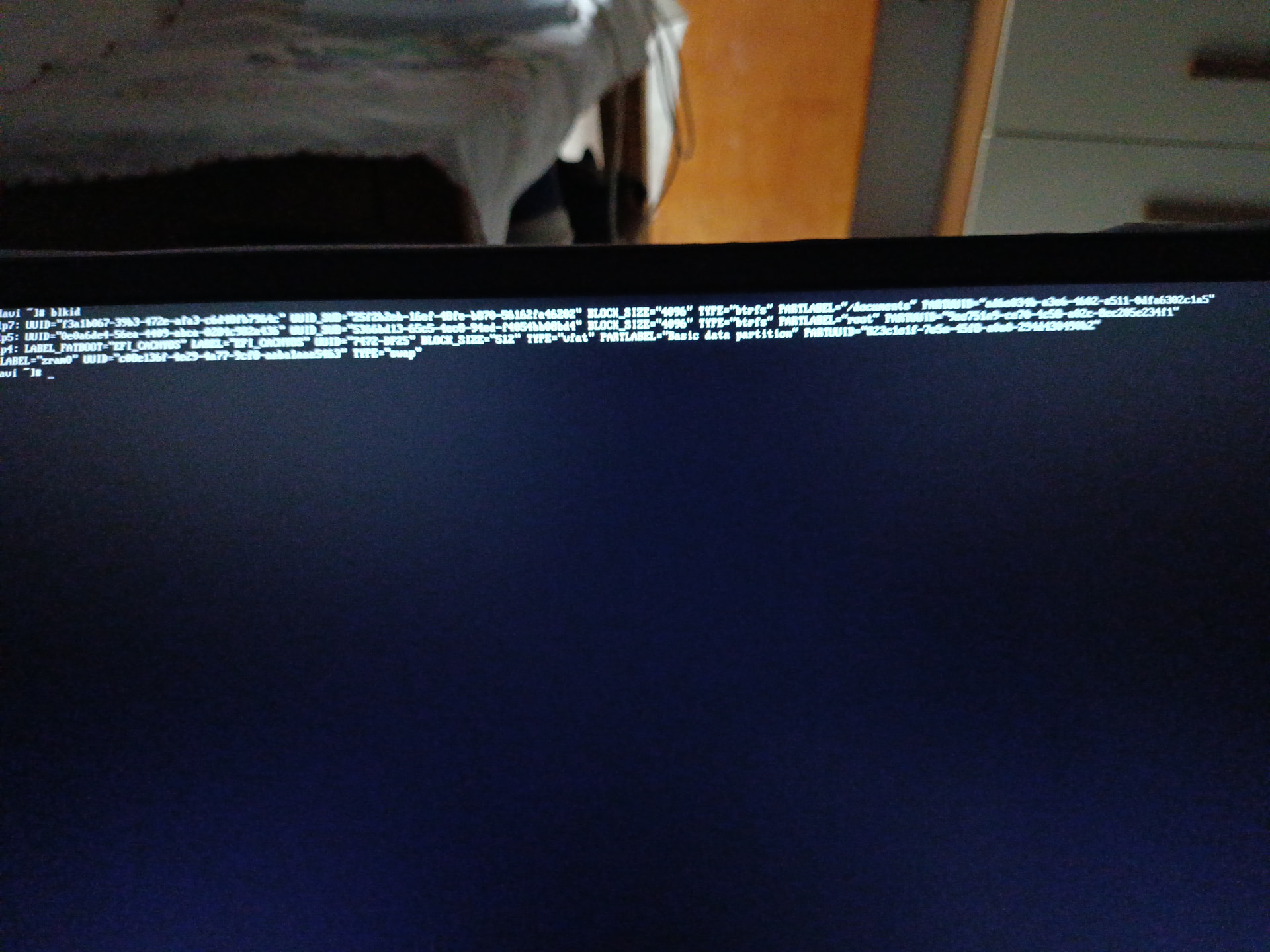
This saying that /data is not found and I can mount that sadly, I tried fixing issue based on my Need help reclaiming full SSD space from old Windows dual-boot (No USB drive available) - #8 by Lala and also I can’t, and this broke

you need to cachy-chroot from a Live session of cachyos.
aka boot from a usb stick and follow the wiki.
 BRO THIS A PROBLEM AT MY Fstab I fixed all of this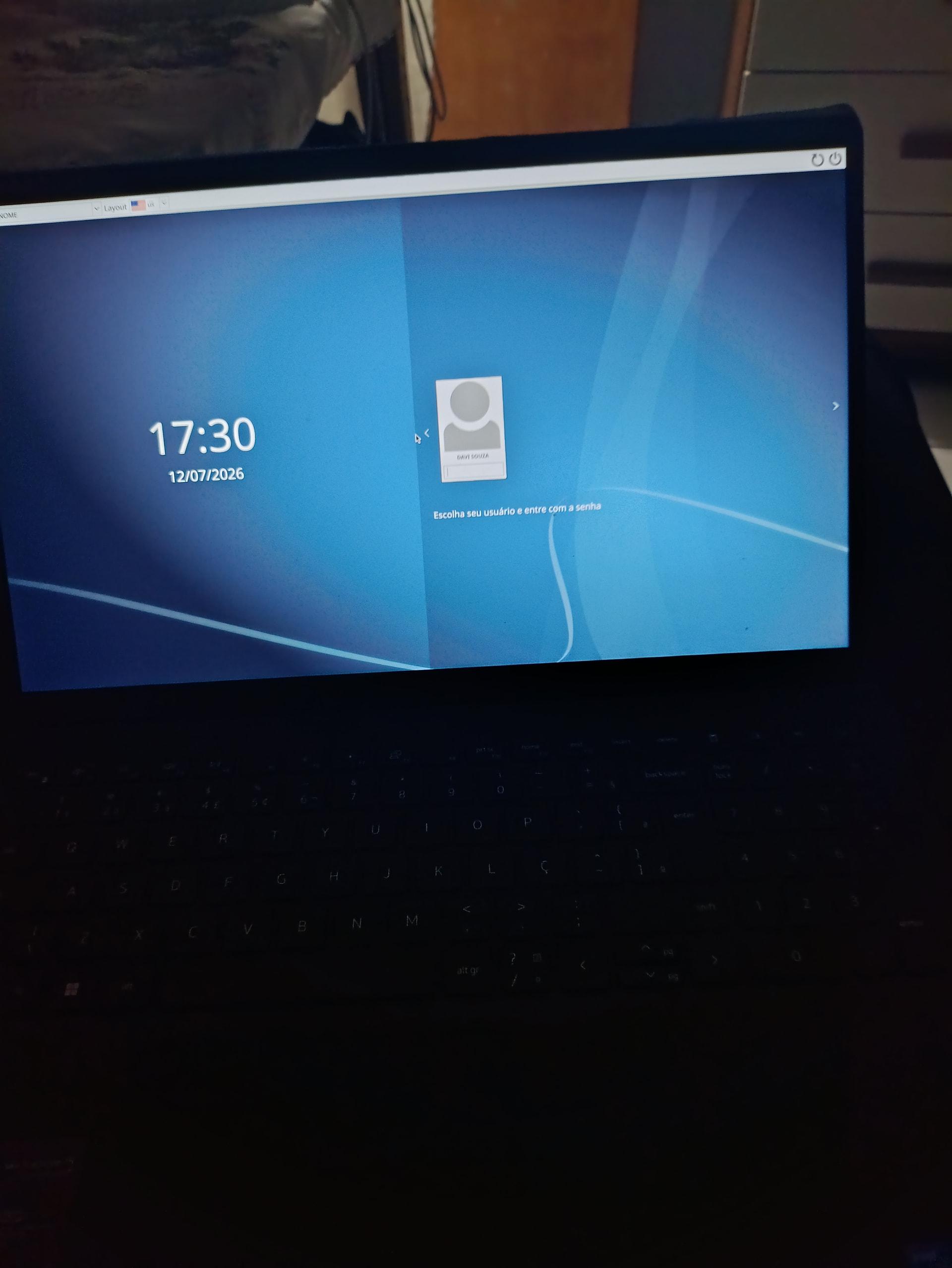
that was fast.
congrats to your successful ressurection
This as Fstab problem /etc/Fstab that have a incorrect UUID and caused all of this
The cachy-helper should be included on the emergency shell
cachy-chroot, along with instructions, was included in the ‘unbootable’ guide above.
And cachy-chroot does not repair anything.
It is just a tool to help you gain access to an installed system from another (live) system. It is just a helper/wrapper to automate what you would normally do a little more manually using chroot.
From there you can perform inspection or repairs - such as editing the /etc/fstab file. Though it is curious why it would have been incorrect in the first place? UUIDs do not change randomly and neither does the fstab file.
That would likely require editing the kernel which… why? You should be keeping the live ISO around just in case anyway. May not need it often, but when you do you’ll be thankful.
Then I am not sure what you meant?
I pointed out this seems to not be exactly true because .. well, it does not actually ‘repair’ anything itself. If you run cachy-chroot and nothing else .. nothing on that host system will have changed.
It seemed like an important distinction. But maybe some sort of language difference?
Only you can tell us?
Also guys finally I RECLAIMED MY SSD WITHOUT LIVE USB HAHA
Did you ever find out why the fstab was incorrect in the first place?
What does this mean?
Is it related to this thread?
Or some other third or fifth thing?
Look at the Need help reclaiming full SSD space from old Windows dual-boot (No USB drive available) - #8 by Lala
I’ll tell you about the problem., I had created a partition using the Btrfs type and added it over “etc/Fstab” And when I went to GParted, I deleted it, making it no longer work when you try to access it again. And that was the problem
Log:
Dependency failed for /data
I had deleted it and was following a YouTube tutorial to restore my old SSD using Windows 11.
So today I managed to solve this problem.
I solved this with Gemini
So you did not increase the size of the existing Cachy (root) partition but instead just created partitions where the windoze partitions used to be?
Yup .. that is how partitions would work.
You only would have needed a secondary system if you planned on augmenting the Cachy root partition - because you could not edit that from the same running system. You need to do such work on unmounted partitions.
That you essentially deleted some unrelated partition and made a new one (or two) in its place is entirely expected and pretty normal use. Of course you could apply such changes from the running system - those are, other, unmounted partitions.
This also means you were using fstab incorrectly - some device that is not required for the running system should not cause the boot to fail ( the final number in the final column should not be 1 ).
I would really caution you with this.
The models are often very wrong about linux in general and something like Arch/Cachy even more so.
The wikis should be your first (and often last) place to look up just about anything.
I mean - if you are already blindly using LLMs .. is that not what allowed you to get into these pickles in the first place?
I have to ask…why?
I did dual boot with windows