Booting in emergency mode after mounting a second SSD with cachyos from different computer

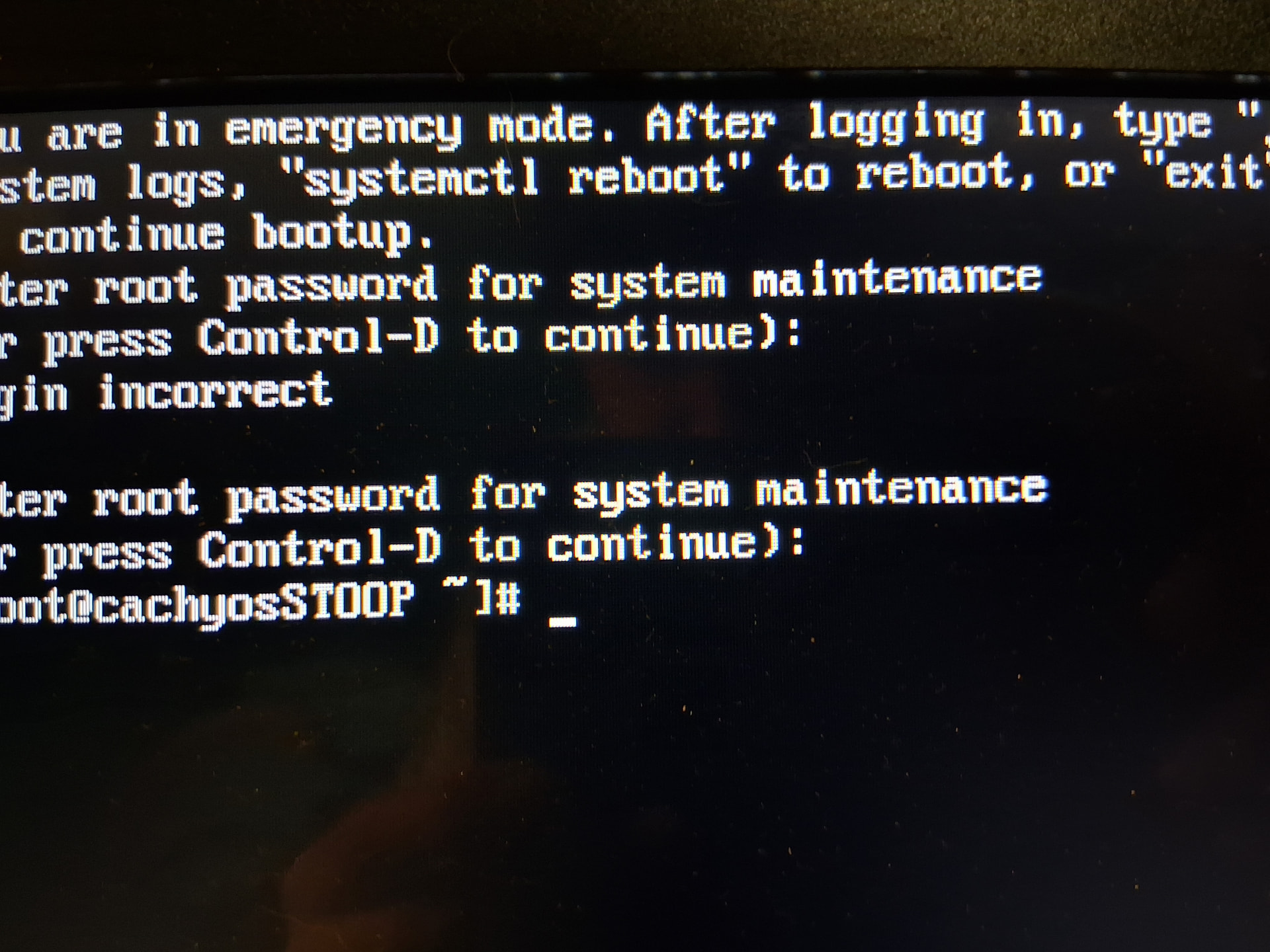
I have two computers which I both have installed cachyos on, a laptop and PC. Due to an unfortunate event of my laptop getting exposed to water and now no longer being able to turn on, I decided to put the laptops SSD in one of my PCs SSD slots to see if the files on it were still OK. My problem started when I foolishly assumed that my boot manager would boot my PCs OS first. It didn’t. No biggie, I thought, I’ll just turn it off and make sure to correct the boot order in bios. Well I did just that and now it just keeps booting into emergency mode

Can I get some help here? I don’t know how to fix this.

Is there any error message? And can you share the sudo cachyos-bugreport.sh after logging in, if you can connect to the internet?

Logging in? How can I do that if I’m in emergency mode

What does the prompt mode look like? You should be able to enter username/password

Share the sudo cachyos-bugreport.sh, if you can

I can’t do any of that from this terminal, no internet.

just put a SSD on another computer will not boot ,
because you need to re install limine or grub ,this is not know in efivars

so you need to boot on USB cachy os
go in chroot ,
and resinstall limine or grub

to check before chroot

sudo parted -l 
sudo lsblk-fs
sudo efibootmgr -v

you will not see UUID from SSD Added

I don’t use grub or limene I just let it boot from bios’ boot order. I do still have the live USB though. I’ll try the bug report from there

I believe cachyos-bugreport uses the boot logs of the current machine, making it ineffective while chrooted.

How were you able to boot the device if you don’t have a boot manager? Can you share the partition scheme?

sudo parted -l

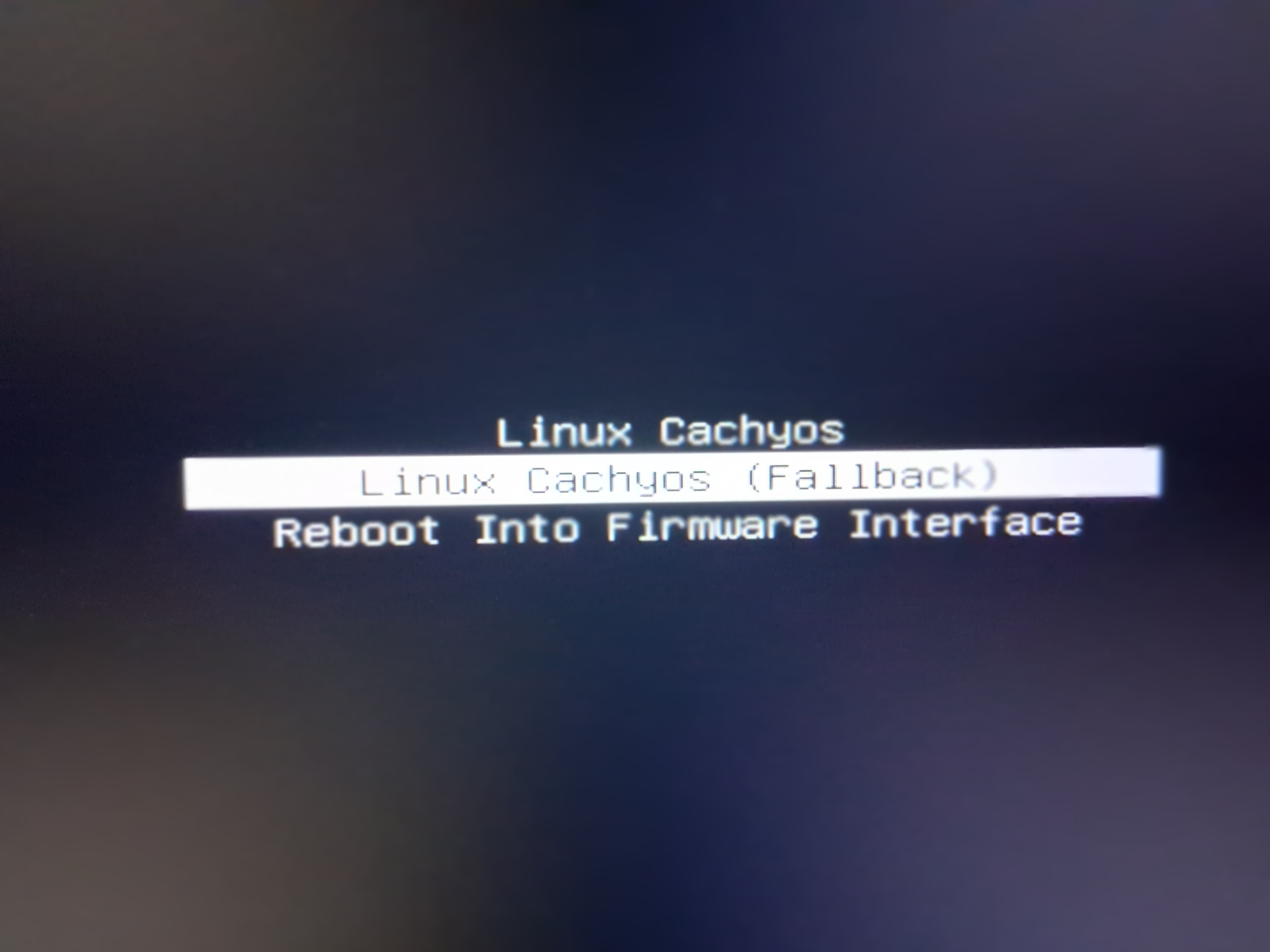
Oh… well this is what shows after bios. When I pick Linux cachyos it goes to emergency mode

That is indeed the boot manager :grin: not sure which one, though. It might say at the top/bottom of the screen.

I wonder if this is a driver error, since it’s a different machine. Not sure how to fix that, but it’s probably not hard.

In the emergency boot, can you manually scan journalctl -b 0 and find anything interesting?

Alternatively, because you can’t connect to the internet on that system, you can run

sudo cachyos-bugreport.sh  # keep track of where cachyos-bugreport.log is written to

And upload cachyos-bugreport.log manually from a working system:

paste-cachyos cachyos-bugreport.log  # share the link

There’s nothing else than those three lines on manager but I’ll try to do what you ask

I figured it out, it had nothing to do with booting into a ssd from a different computer, it was from a mounting error caused by an unplugged external hard drive.

https://askubuntu.com/questions/685946/how-to-exit-emergency-mode-and-boot-to-default-mode

I plugged my external harddrive back in and it booted normally. I ‘safely removed ‘ it. And it did but it asked for my password before it could, weird, its never done that. Now I’m gonna turn it off and on again to see if it’ll boot normally without it.

EDIT: It couldn’t…

Looking into it more i was able to resolve it by adding nofail to the options line in /etc/fstab
UUID=<> /mnt/example ext4    defaults,nofail   0      0