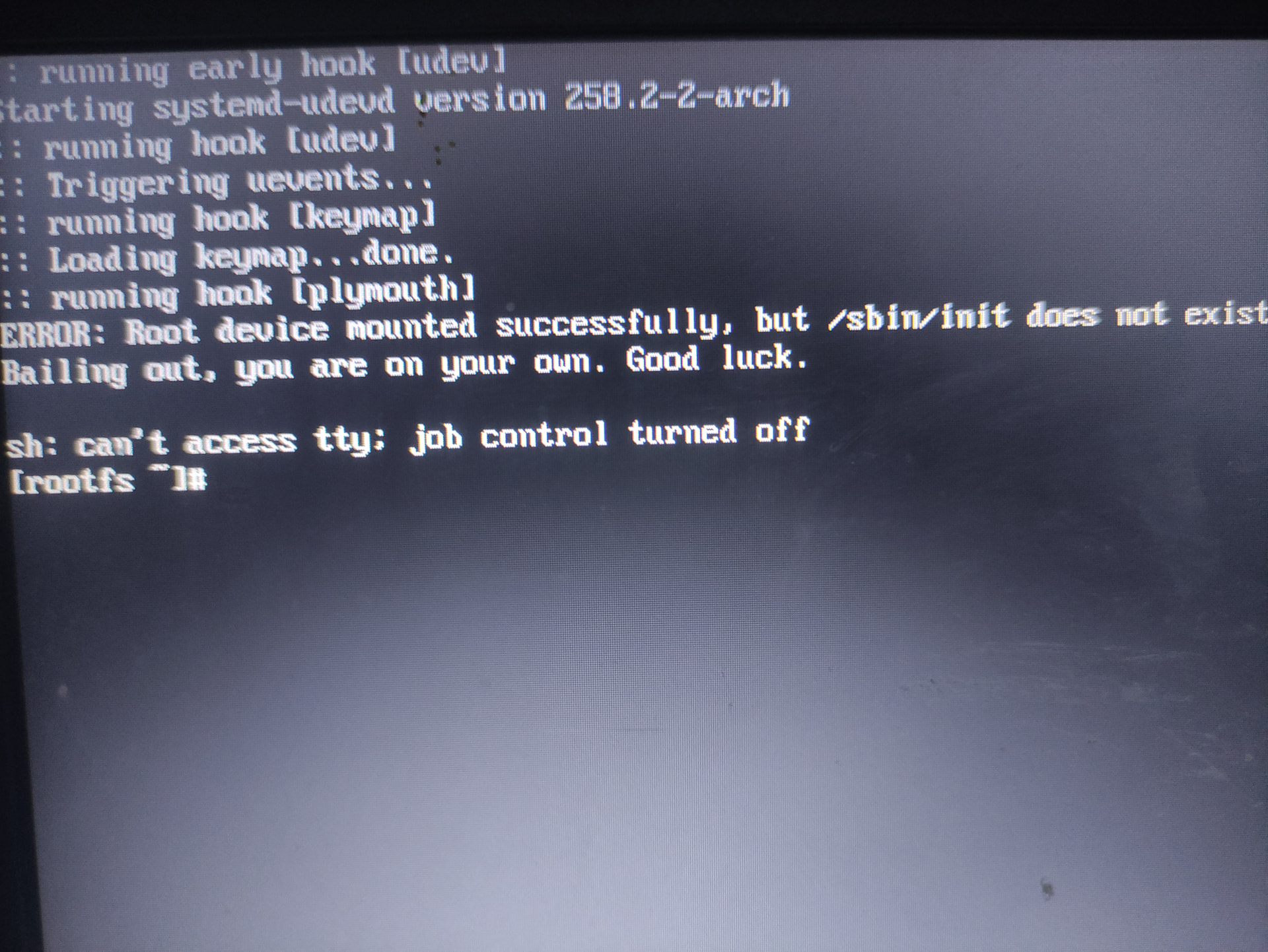
Bailing out, you are at your own

Situation:

  • I accidentally uninstalled gcc
  • System stopped working
  • Booted into live iso to replace the /usr/bin missing libs manually (installed gcc from archlinux site)
  • rebooted into main system
  • I got this msg

How do i fix this ;(, im too lazy to rebuild the whole system, is there any other way around?

Restore from backups?

I don’t have any :clown_face:

You are cooked.

Welp, system re-installation it is

I used Linux Mint for a while, around 12 years ago if I remember rightly…

One reason people tell nOObs to go install Linux Mint is that Linux Mint tells you to set up snapshots and run regular backups (rsync with back-in-time is good).

So really, not much sympathy here.

After complete hardware failure a couple of years ago, I reinstalled on my new build, imported what I needed from a backup, and had the system 95% set up from the get-go. Within 3 hours, I’d re-installed all interesting items in my pkglist.txt file and had a bit more work to re-configure a few things for the new hardware, like conky scripts and such.
huh? what did you do and where did you get the idea?

There is a remix app that will remix your current install to usb drive.

it will let you boot it from any pc or just run/reinstall. Why dont all distros

have this amazing tool?

Does anyone even know what this tool does? How important?

This tool is great and getting more bug free. I cant wait, fork it!!! Hah!

k

no more setting things up after re install… etc. Etc….

CachyOS has btrfs snapshots on a default install (at least with Limine, not sure if with GRUB).
Did you try booting into an older snapshot?