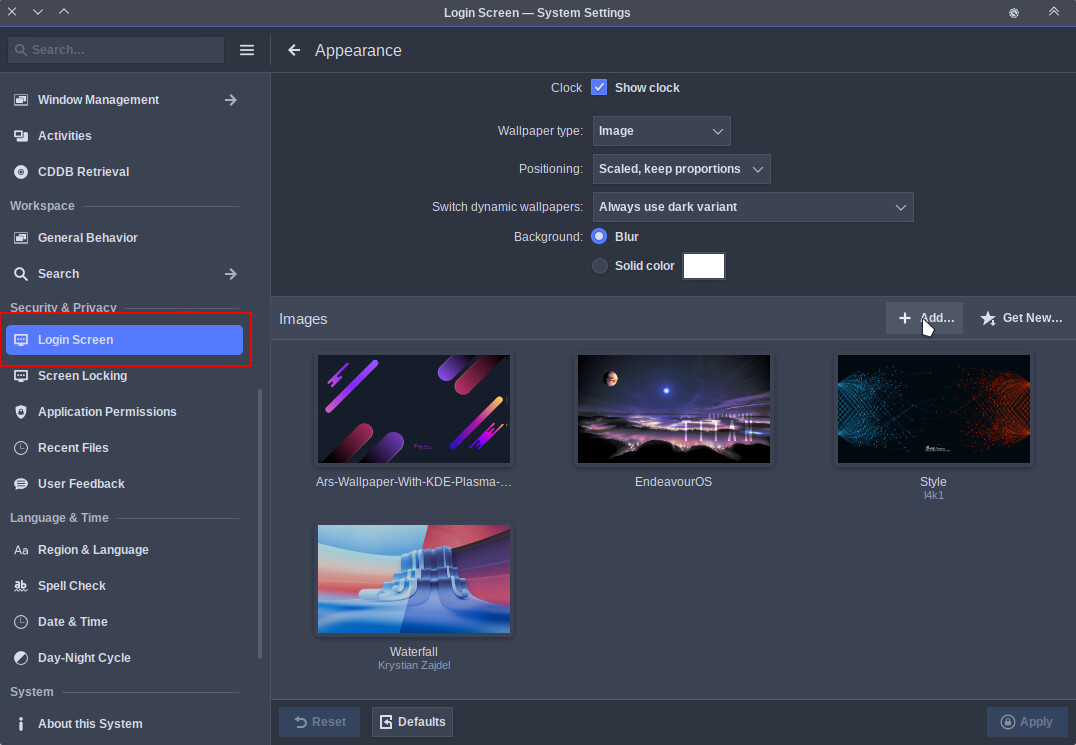
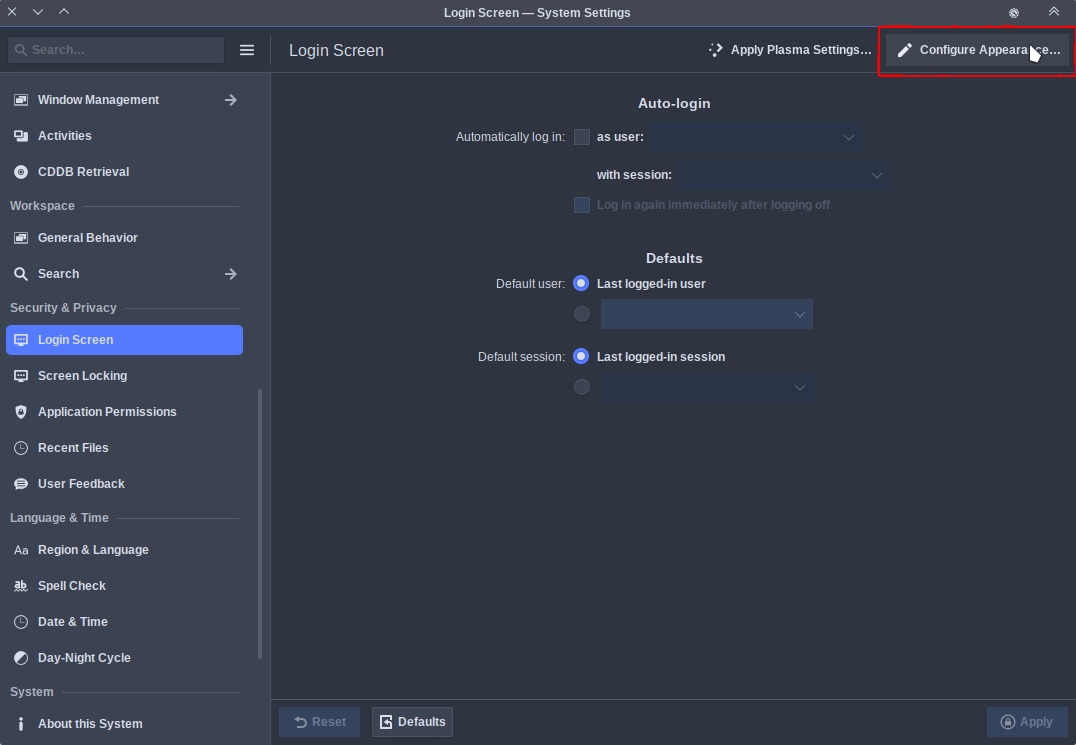
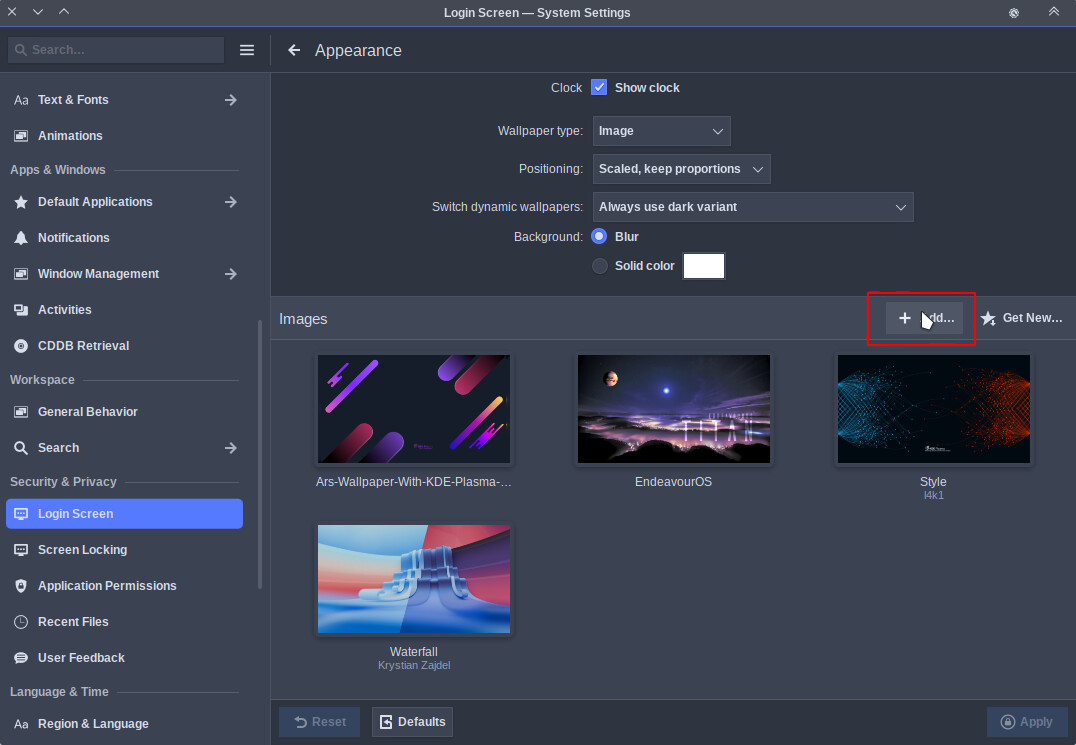
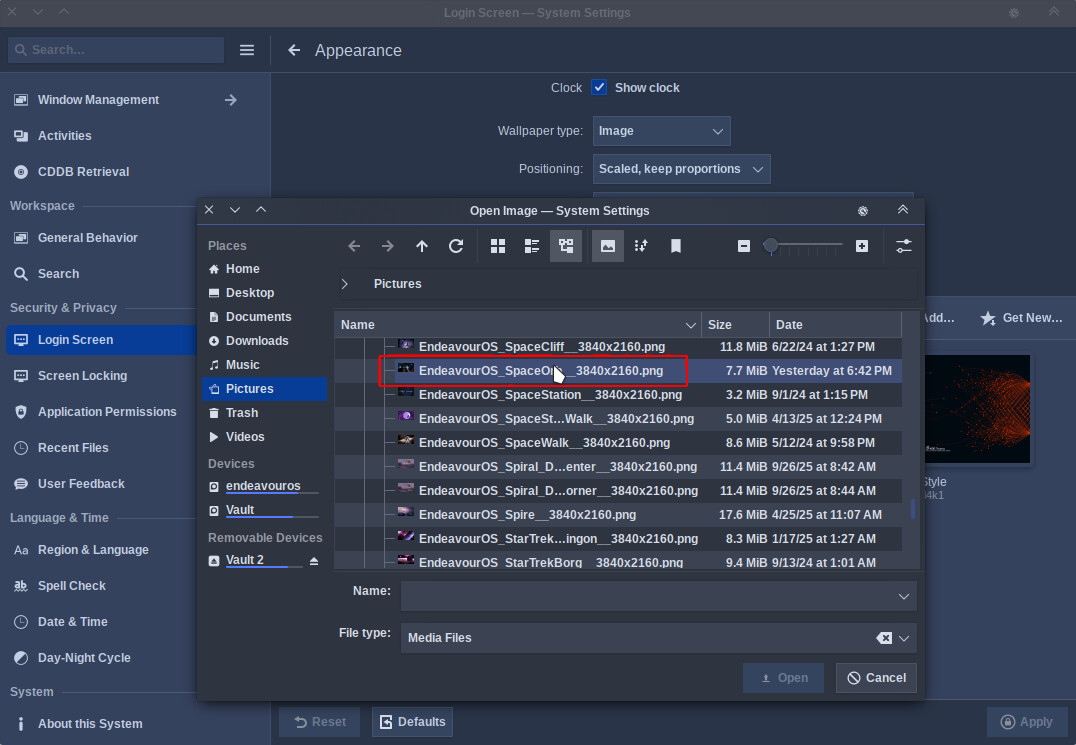
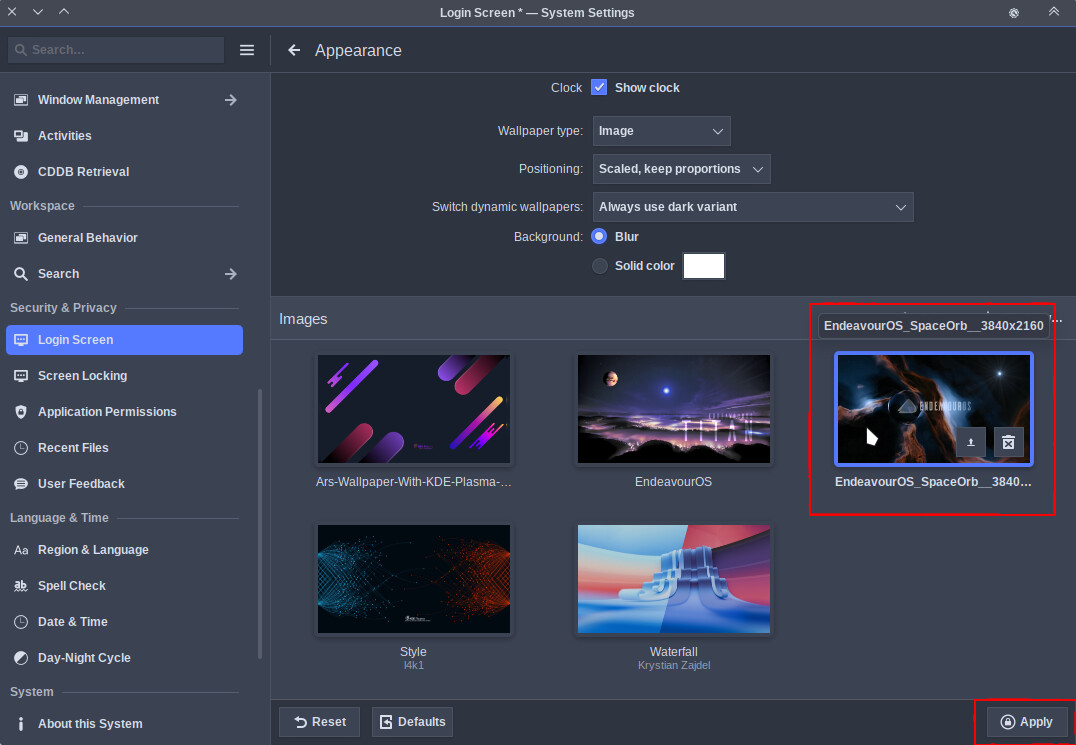
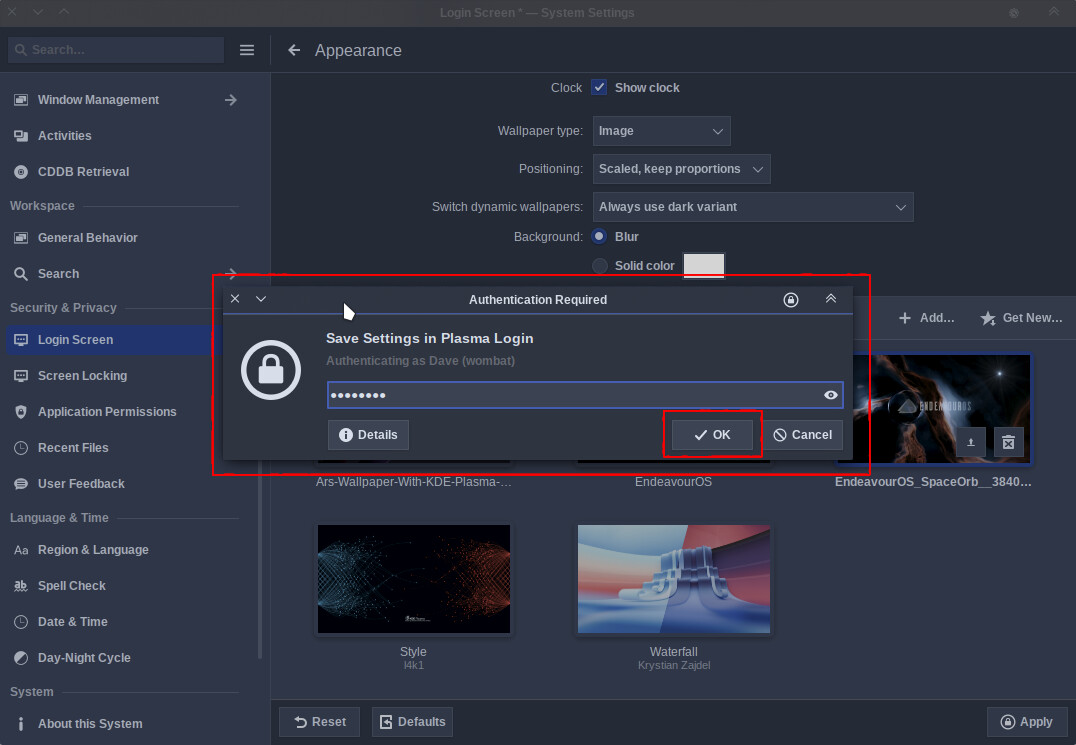
Hey guys! Updated to Plasma 6.7 today and figured it was time for a new login screen background. When changing the wallpaper, I get a password prompt when I click “Apply”. After that, when I close the Login Screen dialog, I get another password prompt and then on reboot, the login screen background is the Plasma default instead of the picture I chose. Weird.
System Specs:
Operating System: CachyOS Linux
KDE Plasma Version: 6.7.0
KDE Frameworks Version: 6.27.0
Qt Version: 6.11.1
Kernel Version: 7.0.12-1-cachyos (64-bit)
Graphics Platform: Wayland
Processors: 32 × AMD Ryzen 9 7945HX with Radeon Graphics
Memory: 64 GiB of RAM (62,0 GiB usable)
Graphics Processor 1: AMD Radeon 610M
Graphics Processor 2: NVIDIA GeForce RTX 4090 Laptop GPU
Manufacturer: ASUSTeK COMPUTER INC.
Product Name: ROG Strix G733PY
System Version: 1.0
Ive got the same problem, and was able to fix it.
/var/lib/plasmalogin/wallpapers/
The owner of this folder for me was root, it should be plasmalogin manager,
No idea how or why it happened but after changing the owner of the folder it worked again.
Gave full permissions to anyone as a test and it woirke, after checking the folder again it had 755 and plasmalogin as the user, so simply changing the user to plasmalogin should fix it.
This used to be the case for me, but now I have a strange issue where I have two login backgrounds, one for logging in after startup, and one for logging in after sleep, both are different images
Still completely unable to apply the wallpaper I chose on login screen. I select the new plasma 6.7 default wallpaper and “always use light variant”, yet when I go to login screen it shows the light variant of plasma 6.6 default wallpaper instead.
Changing the login screen to default settings does revert to the plasam 6.7 wallpaper I wanted but in dark mode, not light. I’m completely unable to change to light mode 6.7. I don’t know how selected the 6.7 wallpaper ends up displaying the 6.6 one…?