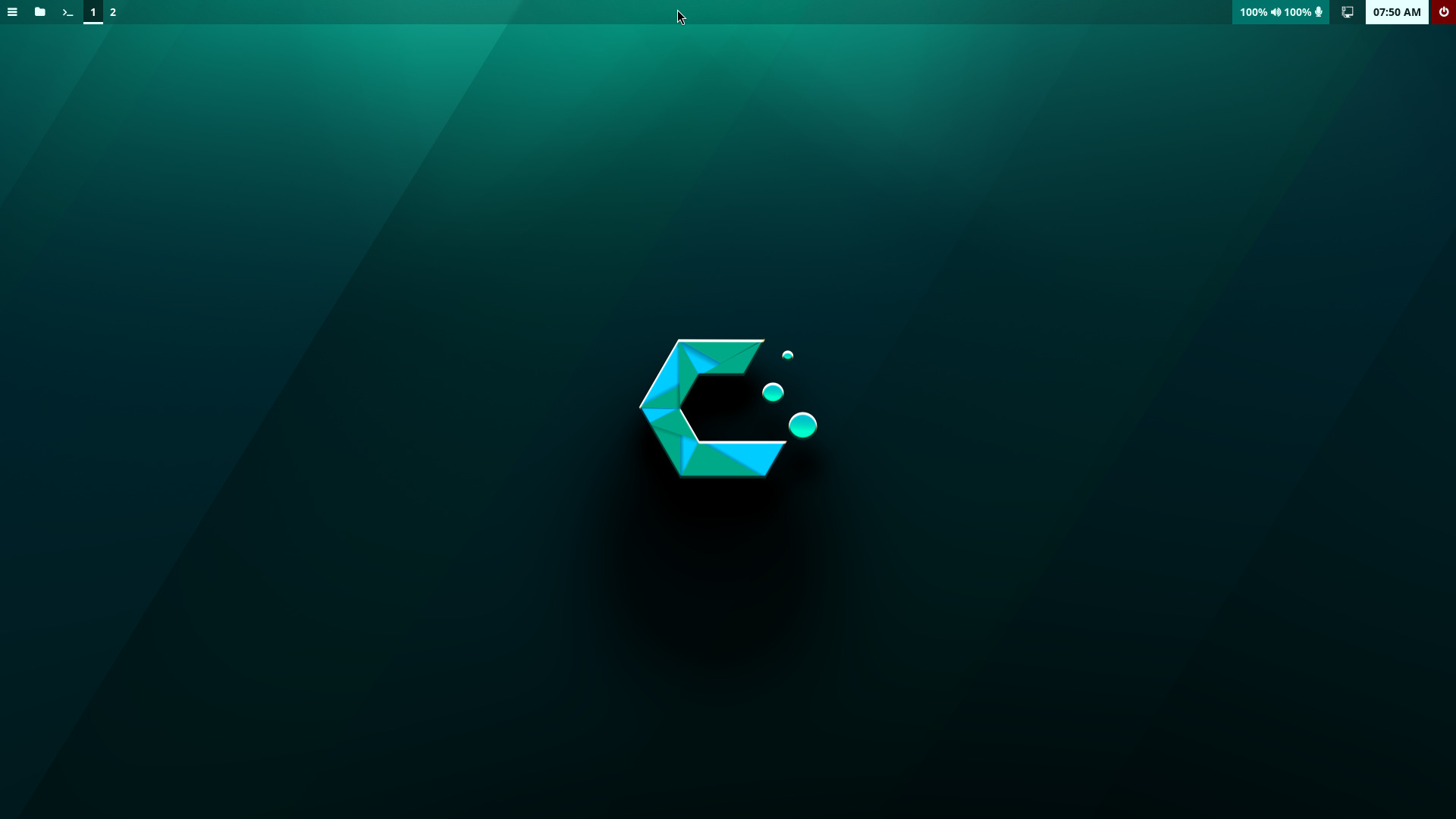
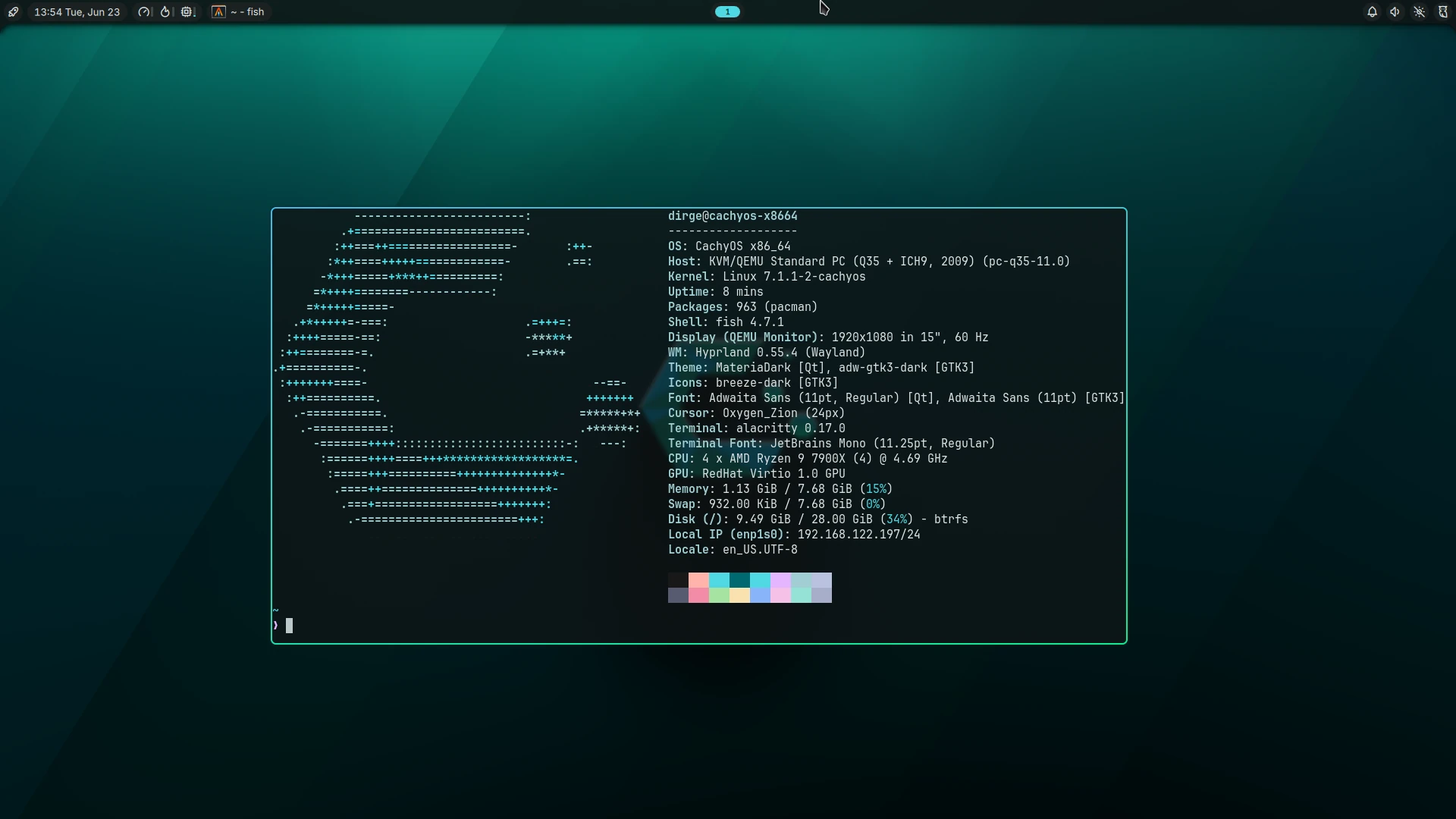
After living in window manager/wayland compositor land for almost a year now, I feel pretty comfortable with what I’m running, but I was pretty lost when I first started out and it was cachyos-hyprland-settings that let me cut my teeth without starting from absolute zero. A new user could still use this package, but I wouldn’t advise it. It has been deprecated and would result in a broken setup by default.
So, after seeing a few posts wondering about the deprecation of that settings package, I decided to take a stab at forming a starter package of my own. This is my first attempt at doing something like this and appreciate any feedback I can get in order to make it better. I will regularly ask questions in this thread to that end.
Why Hyprland?
Because it’s what I started with and it’s what I know better than any of the others, and even months past the roughest patches I’m still in no hurry to learn how to configure another one. I did dabble in Niri a bit but I never ended up making the switch and cachyos-niri-noctalia already has a good default state available for that WM.
Two Choices
cachyos-hyprland: A bare bones but completely functional CachyOS themed starter environment. Ideal for people looking for either a stripped down starting point on the way to creating your own environment or for those that desire a good place to learn about the functions of a window manager as opposed to the full desktop environments they’re used to.
Run the CachyOS Installer and do whatever you wish until you get to the desktop environment selection.
Select “No Desktop” as your desktop environment. You should do this instead of selecting “Hyprland” because doing that activates a suite of software that are unnecessary and unused. “No Desktop” ensures that you only install what you need since the install script will take care of everything that Hyprland needs to run.
Do whatever you want in the Additional Packages section as long as you don’t select anything from inside the desktop environment menus. I’d also advise leaving the cachyos-wallpapers package checked unless you intend on replacing all of the wallpapers(bootloader, display manager, desktop) after you install.
Complete the installation.
You will reboot straight into the terminal since we selected no display manager package in the installer. Log in.
Clone the git repository and then change into the directory it creates.
git clone https://codeberg.org/dirge/cachyos-hyprland.git
cd cachyos-hyprland
OR
git clone https://codeberg.org/dirge/cachyos-hyprland-noctalia.git
cd cachyos-hyprland-noctalia
Allow install.sh to be run as an executable. You may inspect the respective install scripts here: cachyos-hyprland and cachyos-hyprland-noctalia. These are extremely basic order of operations scripts and don’t require a high level of expertise to read.
chmod 755 install.sh
Run the script. You will be prompted twice for authenticaion. First is for sudo to install the packages, and the second is for activating the systemd service for greetd, your login manager.
./install.sh
You are finished. You may now reboot. The cloned repository is no longer needed so you many also remove that.
systemctl reboot
Important Keybindings
SUPER/META/WINDOWS = Main Modifier Key
SUPER + RETURN = Open Terminal
SUPER + SPACE = Open File Manager
SUPER + Q = Kills Active Window
SUPER + V = Toggle Floating Mode
SUPER + F = Toggle Fullscreen Mode
SUPER + M = Toggle Maximize Mode
SUPER + R = Open Application Launcher
SUPER + E = Session Menu
SUPER + L = Activate Lockscreen
PrintScreen = Create screenshot of designated area and add to clipboard
ALT + PrintScreen = Create screenshot of active window and add to clipboard
CTRL + PrintScreen = Create screenshot of active display and add to clipboard
I do not have anything constructive to say, but I just wanted to say that I think this would be really cool.
I decided to install CachyOS with Hyprland for the first time yesterday on a separate drive, and I am absolutely flying blind and have no idea what I am doing. I love the idea of Hyprland and I love learning, but it does feel a bit daunting when I am not exactly someone who has a lot of free time available.
I will say this (as an opinion), Hyprland is a work-in-progress and syntax changes (or even complete restructuring) to the configuration files happen frequently. It is not a recommended course of action unless you want to keep up with the changes constantly, because most changes are breaking.
Personally, I find it ‘neat’, but I got tired of the changes.
Current plans are to rewrite the configuration into full LUA, I hear, so expect more of the same.
It currently (again an opinion) is not a light-weight minimal window manager, if full visual effects are enabled, is best experienced on more powerful GPU-enabled systems.
I’ve been working on the same thing for a couple of years, on and off, but never stopped tweaking with it long enough to ‘release’ anything. It’s kinda like writing music….
Ayhoo, its currently kinda broken because of the damn theming - CSS is of the devil and I loathe it.
Feel free to steal any ideas from here: here (Bash).
There are a few other scripts you might want to poke at, like this script (Ruby) for theming using Matugen. (Used to do the same thing but with Wal.)
Yeah, Hyprland’s config may change, but I’ve always found the biggest issue is consistent theming. Currently using the above script and its like pulling teeth.
As someone that’s been daily driving Hyprland for the last six months, there have been two instances where breaking changes made to the configuration, and neither were so serious that I needed to switch over to tty to make the fixes. Each was resolved within ten minutes and that was on fully “lived in” configurations.
One advantage of the barebones approach that I made with this kit is it hews extremely close to the default hyprland.conf and if any syntax changes were pushed then they would require minor intervention on my part to fix. Like, copying and pasting a line from Hyprland’s updated default config and hitting commit.
A lion’s share of the work I did to get this functional was split between two things unrelated to the Hyprland config itself: Config and styling of Waybar, and consistent GUI theming between GTK and QT.
Fortunately, there’s isn’t a whole lot Hyprland can do to mess with those things.
Yes, I just got tired (on another distro) of all the ‘my gui is broken’ every time Vaxry changes something ;0 As long as they’re text files, they’re easy to fix..just gotta know what changed
I’m sticking pretty closely to my guns when it comes to keeping this simple and that includes the default theming.
Keeping with my requirement that I use software from native repos, I was forced into a very narrow corridor so I didn’t have to worry too much over what I should go with.
Then, kvantum(QT), qt6ct(QT), and nwg-look(GTK) with their respective configs pointing at the Materia themes. And a line in hyprland.conf to declare
env = QT_QPA_PLATFORMTHEME,qt6ct
And that’s the end of it.
It’d be much more of a concern to me if I were adding a more opinionated flair but this really is just meant as a starter package and I try to leave as much in the hands of the user post install as possible.
As an aside, I initially thought QT theming would be the more annoying of the two, what with it needing two applications for theme management to GTK’s one, but boy was I wrong. There are a whole lot more gunk files in ~/ that needed to be set for GTK’s theming to work where QT really only needed one for each application.
wow that all seems interesting. i have hyprland installed and wanted to use it, but im stuck on kde plasma (wayland) because i have no idea what im doing, and feel like it would be difficult changing everything to hyprland.
although i feel like hyprland would be really cool and interesting to use, and could teach me a few things, i just don’t know a lot about it. would i still be able to run most of my apps or no? and how much more complex is it compared to kde plasma? i started on windows 11 and got tired of the resource hogging bloatware and lack of control, so i switched to linux in november on garuda, and later to cachyos the beginning of this month (both distros, i used KDE Plasma Wayland), so im kinda new here. do you have any advice that could maybe help me get used to hyprland or at least where i should start…? i know that i can switch into hyprland through sddm, and i know how to install packages… and i know basic and semi-advanced general operating system stuff, but other than that… i have absolutely no idea what im doing
Yes. You can think of Hyprland(and Wayland Compositors in general) as simplified desktop environments. KDE Plasma itself has a wayland compositor called kwin and then a whole bunch of stuff built around it to form a cohesive environment that you can drive immediately after install.
The same linux applications you used with KDE Plasma will work just fine with Hyprland. The differences are
Stacking Window Management (KDE Plasma) vs. Tiling Window Management (Hyprland)
Cohesive Desktop Environment (KDE Plasma) vs. Build it Yourself Desktop Environment around the Hyprland Window Manager
Whether tiling window management agrees with you or not is something you need to experience first, but it has no bearing on whether anything will run or not. And in my original post you see me talk about the software that would be featured in the starter package, which is just the pieces I chose to build a desktop environment around Hyprland’s window manager. Once you get experienced with it, it can be fun and rewarding to build your own once you’re familiar with all of the different parts that you normally wouldn’t think about when using something all encompassing like KDE Plasma.
I hesitate to make my next statement, despite how true the comparison is, but you can think of it similarly to switching from Windows to Linux and KDE Plasma. More of your system’s complexity is laid bare to you, for both better and worse. With the added control comes a greater responsibility and knowledge requirement for you the more layers you peel off the onion.
It’s hard to know if it’s for you until you give it a go, where you learn where you want the bar set for how much control is given to the system and how much is retained for yourself.
One thing I don’t want to do is make it sound like it’s an easy task to move into Window Manager Land, so the very first place I’d point you to would be a wiki:
Which is an invaluable tool regardless of your familiarity level. I still refer to it often. I feel like my script will be a great place for CachyOS users to start(and the wiki should be referenced every stop of the way at first), but it will require a fresh install so it’d probably be best to first run it in a virtual machine instead of installing it alongside your current working environment.
Okay, I’ve got it ready to go if anyone would like to give it a whirl.
Instructions
Run the CachyOS Installer and do whatever it is you do until you get to the desktop environment selection.
It is not important that you select Hyprland as your desktop environment. In fact, it’s probably best if you don’t select one at all(“No Desktop”). The script will install all of the necessary packages.
Do whatever you want in the Additional Packages section as long as you don’t select any desktop environment software.
Complete the installation.
You will reboot into a tty since you have no display manager. Log in.
It will ask you to authenticate a couple times. Once for package installation and the other for moving greetd into position so it is used next time you boot.
Reboot
systemctl reboot
And that should be all.
Here is the current form of the install script if you’d like to look it over:
Related to your greeter comments. While I’m not running Hyprland, but have in the past, both it and Niri (what I’m on today) do well with nwg-hello. It’s not crazy configurable, but it looks “good” and has never caused me a problem when running any wayland environment (Hyprland, Niri, even Plasma).
I’ll look into this one. Apparently I didn’t do a good enough job when I was searching for greetd greeters in the native repos. nwg-hello sneaked by me.
It’s not the biggest problem in the world but, for reasons unknown, there is no way to change or even remove the Welcome! message. I’ve spent an unhealthy amount of time trying and haven’t come up with anything.
That aside, I do like it and I’ll be updating the repo with the new config.
thats interesting, looks good. I like the tui greeter reminds me of ly greeter a bit. I’m been using hyprland a little over a year now and originally I have been using a script from Jakoolit. As of recent I had begun working on my own project with a hyprland script but havent really tested it yet. I’m still using JaKooLit’s script, from last i looked it has been archived as of march and is now managed by someone else a Dwilliams.