I’ve been playing this game for years, first on Nobara and then on Cachy. The only issue I’ve encountered is a well-known out-of-sync issue that requires replacing a dll.
Do they force you to login to Xbox when playing ranked or custom? I don’t think I’ve ever had to use that as Steam seems to have its own system.
To answer the thread question, the games I’ve had the most trouble with were ancient titles that were released in the 1990s, often abandonware titles or ones which required some emulation tinkering that was beyond my paygrade. Sometimes the issue wouldn’t be the game but setting up LAN multiplayer.
One notable more mainstream game was Civ 3 which runs but requires the installation of a community-made mod. It also suffers from a bizarre sound issue that I’ve tried to fix by manually shortening sound files (yes that’s the solution people found lol) but it didn’t work for me as it did for the forum users.
Beyond these, I’ve really not had any issues, which is remarkable. Gaming was the final millstone that had me indentured to Microslop and now I am free
I’ve tried aoe2de again recently and I might be able to avoid Xbox (I never clicked “play” but the online menu loaded), but I still can’t get CaptureAge working. At least that isn’t their fault.
Now I only struggle with getting EA games to work, since they use a launcher that crashes for me.
I think I misconfigured something, since I can’t get any two apps to use the same (prefix? environment?) anymore.
The problem with developing for linux as a monolith is that it’s really developing for thousands of different distros and their implementations. I think investment money is better spent on continuing to improve Wine/Proton, because we’re already seeing games that run better on them than the native port depending on the distro.
The DevilutionX binary (devilutionx-linux-x86_64.tar.xz ) can be downloaded from the Github page and dumped into the game directory. You do not need to use the AUR unless you want to build the binary yourself. And even then, you can just git clone the project and build it without using the AUR. There are no extra dependencies that you need that wouldn’t already be installed (IIRC).
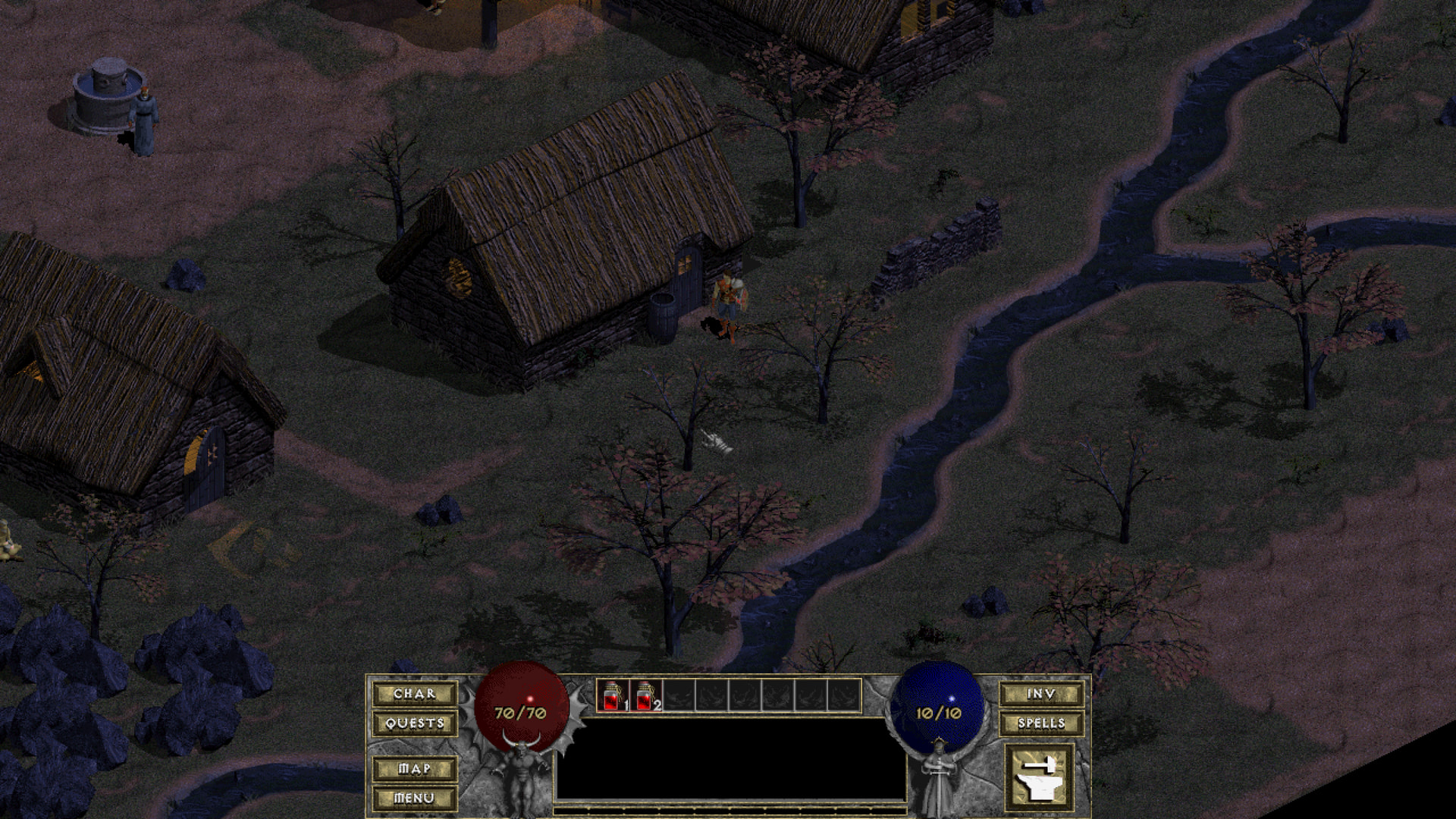
The original Diablo I and Hellfire expansion Windows binaries do work with Wine, but like you say the UI is kinda broken and there are white screens that can cover the UI / parts of it depending on what ddraw wrapper you use. Both the Wayland driver and x11 driver have issues, but the x11 driver seems to work better. The best ddraw wrapper for Diablo I is DXGL–it works better than WineD3D and DXWrapper. I just extract the installer, rename the dxgl-example.ini to dxgl.ini and copy it and the ddraw.dll into the game directory. The .ini needs a few edits before launching the game, mainly AdjustPrimaryResolution=2 or it will crash and setting ScalingMode= to your preference. Usually 2 if you want to 4:3 stretch the game to fill the screen or use 10 and set CustomResolutionX= and CustomResolutionY= to do integer scaling (my preference).
On a 4k display with 200% scaling and a Wayland session:
Use Xwayland to make a borderless window (gamescope can be used instead, if wanted)
Note: -hidpi prevents the app from being scaled and -geometry = [what you want] / [display scaling], so 1/2 of 4*(640x480) in my case.
Even without all the tweaks you so generously provided, but I’ll bookmark your answer in case I need more tinkering.
Thank you so much!
Edit 2: one question though. I executed devilution.sh from where it is located, created a char and saved it, the savegame is called single_0.sv and I can load it fine.
But then I added a link from /apps/wineprefixes/Diablo/drive_c/Diablo/devilutionx.sh (1) to /home/me/Desktop/Games/ (2),
╰─> ls -la ~/Desktop/Games
...
lrwxrwxrwx - me 16 May 08:40 Diablo -> /apps/wineprefixes/Diablo/drive_c/Diablo/
devilutionx.sh
...
and when I executed that, Diablo thought there is no character. So I created another one, saved and loaded that and it worked fine, too?!
Then I realized that by running either (1) or (2), I have different savegames for both. How come?
Are you using Steam or manual Wine/Lutris/Heroic? The latter have been hit or miss for me but Steam has proven its worth as the ‘it just werks’ option. I’ve sometimes had to force an older proton version for some older game, or perhaps insert a command here and there I found on protondb, but that’s the extent of the troubleshooting I had to do. Heck, even GOG titles were easier to run when launched from Steam instead of Heroic proper (they are still downloaded and installed via Heroic in that scenario)
This also includes the dreaded EA and Ubisoft launchers: I can surprisingly play C&C titles with no issues, though they are purchased on Steam as I’ve not used Origin since transitioning to Windows.
Looking at the website I got the dll fix from they do mention a potential fix for CaptureAge. I can’t really help beyond that but I bid you good luck as they really knocked it out of the park with that remaster, def worth a look
Either it “start and imediatly crash”, or it start but remain on a black screen and i must kill the process (tinkering with the proton / wine version).
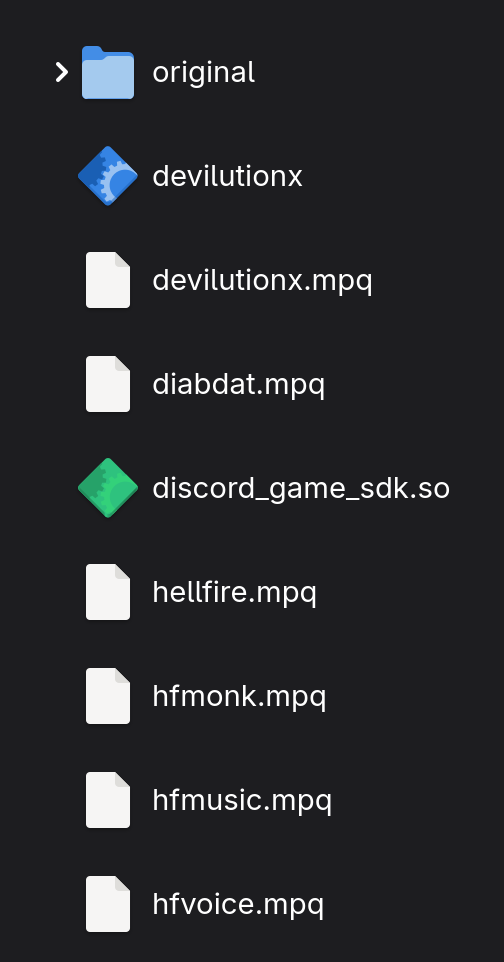
Yep, you only need to place the devilutionx binary, devilutionx.mpq and discord_game_sdk.so in the same directory as diabdat.mpq and you are good to go. And if you want to play Hellfire, then you need the hellfire.mpq, hfmonk.mpq, hfmusic.mpq and hfvoice.mpq files as well. (Hellfire still requires diabdat.mpq to play.)
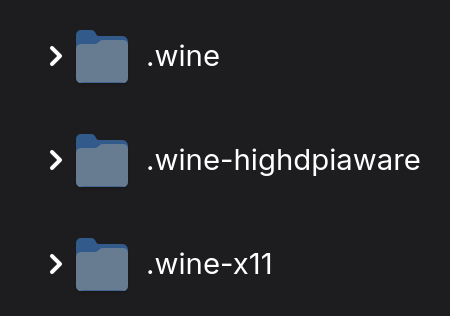
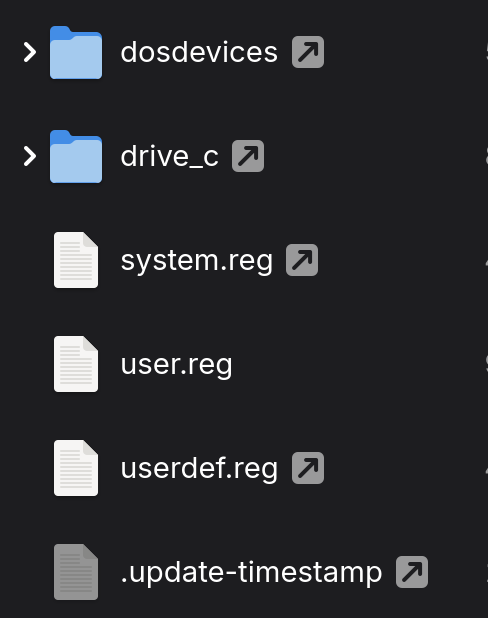
Also, you do not need to install the game. Just copy the diabdat.mpq from the ISO or original CD. That’s it. And you did not need to make a new prefix, I only make one “real” prefix for everything. The only thing that is needed in an extra prefix is the user.reg which actually stores the prefix’s registry settings: So I make “fake” prefixes, where I symlink all files from the main prefix, except for the user.reg file. This deduplicates Wine bloat and allows for custom options like using the Wayland or x11 driver as well as enabling forced high DPI behavior as needed. My main prefix uses the Wayland driver with 200% scaling, the highdpiaware prefix uses Wayland / 200% scaling with forced high DPI aware behavior and the x11 prefix is 96 DPI (100% scaling) and the x11 driver. All three are needed to get various games working with Wine. I also never install a game into a prefix, I place all game directories on my storage drive in a “games” directory for safe keeping. It is easy to delete a Wine prefix and loose all your games.
Pretty much any shovel-ware that uses 3rd party assets especially anti-cheats. Ubi-Soft Connect works but if you have the steam version of Connect that bloats your drive until it bleeds, You have to manually track down the .json config file to tweak anything, like disabling the Overlay. GTA 5 rockstar cant code a windows anticheat that works let alone Linux. It just lets you play single player they tell you they are not even going to bother with a Linux version of their so called anticheat. (Script kiddies take complete control after about a week after every tweak and patch.) Not even going to bother with RDR, bully, or any other spaghetti coded cash grab.
I had a few games that were borked around December, Stalker 2 was one of them. It was related to NVIDIA drivers and not Cashy issue. A driver update fixed them.

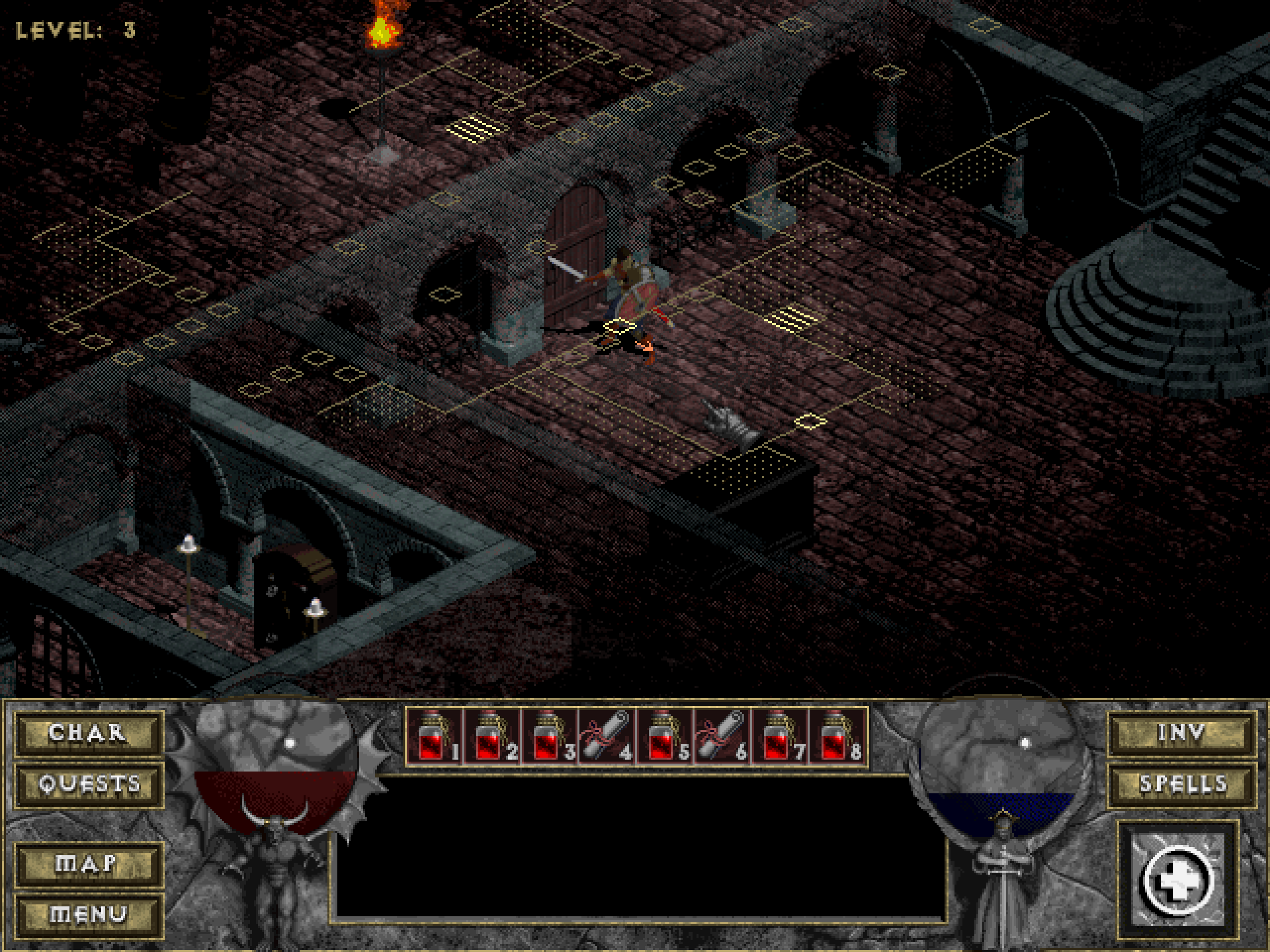
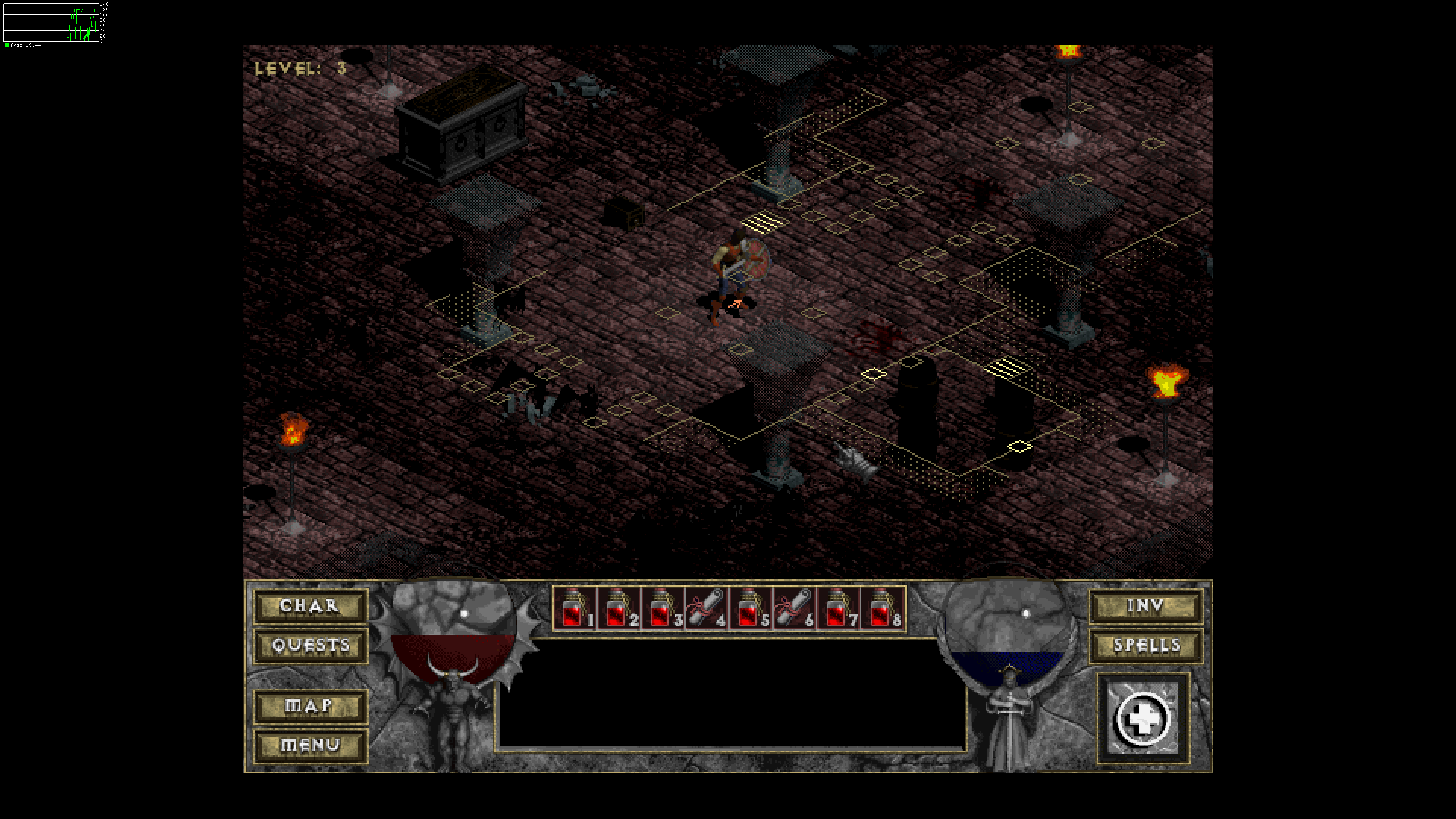
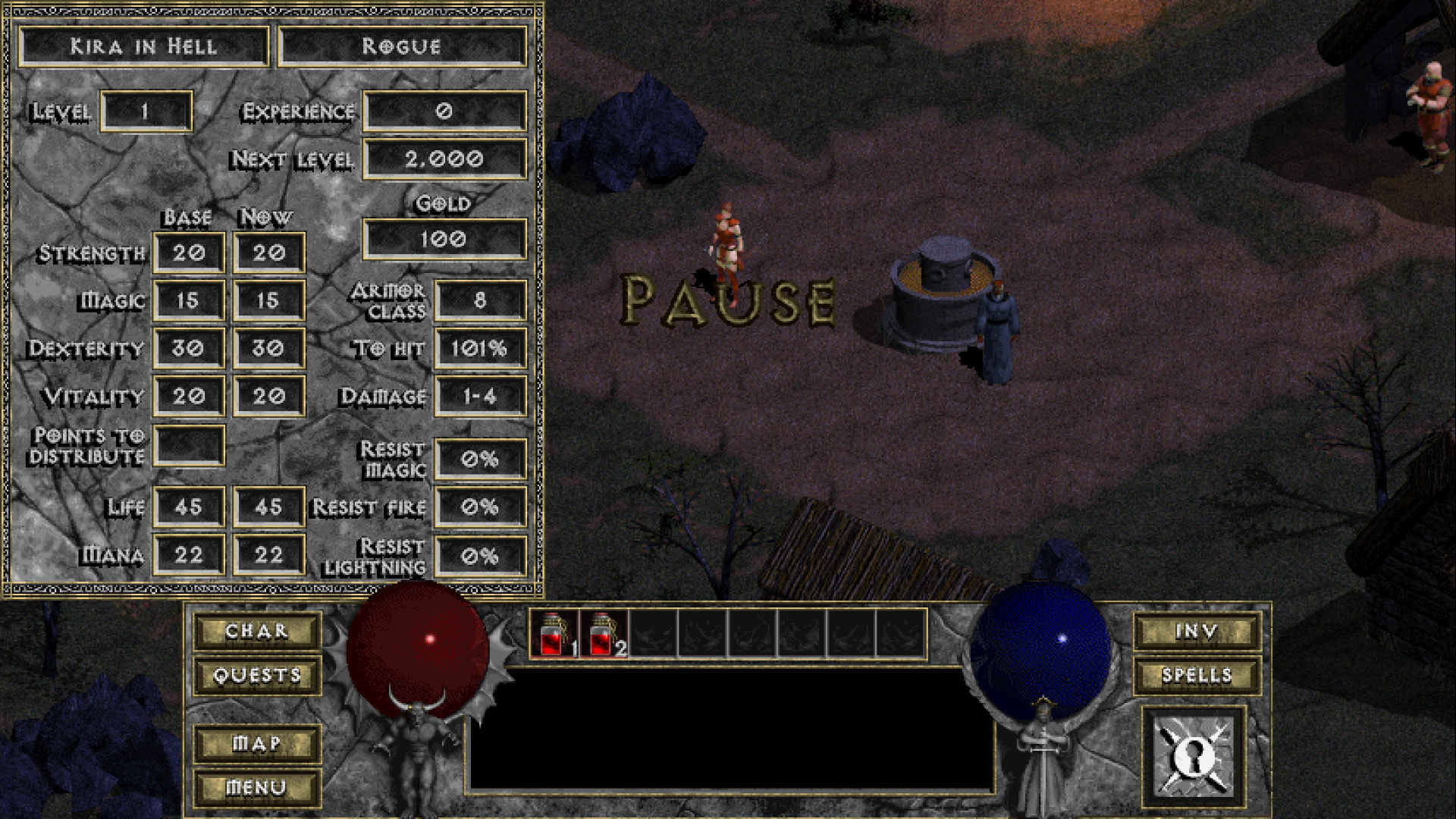
 Thank you so much!