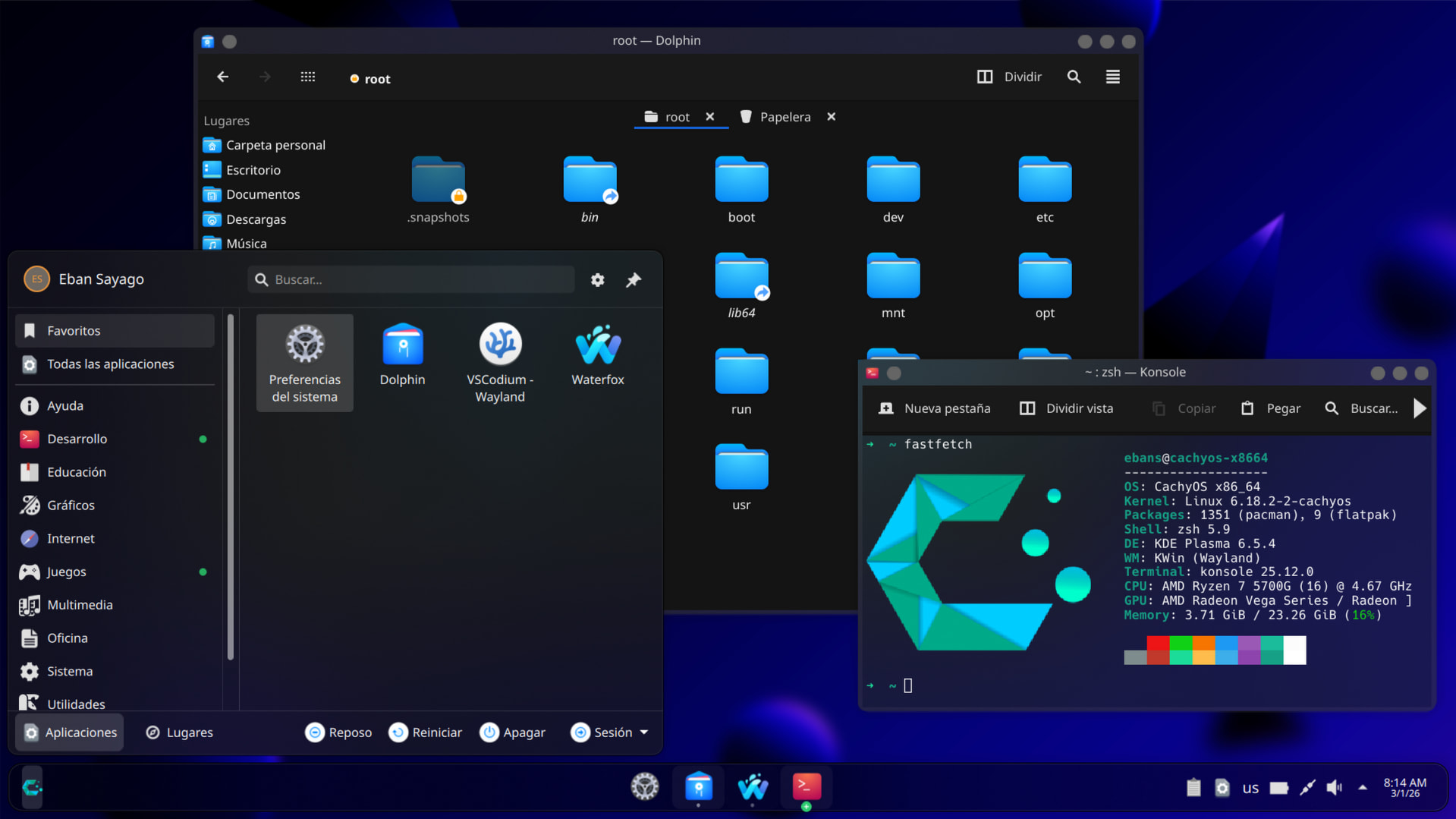
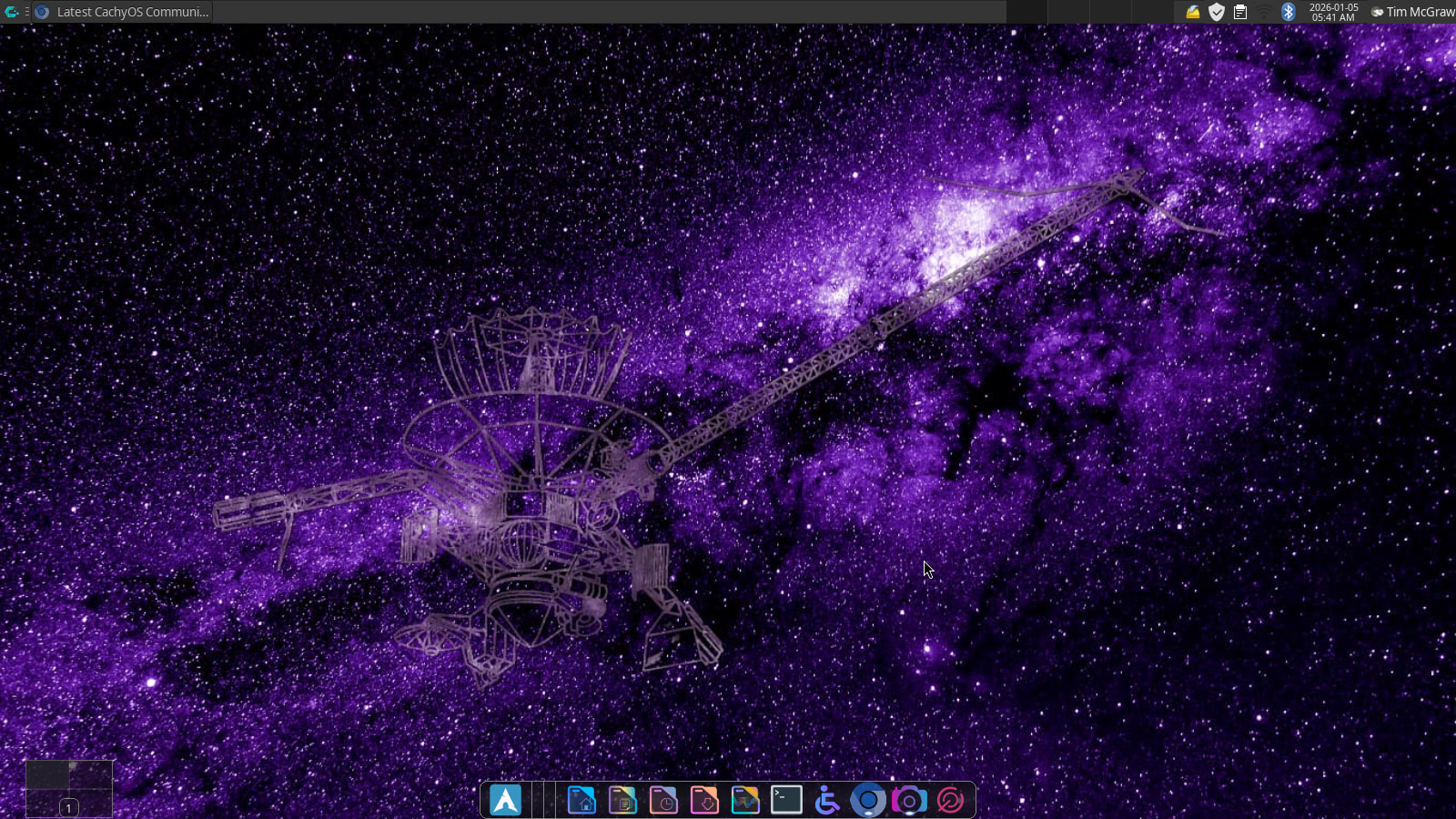
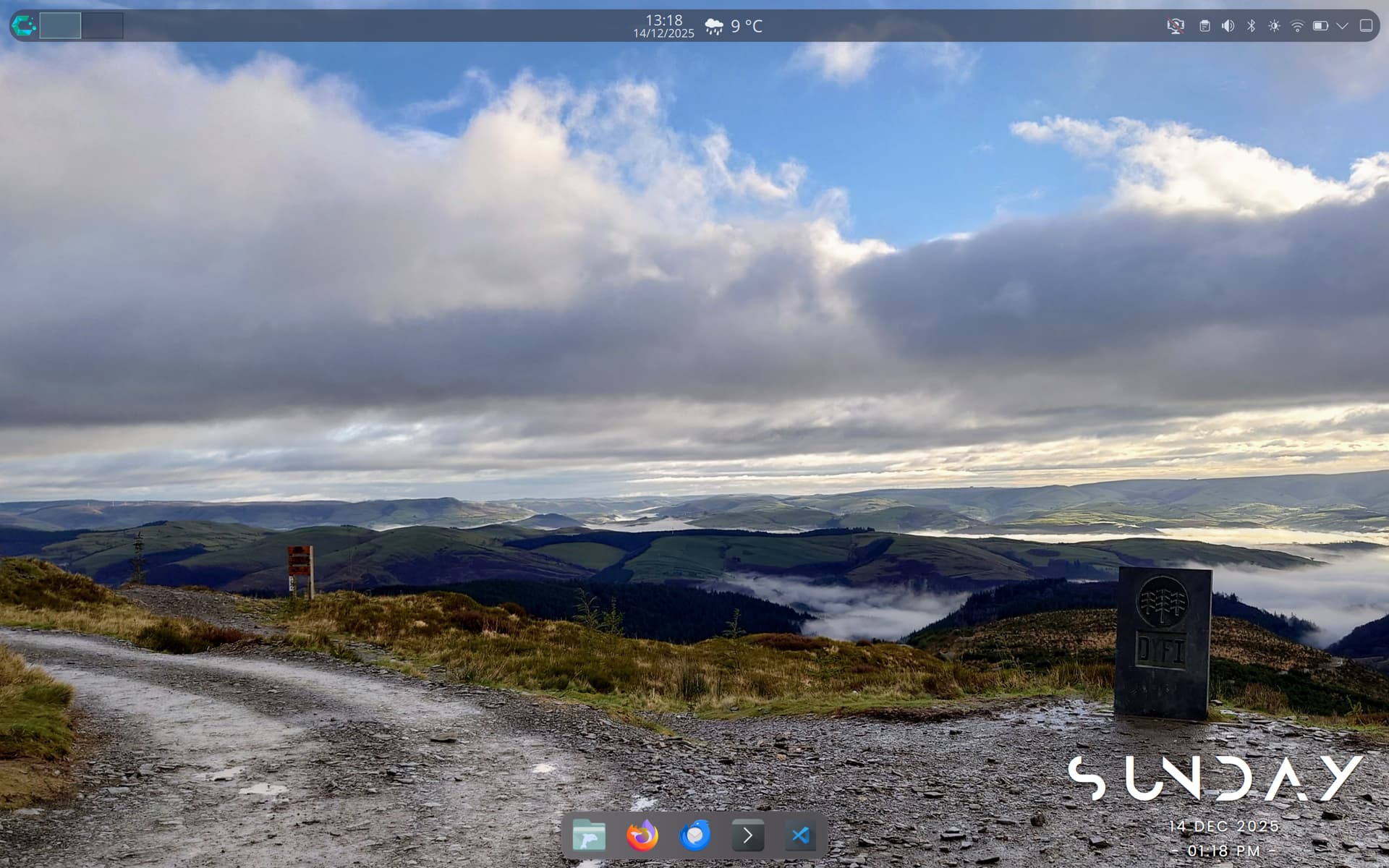
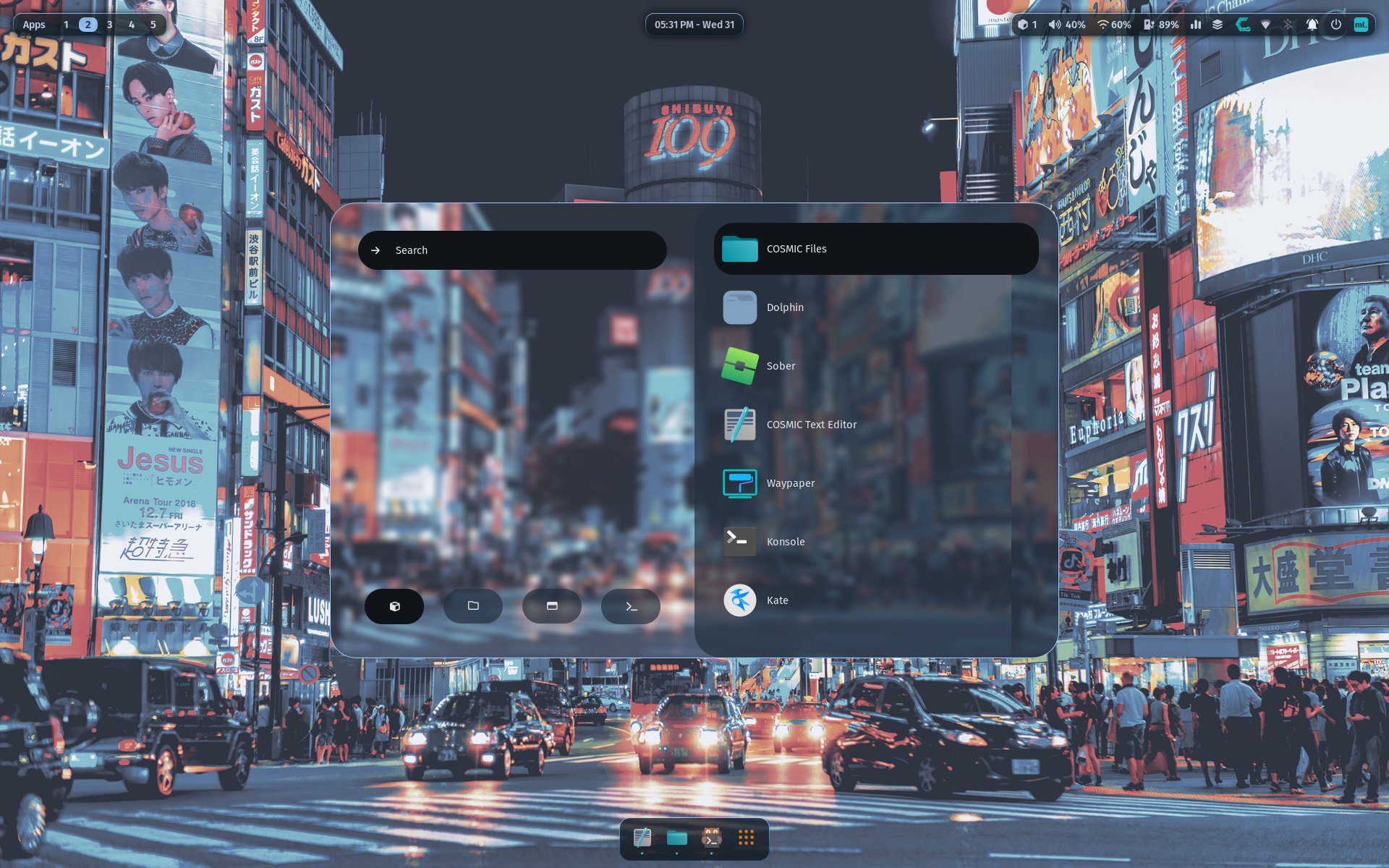
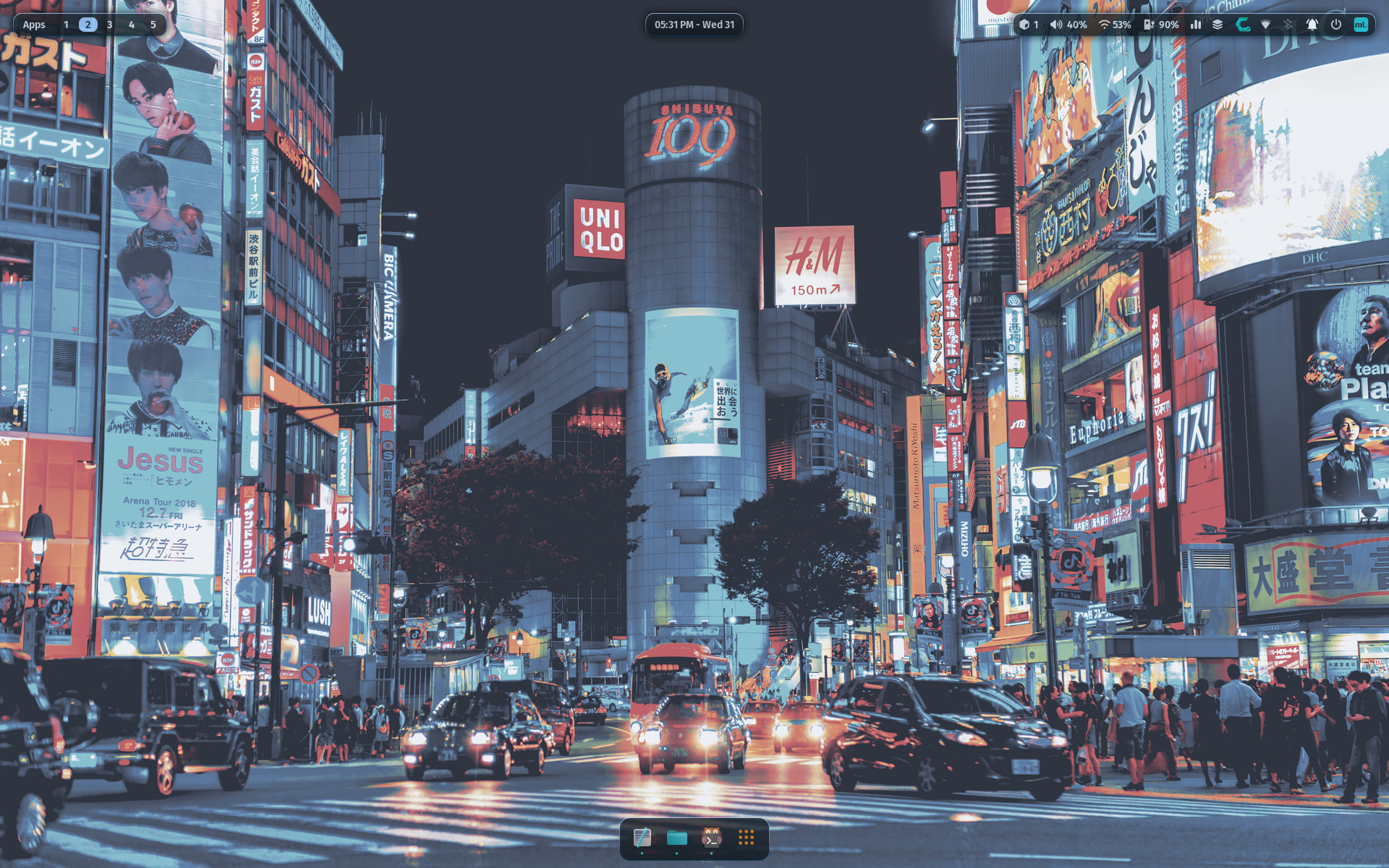
I’ve finished making some tweaks to my laptop. I can’t explain why, but i really like having my laptop feeling lighter and airy. For the most part I’ve stuck with the Nordic theme, which I’ve used similar themes nord themes for Code and Konsole.
For the changes, I’ve just been looking at some of the presets in panel colorizer, and settled on sleek for the top panel as it’s a bit slimmer and the transparency looks really nice, and the dock for the bottom panel with the blur on it. I think these have really made it feel finished off.
And of course, kept my picture of Dyfi bike park for the wallpaper as it’s my happy place.
So, I was using Linux daily at my job. Never really bit the bullet on home PC so I wanted to give Linux gaming a try and also get rid of the headaches that doing software engineering on Windows 11 gave me (and also move on from the AI being forced on me where I don’t want it).
So I started with Bazzite but it was way too limiting for my taste (and my ethernet connection was doing random disconnects). And that’s when I searched for alternatives and CachyOS really got me interested.
But, I still had the ethernet problems on CachyOS and that’s when I found out it’s actually the built-in network card that was having troubles on Linux (Intel I225-V). So I bought a card that had the Realtek RTL8125B chip on it and it has has been smooth sailing since.
Love the OS and love my first KDE environment (was always using Xfce or Gnome before).
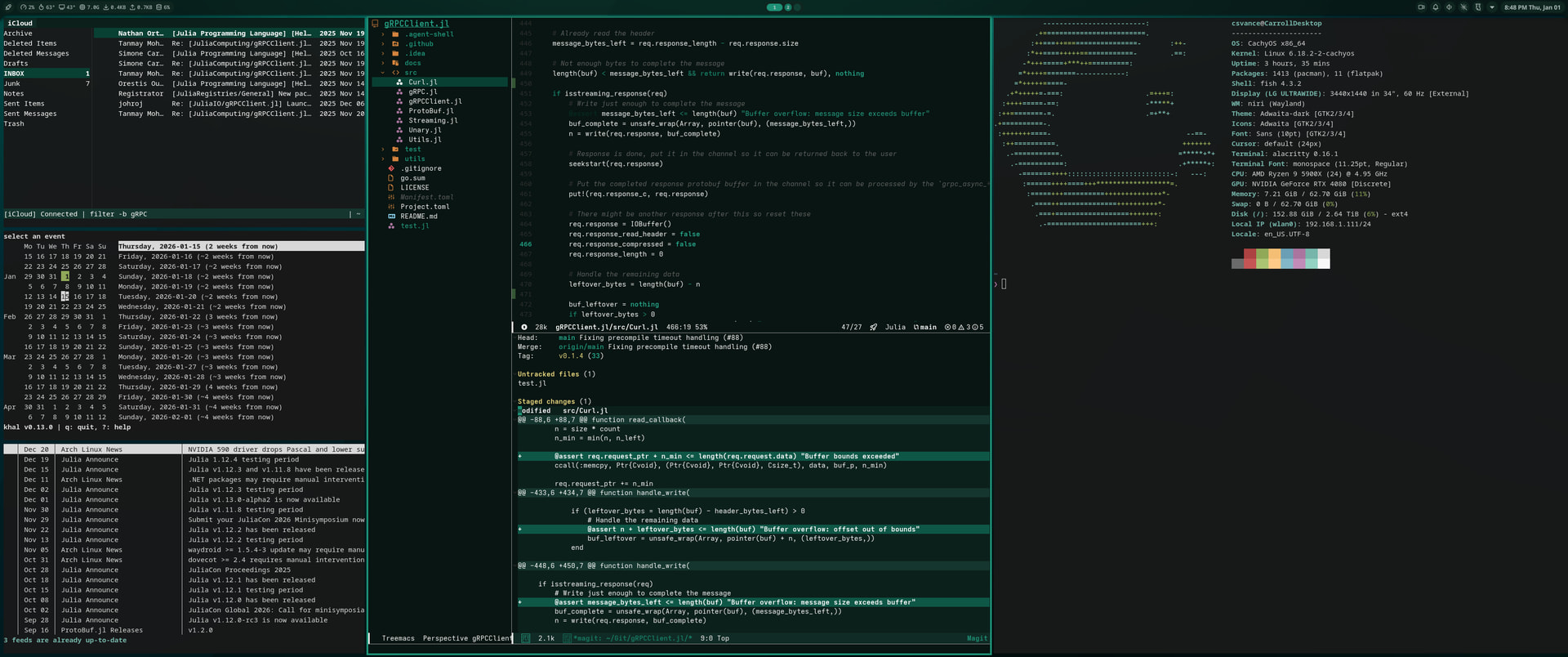
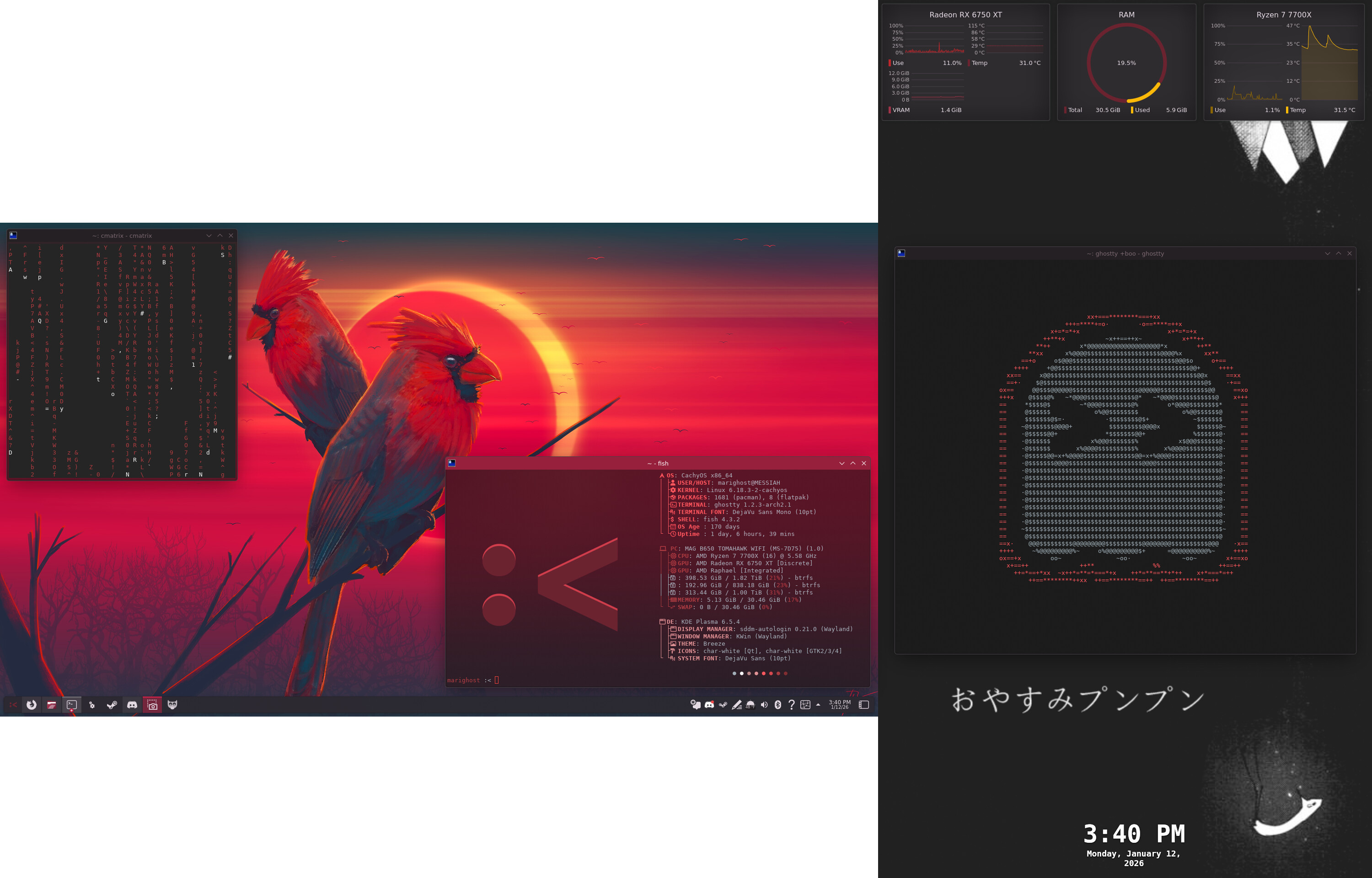
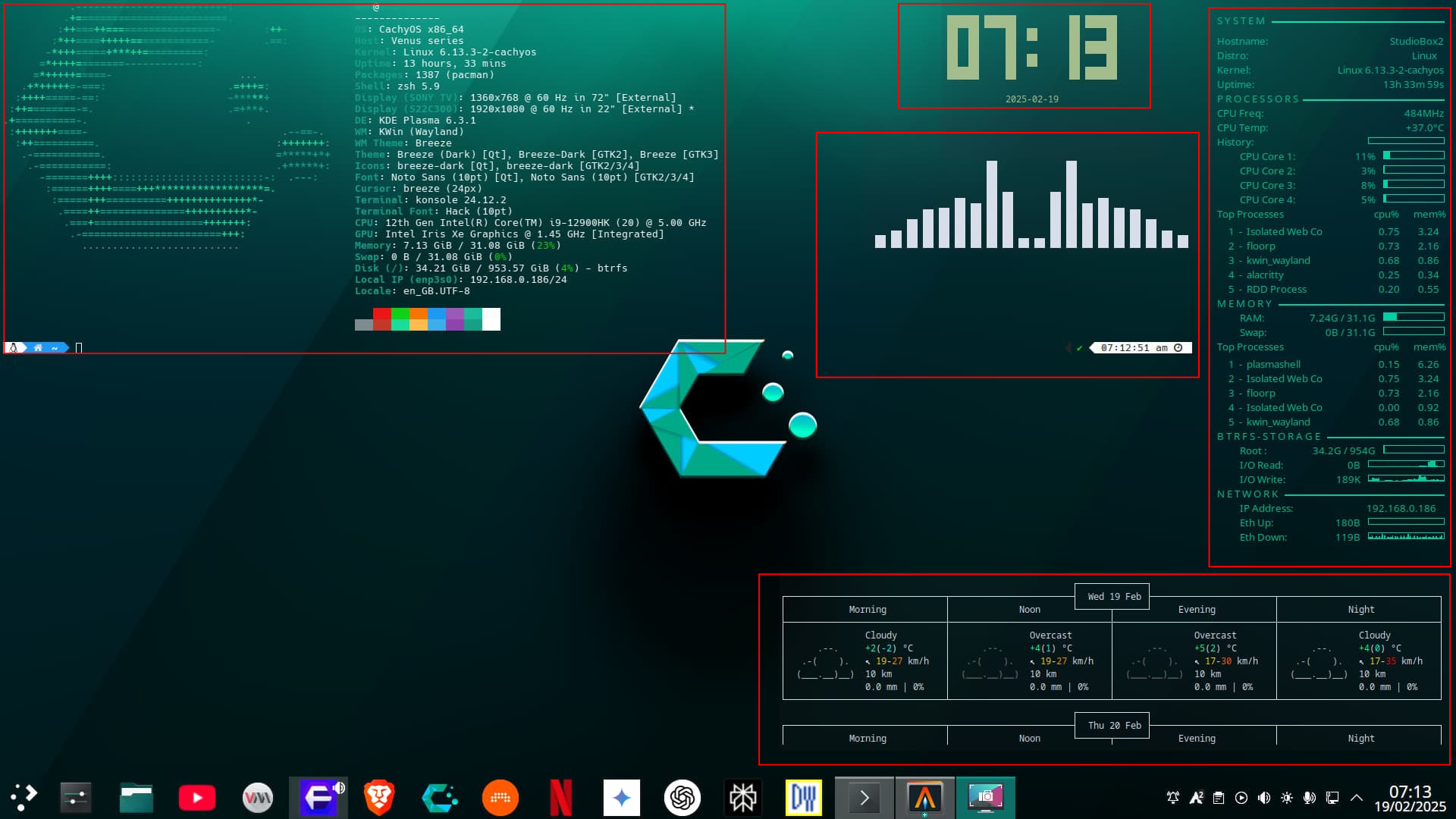
Had a midlife crisis and decided to rice CachyOS instead of buying a Corvette Havn’t had this much fun with Linux since I ran Gentoo back in the late 2000’s. Hid my actual calendar for privacy reasons, but I’m really enjoying using terminal/ncurses based interfaces especially with vim inspired keybindings.
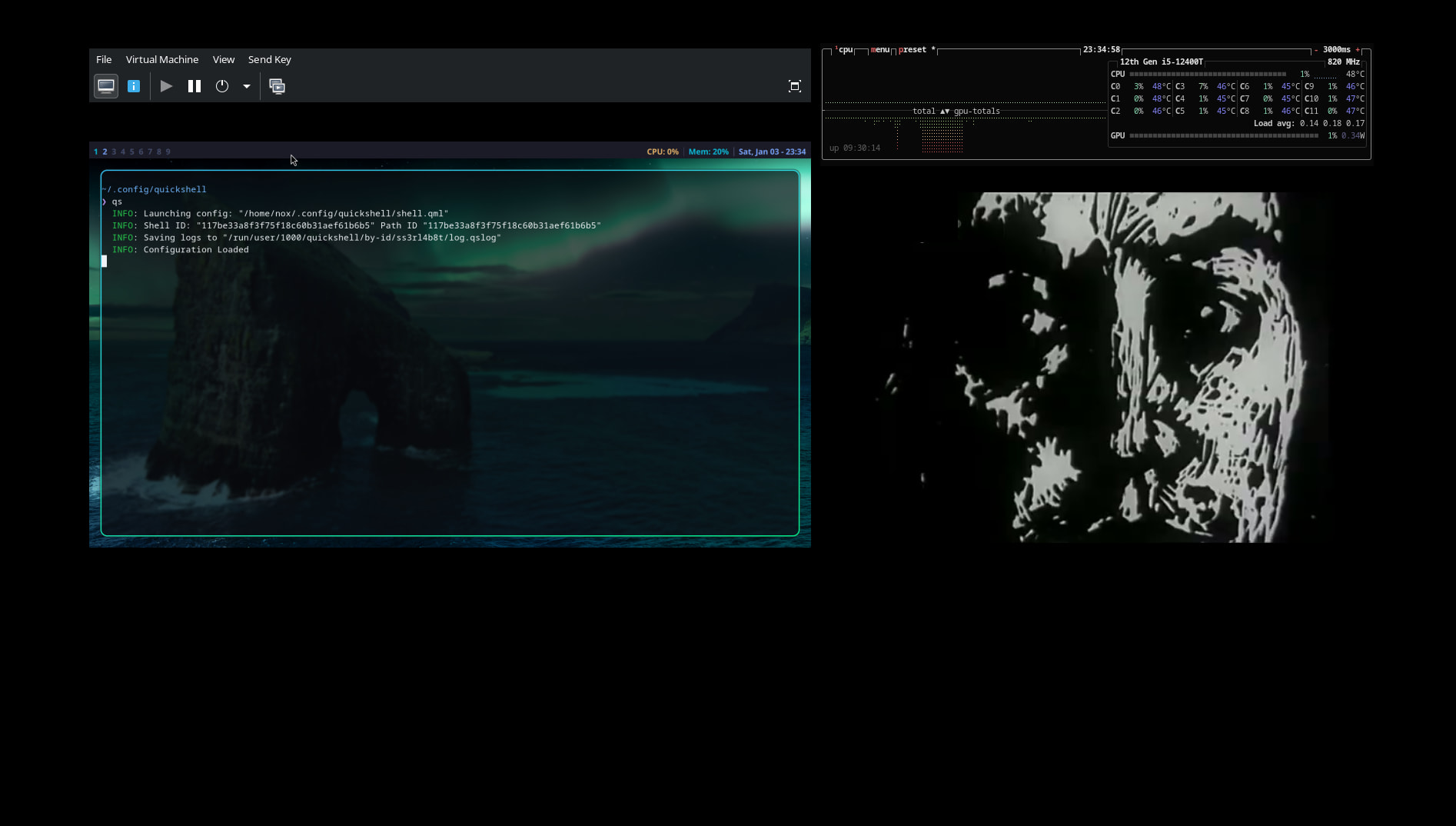
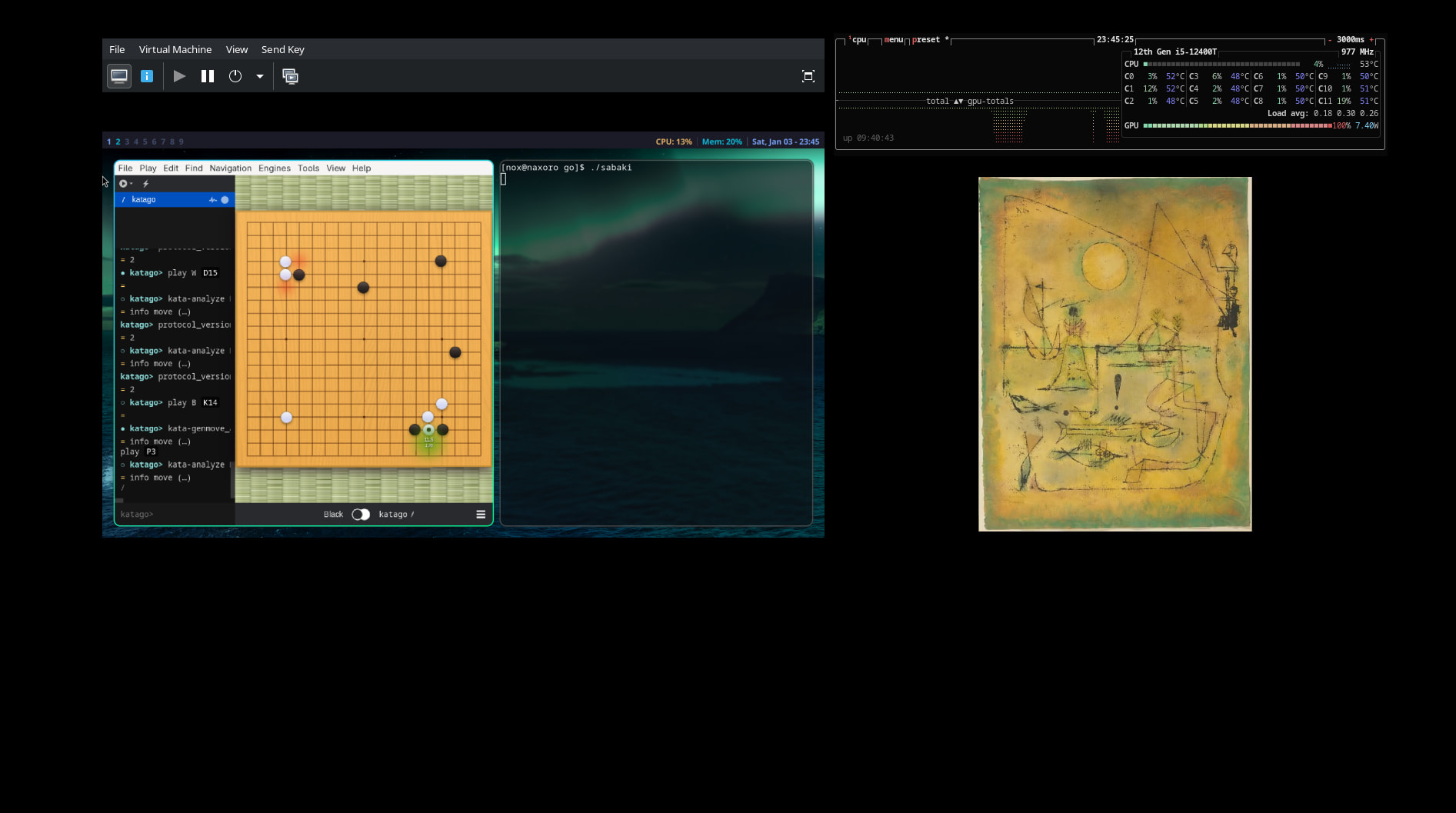
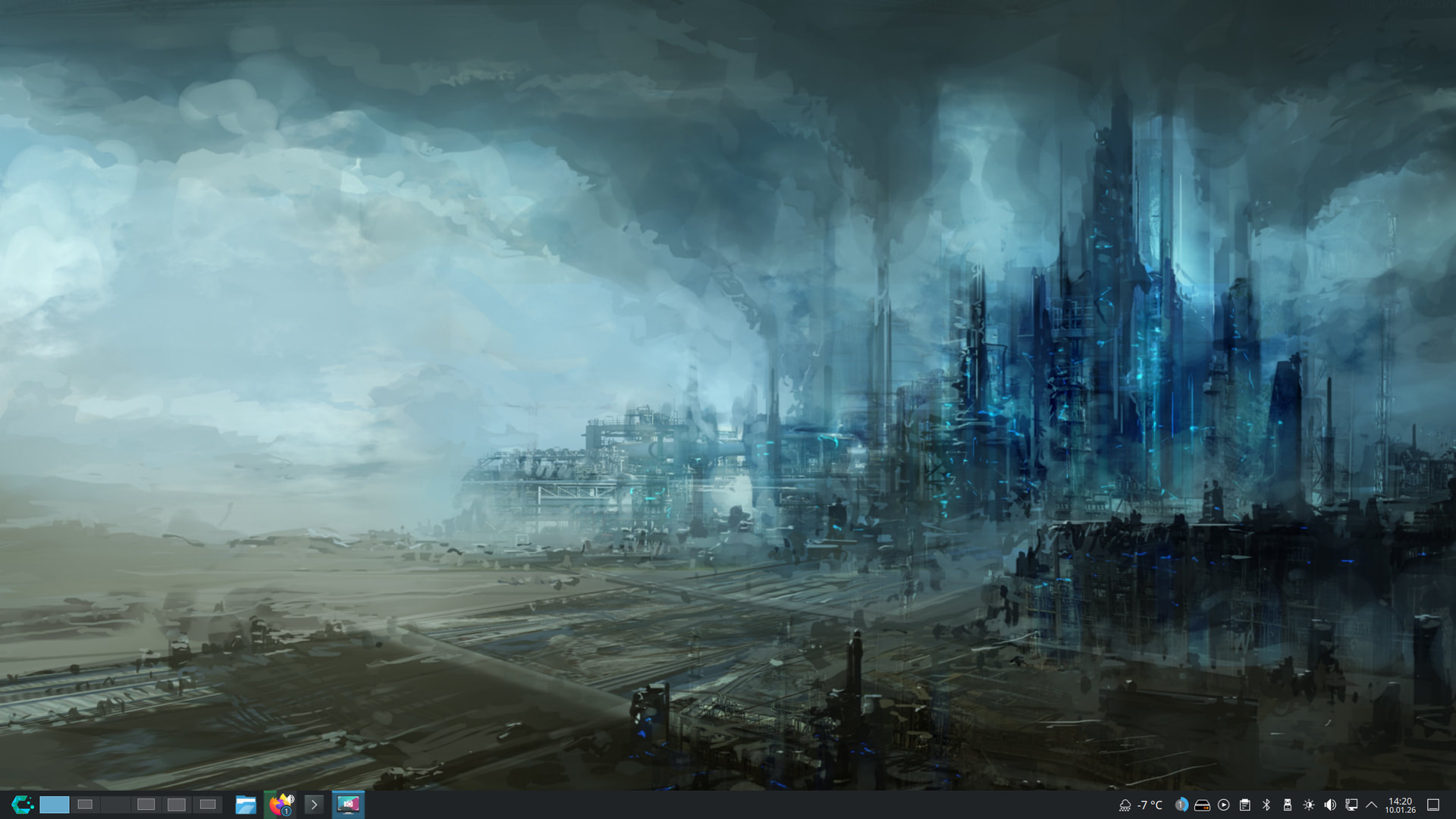
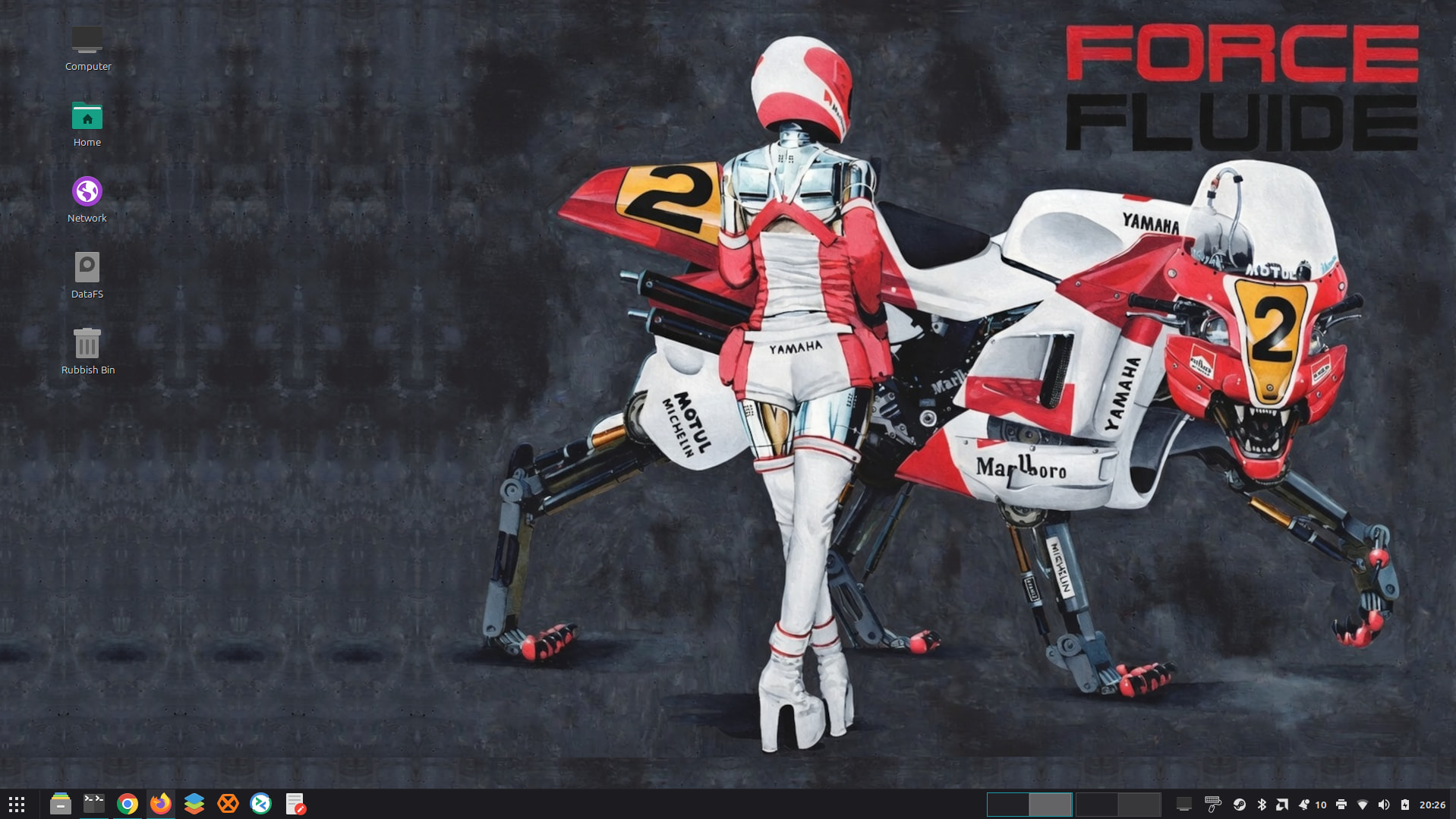
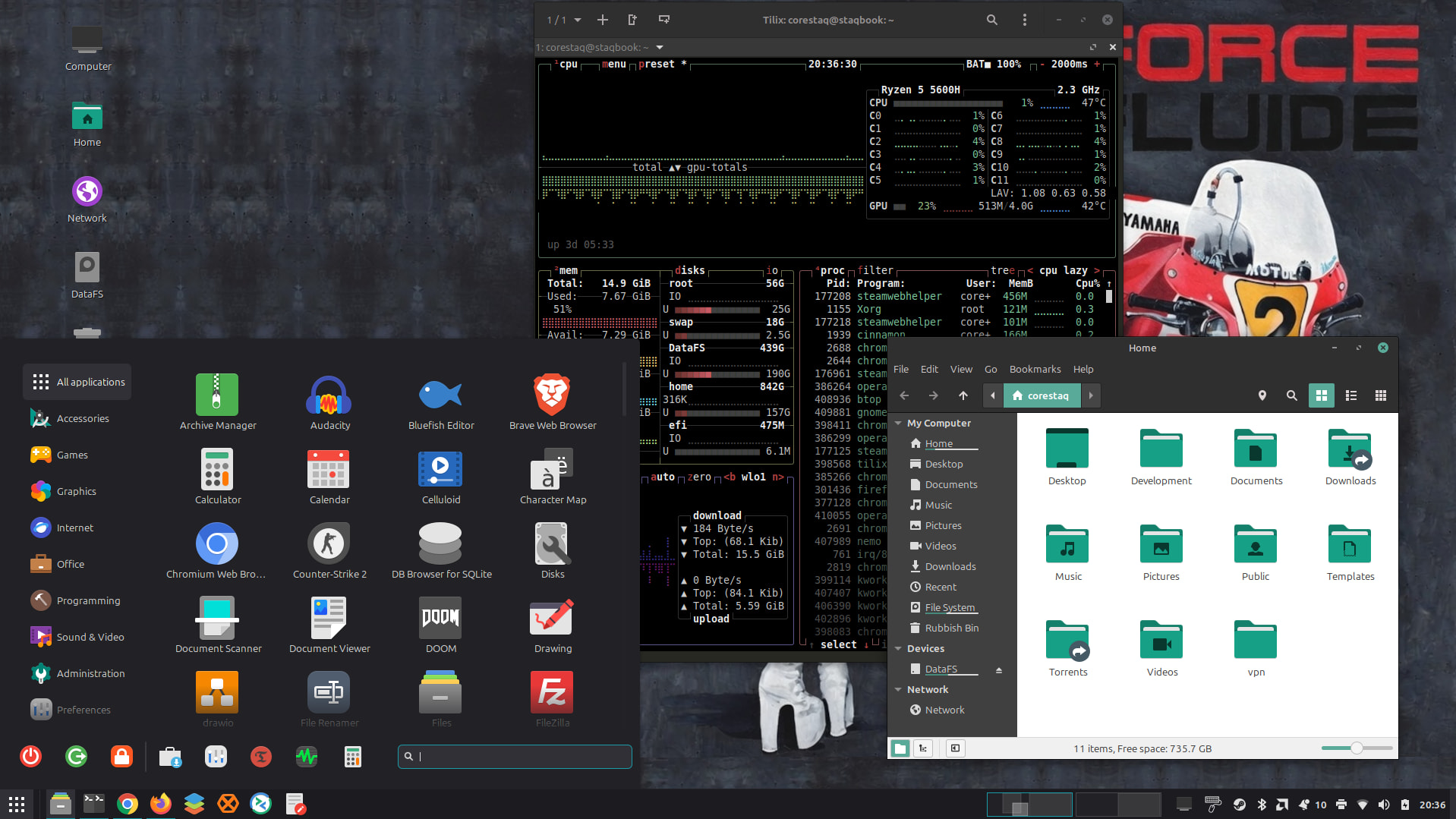
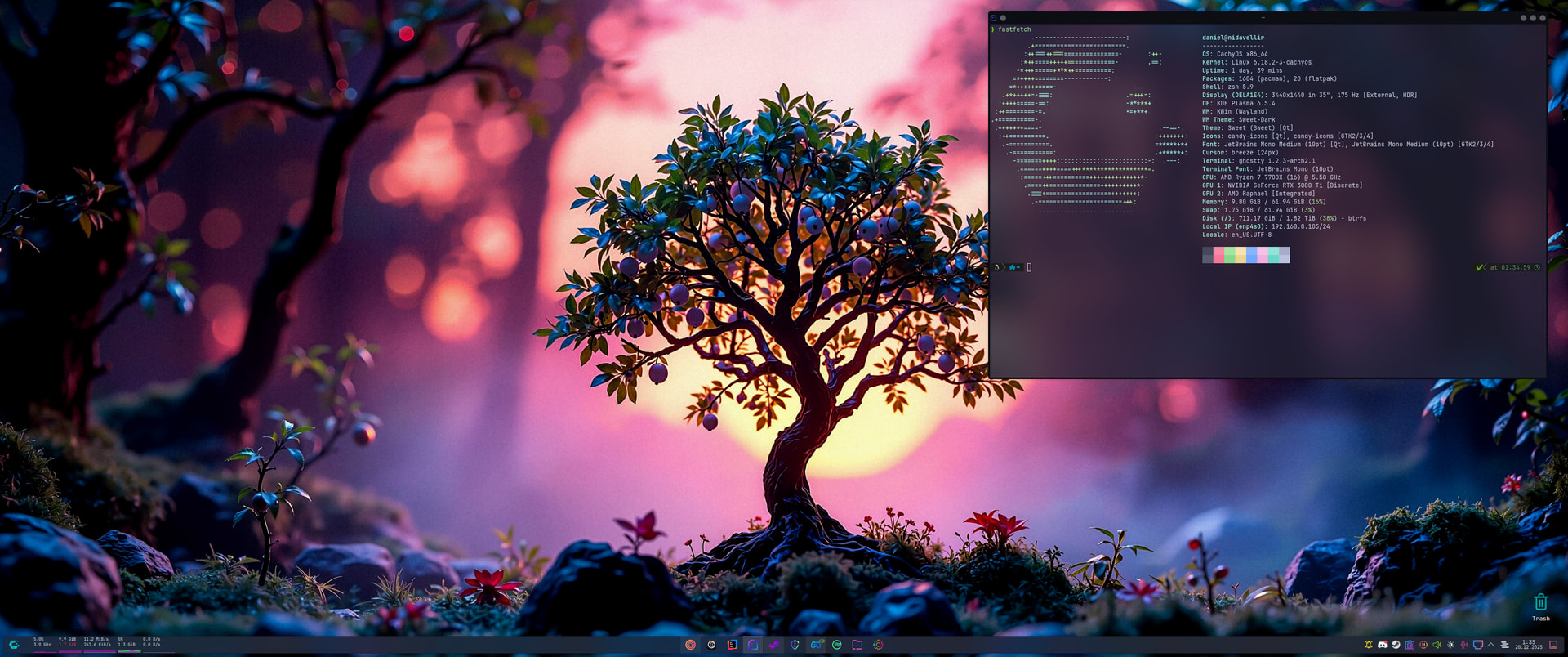
Pretty bland here, especially as I went for cinnamon and not one those snazzy desktop environments. I installed CachyOS on and old laptop to see how it bench marked and see if I could get something usable for my workstation and dubious theme preferences. This is what I ended up with
I see a pretty normal KDE Plasma desktop with a conky as well as a handful of terminal emulator windows open (shown running things like curl wttr.in or cava or fastfetch).
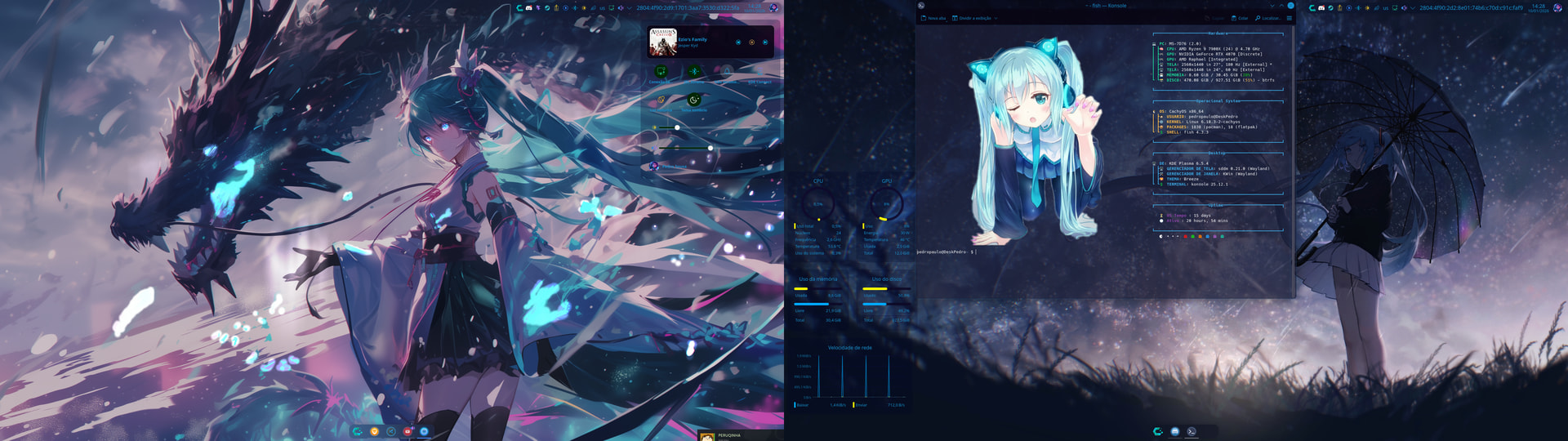
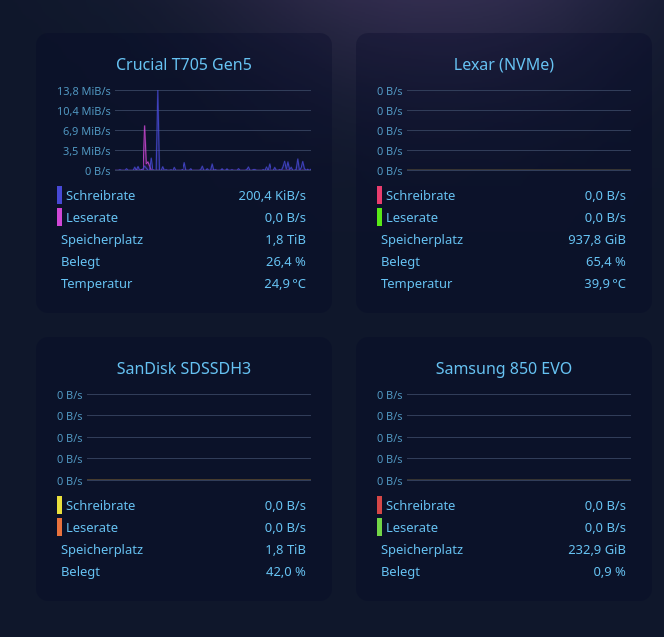
Ah, those are just terminals—I thought it was some kind of mini program that you could place on the desktop to display information about the hard drive, network, CPU, RAM, etc., as shown in the screenshot:
@wegface, I believe @Saput is talking about these. I know the upper left is Fastfetch in the terminal and the right is Conky. The rest I’m unfamiliar with.
And exactly what was already answered.
All of those appear to be different terminal emulator windows without borders, except for the conky in the top-right.
( Though I suppose instead of actual terminal windows they could be some kind of Plasma addon like “command output” or similar. But that would not change that they are all showing common cli applications. )
One is fastfetch, one is curl wttr.in, one is cava, and one some kind of shell clock.
The example in the top-right with a bunch of graphs called ‘conky’ is a long lived legacy system monitor application from before widgets were widgets.
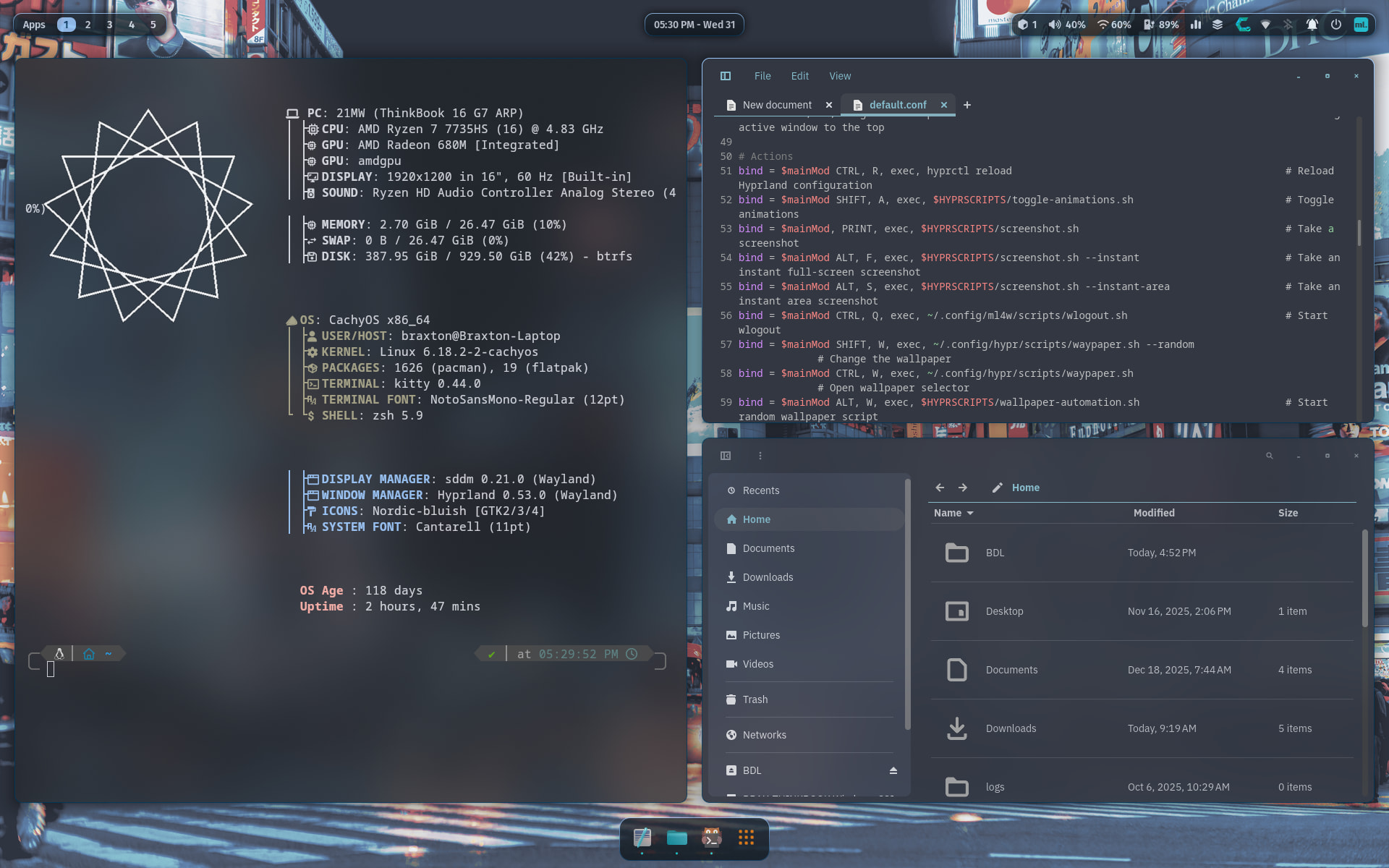
 Havn’t had this much fun with Linux since I ran Gentoo back in the late 2000’s. Hid my actual calendar for privacy reasons, but I’m really enjoying using terminal/ncurses based interfaces especially with vim inspired keybindings.