Show your Screenshots

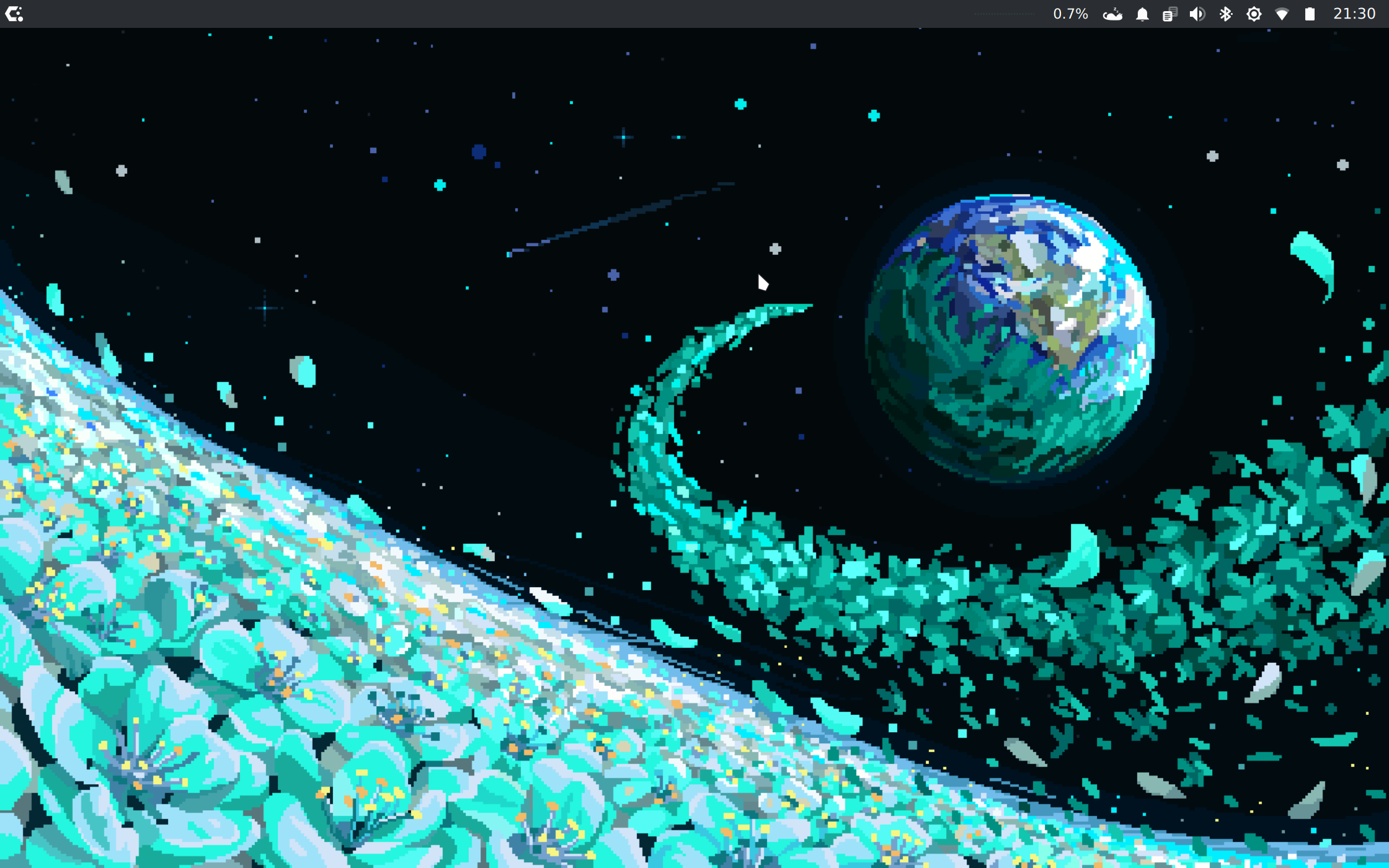
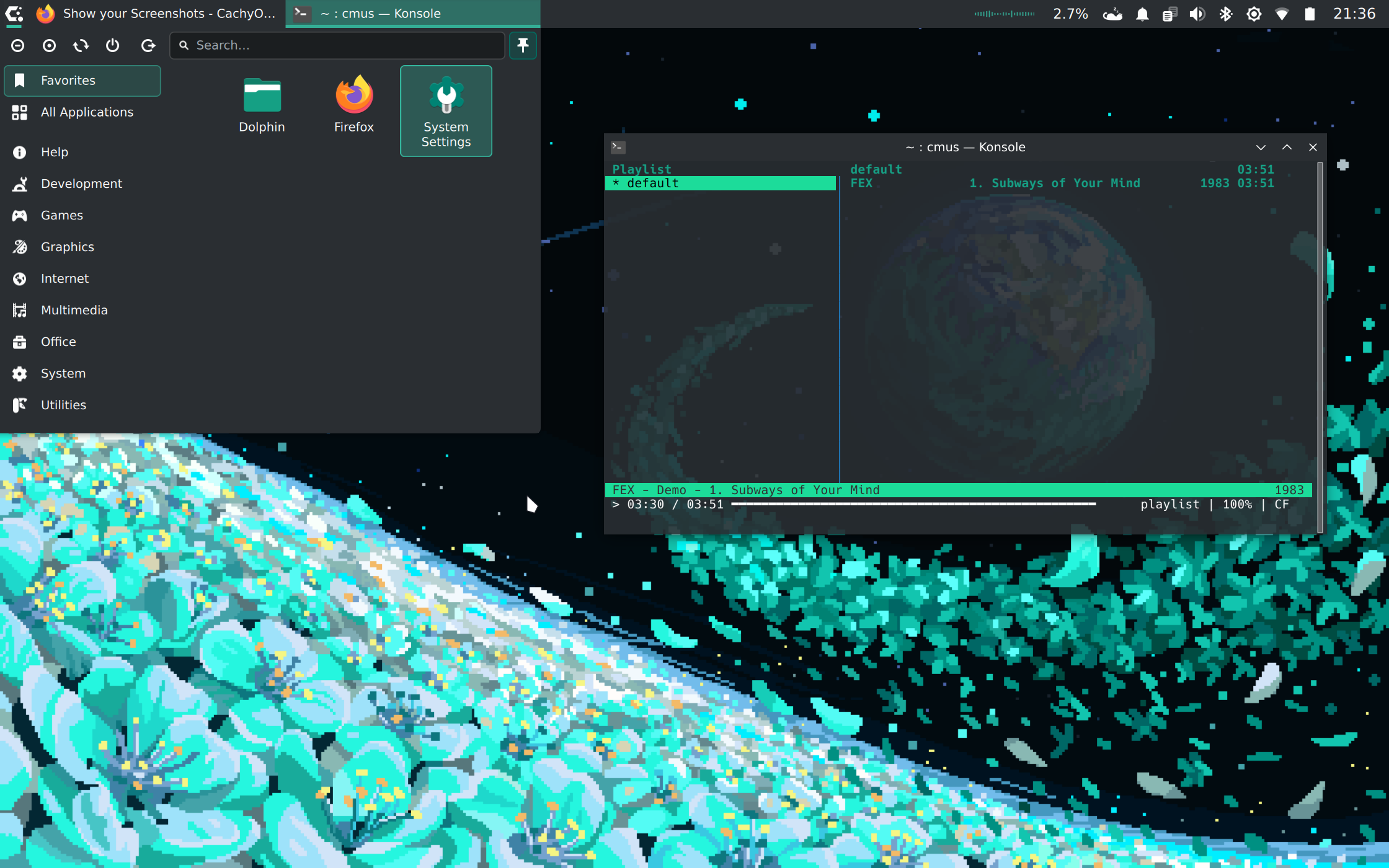
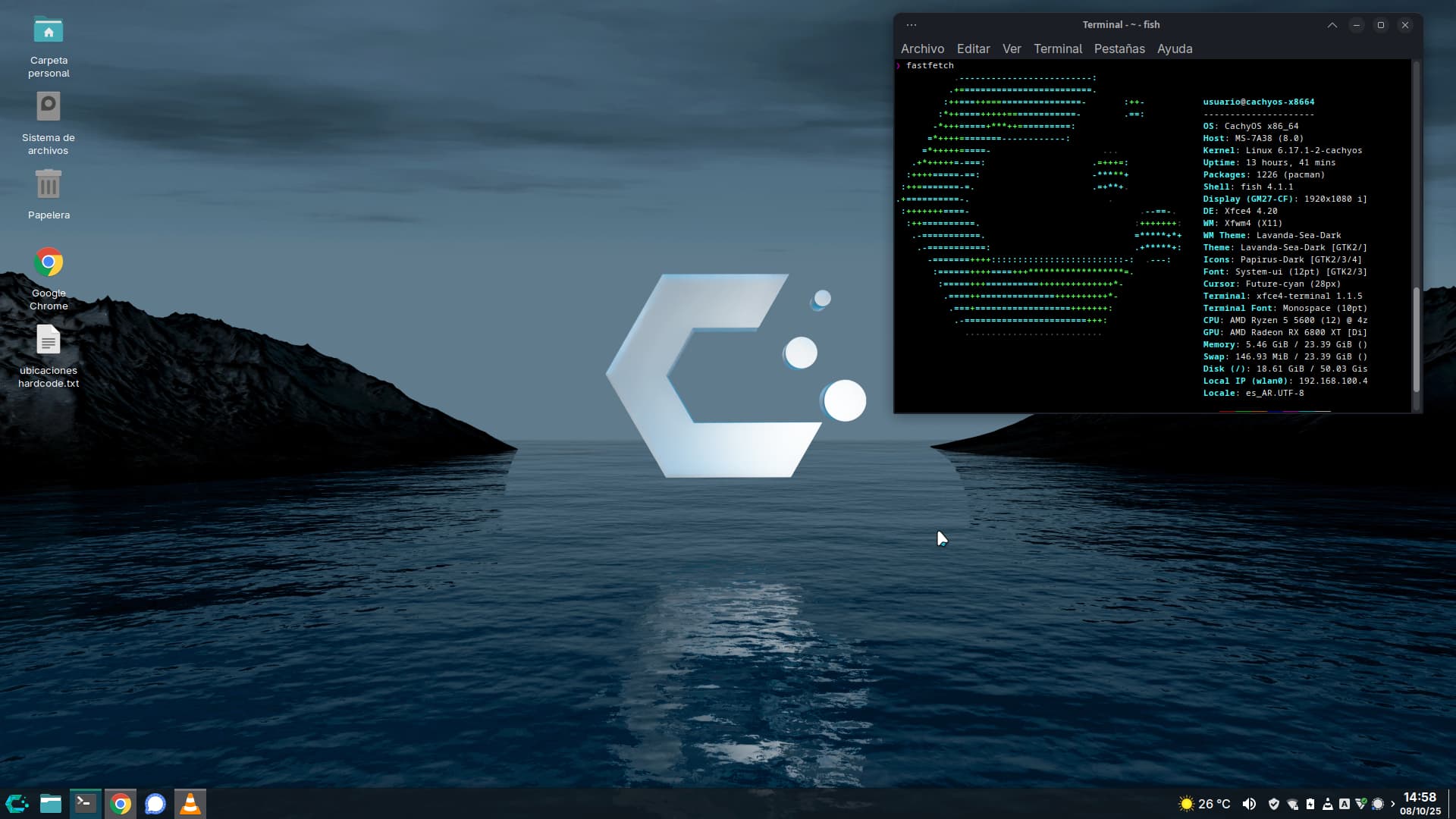
This is my CachiOS XFCE, what do you think? I added the Docklike plugin to the panel, fixed the Whisker menu icon, and added a thin button to show the desktop on the right.

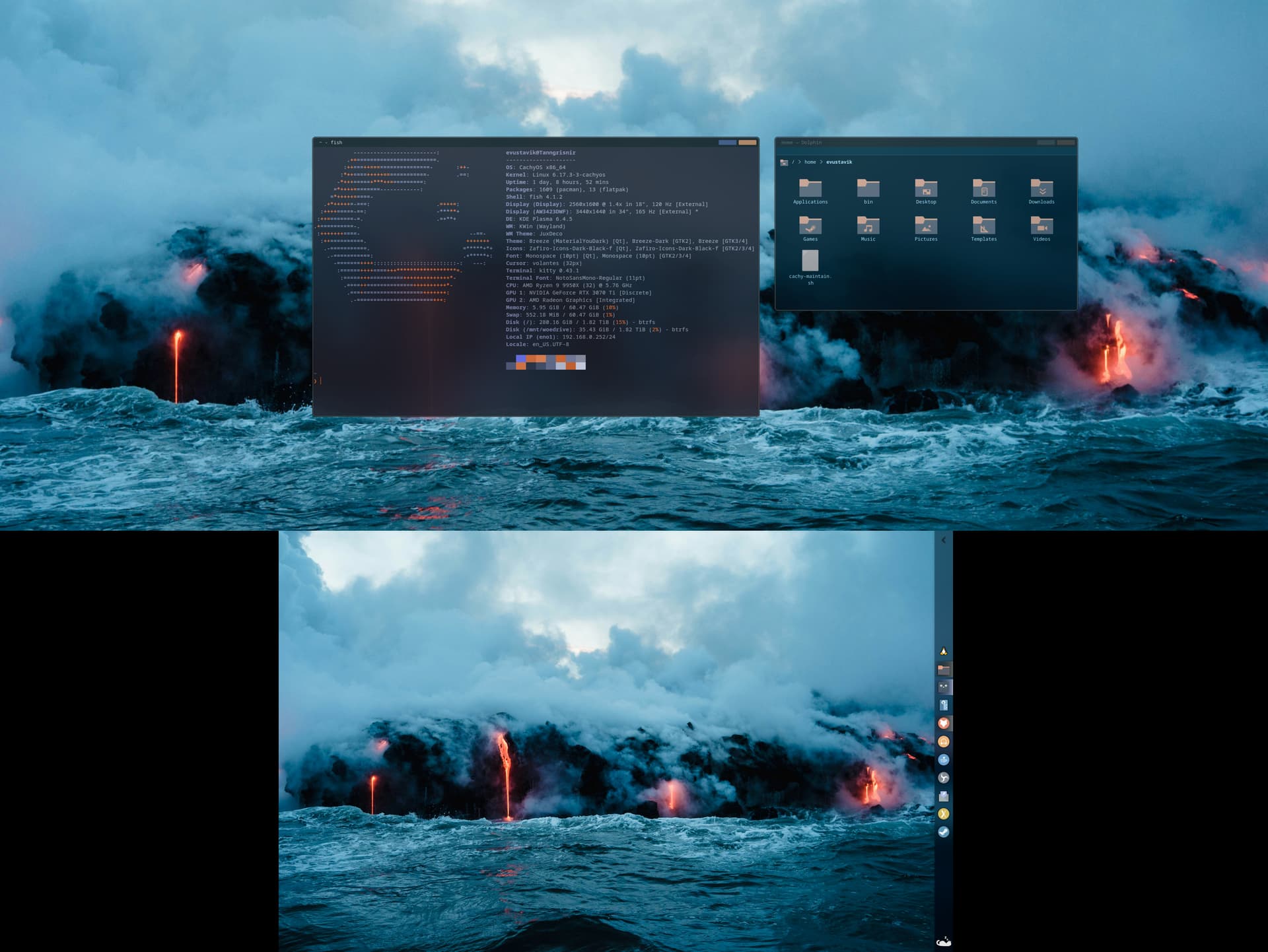
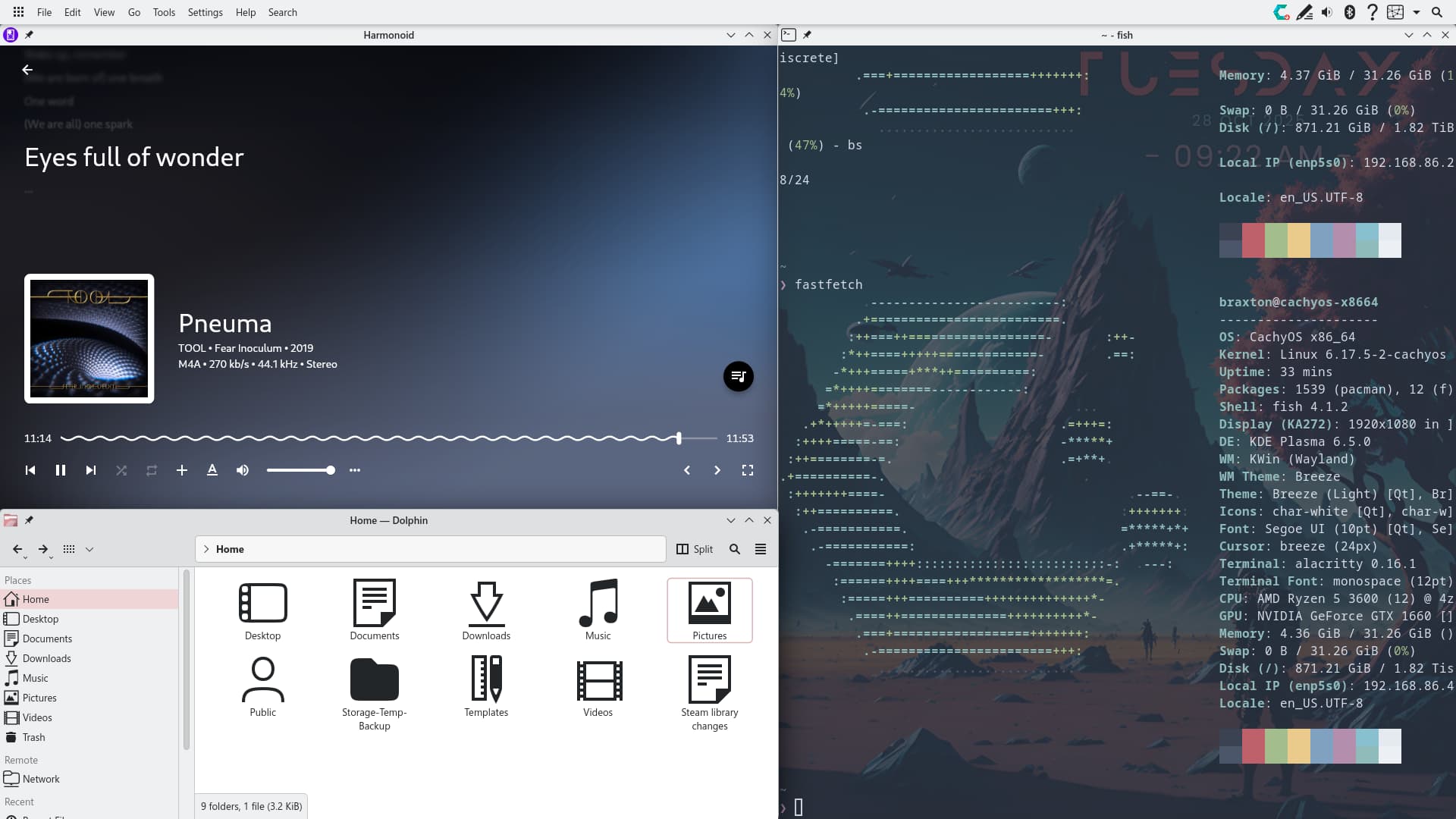
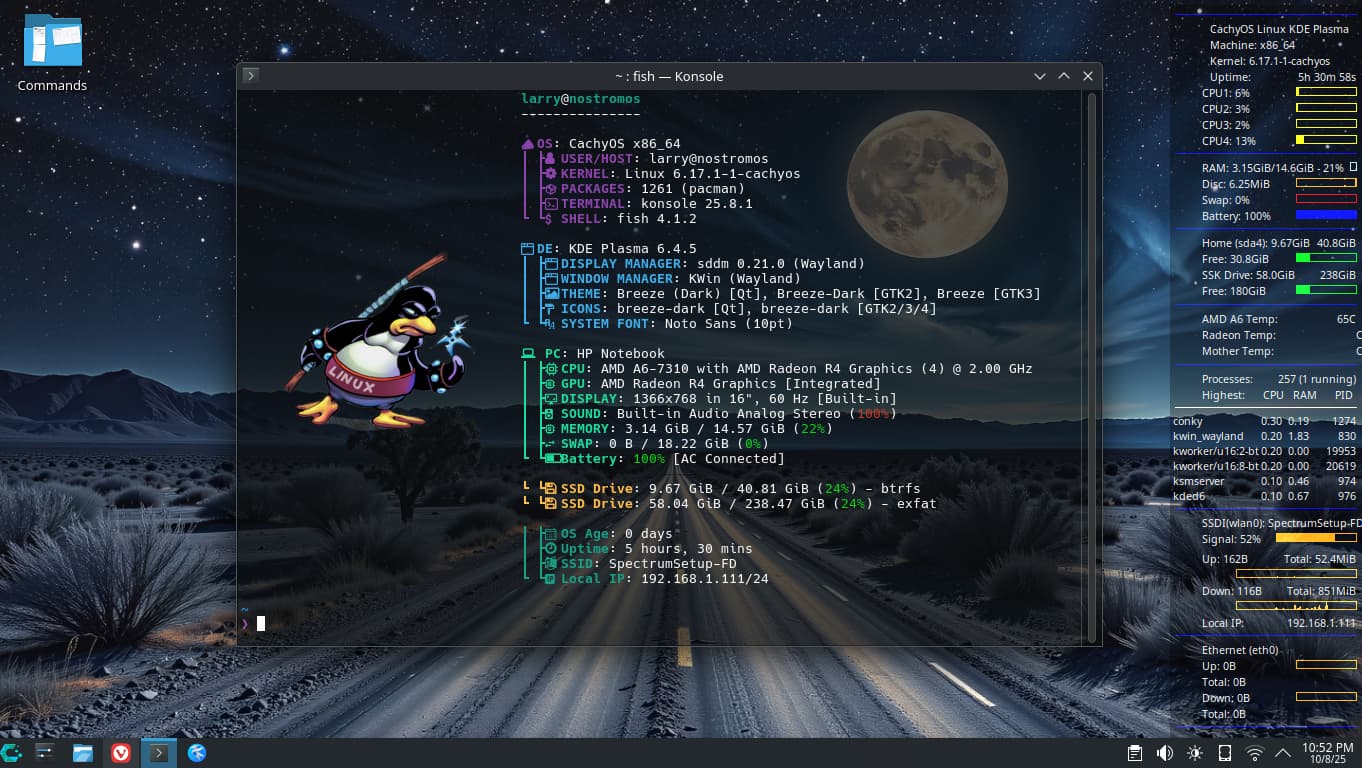
A very fresh install of CachyOS Plasma. This isn’t the fastest laptop in the world, but it runs Plasma great. Getting a few little things done, and I’ve been enjoying some apps I haven’t tried before … particularly Fish. What a great terminal/shell

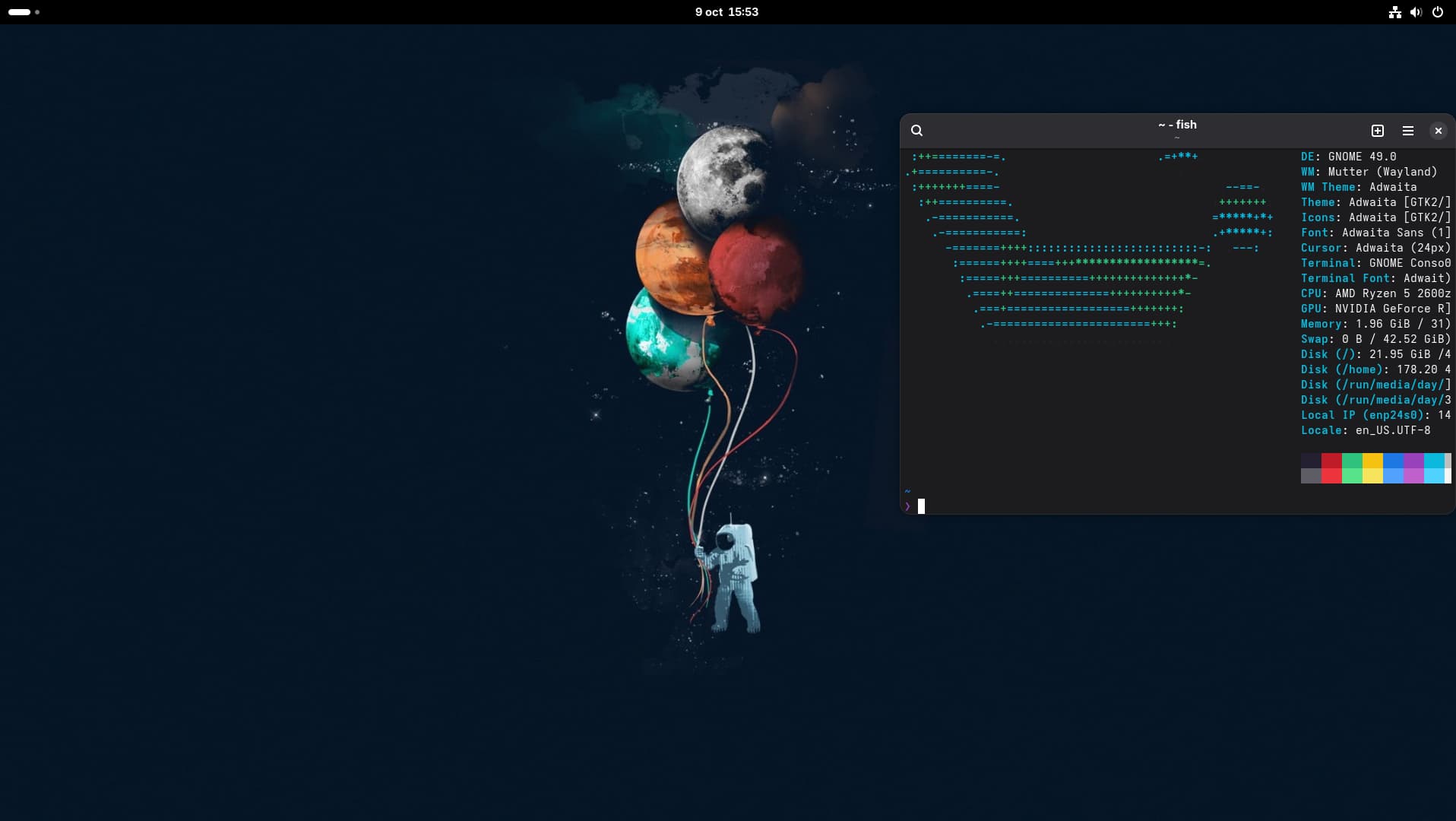
My first install of CatchyOs with Gnome here.

@hal8000 … Could you be so kind as to tell me your conky code for the fan? I haven’t been able to find it on Cachy

Much appreciated!

Hi Larrys4227,

Yes I will help you. My conky code only works for my hardware configuration, start a new post under Issues and Assistance called “Conky configuration” or similar and I will look for it.

For immediate help make sure the lm_senors package is installed

pacman -Q lm_sensors

Then run sensors. It should show fan speed if you’re on a PC, but probably wont show fan speed for a laptop. I’ll check for a post on issues and assistance. You can see my hardware in the fish terminal in the screenshot.
Updated desktop

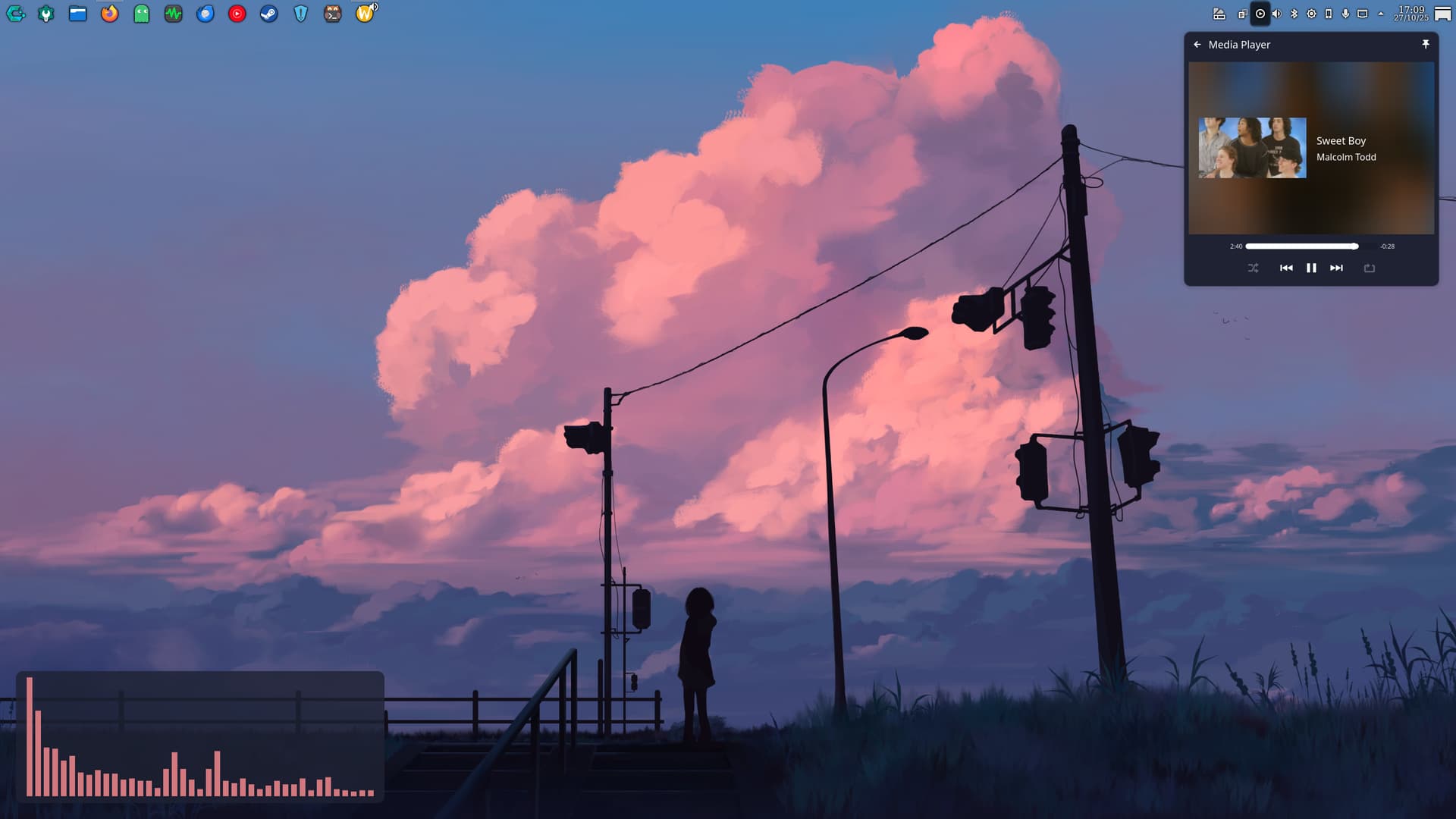
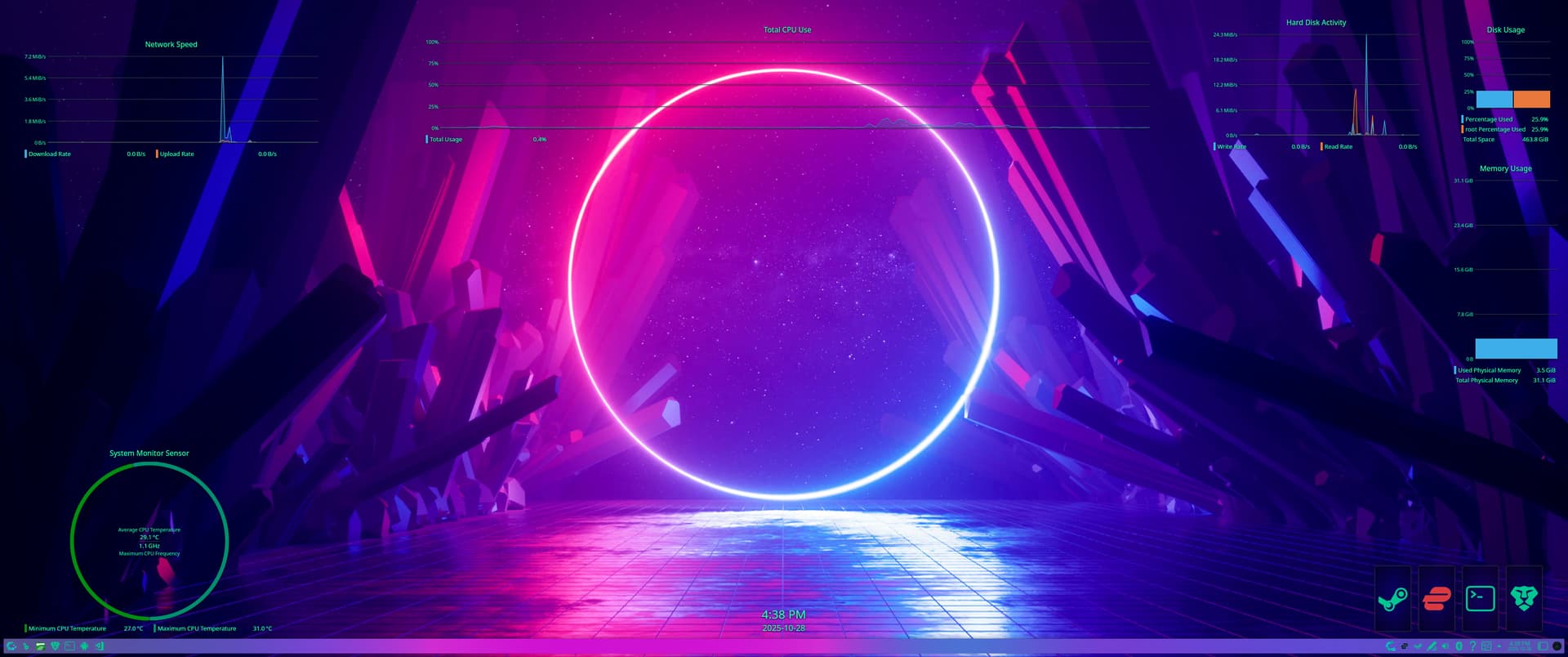
Dont normally have so many little visual widgets but trying out some meddling with CatWalk fork and Kurve;

Imgur

Imgur

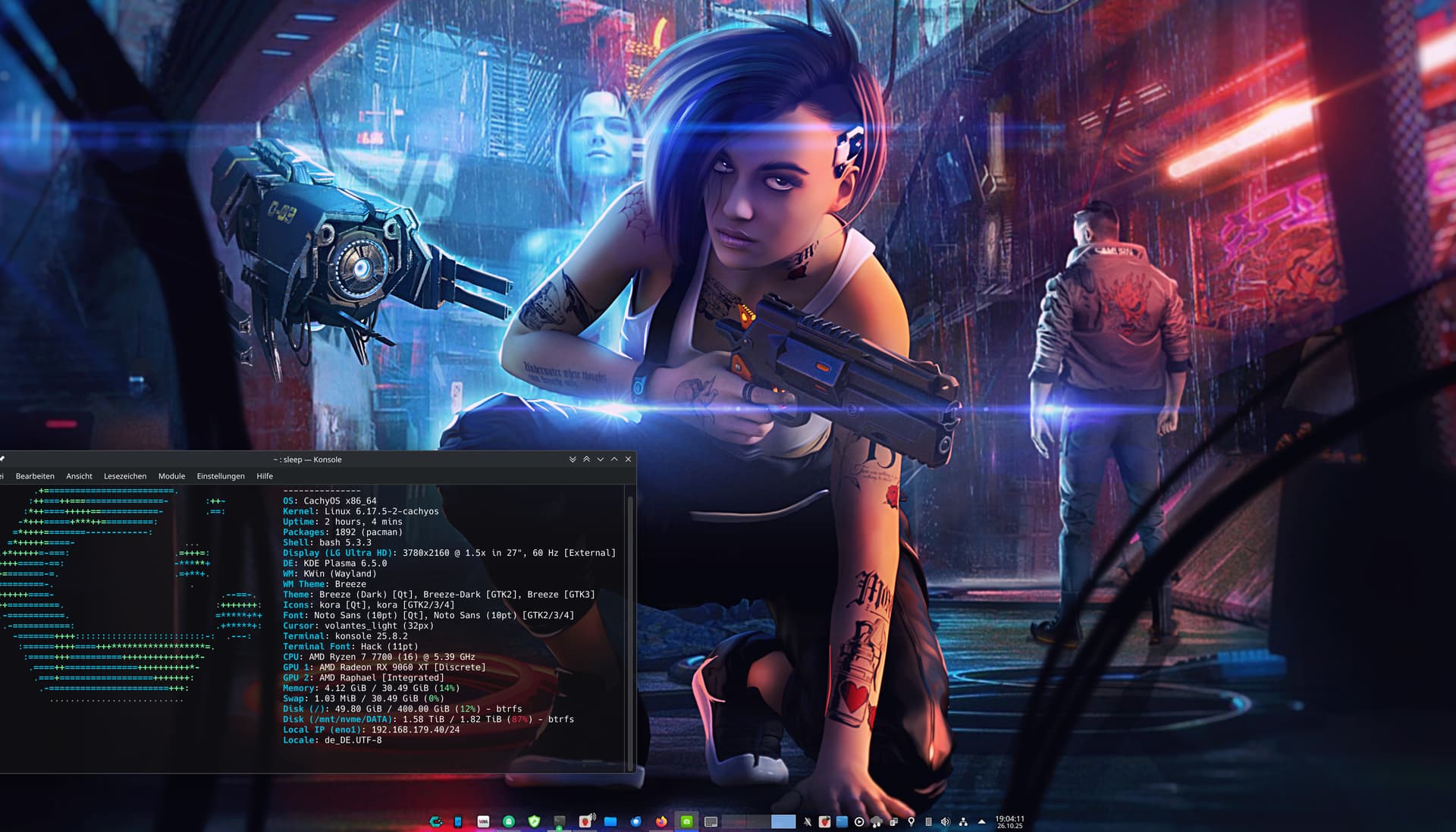
Sind wir nicht alle ein wenig cyberpunk :wink: - Aren’t we all a little bit cyberpunk?
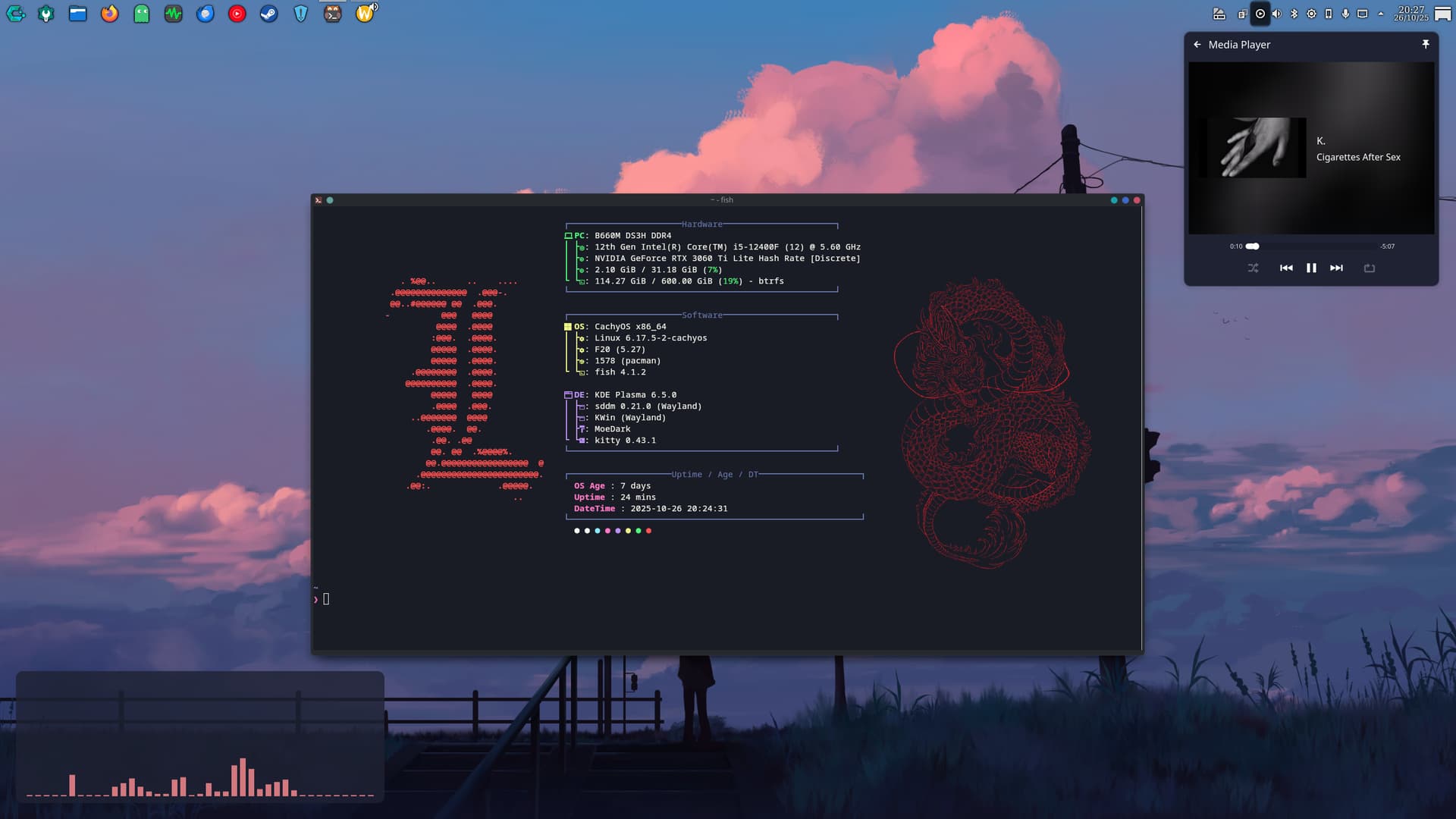
It’s just kde with some widgets and a bit of tinkering to the kitty and fastfetch config files :grinning_cat:

I love cachy os for its ease of use especially with gaming. love you guys <3

Plasma works flawlessly :heart:

The wallpaper is straight out of wallhaven, shout-out to those guys too <33

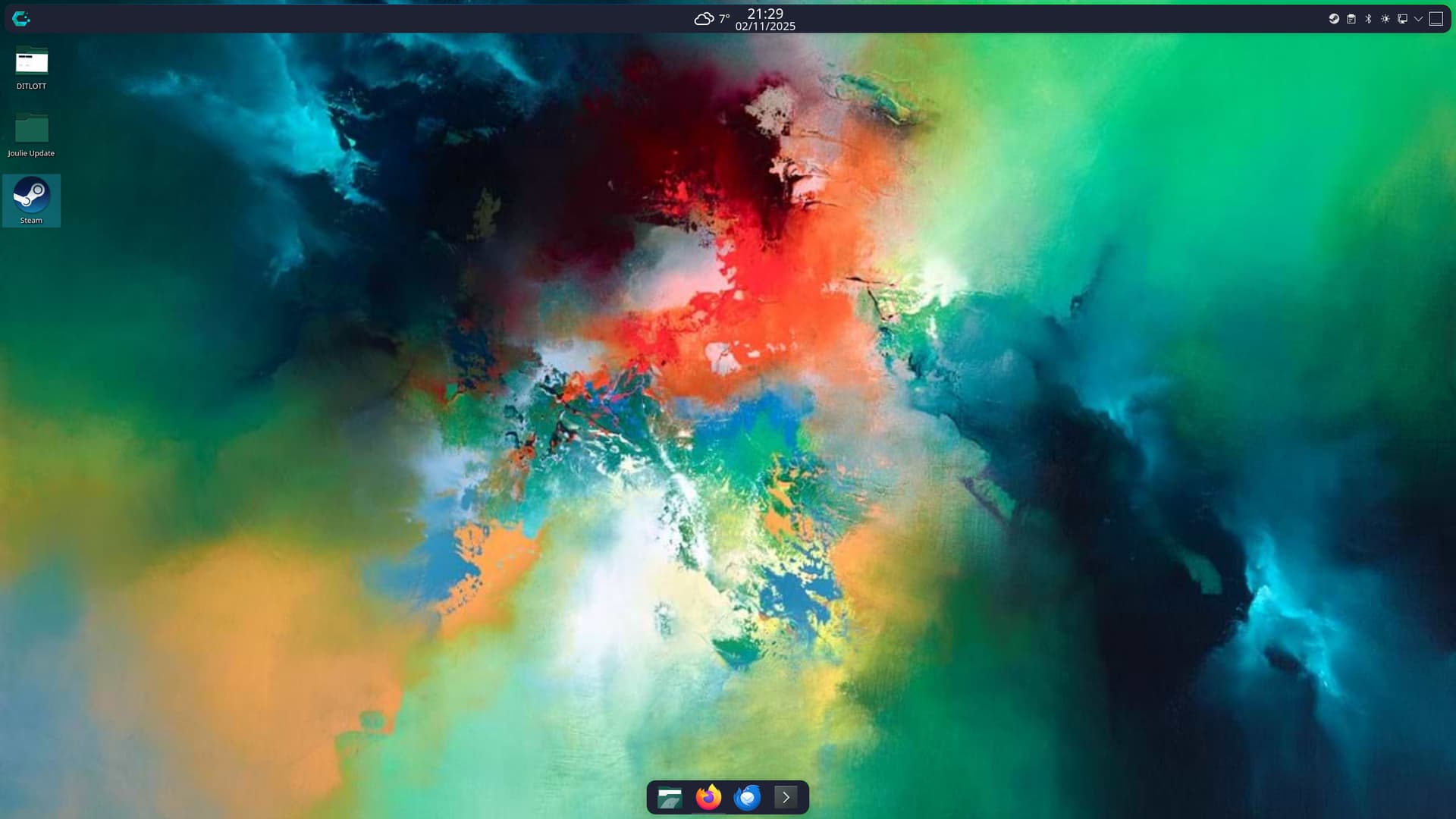
Nothing super fancy, just KDE with some basic tweaks. But damn if I don’t love the current state of KDE.

I like things minimalist.

No shortcuts, no Conky, no dock.


Even the panel is colorless.

KDE with some 80’s and LSD

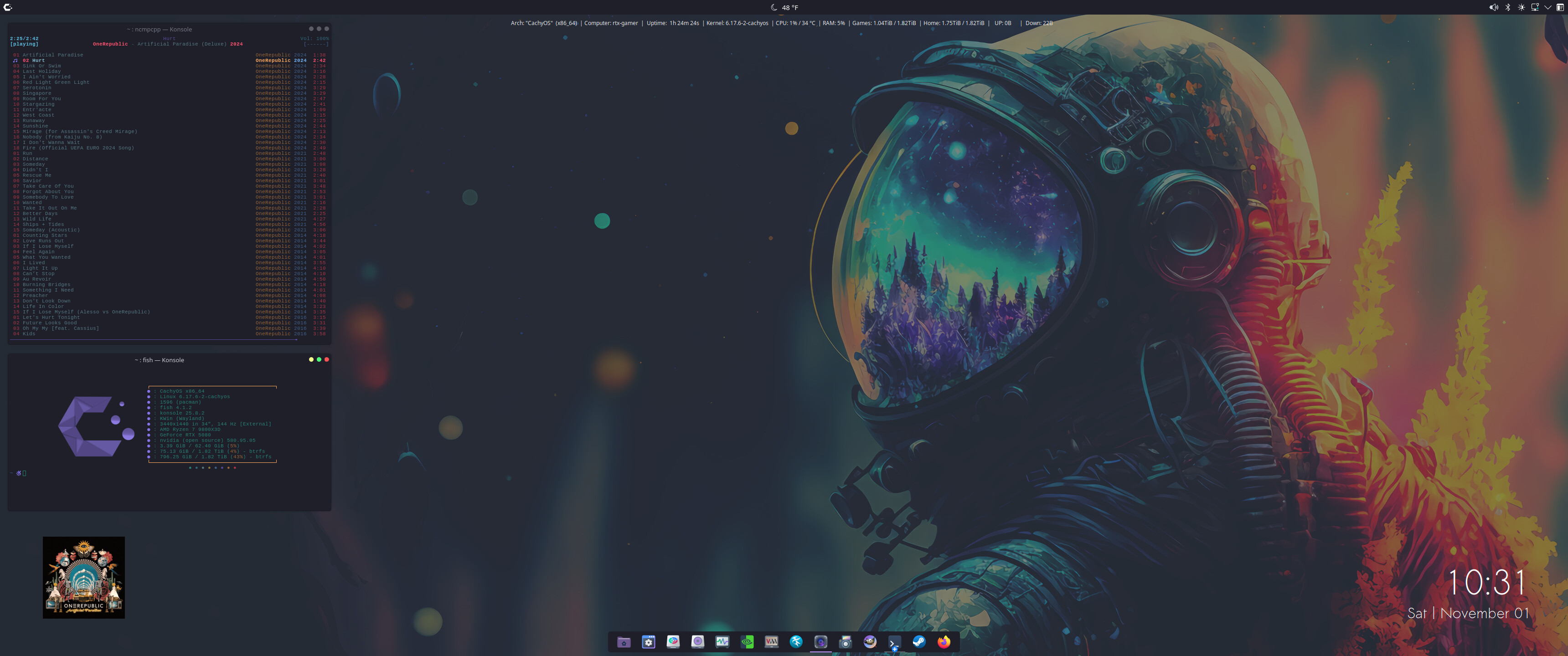
Current Setup KDE/MPD/NCMPCPP/FASTFETCH

My desktop as it is currently, some cool things I’ve seen on here i’ll look into though!

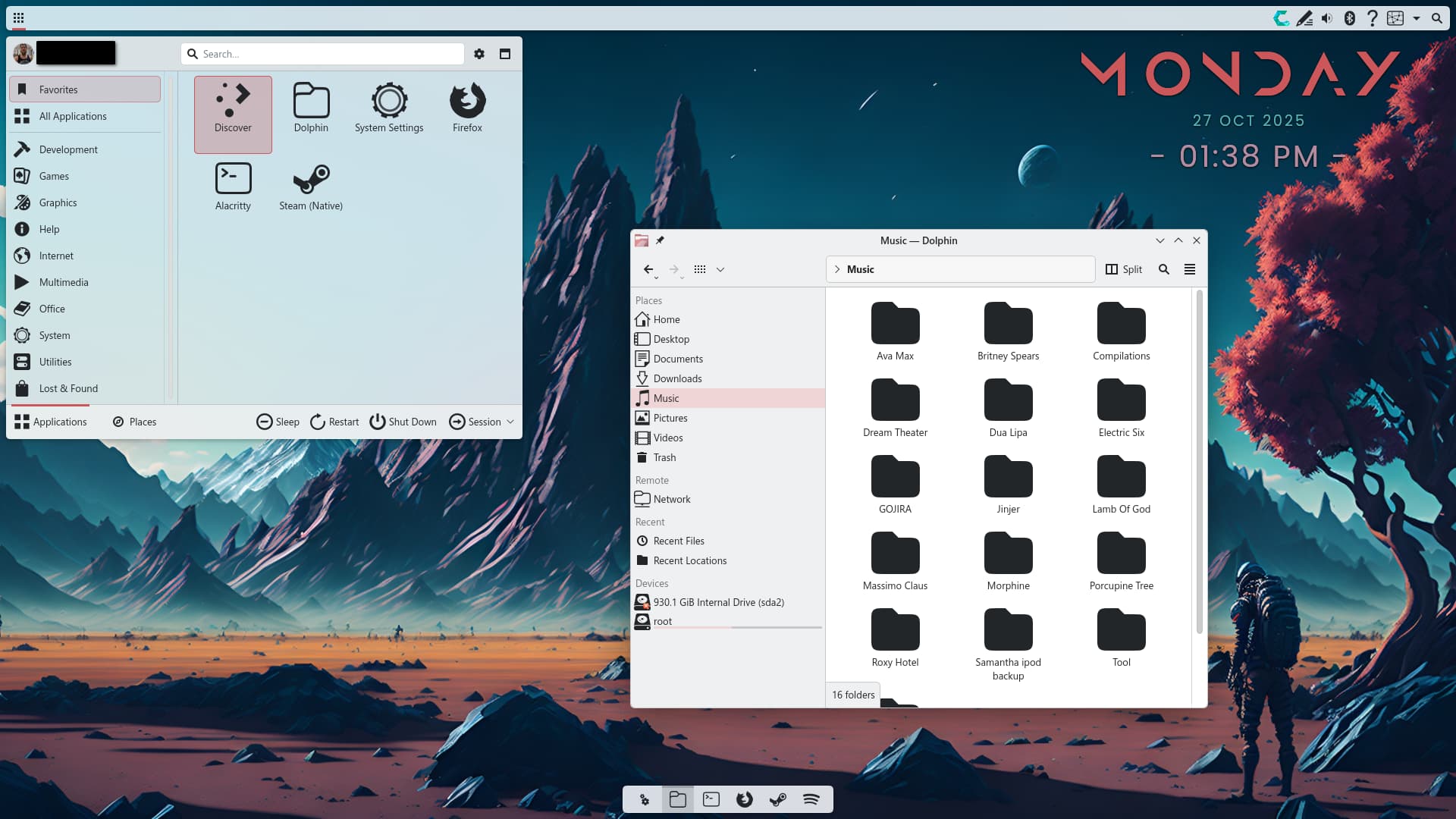
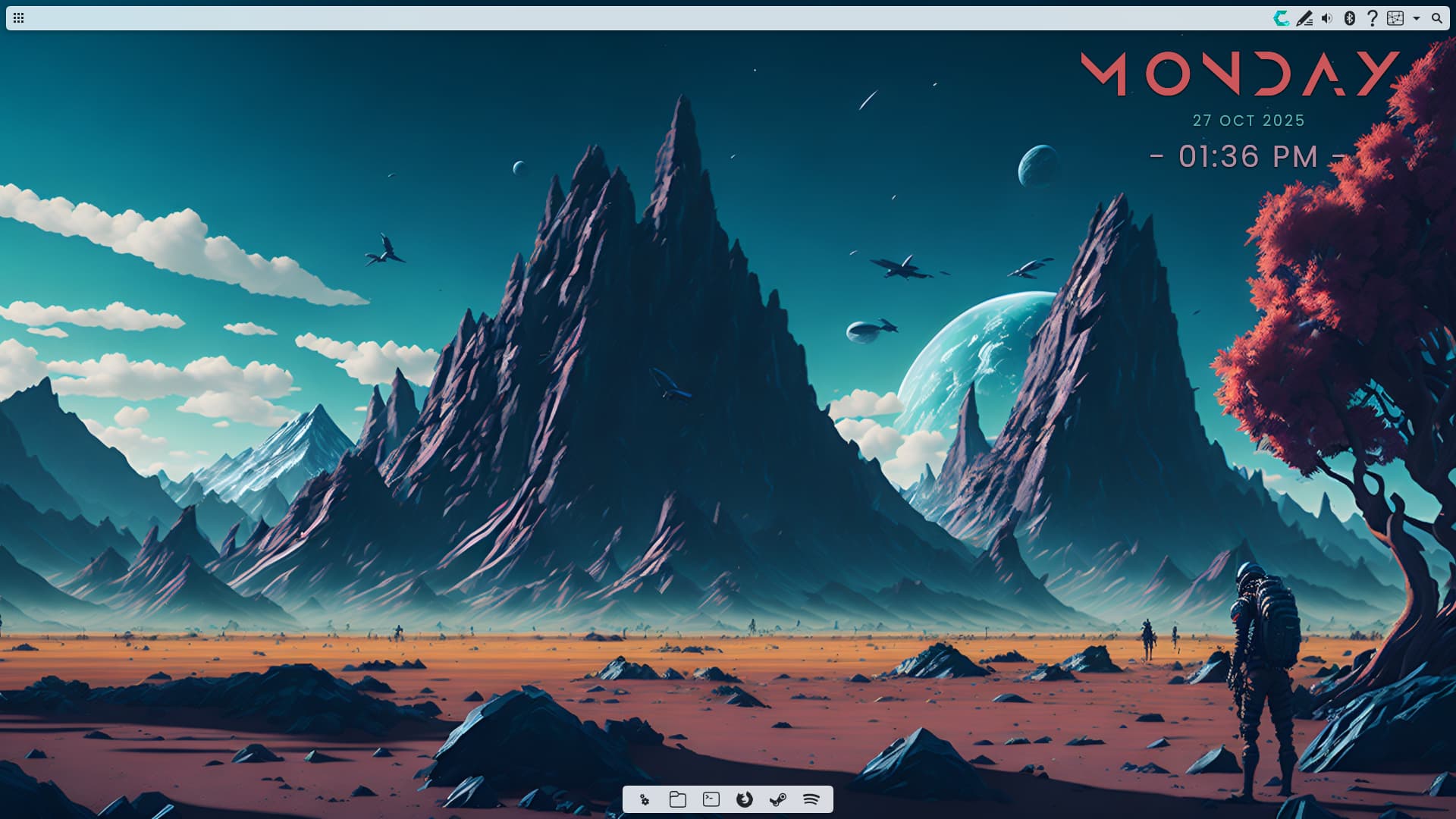
I like my desktop to be simple. This is what I see after the system starts:

However, when I connect a projector, my students would see this:

Awesom,e, i love it! One question, how to group 4 graphics GeForce 3060 RTX plasmoids? Best regards!

There is a “Grouping” plasmoid .. go from there.

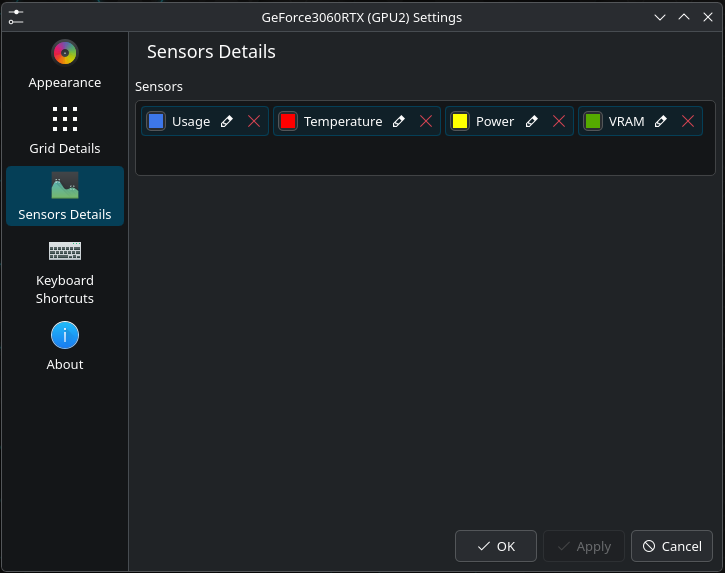
It is only one Plasmoid with Appearance > Display Style > Grid
and these sensors:

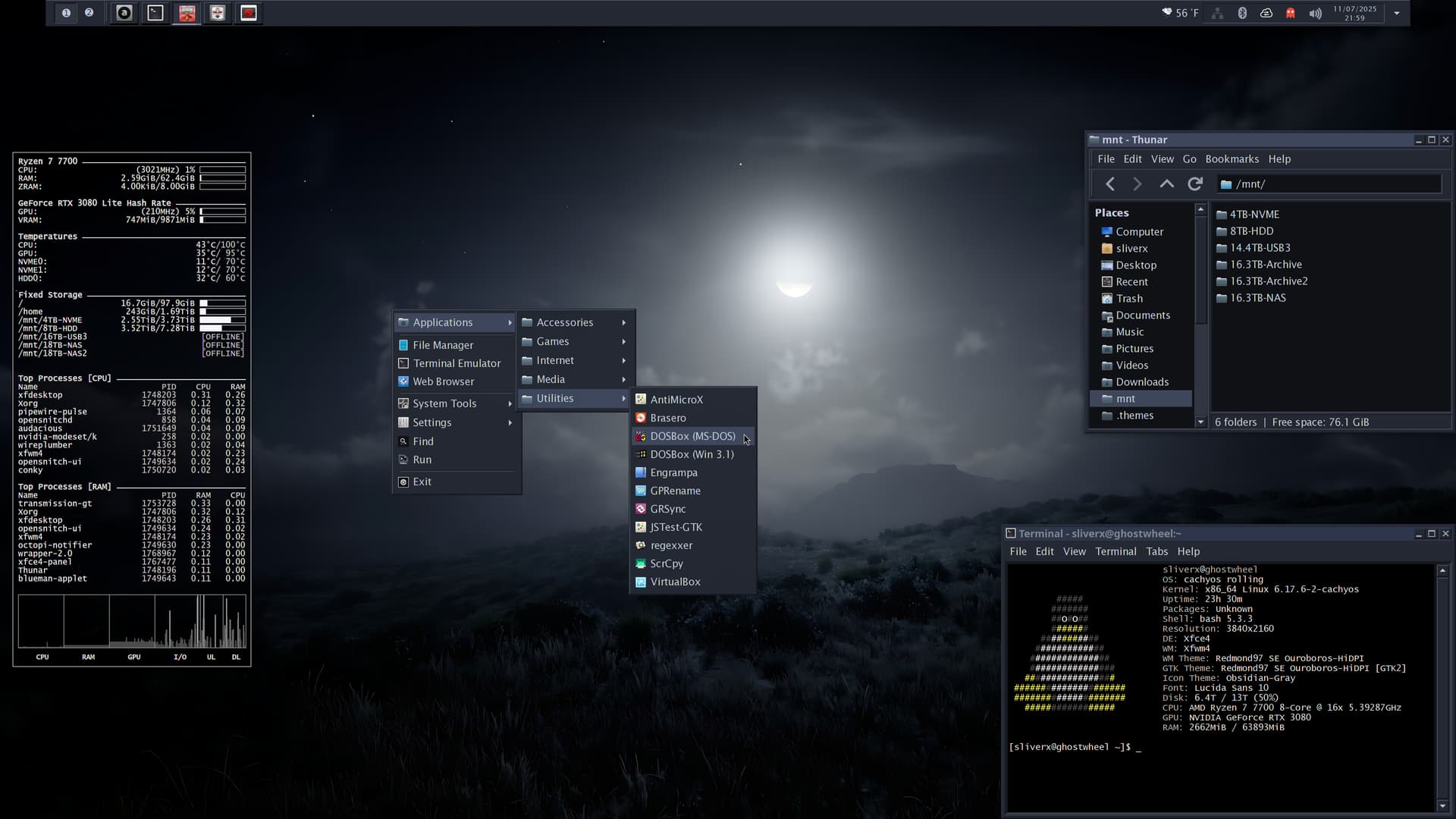
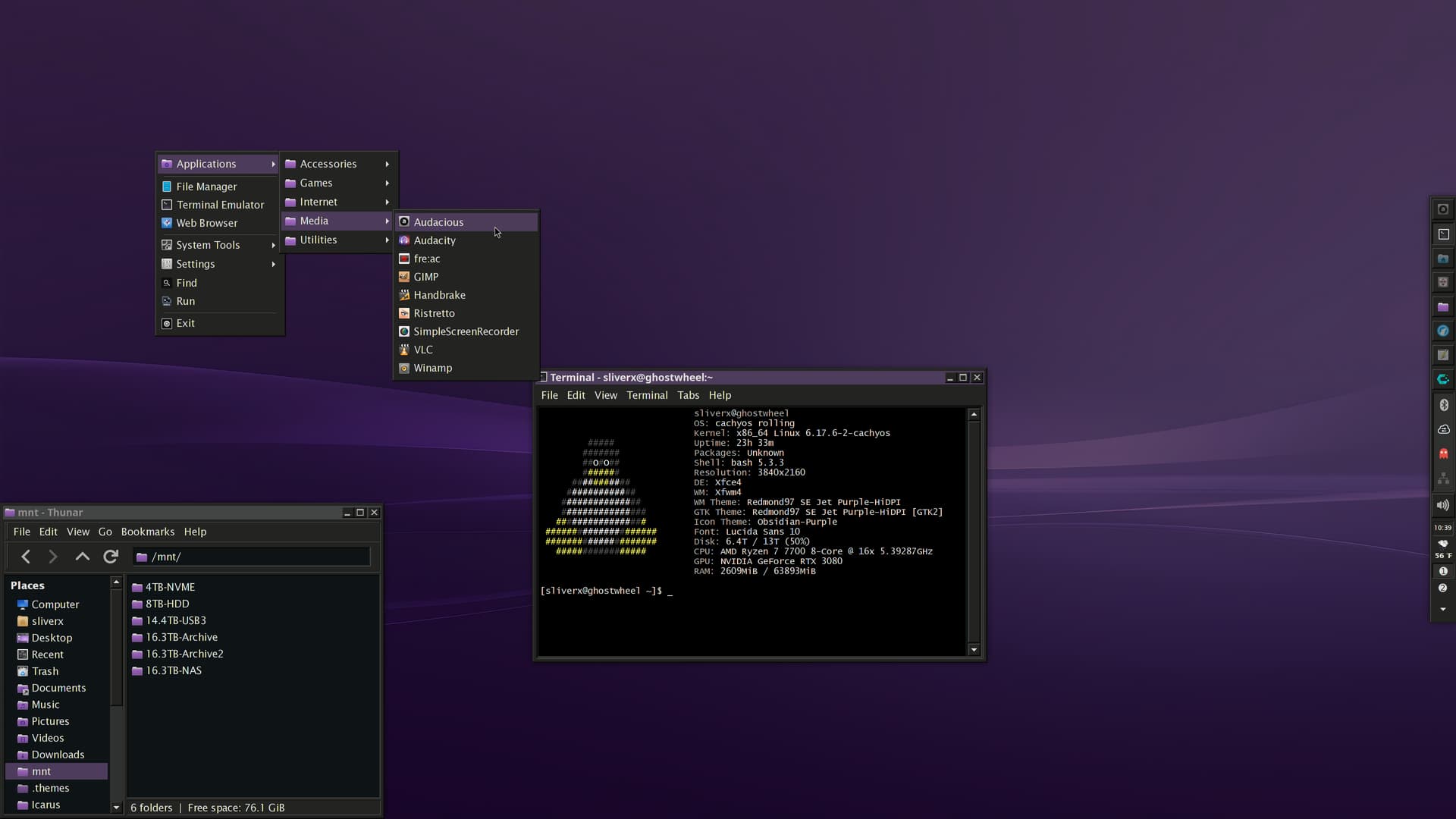
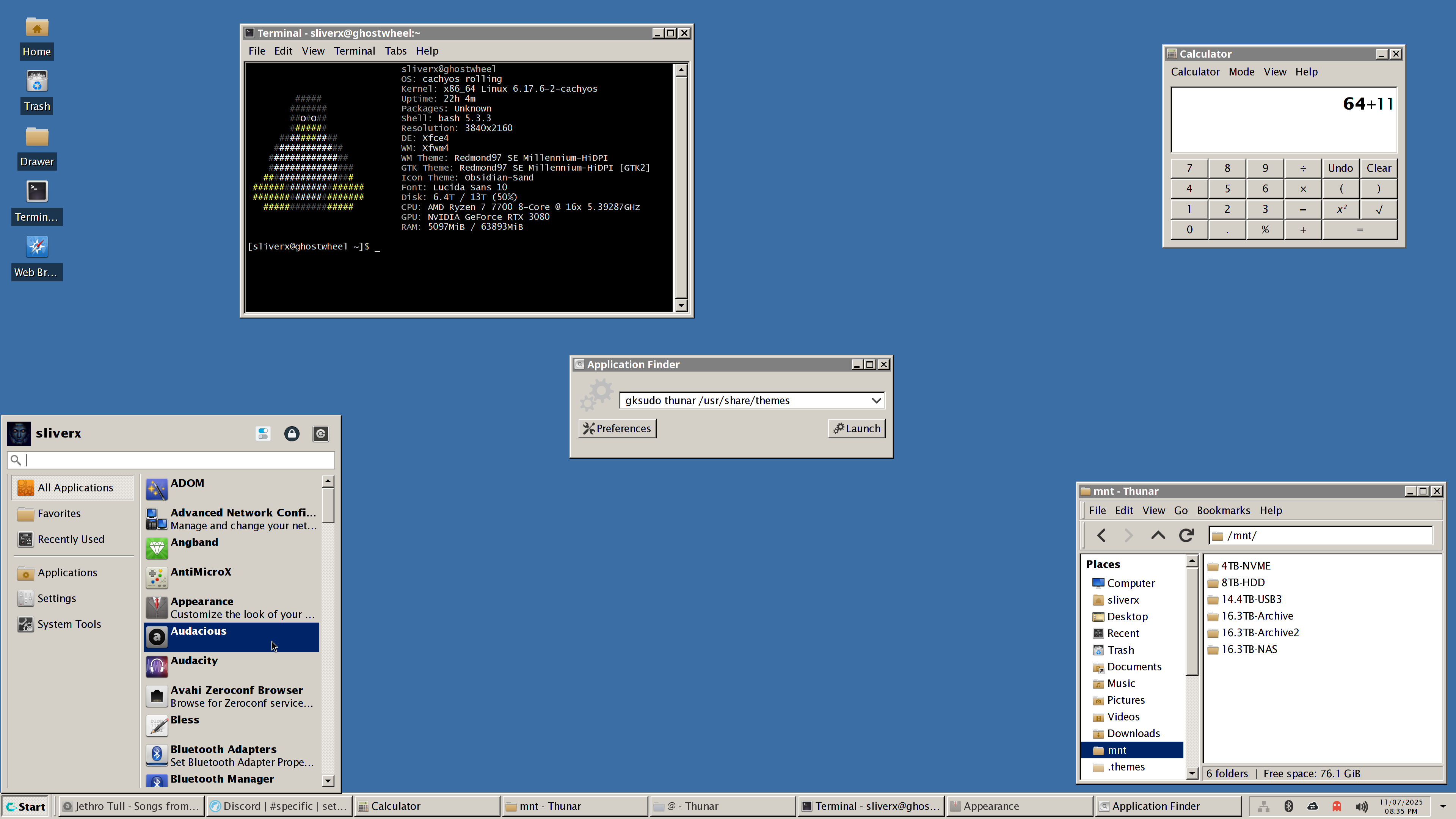
Some of the 41 Win9x-style Xfce4/GTK themes I’ve been working on for a few months.

I’ve created a few dark themes for it but it also contains recreations of every official Microsoft 9x theme that was released as well.