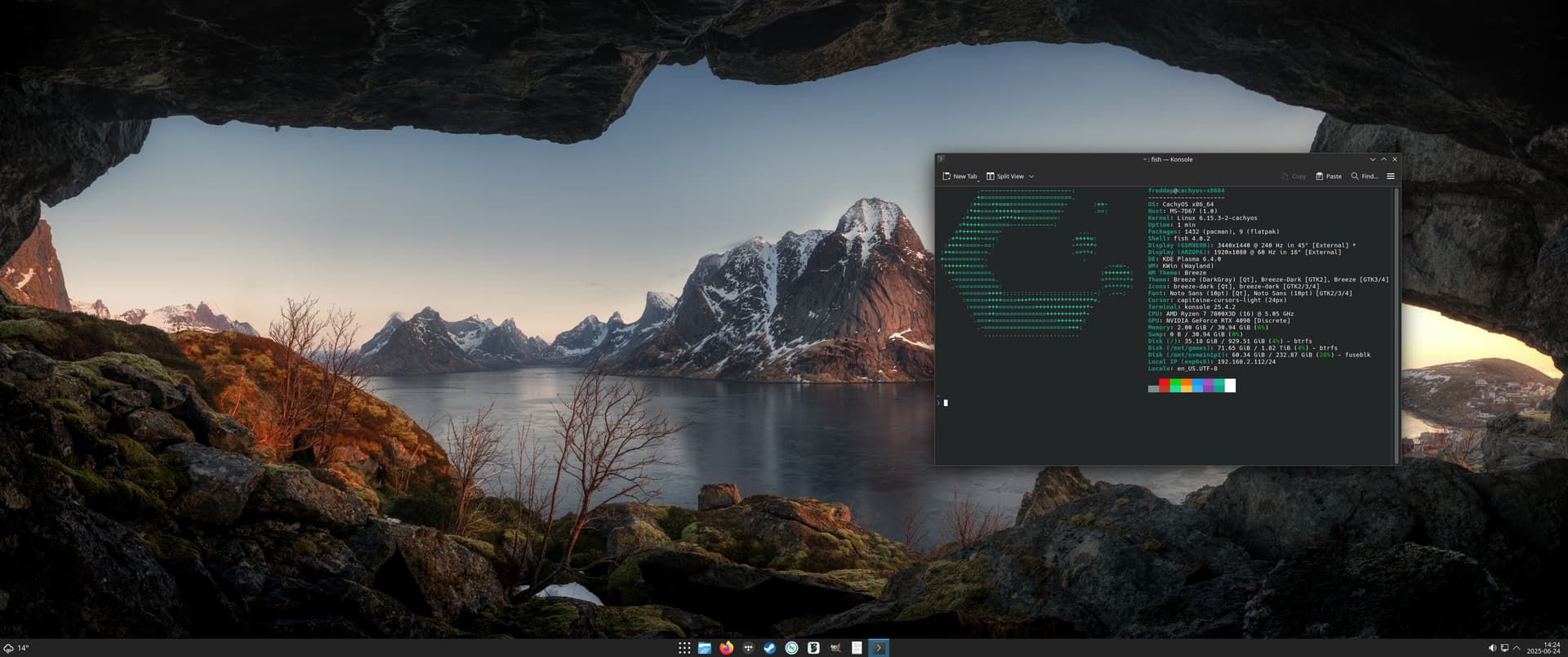
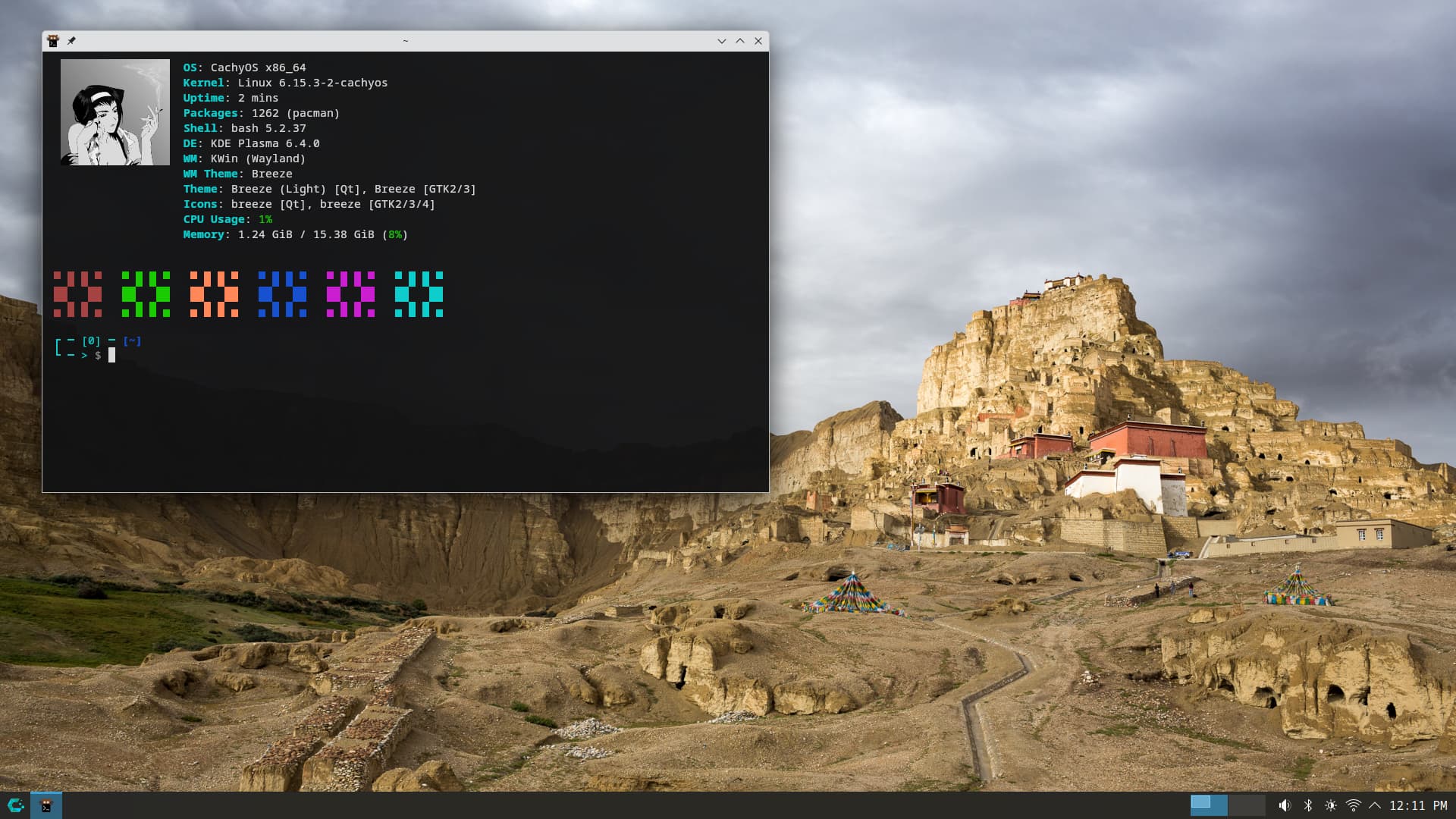
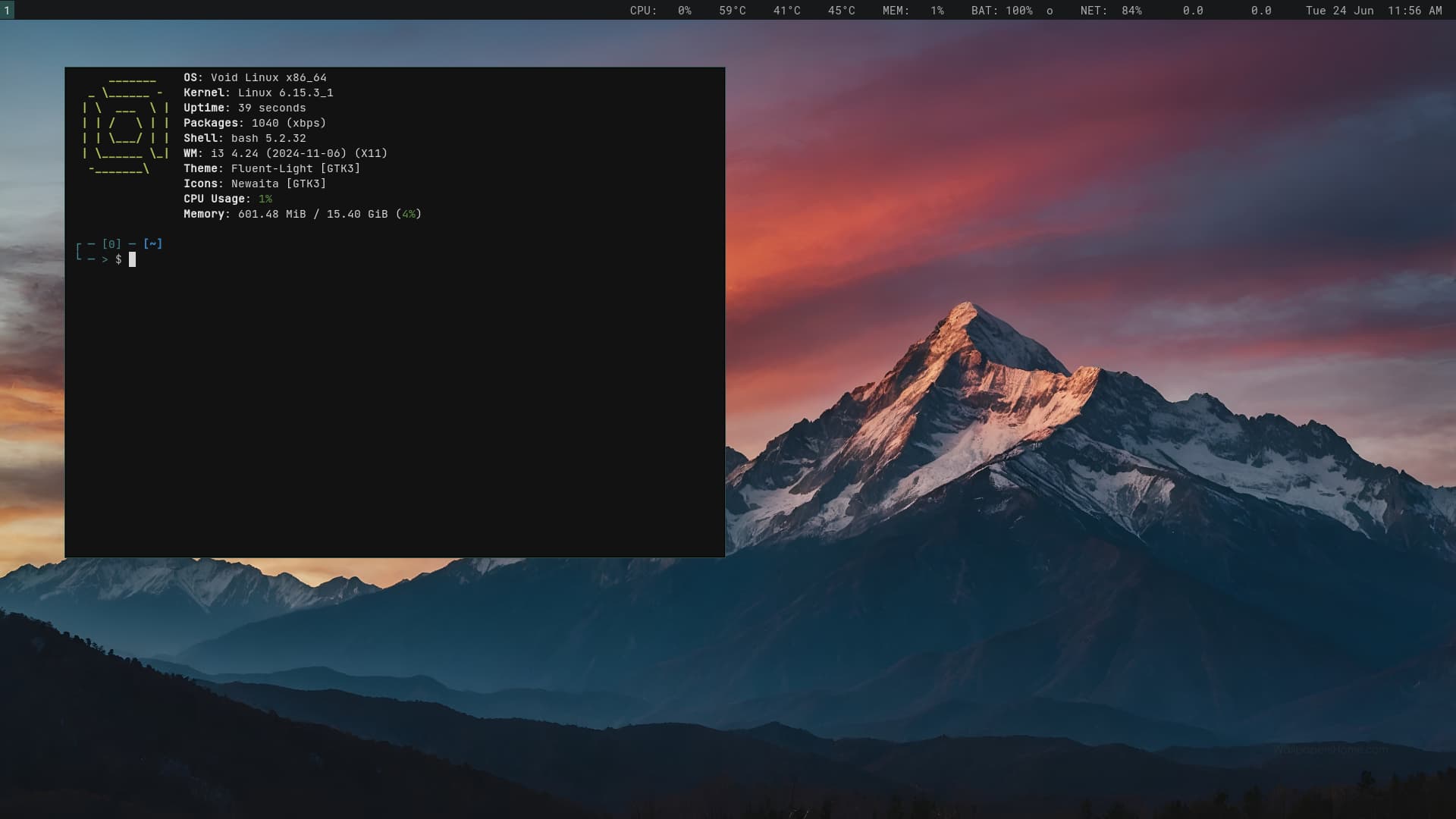
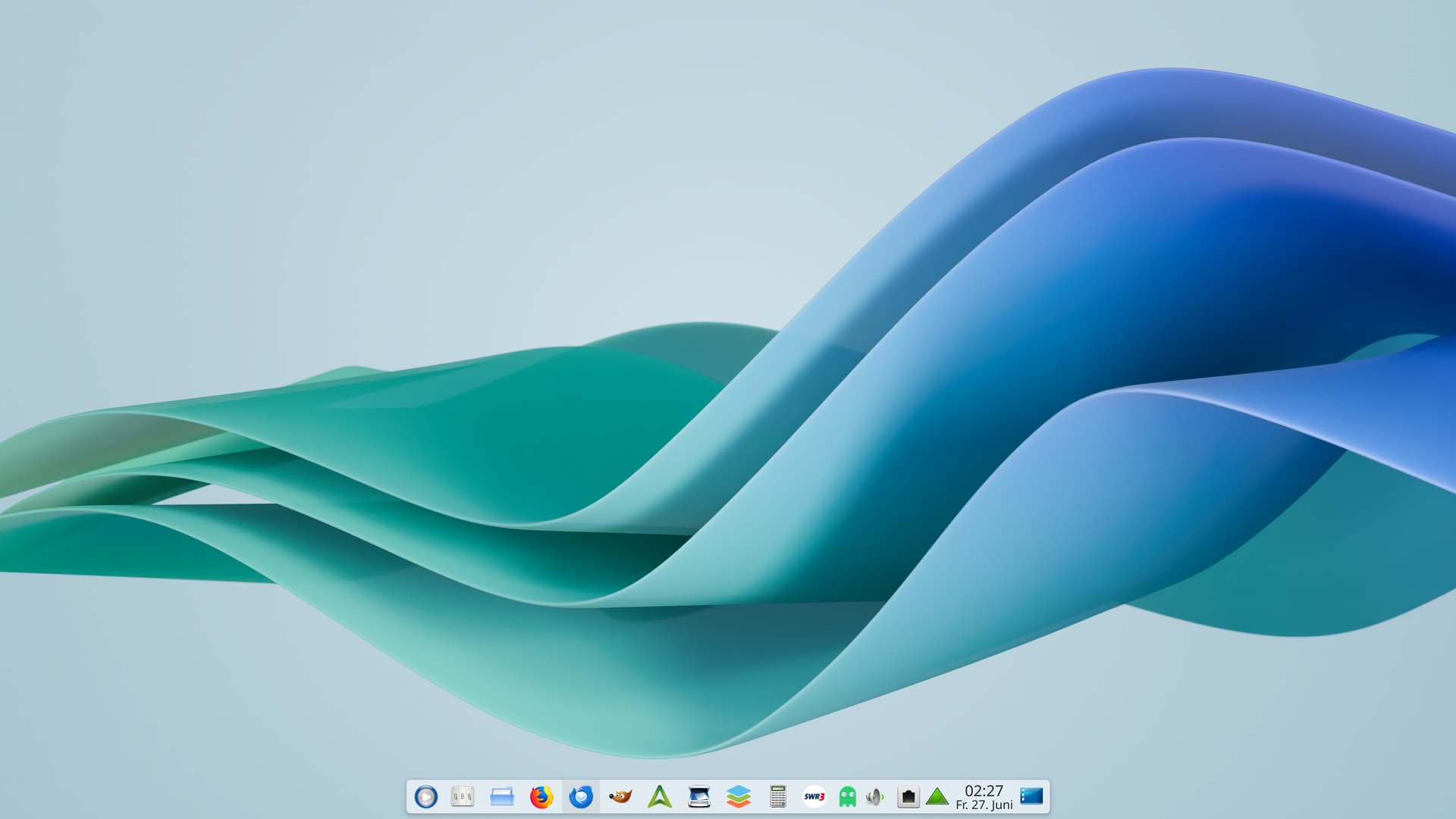
Mostly just KDE panel customization, along with icons and themes. I also have a ton of scripts based around feral gamemode for switching cpu profiles, fancontrol and VRR settings.
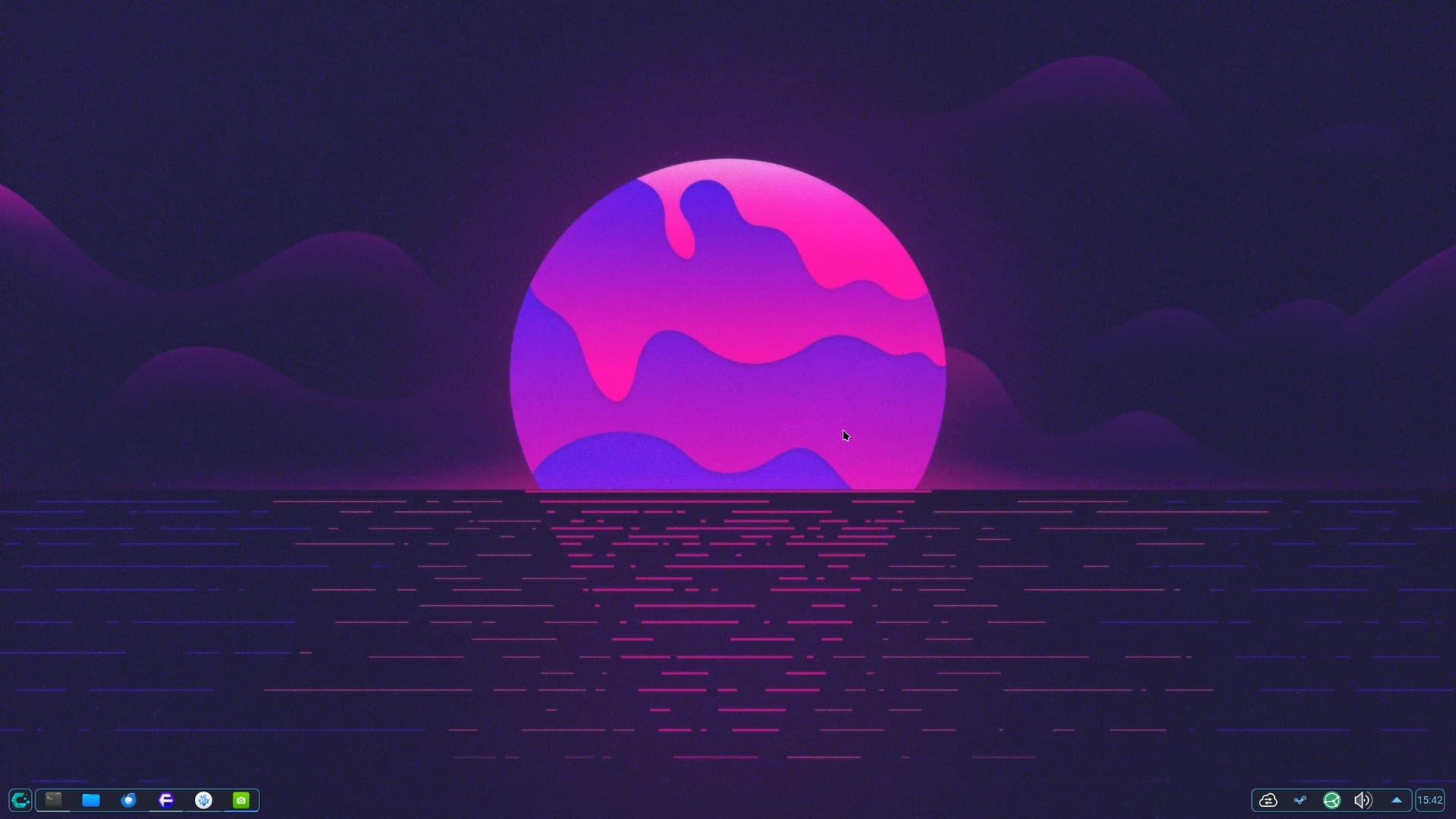
Right-click the panel and open “Add Widgets.” Search for the panel colorizer you want to add.
Open the panel colorizer and scroll down quite far until you find “Transparency.” That’s it.
Edit:
I just discovered that you can’t save the pre-made themes, or rather, I haven’t figured out how to make the desired theme persistent yet.
Alternatively, you could download the naked theme from KDE Settings —> Colors & Designs —> Plasma Style and experiment with it.
Warning: Display errors may occur.
ive seen the logs full of spam from using “panel colorizer” as well as huge memory usage of 12gb after some hours. I switched to “panel transparancy toggle” no more spammy logs or huge ram usage. YMMV.
Thanks for the tip.
I don’t use the panel colorizer myself. I’ve made my docks and panels transparent using other methods.
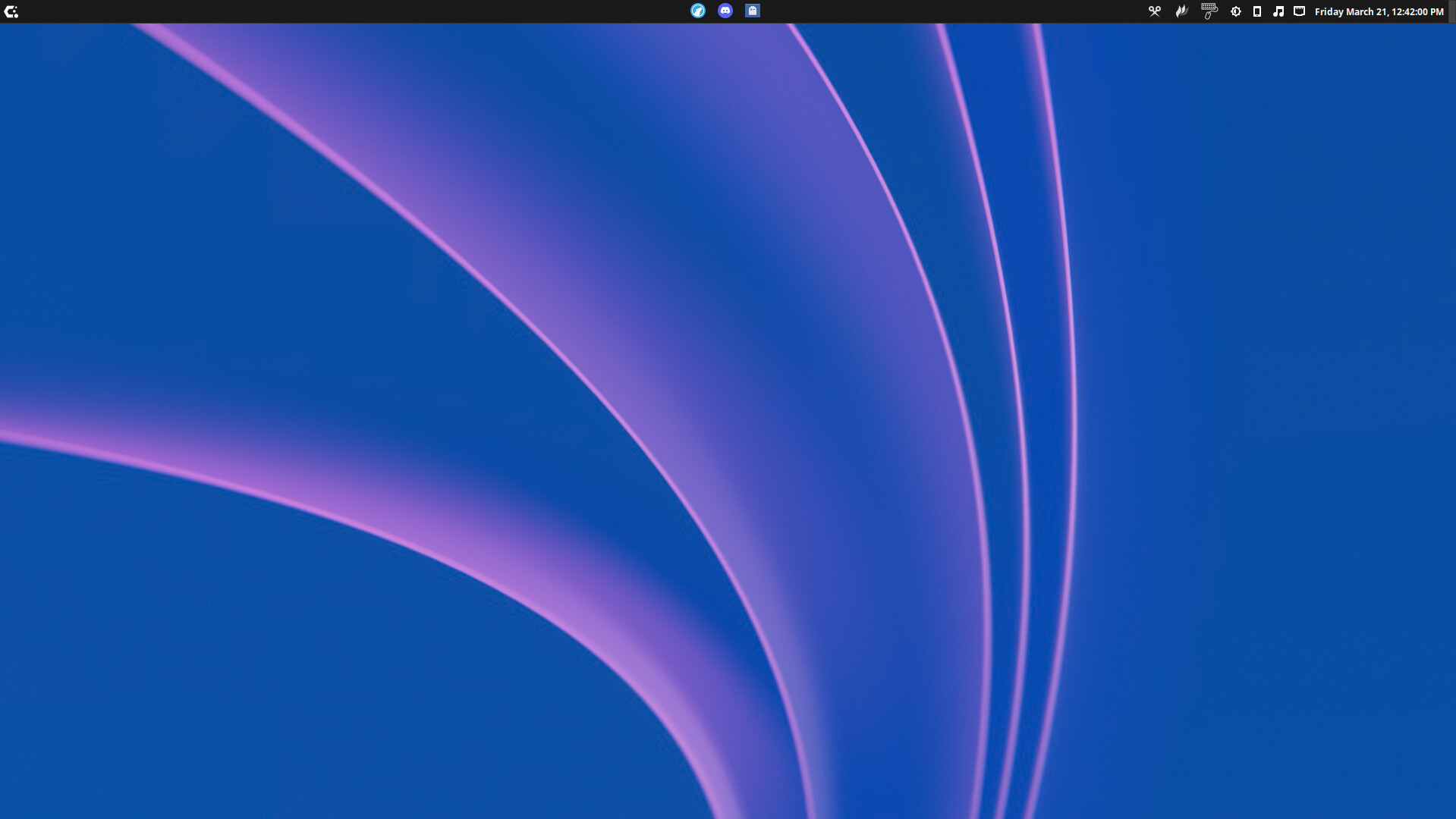
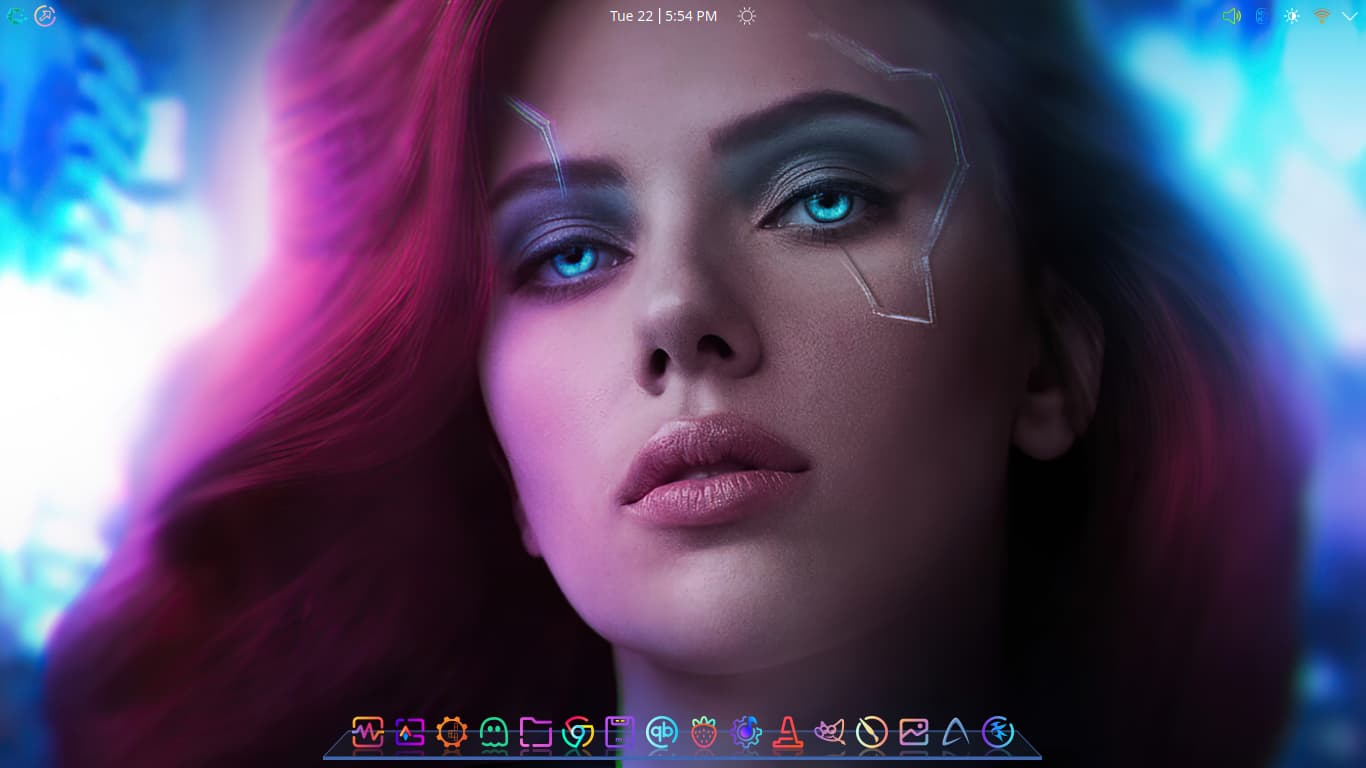
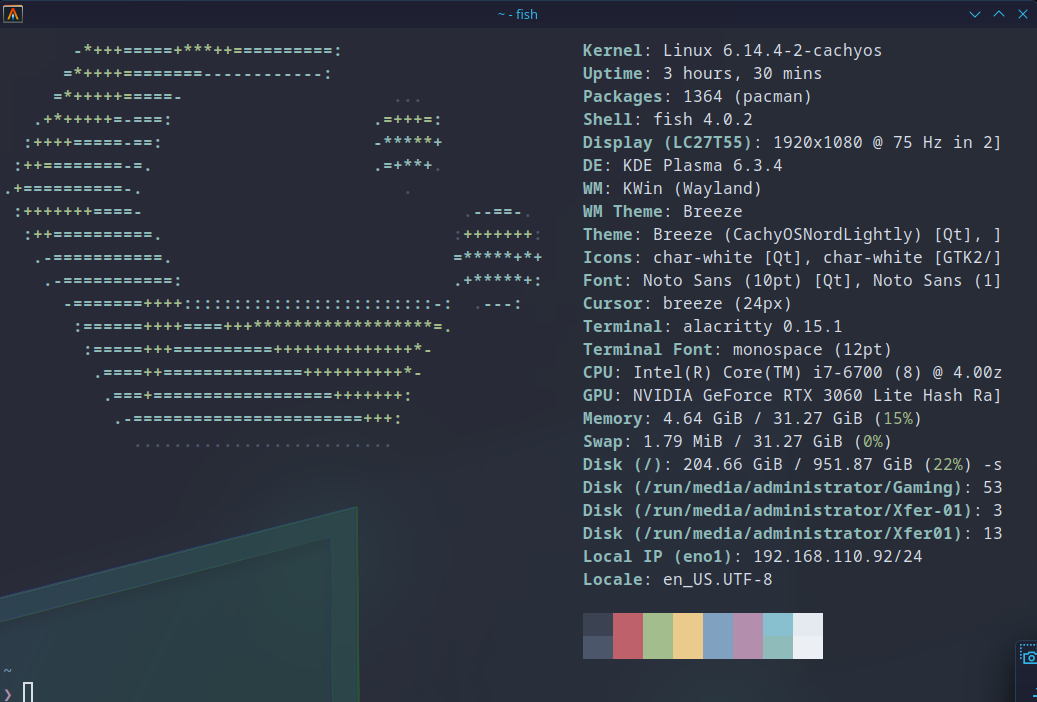
scarjo!!! Such an elegant desktop!
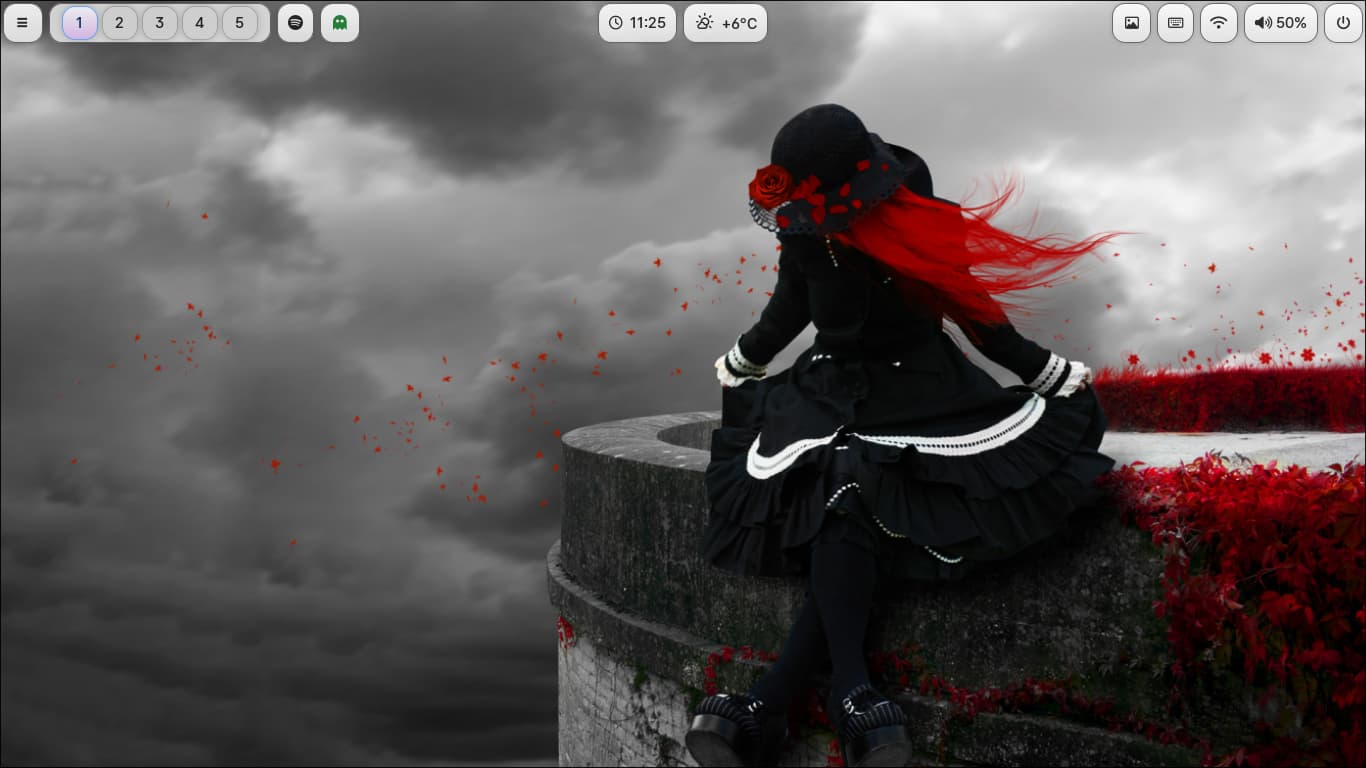
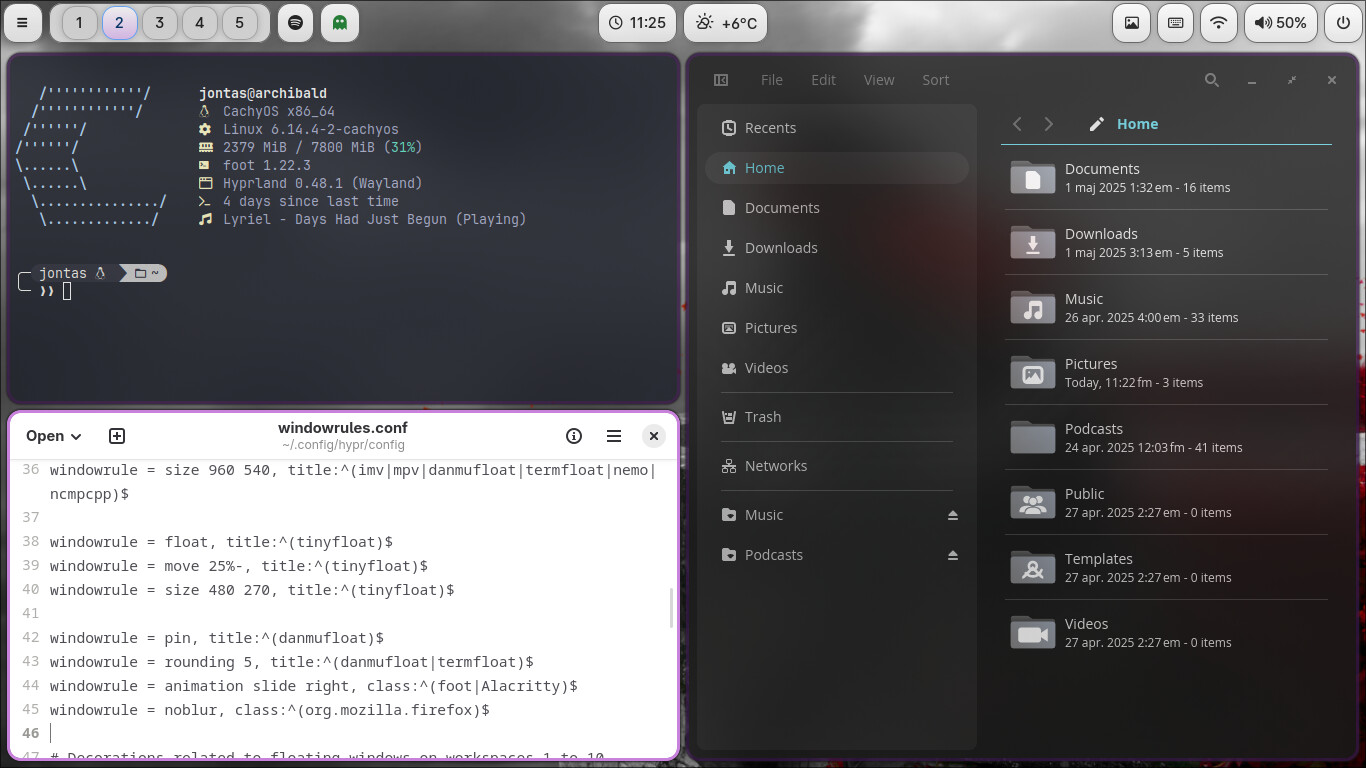
Woot! Another Hyprland setup 
What’s the file-manager?
That one is Cosmic-files. I use thunar and yazi as well.
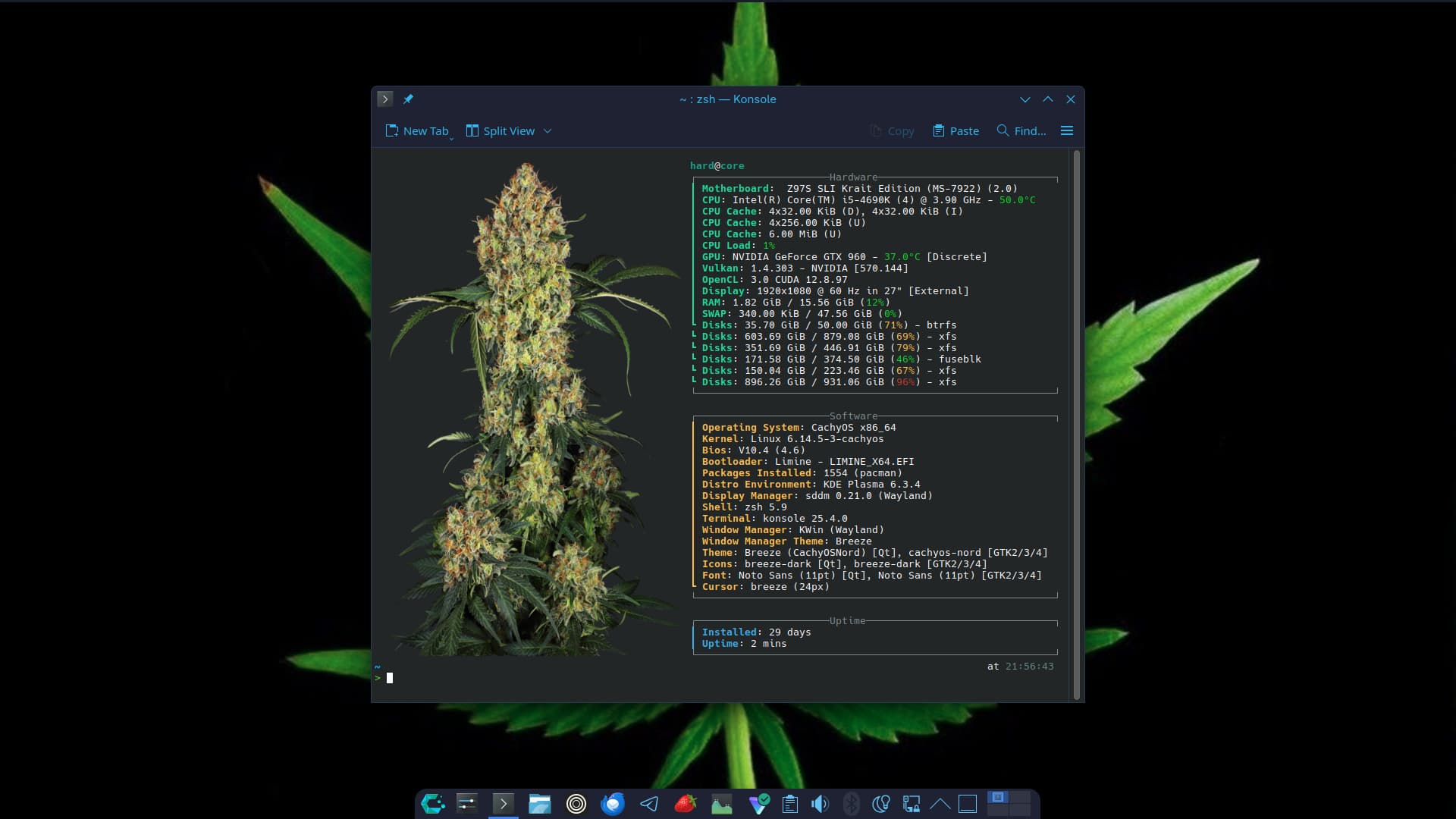
 cachyos + hyprland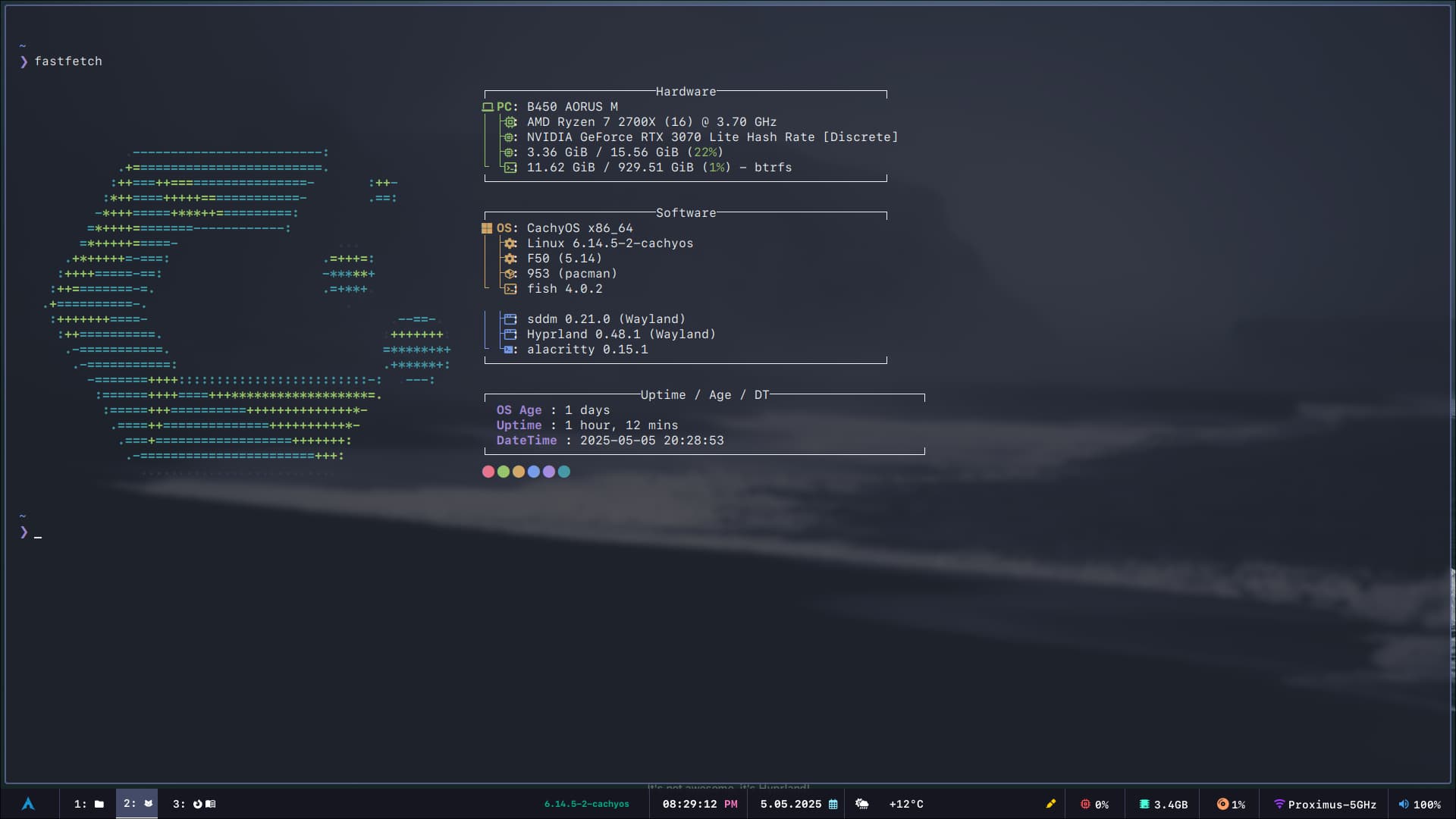
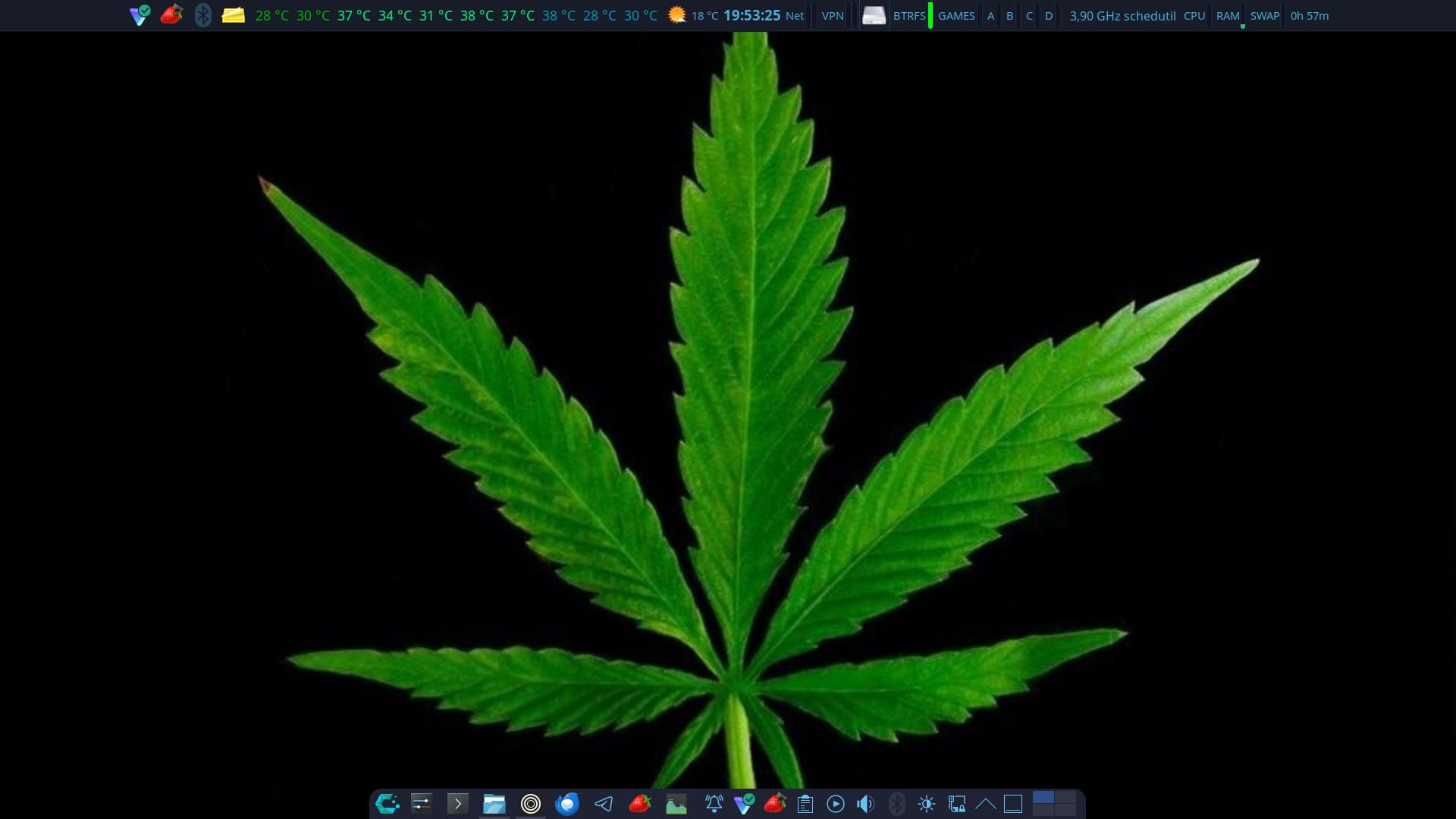
Which wallpaper is that?
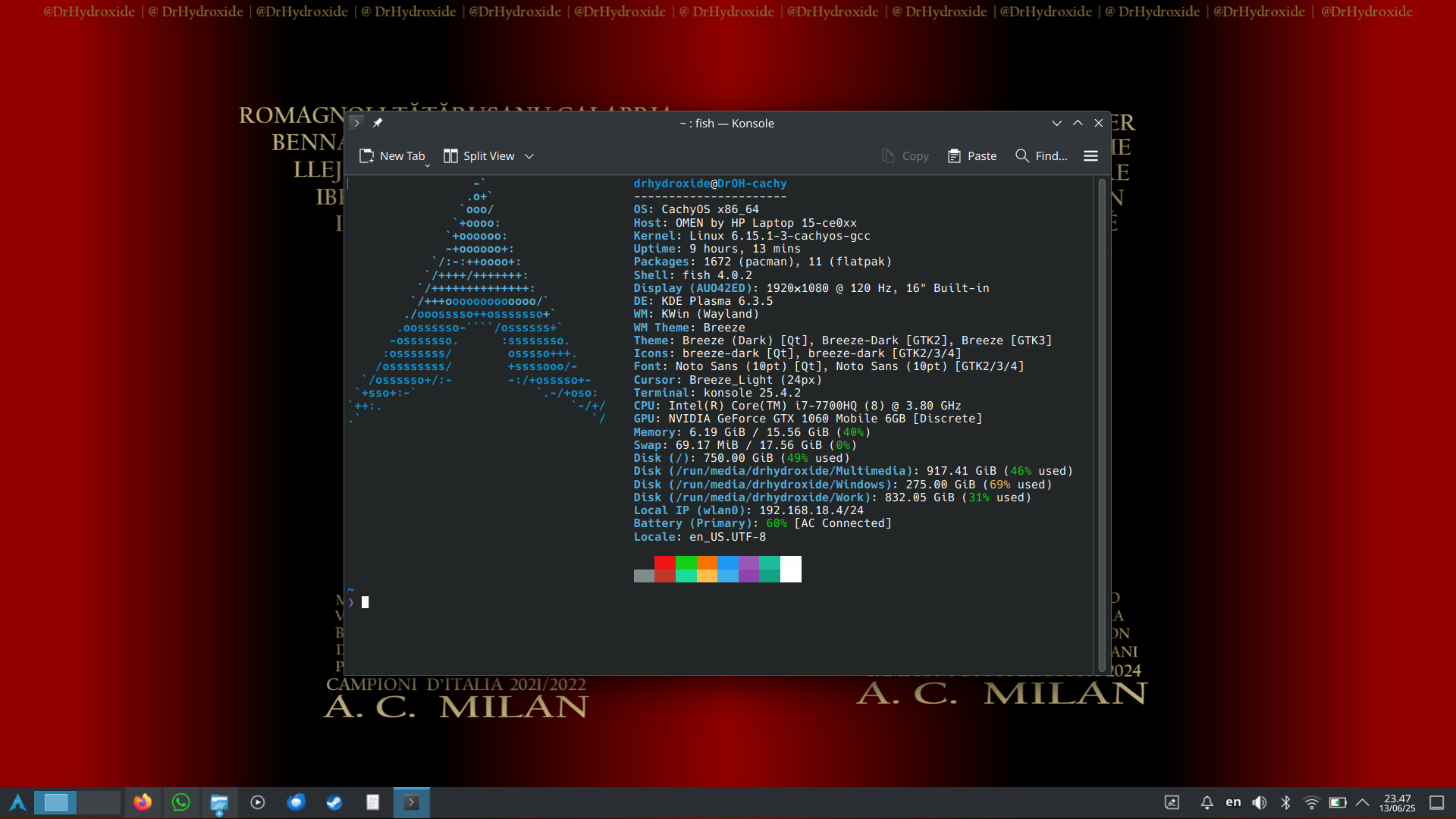
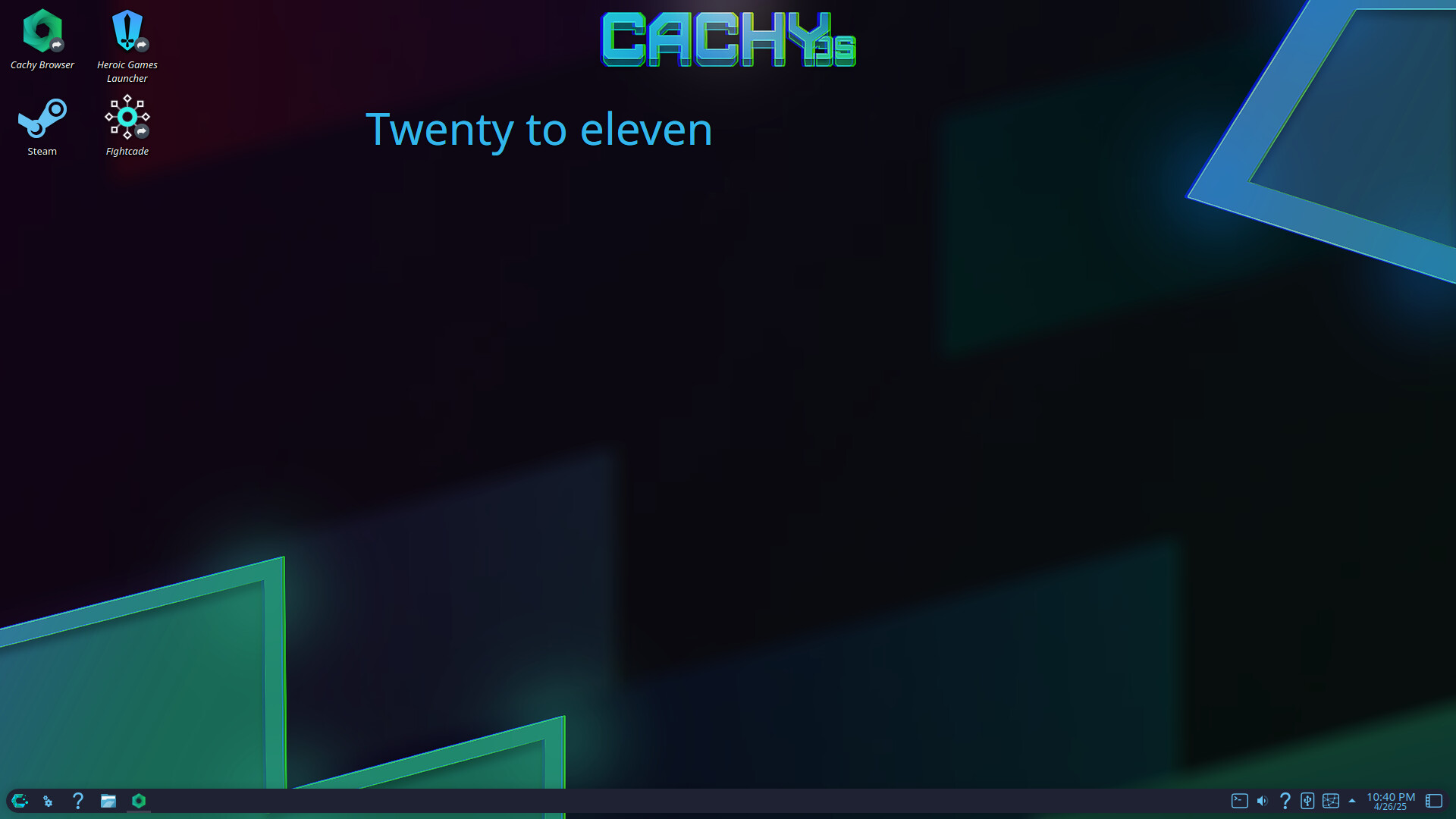
Yeah that was how my windows desktops always looked, Years of using Gnome forcefully broke me of using the desktop to place shortcuts and documents lol. I eventually got tired of installing extensions that Gnome constantly broke to allow me to do it and now have just gotten used to a different workflow. I still always use dash to dock extension because I hate having my dock on the bottom and other customizations of the dock that Dash to Dock allows.
@GazPitchy Do you have a source for that image?