
L E G A L I Z E - I T
“And don’t criticize it” 




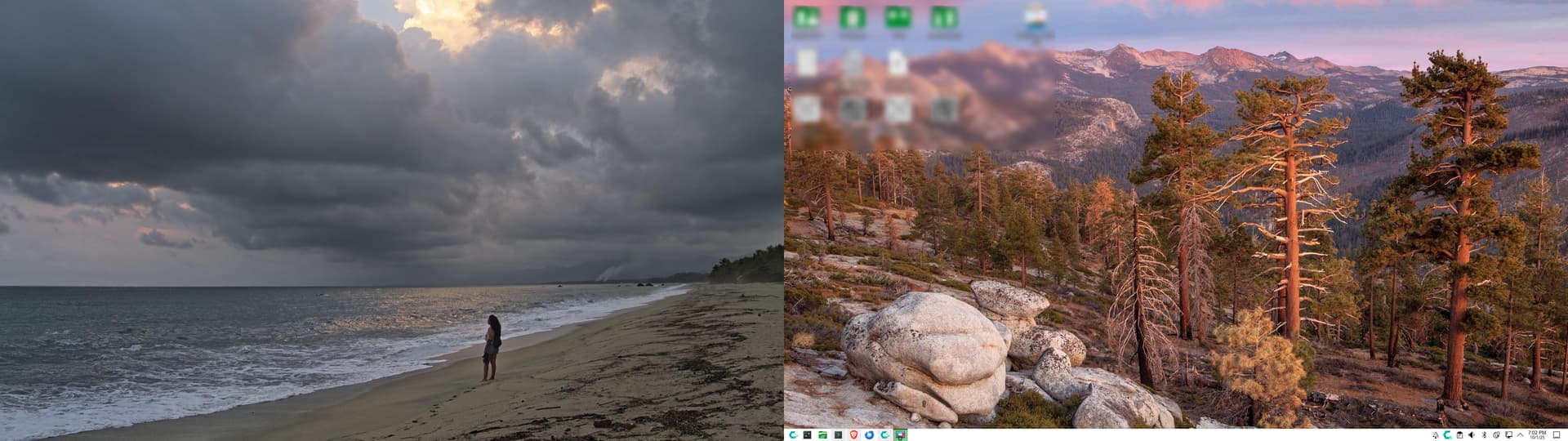







2026 Linux Desktops and https://1-DOT.com/poplinks/wallpaper
-
install Cachy OS with LXQt desktop
-
Cachy OS Hello > Apps/Tweaks > Rank Mirrors + System Update
-
sudo pacman -S lxqt-powermanagement lxqt-wayland-session labwc
-
Reboot
-
Select LXQt Wayland session
-
Configure LXQt Wayland with labwc as Window Manager
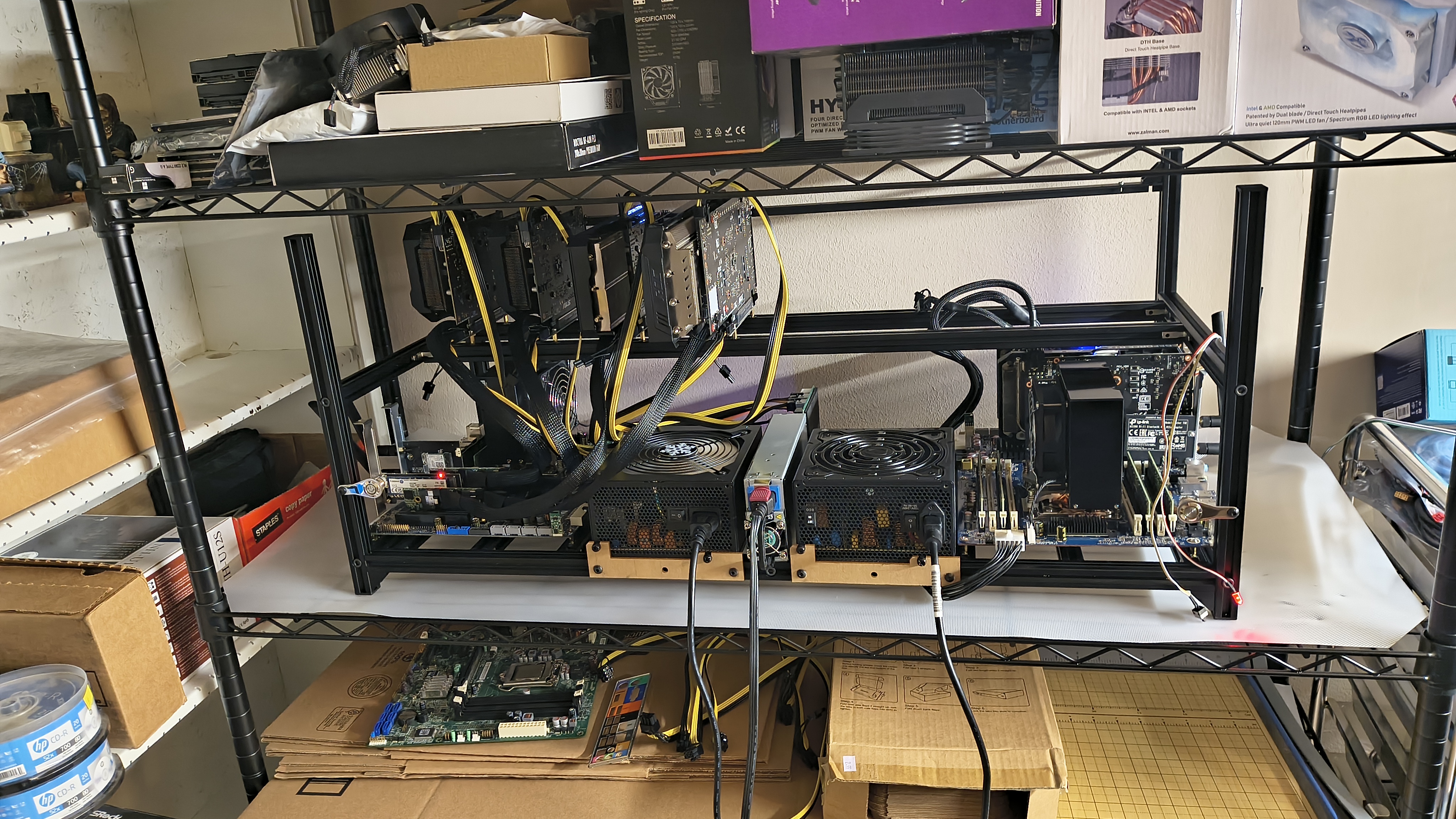
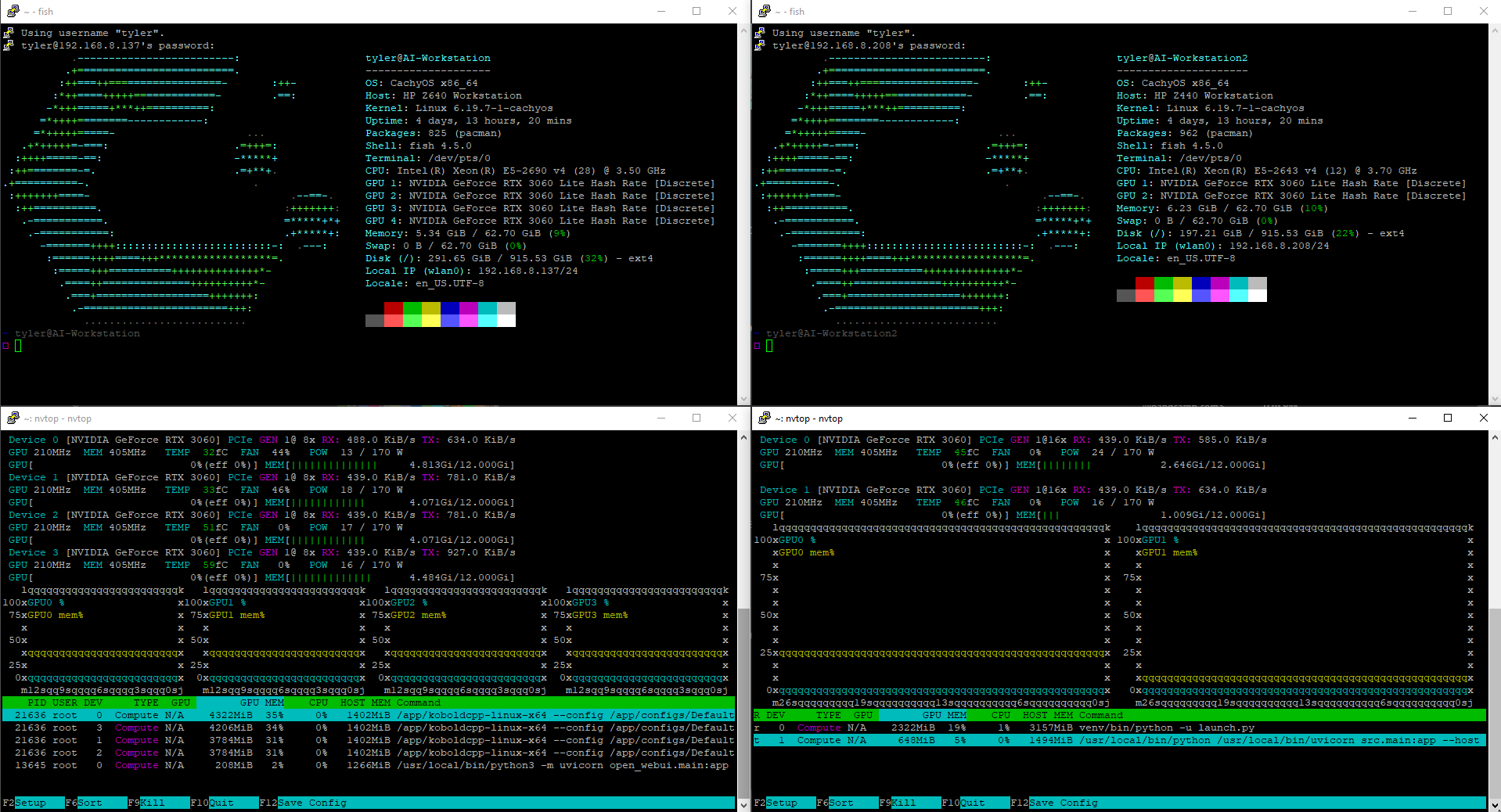
Anyone else use CachyOS for AI? Still a work in progress. I’ve got more adapters and cables coming for the right system.
Where did you upload these pictures? They’re blocking VPN connections. Why don’t you use the forum function to upload pictures?
How’d you do that to the Konsole?
Edit: I take that all back!.It seems that when you reply to a post, you cannot upload image to forum. This must have been changed at some point to save disk space on their servers (because hosting costs money, so it is understandable)
Original post:
Fully agreed that people should just put their pictures in forum, not embed them somewhere else. If that is what CachyOS forum creators wanted, they would’ve disabled picture upload to forum.
I couldn’t find a way to upload photos, so I hosted them somewhere else. I had actually found a post on the forums here saying they were running out of storage and disabled large photo uploads except for webp and like gifs. Cubeupload is a site I’ve used in the past that doesn’t compress jpegs uploaded to it, so I figured I’d try it. I didn’t know they blocked VPN access.