The best launcher is a shell script, lol.
These launchers obfuscate what is actually going on (basically wine /path/to/game.exe).
Sometimes you want the Wayland driver (most games), sometimes you want the x11 driver (Clair Obscur). And then there is DXVK and VKD3D-proton config options and CPU power governor state. You also might need different Wine registry settings, which I do by deduplicating a new prefix with symlinks to everything but the one file that actually holds the registry edits: user.reg.
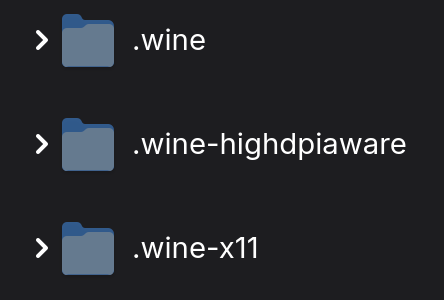
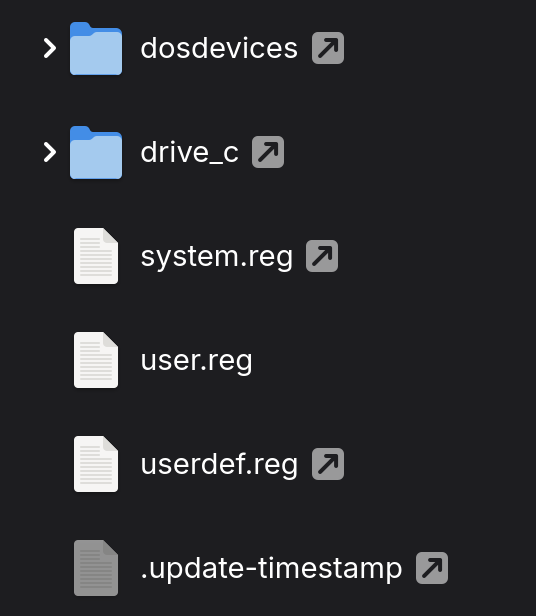
If you are installing your games in the Wine / Proton prefix you are doing it wrong. Keep your games on a separate partition so they are safe from you deleting the prefix or re-installing your OS.
And know your envvars! Proton is a wrapper around Wine, but does contain some patches that upstream Wine might not accept or include some DLLs like amdxc64.dll that upstream does not ship. But… Wine can use amdxc64.dll from Proton, so Proton isn’t the soul option for FSR4 upgrade.
Clair Obscur using FSR4 with the int8 4.0.2 DLL (see my FSR4 thread here, the other envvars are only needed to use fp8 on RDNA3).
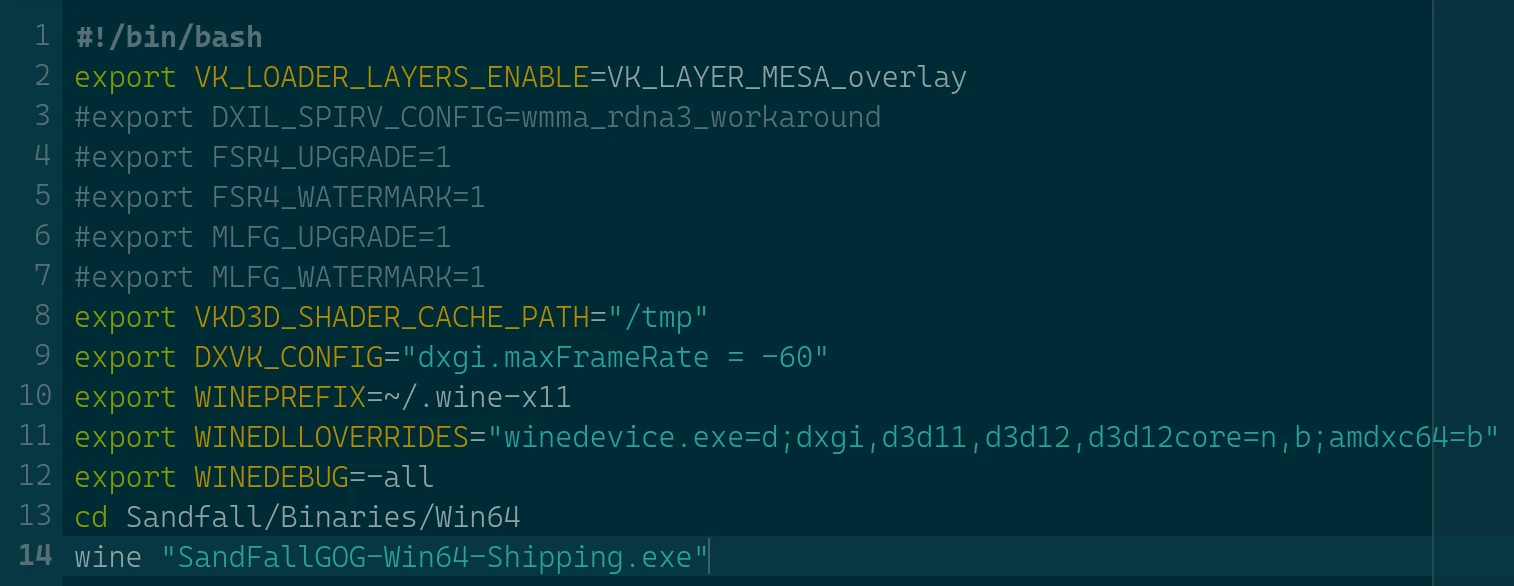
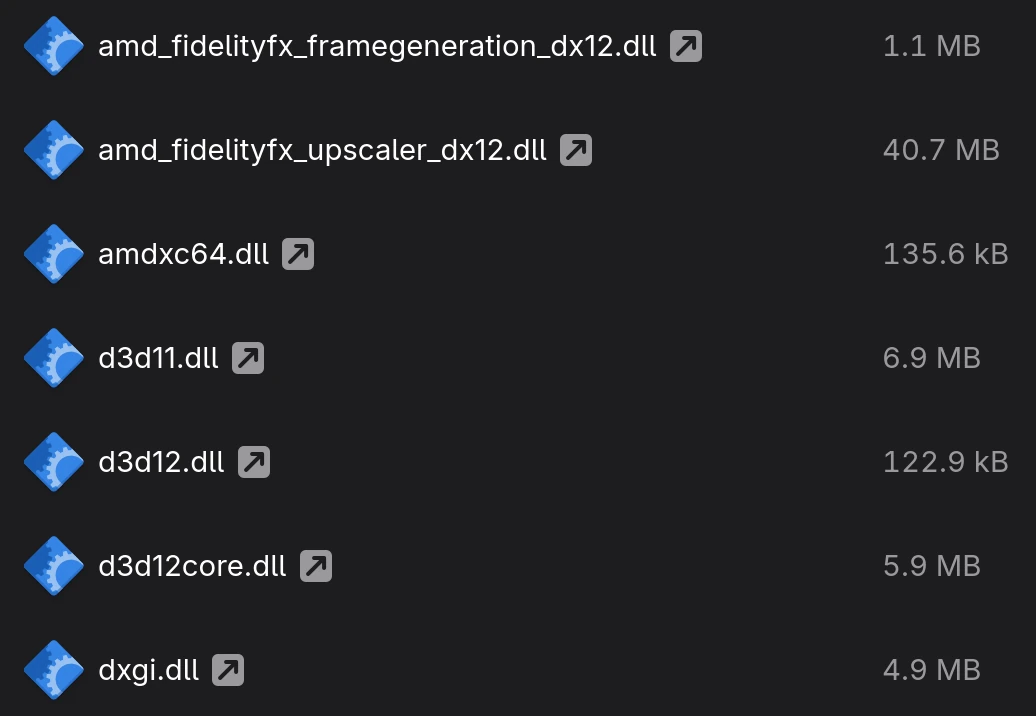
Having used Bottles and Lutris, I find myself hating launchers due to how cumbersome they become when needing to do anything remotely technical. The only way to get good performance is to make a custom script to set your envvars and symlink all DLLs and upscaler DLLs into the game directory as needed per game.
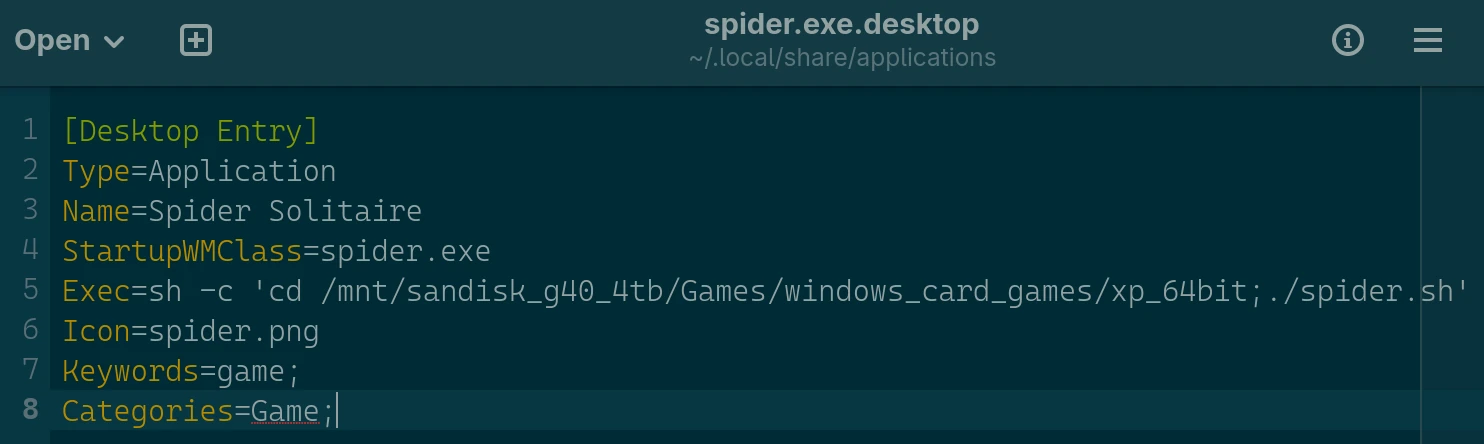
You can make your shell script pretty by pointing a .desktop file to the script, giving you “ultimate power” with a nice clean icon and simple launcher in the DE’s app menu.
But I get it. I didn’t know anything about Linux 3 years ago. It is only now that I understand the ecosystem and all its components and where everything is supposed to go along with a healthy dose of user error and wisdom gained from doing things wrong (with a Windows user mind-set) that I have come to my current optimal solution.