Help needed, desktop not working anymore

Hi,

I’m quite new to CachyOS, I installed it a couple of weeks ago and overall the experience has been very good. This morning I logged in, checked my emails, and since I had time I updated the system with sudo pacman -Syu

Everything was fine, the update was ok, then it suggested a reboot, so I rebooted my computer.

Now it doesn’t load the desktop anymore.

It runs GRUB, it starts CachyOS (I see ‘C’ logo) and then it hangs.

On screen I have:

running early hook [udev]
Starting systemd-udevd version 258.2-2-arch
running hook [udev]
Triggering uevents…
running hook [keymap]
Loading keymap…done.
running hook [plymouth]

I can access the system on ALT-F2 logging in with the console, but desktop never starts.

Here’s my specs:

Intel NUC10 with I7-10710U + 32GB

GRUB dual boot CachyOS and Win10

Please help me, I can I access my desktop?

And what is the error?

I’ll copy dmesg and journalctl as replies since it seems they’re too long for one message

Thank you in advance

hello, first try do CTRL+ALT+F2 to enter the console in that screen
login, and you might want to install downgrade from AUR, and downgrade several package first for the first aid kit, references goes here

exactly, if you have a snapshot you can revert to then do so, then redo the package installations, and make sure the latest version of plasma-integration & plasma-workspace are included in the update.

i’ll try to wait a bit if in any chance the plasma-integration and plasma-workspace come to my end (without reverting to the snapshot) :melting_face: aka, me too lazy to revert

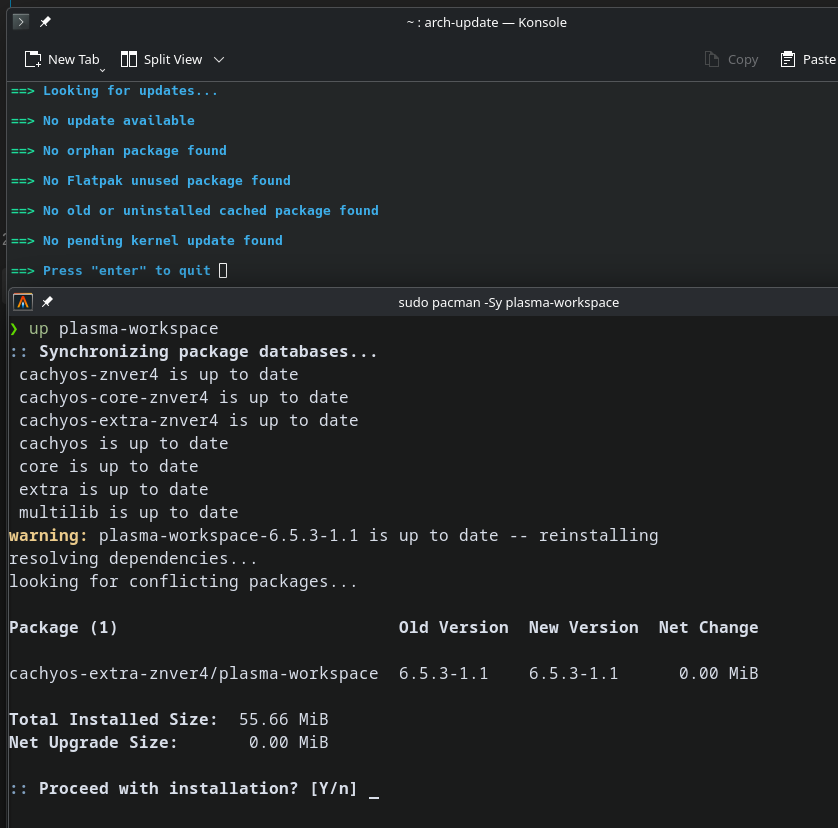
update, by triggering plasma-workspace and plasma-integration upgrade, now it’s show the new version

Do (more) updates;

If necessary;

Good stuff, that’s what happened to me this morning, the plasma didn’t show and honestly im still rather new so i didn’t check dependencies or if the update was needed. Good on you for not having to revert back.

Thank you, I can access tty2, but how do I downgrade?

Just do the upgrade(s) that will surely become available to you shortly.

If absolutely necessary you can use either the downgrade tool or pacman -U /path/to/package (suco as /var/cache/pacman/pkg...).

But I repeat the issue would be remedied by affirming a handful of other related packages besides ostensibly the few you have already applied.

See for example the already linked thread;

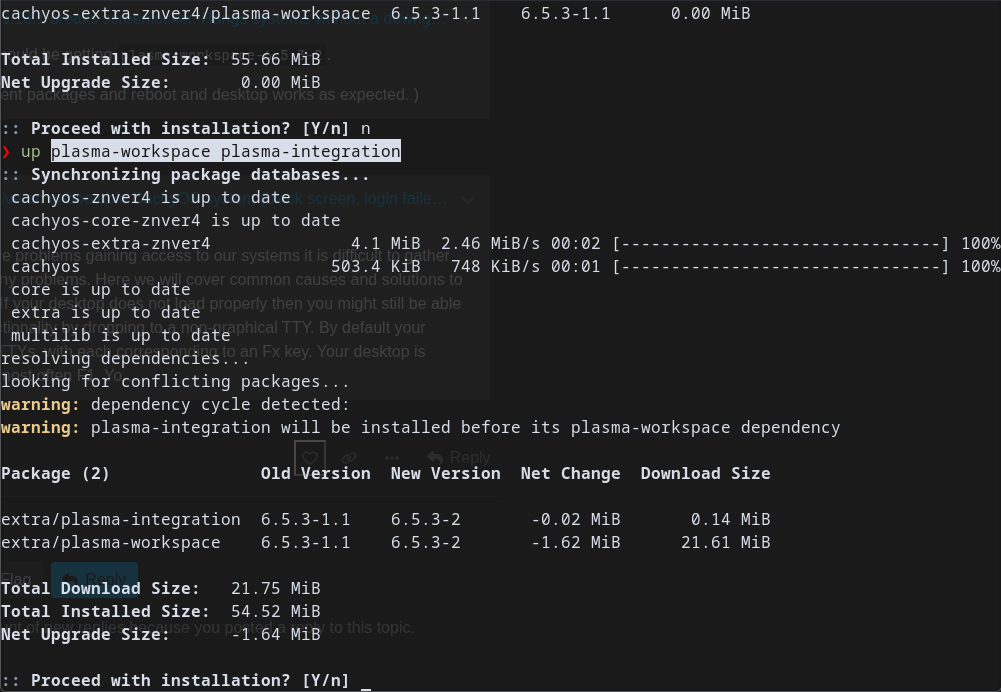
i just confirm earlier, that you can trigger the upgrade by do
sudo pacman -Syu plasma-workspace plasma-integration

if what you see is like on my screenshot, new version for those 2 6.5.3-2
then you’re good to go, upgrade and just to be sure
sudo pacman -Syu

again, and do total upgrade for the qt6 package (if there is any leftover package)

update : edited so to avoid partial upgrade like @cscs said, thanks

Please do not advise (or use yourself!) partial-upgrades.

Thanks, I’ll wait.

Hope it doesn’t happen often, I’ll do updates during weekends next time!

Can i ask, why you shouldn’t ?

Because partial upgrades are unsupported and equal to various degrees of broken.
Its basic to Arch/ALPM/Cachy but I appeneded a quotation above .. the quote is derived from the following section of the Arch Wiki;
https://wiki.archlinux.org/title/System_maintenance#Partial_upgrades_are_unsupported

thanks for the information, i just updated my post :ok_hand:

I appreciate the information, i will keep an eye and not do partials from here on.

Arch is new to me so I might make mistakes, but I’m trying to learn.

I upgraded with pacman -Syu

Was this correct or was it a partial update?

Thanks in advance

That is perfect.

Btrfs and snapshots are a godsend.

Is `pacman -S package` considered as partial upgrade?

No.
But doing so without the other parts (Syu) can mean that you are still looking for packages that have since been updated - and so no longer exist at the mirror.
And besides which theres virtually no reason to skip the refresh/upgrade portion.
So the general recommendation is to just use -Syu whether upgrading or installing something new, ex;

sudo pacman -Syu
sudo pacman -Syu package1 package2